
For creative professionals—graphic designers, video editors, music producers, UI/UX specialists, and developers—the choice between Windows 11 and macOS Sonoma isn’t just about aesthetics or brand loyalty. It’s a decision that directly impacts daily productivity, software compatibility, hardware integration, and long-term workflow efficiency. While both operating systems have evolved to support high-end creative workloads, their underlying philosophies, ecosystem integrations, and performance characteristics lead to tangible differences in how creatives get things done.
This analysis dives into the real-world implications of choosing one platform over the other, based on actual workflows, application responsiveness, multitasking capabilities, and ecosystem synergy. Whether you're upgrading your rig or switching platforms, understanding these nuances can save hours per week and reduce friction in your creative process.
Performance and Hardware Optimization
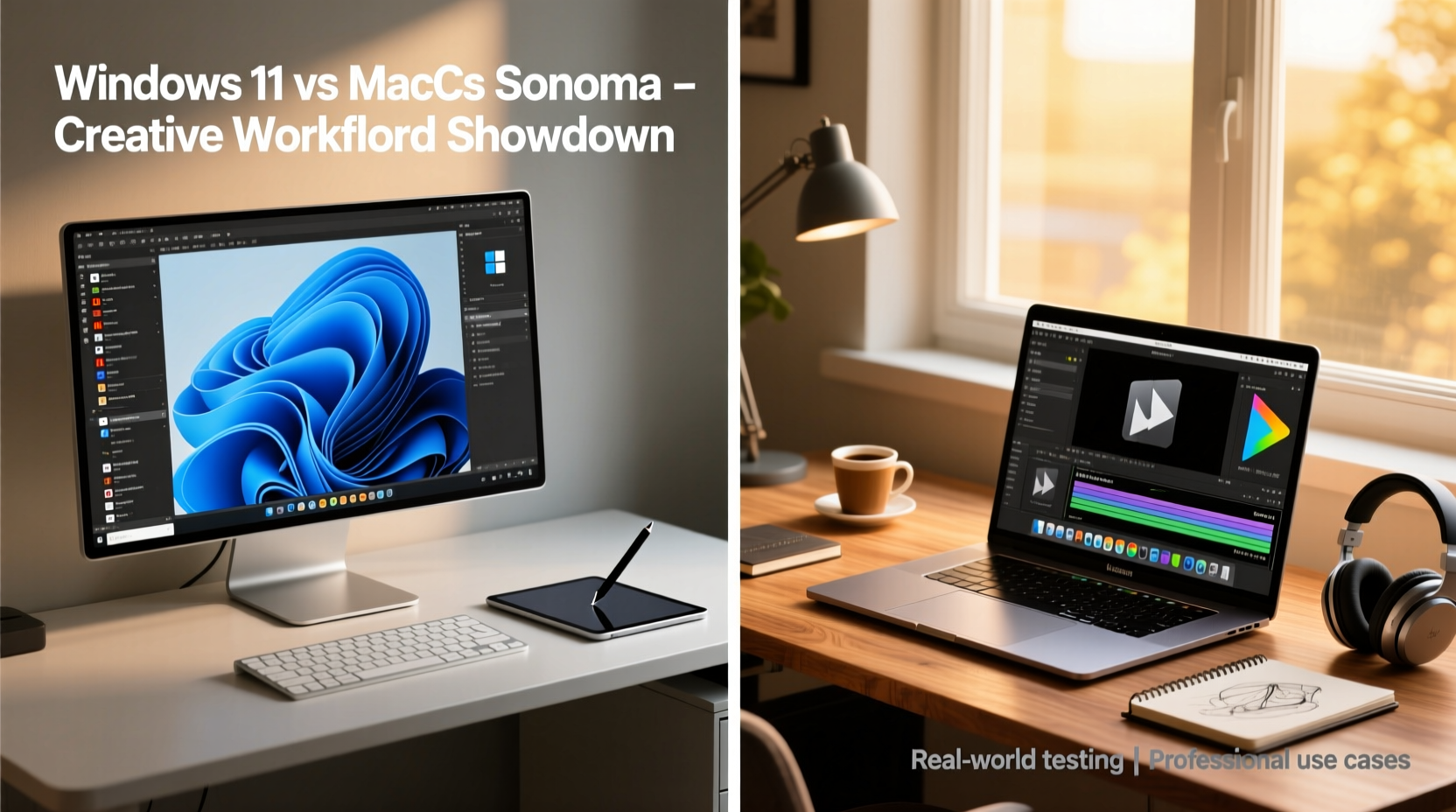
At the core of any creative workflow is system performance—how quickly applications launch, how smoothly timelines scrub in video editors, and how efficiently renders are processed. Both Windows 11 and macOS Sonoma run on modern hardware, but their optimization strategies differ significantly.
macOS Sonoma benefits from Apple’s tight integration between silicon (M-series chips) and software. This allows for efficient power management, faster thermal regulation, and optimized GPU utilization in apps like Final Cut Pro, Logic Pro, and Adobe Premiere Pro (when running natively). On M3 MacBooks and Mac Studios, tasks such as 4K timeline playback with effects or real-time audio rendering happen with minimal lag, even under sustained loads.
Windows 11, by contrast, runs on a vast range of hardware—from budget laptops to high-end workstations with Intel Core i9s or AMD Ryzen Threadrippers. This flexibility is a double-edged sword. While users can build or buy machines tailored to specific needs (e.g., 64GB RAM for After Effects), performance consistency varies. Driver issues, background processes, and inconsistent firmware updates can introduce instability or bottlenecks not typically seen on Macs.
However, Windows holds an edge in raw expandability. Need multiple GPUs for AI-assisted rendering? Multiple NVMe drives in RAID? Thunderbolt or PCIe expansion docks? Windows workstations offer far more upgrade paths than even the Mac Studio.
Software Ecosystem and Creative App Performance
The availability, stability, and optimization of creative software remain pivotal. Most major applications—Adobe Creative Cloud, DaVinci Resolve, Ableton Live, Blender, Figma—are cross-platform. But subtle differences in performance and feature parity matter.
Final Cut Pro remains exclusive to macOS and is deeply optimized for Apple Silicon. It leverages the Neural Engine for AI-powered object tracking and color grading, offering smoother performance than Premiere Pro on equivalent hardware. Similarly, Logic Pro integrates tightly with GarageBand and offers near-zero latency audio routing via Core Audio—something Windows’ ASIO drivers strive to match but often fall short of in complex setups.
On the Windows side, superior support for Wacom tablets, multi-monitor calibration tools, and third-party plugins gives it an advantage for digital illustrators and 3D modelers. Applications like Clip Studio Paint and ZBrush run faster and with better input responsiveness on Windows due to lower-level driver access and broader peripheral compatibility.
“On my MacBook Pro M2 Max, Final Cut handles 8K ProRes RAW without breaking a sweat. But when I need to use certain VSTs or game engine tools, I still boot into Windows via Parallels.” — Lena Torres, Video Producer & Sound Designer
| Application | Best Platform | Reason |
|---|---|---|
| Final Cut Pro | macOS | Exclusive app, optimized for Apple Silicon |
| Logic Pro | macOS | Superior audio engine, low-latency monitoring |
| Adobe Photoshop | Tie | Nearly identical performance on both platforms |
| DaVinci Resolve | Windows | Better GPU acceleration with NVIDIA cards |
| Blender | Windows | Faster rendering with CUDA and multi-GPU support |
| Figma / Web Dev Tools | Tie | Browser-based; minor differences in window management |
Multitasking and Workflow Efficiency
Creative work involves constant context switching—between reference images, project files, communication tools, and asset libraries. How each OS manages windows, spaces, and input methods shapes the rhythm of the day.
macOS Sonoma introduces enhanced Stage Manager improvements and web apps pinned to the Dock, allowing creatives to turn websites like Pinterest or Behance into pseudo-native apps. The implementation of Continuity Camera lets users place an iPhone on a desk as a high-quality webcam for client calls—a small but impactful touch for remote freelancers.
Windows 11 counters with Snap Layouts and Groups, which allow precise window tiling across ultrawide or dual monitors. For a designer working with Photoshop, a color palette tool, and Slack open simultaneously, this level of control reduces reliance on third-party utilities like DisplayFusion. Virtual desktops are also more flexible in Windows, letting users assign different apps to different desktops and switch rapidly via keyboard shortcuts.
One underrated difference lies in file handling. macOS Finder has improved with tags and quick actions, but still lags behind Windows File Explorer in batch operations and metadata editing. Renaming 50 image files with sequential numbering? Windows does it natively. Applying EXIF data changes across folders? Third-party tools are still required on macOS.
Integration and Ecosystem Synergy
Apple’s ecosystem is unmatched when all devices are Apple-made. Handoff, Universal Clipboard, AirDrop, and iCloud Drive sync create a seamless experience for professionals using an iPhone, iPad, and Mac together. Sketching a concept on an iPad with Apple Pencil and instantly opening it in Illustrator on a MacBook? That workflow just works.
Sonoma extends this further with interactive widgets on the desktop and Safari web apps that behave like native tools. A motion designer can pin a Vimeo feed or YouTube reference playlist as a live widget, reducing browser tab clutter.
Windows excels in cross-platform interoperability. Link to Windows allows Android phone integration—viewing messages, mirroring apps, and transferring files directly into design software. For creatives who rely on Android phones or use Chrome OS tablets, this is invaluable. Additionally, Windows supports a wider array of external displays, docking stations, and legacy peripherals, making studio setups more adaptable.
Cloud integration, however, favors macOS. iCloud syncs settings, fonts, and documents across devices with minimal configuration. OneDrive is robust on Windows, but folder redirection and selective sync require manual setup. Adobe Creative Sync works well on both, but font syncing via Adobe Fonts is slightly faster on macOS due to deeper system-level integration.
Mini Case Study: Freelance Motion Designer Transition
Jamal Reed, a freelance motion designer based in Austin, used a 16-inch MacBook Pro for five years before switching to a custom-built Windows PC with an RTX 4090 and 128GB RAM. His primary motivation? Render times in After Effects and Cinema 4D.
“I was spending two hours rendering a 90-second animation,” he said. “On my new Windows rig, it’s down to 22 minutes. I lost some elegance in the UI, but gained back entire days each month.”
He did keep his MacBook for client Zoom calls and Final Cut edits, using Duet Display to extend his Windows desktop onto the Mac’s screen. “It’s not ideal, but the performance win was worth the compromise.”
Security, Stability, and Long-Term Maintenance
Creative professionals can’t afford downtime. System crashes during rendering or corrupted project files due to poor update management are costly.
macOS Sonoma benefits from a locked-down architecture. Fewer malware threats, automatic silent updates, and sandboxed apps mean fewer interruptions. The annual macOS release cycle is predictable, and major bugs are usually patched within weeks. However, backward compatibility can suffer—some older plugins or legacy software may break after an update.
Windows 11 requires more active maintenance. Users must manage driver updates, antivirus scans, and optional feature upgrades. While Windows Update has improved, unexpected reboots or failed installations still occur. That said, the ability to roll back drivers or use System Restore provides recovery options not available on Mac.
- macOS: Best for “set it and forget it” reliability
- Windows: More control, but demands proactive upkeep
Checklist: Choosing the Right OS for Your Creative Work
- Identify your primary creative software—check for native optimization on Apple Silicon or Windows GPU support.
- Evaluate your peripheral ecosystem—Wacom, MIDI controllers, external monitors.
- Assess collaboration needs—do clients expect .mov files from Final Cut or .mp4s from Premiere?
- Determine hardware scalability—will you need to add storage or GPUs in the next 3 years?
- Test cross-device workflows—if you use an iPad or iPhone daily, macOS integration may save time.
- Consider render workload size—large-scale 3D or After Effects projects favor Windows expandability.
- Weigh stability vs. customization—do you prefer hands-off updates or full system control?
FAQ
Can I run macOS on a Windows machine?
No, running macOS on non-Apple hardware violates Apple’s license agreement and is technically unstable. Virtualization tools like VMware or Parallels on Apple Silicon Macs allow running Windows, but not the reverse.
Is Adobe software faster on Mac or Windows?
Performance is nearly identical for most Adobe apps when running on comparable hardware. However, Photoshop and Lightroom benefit slightly from Apple’s Metal API on M-series chips, while Premiere Pro often performs better on Windows with NVIDIA GPUs due to CUDA acceleration.
Which OS is better for music production?
macOS has a slight edge due to Logic Pro’s exclusivity and Core Audio’s low-latency performance. However, many professional studios use Windows for its support of a wider range of audio interfaces and VSTs. The choice often comes down to preferred DAW—Logic (Mac) vs. Cubase or Ableton (both platforms).
Conclusion: Align OS Choice with Real Workflow Needs
The debate between Windows 11 and macOS Sonoma isn’t about which is “better” overall—it’s about which aligns more closely with your specific creative demands. If your workflow revolves around Final Cut Pro, Logic, and tight iPhone/iPad integration, macOS Sonoma delivers a polished, cohesive experience that minimizes friction. Its stability, battery efficiency, and elegant interface support focused, uninterrupted creation.
But if your work involves heavy 3D rendering, multi-GPU setups, specialized plugins, or extensive peripheral use, Windows 11 offers unmatched flexibility and raw power. The ability to customize every component of your system—and leverage technologies like CUDA, SLI, or external GPU enclosures—can dramatically accelerate output.
Many top-tier creatives now adopt a hybrid approach: a MacBook for mobility and client-facing tasks, paired with a Windows workstation for intensive processing. The future of creative computing isn’t about picking one OS—it’s about leveraging the strengths of both where they matter most.




 浙公网安备
33010002000092号
浙公网安备
33010002000092号 浙B2-20120091-4
Comments
No comments yet. Why don't you start the discussion?