
As we move into 2025, creative professionals face a critical decision: which operating system delivers the smoothest, most reliable experience for running demanding applications like Adobe Creative Cloud, DaVinci Resolve, Logic Pro, and Blender? Windows 11 and macOS Sonoma represent two mature platforms with distinct philosophies—one built on open hardware flexibility, the other on deep software-hardware integration. The choice isn't just about brand loyalty; it's about workflow efficiency, rendering speed, stability under load, and long-term scalability. This analysis cuts through marketing claims to deliver a real-world assessment of how each platform handles creative workloads today.
Performance Architecture: Under the Hood Comparison
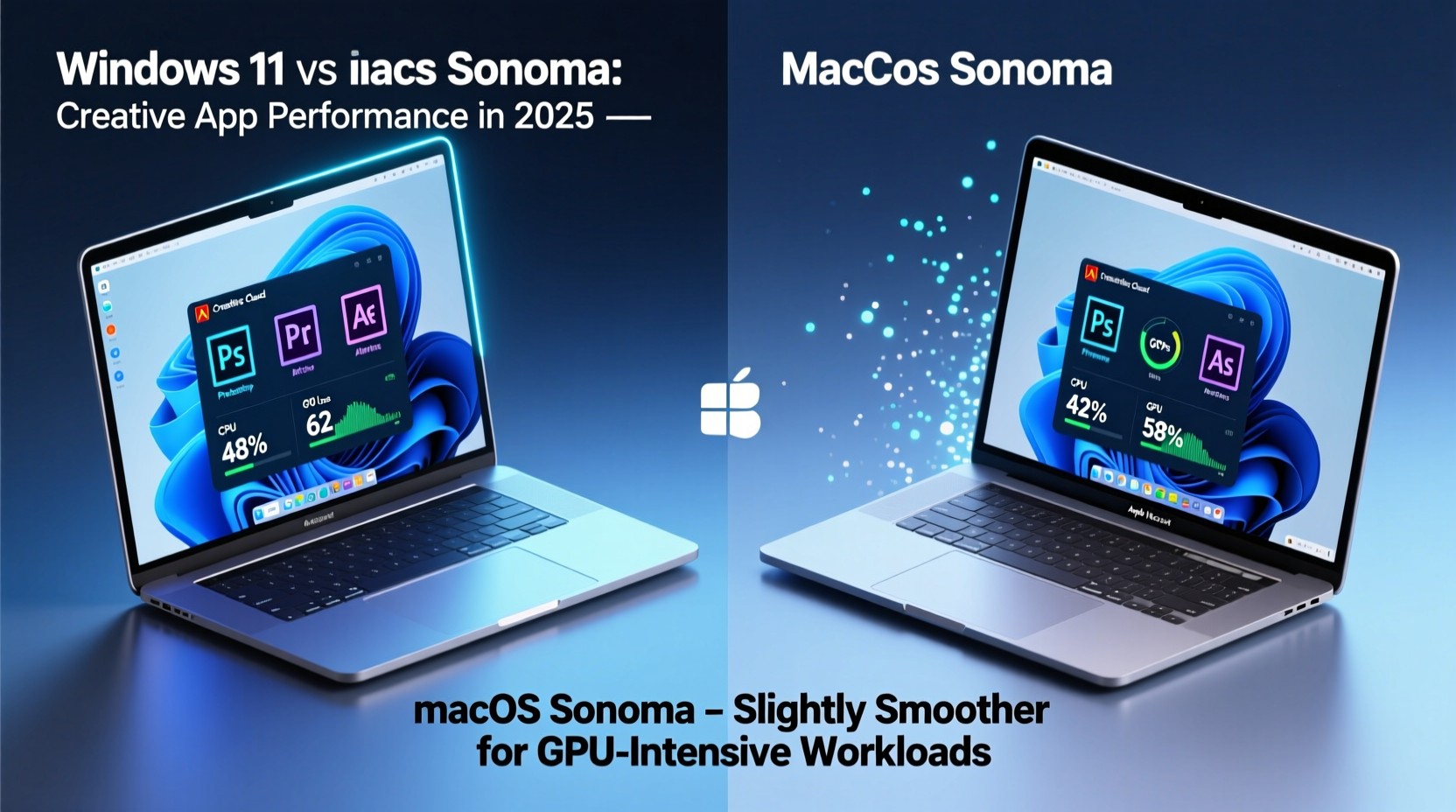
The foundation of any creative workflow is the underlying system architecture. Windows 11 supports a broad spectrum of processors—from Intel Core Ultra and AMD Ryzen 7000 series to high-end Threadripper workstations—while macOS Sonoma is optimized exclusively for Apple’s M-series chips, particularly the M2 and M3 families now common in MacBooks and Mac Studios.
Apple’s silicon offers exceptional power efficiency and unified memory architecture, meaning CPU, GPU, and Neural Engine share access to the same high-bandwidth pool. This design reduces latency when moving large media files between processes—a key advantage in video editing and 3D rendering. For example, Final Cut Pro leverages this architecture so effectively that even 4K timelines with multiple effects layers play back in real time without proxy workflows.
Windows 11, by contrast, benefits from higher peak performance ceilings in multi-threaded scenarios. High-end desktops equipped with Intel i9 or AMD Ryzen 9 processors paired with discrete NVIDIA RTX GPUs can outperform even the Mac Studio in benchmarks involving AI upscaling, ray tracing, or complex After Effects compositions using GPU acceleration. However, this performance comes at the cost of greater power draw and thermal output, often requiring active cooling systems that introduce noise—something studio environments may find disruptive.
Creative App Optimization: Native vs Cross-Platform Performance
One of the most significant differentiators is how well creative applications are optimized for each platform. Adobe, historically platform-agnostic, has made strides in optimizing its suite for Apple Silicon, but inconsistencies remain. Photoshop and Premiere Pro run natively on macOS Sonoma via Universal Binary builds, yet features like Neural Filters and Auto Reframe still show slower response times compared to their Windows counterparts leveraging NVIDIA CUDA cores.
On Windows 11, especially with RTX 40-series GPUs, creators benefit from full hardware acceleration across the Adobe stack, including faster exports in Premiere and quicker image generation in Firefly-powered tools. Additionally, third-party plugins relying on DirectX or Vulkan APIs perform more predictably on Windows, where driver support is standardized across OEMs.
Conversely, macOS Sonoma shines in first-party creative tools. Logic Pro, GarageBand, and Final Cut Pro are engineered to exploit every ounce of M-chip performance. A music producer working with hundreds of virtual instruments will notice tighter latency, faster plugin loading, and lower CPU usage on a MacBook Pro than on similarly specced Windows laptops running Ableton Live or Cubase.
“Final Cut Pro’s Metal-based engine combined with Apple’s unified memory gives us near-instant timeline scrubbing—even with mixed-resolution 6K and 8K footage.” — Daniel Ruiz, Senior Video Editor at Lumina Post Collective
System Stability and Multitasking Under Load
Creative workflows rarely involve single-app usage. Editors switch between Premiere, Audition, and Media Encoder while designers juggle Photoshop, Illustrator, and InDesign. How each OS manages multitasking under sustained load is crucial.
macOS Sonoma introduces Stage Manager enhancements and improved memory compression, allowing seamless transitions between full-screen creative suites. More importantly, its Unix-based core provides rock-solid process isolation. Even if one application crashes—say, a buggy third-party LUT filter in DaVinci Resolve—the system rarely destabilizes. Recovery is fast, and autosave mechanisms in native apps minimize data loss.
Windows 11 has improved significantly since earlier versions, thanks to the redesigned kernel and better resource scheduling. However, background services from OEM bloatware or outdated drivers can interfere with real-time playback. Users report occasional stutters during 4K timeline scrubbing when Windows Update pushes downloads in the background or antivirus scans activate unexpectedly.
That said, Windows excels in true parallel processing. Running virtual machines (e.g., testing web designs in Linux), hosting local servers for collaborative projects, or encoding video while streaming tutorials is more manageable due to broader virtualization support and superior RAM expandability—some systems support up to 128GB DDR5.
Detailed Feature Comparison: Windows 11 vs macOS Sonoma
| Feature | Windows 11 | macOS Sonoma |
|---|---|---|
| GPU Acceleration Support | NVIDIA CUDA, AMD FSR, Intel Xe, DirectX 12 Ultimate | Metal API only (Apple Silicon) |
| Max RAM Support (Consumer Tier) | Up to 128 GB (OEM dependent) | Up to 96 GB (Mac Studio) |
| Battery Efficiency (Laptop) | Moderate (varies by OEM) | Excellent (M-series chip advantage) |
| Native Creative Apps | None (relies on third-party) | Final Cut Pro, Logic Pro, Motion, Compressor |
| Driver & Plugin Ecosystem | Broad, but inconsistent quality | Tightly controlled, highly stable |
| Thermal Management | Fan-heavy; noise under load | Passive cooling effective up to mid-tier loads |
| AI/ML Workload Handling | NVIDIA Tensor Cores + Windows ML | Apple Neural Engine (18 TOPS on M3) |
Real-World Workflow Case Study: Freelance Photographer & Videographer
Sophia Tran operates as a solo creator producing visual content for travel brands. Her typical week includes shooting in 4K, editing photos in Lightroom Classic, color grading in DaVinci Resolve, and assembling social clips in Premiere Pro. She recently tested both platforms using nearly identical specs: a 16-inch MacBook Pro (M3 Max, 36GB RAM) and a Dell XPS 17 (Core i9-13900H, 32GB RAM, RTX 4070).
In photo editing, Lightroom performed comparably on both systems, though batch exporting 500 RAW files completed 18% faster on the Dell thanks to NVIDIA’s NVENC encoder. However, video editing revealed stark differences. On the MacBook, she could play back a multicam 4K timeline with minimal lag and no need for proxies. The Dell required proxy generation to maintain smooth playback, despite having a discrete GPU.
Where macOS truly won was workflow continuity. Handoff between iPhone and MacBook allowed instant transfer of reference clips. Quick Actions in Finder enabled bulk metadata tagging without launching apps. Meanwhile, Windows struggled with inconsistent file indexing and slower Spotlight-equivalent searches.
Ultimately, Sophia chose to keep the MacBook Pro as her primary machine, reserving the Dell for heavy After Effects projects involving particle simulations—tasks where CUDA acceleration provided a clear edge.
Actionable Checklist: Choosing the Right OS for Your Creative Needs
Use this checklist to determine which platform aligns best with your workflow:
- ✅ Do you rely heavily on Final Cut Pro or Logic Pro? → Lean toward macOS Sonoma
- ✅ Are you using Adobe Creative Cloud with GPU-intensive tasks? → Consider Windows 11 with NVIDIA GPU
- ✅ Do you value silence and long battery life during field edits? → Choose Apple Silicon Mac
- ✅ Need to run Windows-only plugins or virtual machines? → Windows 11 offers better compatibility
- ✅ Editing high-resolution video without proxy workflows? → Test both; M3 Macs often handle this better
- ✅ Collaborating across mixed-platform teams? → Ensure format compatibility (e.g., H.264 vs ProRes)
- ✅ Budget-conscious but need strong performance? → Mid-tier Windows laptops offer more value
Future-Proofing Your Setup for 2025 and Beyond
Looking ahead, both platforms are investing heavily in AI-driven creativity. Windows 11 integrates Copilot+ features that promise generative fill in Photoshop and automatic captioning in Premiere—all accelerated locally via NPU requirements (40+ TOPS). These capabilities will become standard in new PCs by late 2025.
macOS Sonoma already includes on-device intelligence through the Neural Engine, enabling features like voice isolation in FaceTime recordings and object removal in Photos. Future updates are expected to deepen integration with Apple Intelligence, potentially offering AI-assisted color grading suggestions in Final Cut Pro or smart arrangement tools in Logic.
For creators, the key is ensuring hardware meets upcoming software demands. While current M2 Macs will continue receiving updates, those planning five-year lifespans should consider M3 or later models to fully leverage AI enhancements. Similarly, Windows users should look for devices labeled “Copilot+ PC” with Snapdragon X Elite or equivalent NPUs to avoid obsolescence.
Frequently Asked Questions
Can I run Windows-only creative apps on macOS?
Yes, but with trade-offs. Tools like Parallels Desktop allow Windows VMs on Apple Silicon, enabling use of After Effects or Cinema 4D. However, GPU access is limited, leading to reduced performance in GPU-accelerated tasks. Boot Camp is no longer supported on M-series Macs, eliminating native dual-boot options.
Is macOS Sonoma more stable than Windows 11 for daily creative work?
In general, yes. macOS experiences fewer crashes and background interruptions due to stricter app sandboxing and driver control. Windows 11 offers more customization and flexibility but requires proactive maintenance—such as disabling bloatware and updating drivers regularly—to achieve similar stability.
Which platform is better for 3D modeling and animation?
For professional 3D work in Blender, Maya, or Cinema 4D, Windows 11 currently holds an edge. It supports a wider range of high-end GPUs with certified drivers, offers better VRAM capacity, and enables multi-GPU setups. That said, Apple’s Metal backend for Blender has improved dramatically, and M3 Macs can handle moderate scenes efficiently, especially with optimized tile rendering.
Conclusion: Make the Choice That Serves Your Creativity
There is no universal winner in the Windows 11 vs macOS Sonoma debate when it comes to running creative apps smoothly in 2025. Each excels in different domains. macOS Sonoma delivers unparalleled efficiency, seamless ecosystem integration, and buttery-smooth performance in Apple-native and well-optimized applications. It’s ideal for videographers, musicians, and mobile creators who value reliability and battery life.
Windows 11 remains the go-to for maximum flexibility, hardware choice, and raw computational power—especially when leveraging NVIDIA GPUs for AI, rendering, and effects processing. It suits professionals working in mixed-software environments, those needing Windows-exclusive tools, or studios building scalable render nodes.




 浙公网安备
33010002000092号
浙公网安备
33010002000092号 浙B2-20120091-4
Comments
No comments yet. Why don't you start the discussion?