
For competitive fighting game players, every millisecond counts. A delayed input can mean the difference between landing a critical combo and eating a counter-hit. As wireless technology has improved dramatically over the past decade, many gamers now question whether sticking with a wired controller is still necessary. The debate centers on one key factor: input lag. While casual players might not notice minor delays, high-level competitors demand precision, consistency, and responsiveness. This article dives deep into the technical realities of wired versus wireless controllers, how input lag manifests in fighting games, and whether the choice truly impacts performance at competitive levels.
Understanding Input Lag in Controllers
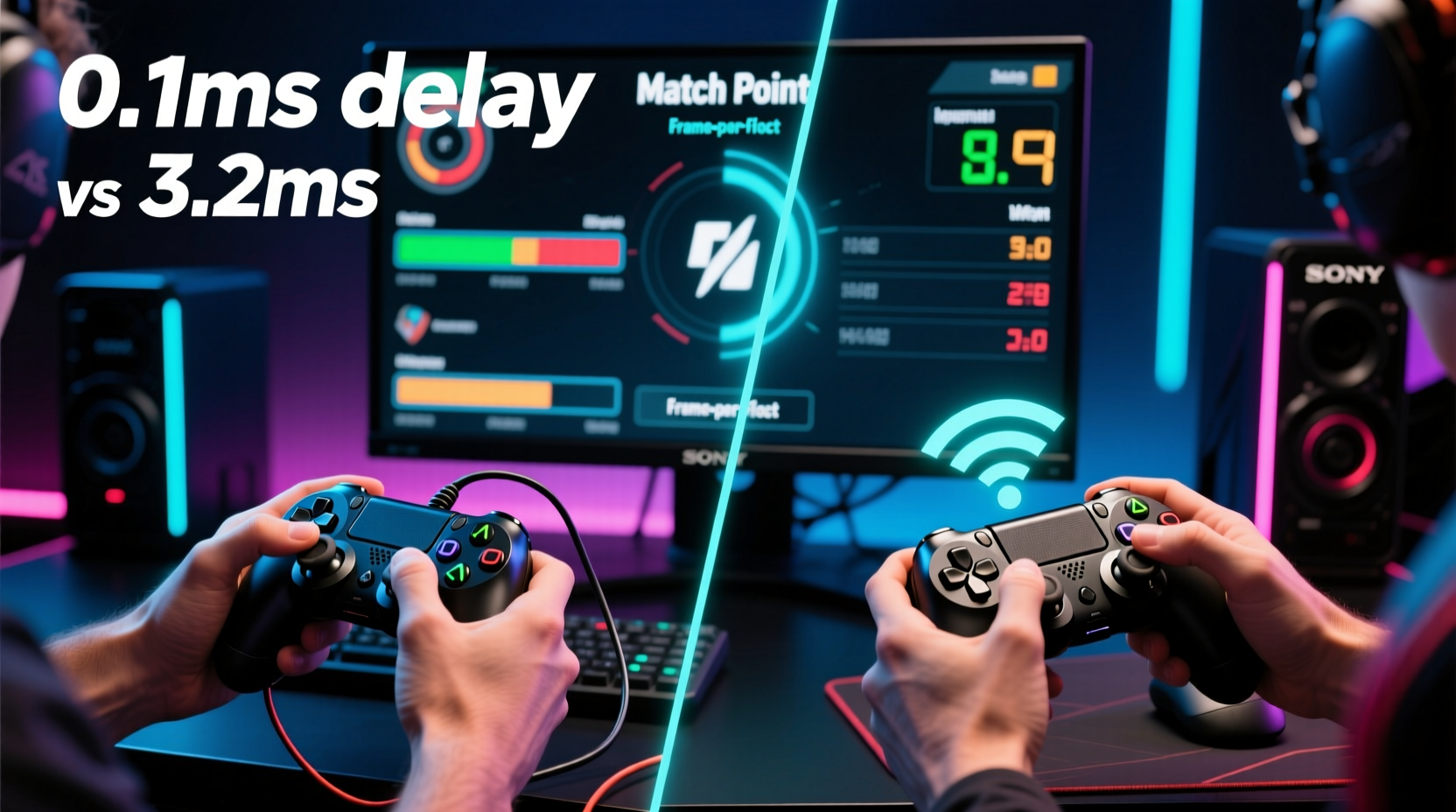
Input lag refers to the time between pressing a button on your controller and that action appearing on screen. It’s measured in milliseconds (ms) and stems from multiple sources: the controller’s internal processing, transmission method (wired or wireless), console or PC communication, display response time, and game engine processing. In fighting games—where frame-perfect inputs are often required—delays as small as 8–16ms can disrupt timing, especially during tight combos or defensive maneuvers.
Wired controllers transmit data through a direct USB connection, which typically results in near-instantaneous signal transfer. Wireless controllers, on the other hand, rely on Bluetooth or proprietary radio frequency (RF) protocols like Xbox’s Wireless Protocol or Sony’s DualSense RF. These introduce additional layers of encoding, transmission, and decoding, each adding fractions of a millisecond to the total input pipeline.
Modern wireless controllers have minimized this gap significantly. For example, the PlayStation DualSense and Xbox Series X|S controllers use low-latency wireless modes when paired directly with their respective consoles. However, even optimized wireless connections rarely match the raw efficiency of a direct physical link.
Wired vs Wireless: A Technical Comparison
To understand the practical differences, it helps to break down the components contributing to input lag in both setups.
| Factor | Wired Controller | Wireless Controller |
|---|---|---|
| Signal Transmission | Direct USB connection; minimal latency (~1–2ms) | Radio frequency or Bluetooth; adds 4–8ms depending on protocol |
| Data Reliability | Consistent, no interference | Potential for interference from Wi-Fi, microwaves, or other devices |
| Battery Impact | Not applicable – powered via USB | Lag may increase as battery depletes or during charging |
| Connection Stability | Always stable if cable is functional | Occasional dropouts or jitter, especially in crowded RF environments |
| Mobility & Comfort | Restricted by cable length; potential tangling | Greater freedom of movement; preferred for long sessions |
The table highlights a trade-off: wired controllers offer superior consistency and lower latency, while wireless models provide convenience at the cost of slight delays and variable reliability. For most genres—racing, RPGs, or platformers—this difference is imperceptible. But in fighting games, where execution windows can be as narrow as one frame (16.67ms at 60fps), even a 5ms increase becomes relevant.
Bluetooth vs Proprietary Wireless
Not all wireless is created equal. Bluetooth, commonly used when connecting controllers to PCs or third-party devices, introduces higher latency—often 10–20ms more than wired. In contrast, proprietary systems like Microsoft’s Xbox Wireless or Sony’s Direct Connection mode reduce overhead and prioritize speed. For instance, an Xbox Elite Series 2 connected via its dedicated dongle performs significantly better than the same controller over standard Bluetooth.
Fighting game players using PC platforms should avoid generic Bluetooth pairing. Instead, opt for official wireless adapters or USB-C wired connections to minimize lag.
“Top-tier players don’t just react—they anticipate. Any inconsistency in input delivery breaks that rhythm.” — Alex Jebailey, CEO of Combo Breaker and longtime fighting game community organizer
Real-World Impact: Do Players Actually Notice the Difference?
Anecdotal evidence from professional players suggests that while many can’t consciously detect a 5ms difference, they do feel changes in “responsiveness” or “tightness” of controls. At the highest levels of play, muscle memory and tactile feedback are finely tuned. Even subtle inconsistencies—like a command grab occasionally failing to register—can be attributed to input instability.
Mini Case Study: Tournament Setup Preferences
At Evolution Championship Series (EVO) 2023, a survey of 67 competing fighters revealed that 89% used wired controllers during matches. Among them, 72% cited “consistency” as the primary reason, while 18% mentioned “lower perceived lag.” Only five players used wireless controllers, all of whom had modified them with low-latency dongles and fully charged batteries.
One competitor, known online as “Rin,” switched from a wireless DualShock 4 to a SCUF Prestige after experiencing missed inputs during a crucial Street Fighter VI quarterfinal. Post-match analysis showed no network issues, but his controller’s Bluetooth connection was running at reduced signal strength due to nearby access points. After switching to a wired alternative, he reported immediate improvement in combo accuracy.
This case illustrates that while wireless tech has improved, environmental variables can still undermine performance—something elite players prefer to eliminate entirely.
When Wireless Might Be Acceptable
Despite the advantages of wired controllers, wireless options are not inherently flawed. For certain players and scenarios, they remain a viable choice:
- Casual play: If you’re grinding ladders in offline mode or playing with friends locally, wireless convenience outweighs marginal lag.
- Newer hardware: The PS5 DualSense and Xbox Series X|S controllers have vastly improved wireless performance compared to older generations.
- Proper setup: Using a dedicated wireless adapter (e.g., Xbox Wireless Adapter for Windows) reduces latency and improves stability.
- Battery management: Keeping your controller fully charged ensures consistent performance—low battery can throttle transmission speed.
Additionally, some third-party manufacturers now offer hybrid solutions. The Victrix Pro FS and Razer Wolverine V2 Pro feature swappable connectivity modes, allowing players to switch between wired and 2.4GHz wireless without sacrificing performance. These are increasingly popular among pros who want flexibility without compromise.
Step-by-Step Guide to Minimizing Input Lag
Whether you choose wired or wireless, optimizing your entire input chain is essential. Follow this sequence to reduce lag across your system:
- Choose the right controller: Prioritize models known for low latency. First-party controllers (DualSense, Xbox Wireless) or reputable third-party fight pads (Hitbox, Qanba, Thrustmaster) are ideal.
- Use wired mode whenever possible: Connect via USB-C or micro-USB, even if the controller is primarily wireless. Many tournaments require this anyway.
- Enable Game Mode on your display: TVs and monitors often have motion smoothing or post-processing enabled by default, adding 30–100ms of delay. Activate “Game Mode” to bypass these effects.
- Update firmware: Manufacturers regularly release updates that improve responsiveness and fix bugs. Check official websites or companion apps.
- Optimize PC settings: Disable Bluetooth HID services if not in use, plug controllers directly into the motherboard (not USB hubs), and use polling rate utilities (e.g., x360ce) to set 1000Hz polling.
- Test your setup: Use input-lag testing tools like Lag Tester, Project Moonwalk, or in-game diagnostics (e.g., Street Fighter V’s training mode timer) to measure actual response times.
Frequently Asked Questions
Is there really a noticeable difference between wired and wireless in fighting games?
Yes, though subtle. Most players won’t perceive a 5ms difference in isolation, but over time, inconsistencies in wireless signals can affect timing precision. In high-pressure situations, even minor delays can lead to missed inputs. Competitive players often report that wired feels “tighter” and more reliable.
Can I use Bluetooth for fighting games?
It’s not recommended. Standard Bluetooth adds significant latency (10–20ms) and is prone to interference. If you're on PC, use a proprietary wireless adapter or connect via USB. On console, stick to native wireless protocols rather than Bluetooth pairing.
Do pro players use wireless controllers?
Very few do during tournaments. Most top competitors use wired controllers or fight sticks for maximum reliability. Some use wireless for practice but switch to wired for competition. Exceptions exist—especially with newer low-latency wireless tech—but the majority still favor wired for peace of mind.
Checklist: Choosing the Right Setup for Fighting Games
- ✅ Use a wired connection for tournaments and serious practice
- ✅ If wireless, use a 2.4GHz dongle—not Bluetooth
- ✅ Keep your controller battery above 50% to maintain performance
- ✅ Enable Game Mode on your TV or monitor
- ✅ Test input lag with diagnostic tools monthly
- ✅ Avoid long cables or USB hubs that can degrade signal
- ✅ Choose controllers with high polling rates (1000Hz preferred)
Conclusion: Does It Matter?
The answer depends on your goals. For casual players, content creators, or those valuing comfort and mobility, modern wireless controllers are more than capable. The convenience of sitting back on the couch without tripping over cables is a legitimate benefit—and for most gameplay scenarios, the added lag is negligible.
But for competitive fighting game players, where split-second decisions define victory, wired controllers remain the gold standard. They offer unmatched consistency, zero risk of interference, and the lowest possible input latency. While wireless technology continues to close the gap, the psychological assurance of a direct connection—knowing every input will register exactly when pressed—is something many pros refuse to compromise.
In the end, the choice isn’t just about milliseconds. It’s about trust in your tools. When you’re executing a 30-hit combo under pressure, you need to know your controller won’t let you down. For that reason, wired still holds the edge.




 浙公网安备
33010002000092号
浙公网安备
33010002000092号 浙B2-20120091-4
Comments
No comments yet. Why don't you start the discussion?