
For years, the debate over wired versus wireless mice in competitive gaming has centered on one critical factor: input lag. Gamers have long trusted wired connections for their reliability, low latency, and consistent performance under pressure. But with rapid advancements in wireless technology, the gap has narrowed—some argue, even disappeared. So, is input lag still a valid concern when choosing a wireless mouse for high-stakes gaming in the current year?
The short answer: not in most cases. But the full picture requires a deeper look at how modern wireless protocols work, what actual latency measurements reveal, and how human perception interacts with milliseconds of delay.
The Evolution of Wireless Gaming Mice
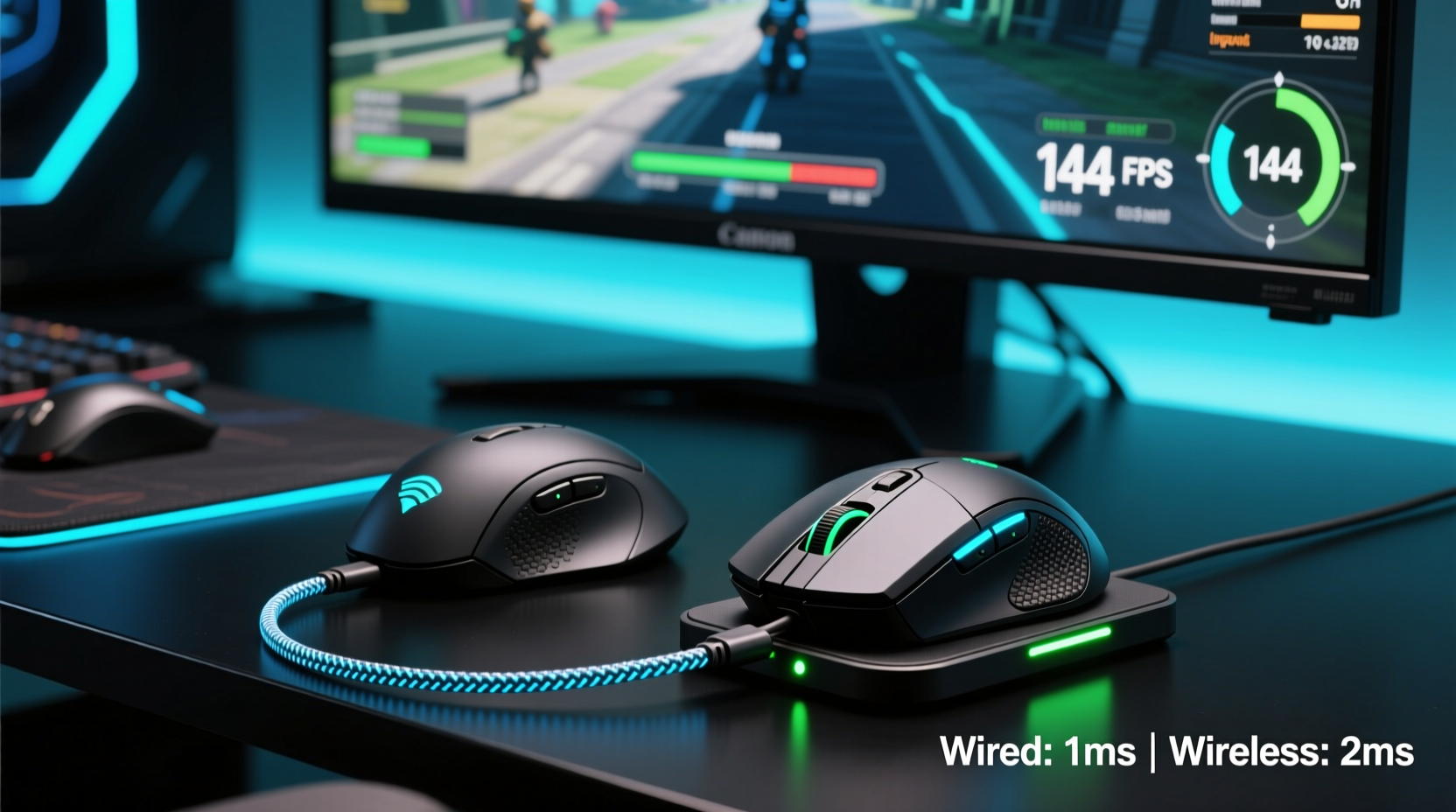
In the early 2010s, wireless mice were largely dismissed by serious gamers. Latency ranged from 8ms to 20ms, battery life was poor, and signal interference could disrupt gameplay during crucial moments. Wired mice, by contrast, offered sub-1ms response times with zero risk of disconnection or jitter.
Fast forward to 2024, and the landscape has changed dramatically. Brands like Logitech (with Lightspeed), Razer (HyperSpeed), and Corsair (SLIPSTREAM) have developed proprietary 2.4GHz wireless technologies that rival—or in some cases surpass—the performance of standard USB polling rates. These systems use optimized dongles, dedicated frequency channels, and advanced power management to deliver responsiveness that feels indistinguishable from wired.
Independent testing labs and tech reviewers have confirmed this shift. In controlled environments using photodiode-based latency measurement tools, top-tier wireless mice now achieve end-to-end response times within 0.5ms–1ms of their wired counterparts. For context, the average human reaction time to a visual stimulus is around 250ms. A half-millisecond difference is imperceptible without specialized equipment.
Understanding Input Lag: What Actually Matters
Input lag isn’t a single number—it’s the sum of several stages:
- Sensor processing: How quickly the mouse sensor detects movement.
- Data transmission: The time it takes for the signal to reach the PC (via cable or radio).
- USB polling rate: How often the system checks for new input (typically 125Hz, 500Hz, or 1000Hz).
- System processing: OS and driver handling before the game registers the input.
- Display response: Monitor refresh and pixel transition time.
Traditionally, the \"wireless penalty\" was assumed to be in stage two—transmission delay. But modern 2.4GHz wireless operates at near-light speed and synchronizes tightly with the host system. In fact, many premium wireless mice now support 1000Hz polling rates (1ms interval), matching the standard for wired gaming peripherals.
Where wireless used to suffer from inconsistent signal delivery or interference from Wi-Fi routers and Bluetooth devices, today's dedicated dongles operate on isolated channels with adaptive frequency hopping. This minimizes packet loss and ensures stable communication—even in crowded RF environments.
“Modern wireless gaming mice are engineered to eliminate perceptible latency. At the elite level, we’re talking about differences measured in fractions of a millisecond—far below human detection thresholds.” — Dr. Alan Park, Human-Computer Interaction Researcher, MIT Media Lab
Wired vs Wireless: A Real-World Comparison
To illustrate the practical differences, here’s a side-by-side comparison of key performance metrics based on recent models (e.g., Logitech G Pro X Superlight vs. its wired variant, Razer Viper V2 Pro vs. Viper Ultimate):
| Metric | Wired Mouse (Avg) | Wireless Mouse (Top-Tier) | Notes |
|---|---|---|---|
| Report Rate (Polling) | 1000Hz (1ms) | 1000Hz (1ms) | Both achieve same polling consistency |
| End-to-End Latency | ~4ms | ~4.3ms | Difference negligible in practice |
| Battery Life (Wireless Only) | N/A | 60–100 hours | With efficient sensors and sleep modes |
| Weight | 70–90g | 58–75g | Many wireless mice are lighter due to design focus |
| Interference Risk | None | Very Low (with good dongle placement) | Improved RF shielding and channel selection |
| Cable Drag / Tension | Potential issue | None | Wireless eliminates physical resistance |
Note that weight can actually favor wireless designs. Manufacturers aiming for elite wireless performance often strip down components aggressively, resulting in lighter mice—sometimes *lighter* than their wired equivalents. For fast flick shots in CS2 or Valorant, reduced mass can enhance control and reduce fatigue.
Mini Case Study: A Pro Player’s Switch to Wireless
Takenoko, a professional Apex Legends player competing in the ALGS circuit, used a wired mouse throughout his early career. He believed any wireless solution would introduce unpredictable delays during high-tick duels. But after experiencing hand strain from cable tension during long tournaments, he began testing wireless options.
He spent three months comparing the Logitech G Pro X Superlight (wireless) against his previous wired setup, using identical DPI, in-game sensitivity, and surface calibration. In blind tests, he could not reliably distinguish which mouse he was using. His click timing accuracy, as measured by third-party tracking software, remained consistent across both setups.
After switching full-time, Takenoko reported improved wrist comfort and slightly faster micro-adjustments due to the lack of cable resistance. “I thought I was giving up precision,” he said in a post-tournament interview, “but I actually gained consistency. The wireless doesn’t hold me back—it lets me move more freely.”
His experience reflects a growing trend: more pros are adopting wireless mice not despite latency concerns, but because those concerns no longer reflect reality.
When Wired Might Still Be the Better Choice
Despite the progress, there are niche scenarios where a wired connection remains preferable:
- Ultra-budget builds: Entry-level wireless mice may still use generic Bluetooth or unoptimized 2.4GHz, leading to noticeable lag.
- Multi-device setups: Users switching between consoles, PCs, and laptops may find wired mice more universally compatible.
- Power sensitivity: For users unwilling to charge or replace batteries every few weeks, wired offers infinite uptime.
- Legacy systems: Older motherboards with USB polling issues or weak RF environments might struggle with wireless stability.
Additionally, some players psychologically prefer the certainty of a direct connection. Even if the data shows no meaningful difference, the peace of mind from knowing there’s no battery to die mid-match can influence performance under stress.
Step-by-Step Guide: Choosing the Right Mouse in 2024
Follow this decision framework to select the best option for competitive gaming:
- Define your priorities: Is absolute minimal latency your only goal, or do comfort, weight, and freedom of movement matter too?
- Set a budget: High-performance wireless mice start around $80–$150. Avoid cheap wireless options for competition.
- Check for certified low-latency tech: Look for terms like “Lightspeed,” “HyperSpeed,” or “SLIPSTREAM”—avoid generic “2.4GHz” claims.
- Test battery life and charging: Can it last a full LAN event? Does it support quick charging?
- Verify compatibility: Ensure the dongle works with your PC’s USB ports and doesn’t interfere with other peripherals.
- Try before you commit: If possible, test both wired and wireless versions of the same model to feel the difference (or lack thereof).
Frequently Asked Questions
Is Bluetooth mouse lag worse than 2.4GHz wireless?
Yes. Standard Bluetooth connections typically operate at 125Hz polling and introduce higher latency (5–10ms). Never use Bluetooth for competitive gaming. Stick to dedicated 2.4GHz dongles with gaming-grade protocols.
Can I get the same performance from a $50 wireless mouse?
Unlikely. Budget wireless mice often cut corners on sensor quality, firmware optimization, and RF stability. For competitive play, invest in a model designed specifically for esports.
Do wireless mice drop frames or disconnect during intense gameplay?
With reputable brands and proper setup, disconnections are extremely rare. Interference can occur if the dongle is blocked or placed behind metal, so optimal placement (e.g., front USB port, using an extension) is key.
Final Verdict: Input Lag Is No Longer a Dealbreaker
In the current year, input lag is no longer a legitimate reason to avoid wireless mice for competitive gaming. The technological leap in wireless transmission, combined with smarter sensors and better power efficiency, has closed the performance gap to the point of irrelevance for nearly all players.
The real differentiators now lie elsewhere: ergonomics, weight, durability, and personal preference. Some players will always favor the simplicity and permanence of a wired connection. Others will appreciate the freedom, reduced desk clutter, and often lighter build of top-tier wireless models.
What matters most is consistency. Whether you choose wired or wireless, stick with a high-quality device, maintain it properly, and calibrate your settings for optimal responsiveness. The hardware is no longer the bottleneck—your skill, practice, and mindset are.
“The future of gaming peripherals is wireless. We’ve passed the threshold where performance trade-offs existed. Now it’s about user experience.” — Linette Chen, Senior Hardware Analyst at TechArena
Take Action: Reevaluate Your Setup
If you’ve avoided wireless mice based on outdated assumptions, it’s time to reconsider. Test a modern wireless gaming mouse in your preferred titles. Compare click registration, tracking accuracy, and overall feel—not just specs on paper.
You might discover that the only thing holding you back wasn’t the technology—but the myth.




 浙公网安备
33010002000092号
浙公网安备
33010002000092号 浙B2-20120091-4
Comments
No comments yet. Why don't you start the discussion?