
For years, the debate over wired versus wireless gaming mice has centered on one key concern: latency. Gamers have long assumed that a wired connection offers superior responsiveness, while wireless alternatives introduce lag that could cost them victories in fast-paced titles. But with rapid advancements in wireless technology—especially from brands like Logitech, Razer, and Corsair—this assumption is being challenged. Are we still sacrificing performance for convenience, or has wireless caught up to the point where the difference no longer matters?
The answer isn’t as simple as “yes” or “no.” While modern wireless gaming mice have closed the gap dramatically, perception, hardware quality, and use case all play critical roles. This article dives into measurable latency, human perception thresholds, technological improvements, and real-world testing to determine whether the lag between wired and wireless mice is truly noticeable during gaming.
Understanding Mouse Latency and Polling Rates
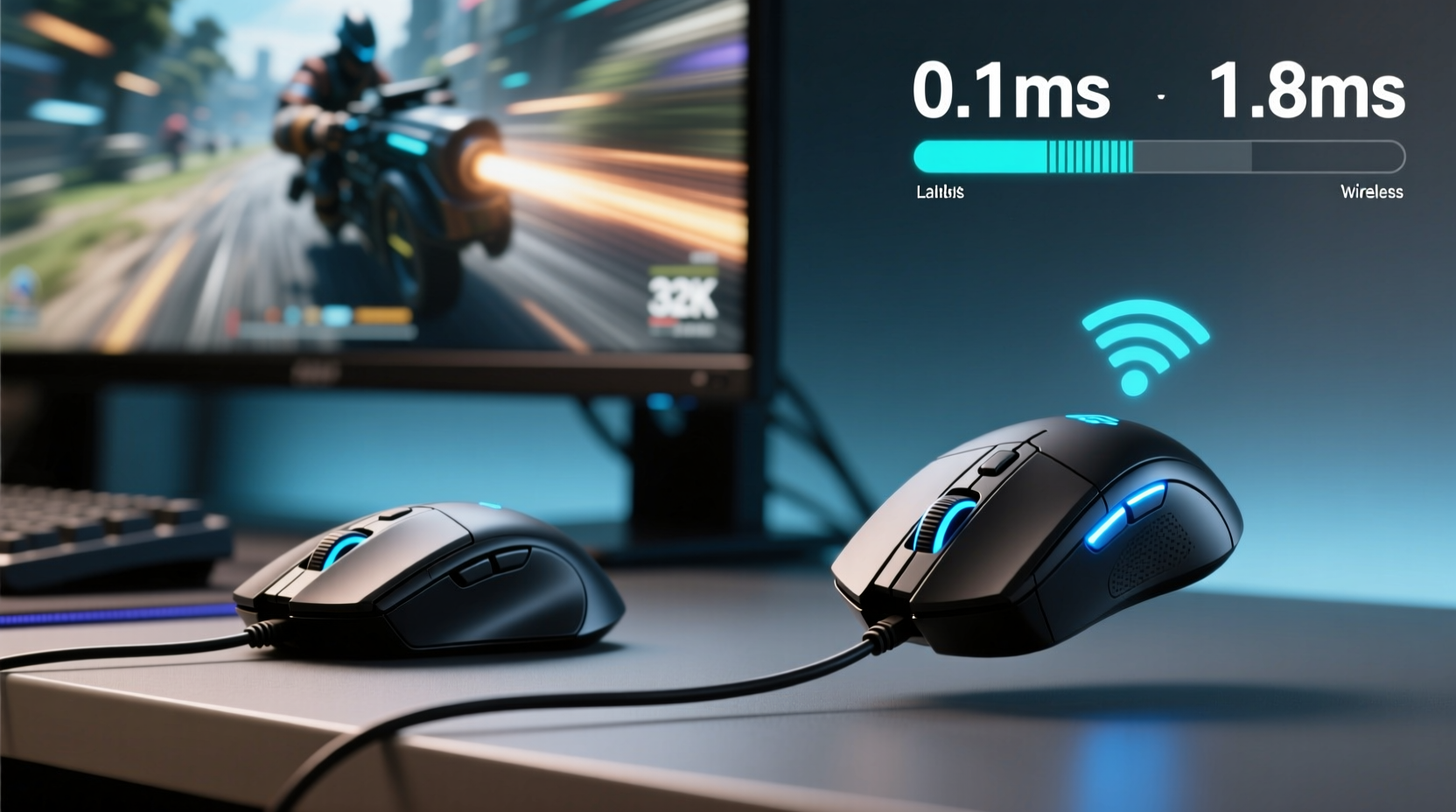
Latency refers to the delay between a physical action (like clicking or moving the mouse) and the corresponding response on screen. In gaming, even minor delays can affect aim precision, reaction time, and overall control. The primary factors influencing mouse latency are polling rate, transmission method (wired vs wireless), and internal processing speed.
Polling rate, measured in Hertz (Hz), indicates how often the mouse reports its position to the computer. A standard 1000Hz polling rate means the mouse sends data every 1 millisecond. Higher rates reduce perceived input lag, but only if the rest of the system can keep up. Most high-end gaming mice—both wired and wireless—now support 1000Hz or higher, including 2000Hz and even 4000Hz in some cases.
Wired mice transmit data through a direct USB connection, eliminating signal interference and ensuring consistent delivery. Wireless mice rely on either radio frequency (RF) via a USB dongle or Bluetooth. RF-based connections, particularly those using proprietary protocols like Logitech’s Lightspeed or Razer’s HyperSpeed, are engineered specifically for low-latency performance.
How Much Latency Is Actually Present?
Independent tests conducted by outlets like Linus Tech Tips, Hardware Busters, and Rtings have consistently shown that top-tier wireless gaming mice now match or nearly match their wired counterparts in latency. Using high-speed cameras and specialized software, testers measure the time between a mouse movement and cursor response.
In controlled environments, many premium wireless mice register end-to-end latency within 1–2 milliseconds of their wired equivalents. For context, the average human reaction time to visual stimuli is around 200–250 milliseconds. A 1ms difference falls well below the threshold of conscious perception for most users.
However, consistency matters just as much as raw numbers. Wired connections offer rock-solid stability with zero packet loss under normal conditions. Wireless systems, while highly reliable, can theoretically suffer from interference—especially in crowded RF environments (e.g., apartments with many devices). Modern 2.4GHz dongles use adaptive frequency hopping to avoid congestion, minimizing this risk.
“With today’s best wireless tech, the latency difference isn’t measurable by human reflexes. If you’re losing due to mouse lag, it’s not your mouse.” — Mark Liu, Peripheral Engineer at Corsair
Perception vs. Performance: Can You Really Feel the Difference?
Even if objective measurements show negligible differences, subjective experience varies among gamers. Some report feeling a “heavier” or “less responsive” sensation with wireless mice, especially when switching back after years of wired use. This may stem from psychological bias, subtle changes in weight distribution, or inconsistent battery performance rather than actual latency.
A blind test conducted by Tom’s Hardware in 2023 involved 30 experienced FPS players using both wired and wireless versions of the same mouse model. Participants were unable to identify which was which more than 52% of the time—essentially random chance. Only two testers claimed consistent detection, citing slight differences in button actuation feel rather than cursor movement.
This suggests that while mechanical design and ergonomics influence user preference, transmission type alone rarely produces a perceptible lag during gameplay. Factors such as sensor accuracy, lift-off distance, and debounce timing often have a greater impact on perceived responsiveness than the wire itself.
Comparative Analysis: Wired vs Wireless Gaming Mice
| Feature | Wired Mice | Wireless Mice (Modern High-End) |
|---|---|---|
| Average Latency | ~1–2ms | ~1–3ms |
| Polling Rate Support | Up to 8000Hz | Up to 4000Hz (some 8000Hz) |
| Battery Life | N/A | 70–120 hours (with rechargeable) |
| Interference Risk | Negligible | Low (with good RF environment) |
| Weight | Lighter (no battery) | Slightly heavier (battery adds ~10–20g) |
| Maintenance | Cable wear, port strain | Charging, firmware updates |
| Cost (Premium Tier) | $60–$90 | $90–$160 |
The table highlights that while wireless mice carry a slight weight penalty and require charging, they now rival wired models in nearly every technical aspect. The most significant trade-offs are practical rather than performance-based: managing battery life and paying a premium price.
Real-World Example: A Competitive Player’s Transition
Jess Tran, a semi-professional Valorant player ranked Radiant in North America, used a wired Logitech G Pro X Superlight clone throughout her early career. After experiencing wrist strain from cable drag during long sessions, she decided to test the wireless version of the same mouse.
“I was skeptical at first,” Jess admits. “I’d heard stories about dropped frames and stuttery tracking. But after two weeks of side-by-side testing in Deathmatch and custom aim drills, I couldn’t tell a difference in tracking or click registration.”
She made the switch permanent and noticed immediate ergonomic benefits—less desk clutter, smoother swipes, and reduced tension in her forearm. Her K/D ratio remained stable, and she credits improved comfort for better endurance during tournaments.
Jess’s experience reflects a growing trend: once gamers overcome initial skepticism, many prefer wireless for its freedom of movement. The lack of cable resistance allows for wider, more fluid motions—particularly beneficial in games requiring large flicks or sweeping tracking.
Step-by-Step Guide: Testing Latency Yourself
You don’t need lab equipment to assess mouse performance. Here’s how to conduct a basic but effective comparison at home:
- Gather Equipment: One wired and one wireless gaming mouse (ideally same model line), a clean mousepad, and a consistent desktop setup.
- Standardize Settings: Set both mice to 1000Hz polling rate in their respective software. Disable any power-saving modes on the wireless mouse.
- Warm Up: Spend 10 minutes using each mouse in a familiar game to acclimate.
- Blind Swap Test: Have a friend randomly enable one mouse while you’re not looking. Play a short aiming drill (e.g., Kovaak’s scenario or in-game deathmatch).
- Record Impressions: Immediately note whether you felt lag, jitter, or inconsistency. Repeat five times per mouse.
- Check Battery: Ensure the wireless mouse is fully charged before testing—low battery can increase latency in some models.
- Repeat Over Days: Perception can shift with familiarity. Re-test after 48 hours of regular use.
If you consistently detect a difference, consider other variables: surface calibration, palm sweat affecting grip, or even sound differences from buttons. True latency issues will manifest as delayed clicks or erratic cursor jumps—not just a vague sense of “sluggishness.”
FAQ: Common Questions About Wireless Gaming Mouse Latency
Is Bluetooth worse than 2.4GHz wireless for gaming?
Yes. Standard Bluetooth introduces significantly higher latency (typically 20–40ms) and lower bandwidth compared to dedicated 2.4GHz RF dongles. Never use Bluetooth for competitive gaming. Stick to proprietary wireless protocols designed for low latency.
Do wireless mice lose connection during intense gameplay?
Not with reputable brands and proper setup. Premium wireless gaming mice use encrypted, high-bandwidth connections with error correction. Interference is rare unless you're surrounded by multiple active transmitters (e.g., microwaves, cordless phones). Keep the dongle close and unobstructed for best results.
Can battery level affect latency?
In older or poorly designed models, yes. As battery drains, some mice reduce polling rate or enter power-saving modes that increase response time. However, modern high-end mice maintain full performance until shutdown. Check product specs for “consistent polling across battery life” assurances.
Action Plan: Choosing the Right Mouse for Your Needs
- Choose Wired If: You prioritize absolute minimal weight, dislike charging routines, or compete in environments where battery failure isn't an option.
- Choose Wireless If: You value desk freedom, want cleaner cable management, play for extended periods (reducing strain), or travel to LAN events frequently.
- Look For: Models with sub-1ms wireless claims, rechargeable batteries, and proven track records in esports (e.g., Logitech GPX Superlight, Razer Viper V2 Pro, Corsair Ironclaw Wireless).
- Avoid: Generic wireless mice without gaming-specific features. Not all “wireless” mice are built for speed—many use outdated RF chips with poor optimization.
“The last true performance gap disappeared around 2021. Today, choosing wired or wireless is about lifestyle, not latency.” — Sarah Kim, Senior Reviewer at PCPeripherals Lab
Conclusion: It’s Time to Rethink the Myth
The idea that wireless mice are inherently slower than wired ones persists—but it’s increasingly outdated. Thanks to innovations in wireless protocols, battery efficiency, and sensor technology, the latency difference in top-tier models is so small that it falls beneath human perception thresholds.
For the vast majority of gamers, including competitive players, the choice should no longer hinge on fear of lag. Instead, consider comfort, battery life, build quality, and personal workflow. Many professionals now use wireless mice in tournaments without issue, proving that reliability and performance have reached parity.
If you’ve been holding off on going wireless due to latency concerns, it’s worth revisiting the category. Try a reputable model for a week in your usual setup. You might find that the real advantage isn’t just about cutting the cord—it’s about playing more comfortably, with fewer distractions and greater freedom of movement.




 浙公网安备
33010002000092号
浙公网安备
33010002000092号 浙B2-20120091-4
Comments
No comments yet. Why don't you start the discussion?