
As vehicles become increasingly connected, seamless smartphone integration is no longer a luxury—it's an expectation. Apple’s Wireless CarPlay and Google’s Android Auto dominate the in-car tech space, offering drivers intuitive interfaces, voice control, navigation, and media access. But when it comes to wireless connectivity, which platform delivers a smoother, more reliable experience with modern infotainment systems?
The answer isn't always straightforward. While both systems aim for simplicity, their real-world performance varies based on device compatibility, vehicle hardware, software optimization, and ecosystem preferences. This article breaks down the technical and experiential differences between Wireless CarPlay and Android Auto to help you understand which integrates more fluidly into today’s automotive environments.
Understanding the Core Differences
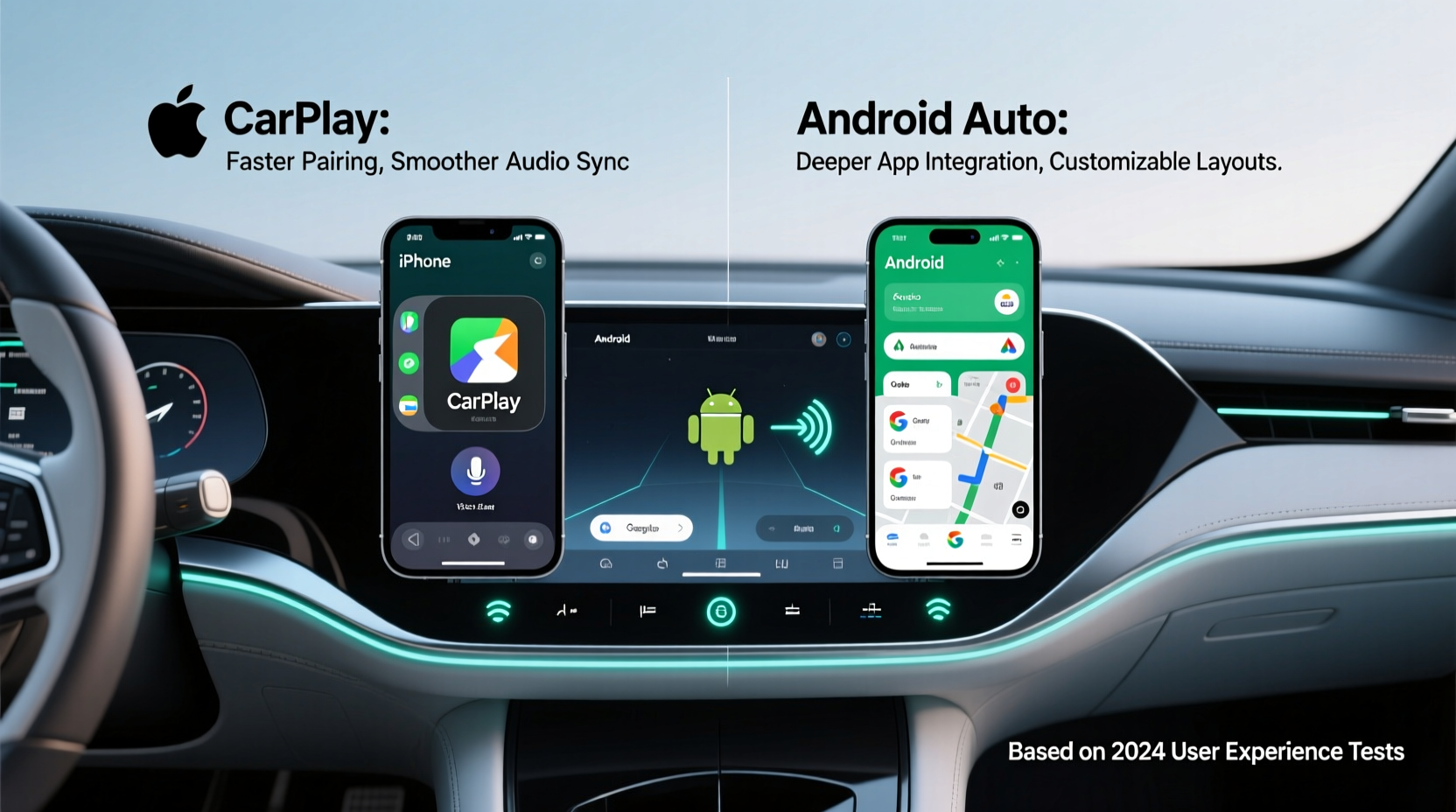
At first glance, Wireless CarPlay and Android Auto appear functionally similar: both mirror smartphone interfaces onto the car’s display, support voice assistants (Siri and Google Assistant), and offer turn-by-turn navigation via Apple Maps or Google Maps. However, their underlying architectures differ significantly.
CarPlay operates as a tightly controlled interface. Apple restricts customization—apps must be approved, and the UI remains consistent across all vehicles. This uniformity ensures predictable behavior but limits flexibility. In contrast, Android Auto is built on open principles. Automakers can tweak aspects of the interface, and developers have broader access to APIs, enabling richer functionality like third-party messaging apps and deeper voice command integrations.
Wireless implementation adds another layer. Both systems rely on Wi-Fi and Bluetooth to establish connections, but how they manage these protocols impacts stability and speed. CarPlay typically connects faster due to optimized handshakes with iOS devices, while Android Auto may require more time to pair and authenticate, especially if background services aren’t properly configured.
Connection Speed and Reliability
In daily use, connection latency is one of the most noticeable differences. Drivers expect their infotainment system to recognize their phone within seconds of entering the vehicle. Here, Wireless CarPlay often has the edge.
Apple leverages its ecosystem control to streamline the pairing process. Once set up, an iPhone detects the car via Bluetooth, triggers a secure Wi-Fi handshake, and launches CarPlay in under 5–8 seconds in most supported vehicles. The process is nearly invisible—no manual selection required.
Android Auto, while improving, still faces inconsistency. Connection times vary widely depending on the automaker’s implementation. Some brands, like Hyundai and Honda, have refined their Android Auto integration to near-CarPlay levels. Others, particularly older models from GM or Toyota, suffer from delays exceeding 15–20 seconds or intermittent disconnections during driving.
Infotainment System Compatibility and Optimization
Not all infotainment units are created equal. Even among vehicles that support wireless connectivity, the quality of integration depends heavily on the manufacturer’s software tuning.
Apple’s approach simplifies development for automakers. CarPlay runs in a sandboxed environment, meaning the car’s native system doesn’t need deep integration—it just needs to render the CarPlay interface. This reduces bugs and ensures a consistent user experience regardless of brand.
Android Auto, however, requires closer coordination between Google and the automaker. Since it interacts more deeply with system resources (e.g., audio routing, notifications, multi-user profiles), poor implementation can lead to crashes, audio dropouts, or delayed voice responses. Additionally, some manufacturers disable wireless Android Auto entirely, forcing users to plug in despite having compatible hardware.
“CarPlay’s constrained model makes it easier for automakers to deploy reliably. Android Auto offers more features but demands better engineering.” — Rajiv Mehta, Automotive Software Architect at Bosch
Real-World Example: Daily Commute in a 2023 Honda Civic
Consider a driver using a Pixel 7 and an iPhone 14, both entering a 2023 Honda Civic equipped with wireless connectivity. The iPhone automatically reconnects to CarPlay within 6 seconds. Siri responds instantly to “Navigate home,” and Apple Music resumes playback without interruption.
The Pixel 7 takes 12 seconds to fully connect. During this time, the screen displays “Connecting…” twice before stabilizing. Google Assistant recognizes the command, but there’s a half-second delay in processing. Music resumes only after a brief buffer. While functional, the experience feels less polished.
This scenario reflects a common trend: even with identical hardware, CarPlay tends to deliver quicker, more stable wireless sessions.
Feature Depth and Ecosystem Integration
Where Android Auto shines is in functionality. It supports a wider range of apps, including WhatsApp, Telegram, Spotify, and Waze, with deeper notification handling and two-way messaging via voice. Google Assistant also outperforms Siri in contextual awareness—answering complex queries like “Find gas stations with restrooms near my route” with greater accuracy.
CarPlay, by comparison, maintains a minimalist philosophy. Third-party app support is limited, and interactions are designed to minimize distraction. While Apple introduced enhanced capabilities in iOS 17—such as climate control and seat adjustments in select EVs—these remain niche and vehicle-specific.
For users embedded in the Google ecosystem, Android Auto offers superior continuity. Calendar events sync automatically, reminders appear contextually, and Google Maps provides real-time updates based on search history and location patterns. CarPlay relies more on manual input and lacks proactive suggestions.
Table: Feature Comparison – Wireless CarPlay vs Android Auto
| Feature | Wireless CarPlay | Android Auto |
|---|---|---|
| Initial Setup Complexity | Simple (guided setup) | Moderate (requires app install & permissions) |
| Average Connect Time | 5–8 seconds | 10–20 seconds |
| App Support | Limited (Apple-approved only) | Broad (including messaging, podcasts) |
| Voice Assistant Accuracy | Good (Siri) | Excellent (Google Assistant) |
| Navigation Experience | Clean, minimal (Apple Maps) | Detailed, predictive (Google Maps) |
| System Stability (Wireless) | High (fewer dropouts) | Variable (depends on OEM) |
| Customization Options | None | Some (themes, app order) |
Setup and Troubleshooting Tips
Even the best-designed systems can falter without proper configuration. Ensuring smooth wireless integration starts with correct setup and ongoing maintenance.
Step-by-Step: Optimizing Wireless Performance
- Verify Hardware Support: Confirm your vehicle explicitly lists wireless CarPlay or Android Auto—not just wired support.
- Update Software: Ensure both your phone and vehicle’s infotainment system are running the latest firmware.
- Forget and Re-Pair: If experiencing lag, delete the existing Bluetooth pairing and re-register the device.
- Enable Necessary Settings: On Android, disable battery saver for Android Auto. On iOS, keep CarPlay enabled in Settings > General > CarPlay.
- Test Signal Interference: Remove metal phone cases or magnetic mounts that may disrupt Wi-Fi signals.
- Limit Background Activity: Close unnecessary apps that consume bandwidth or processing power.
Checklist: Before You Buy a Car with Wireless Integration
- ✅ Confirm whether wireless CarPlay or Android Auto is standard or optional
- ✅ Check reviews for reported connectivity issues with your phone model
- ✅ Test both systems in person if possible—bring your phone to the dealership
- ✅ Verify over-the-air update capability for future compatibility improvements
- ✅ Look for Qi wireless charging pad co-location (helps maintain signal strength)
Frequently Asked Questions
Can I use both Wireless CarPlay and Android Auto in the same car?
No—most vehicles support only one wireless protocol at a time. The system detects the connected phone and launches the corresponding interface. Switching requires disconnecting one device and pairing another, which can take several seconds.
Why does my Android Auto disconnect while driving?
Common causes include aggressive battery optimization settings, outdated Android Auto app versions, or interference from aftermarket accessories. Ensure the Android Auto app is excluded from power-saving modes and runs in the background continuously.
Does Wireless CarPlay drain my iPhone battery faster?
Moderately. Maintaining constant Wi-Fi and Bluetooth connections increases power usage. However, most users charge their phones via the vehicle’s wireless charger simultaneously, offsetting any drain.
Conclusion: Which Integrates Smoother?
When evaluating wireless integration with infotainment systems, **Wireless CarPlay generally offers a smoother, more consistent experience**. Its fast connection times, stable performance, and ecosystem-wide reliability make it the preferred choice for users prioritizing hassle-free operation.
However, **Android Auto wins on functionality and intelligence**, particularly for those invested in Google’s ecosystem. With better voice assistance, richer app support, and smarter navigation, it provides a more capable—if occasionally less stable—wireless experience.
The ideal choice depends on your priorities. If seamless, plug-and-play reliability is paramount, CarPlay is unmatched. If you value advanced features and natural language interaction, Android Auto is worth the occasional hiccup.




 浙公网安备
33010002000092号
浙公网安备
33010002000092号 浙B2-20120091-4
Comments
No comments yet. Why don't you start the discussion?