
Wireless charging has become a staple in modern smartphone use—offering convenience, reduced cable clutter, and seamless integration into daily routines. But when your phone starts charging noticeably slower than before, frustration sets in. Is this a natural part of aging technology, or is it a sign that your wireless charging pad has reached the end of its life? The answer isn’t always straightforward. Slow charging can stem from multiple factors: device compatibility, environmental conditions, hardware degradation, or even simple user habits. Understanding the root cause determines whether you should troubleshoot, upgrade accessories, or replace the pad entirely.
Understanding Normal Wireless Charging Speeds
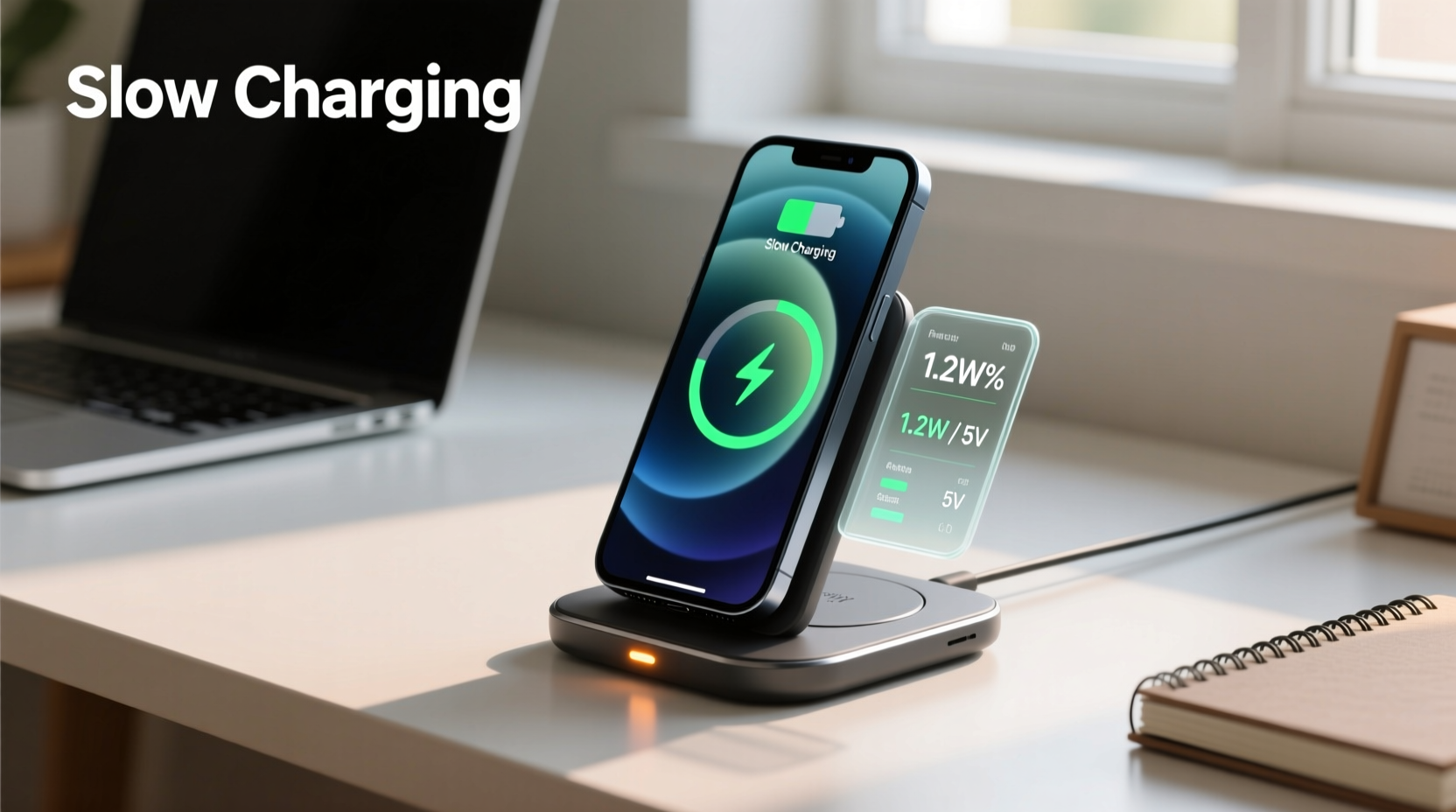
Not all wireless chargers are created equal. Most standard Qi-certified pads deliver 5W to 7.5W of power, which is significantly slower than wired fast charging (often 18W–65W or higher). High-end models support 10W, 15W, or even proprietary fast wireless charging standards like Samsung’s Adaptive Fast Charging or Apple’s MagSafe (up to 15W with compatible devices).
It's important to set realistic expectations. A full charge via a standard 5W wireless pad may take 3–4 hours for a modern smartphone with a 4,000mAh battery. Even at 10W, expect 2.5 to 3 hours. If your phone used to charge faster but now takes longer under the same conditions, that shift warrants investigation.
“Wireless charging efficiency is inherently lower than wired due to energy loss as heat during electromagnetic induction.” — Dr. Rajiv Mehta, Electrical Engineer & Power Systems Analyst
Common Causes of Slow Wireless Charging
Before concluding that your charging pad is failing, consider these frequent culprits:
- Thick or metallic phone cases: Cases over 3mm thick or those with metal plates (common in magnetic car mounts) interfere with induction coils.
- Suboptimal alignment: Misalignment between the phone’s coil and the pad reduces efficiency. Even a slight offset can cut power transfer by up to 40%.
- Low-power USB adapter: Using a 5V/1A wall plug instead of a 5V/2A or higher-rated adapter limits available input power.
- Background app activity: Heavy usage while charging generates heat and consumes power faster than it’s delivered.
- Dirt or debris: Dust, lint, or pocket fluff between the phone and pad creates distance, reducing coupling efficiency.
- Ambient temperature: Extreme cold or heat triggers thermal throttling. Lithium-ion batteries reduce charging rates above 35°C (95°F) to protect longevity.
Environmental Impact on Charging Efficiency
Temperature plays a critical role. Wireless charging produces more heat than wired alternatives because of energy loss in the form of heat during electromagnetic transfer. When ambient temperatures rise—such as leaving your phone on a pad near a sunny window—the system automatically slows charging to prevent overheating.
Likewise, very cold environments reduce ion mobility in the battery, making it harder to accept charge efficiently. Most smartphones pause or slow wireless charging below 0°C (32°F) until the device warms up.
Step-by-Step Guide to Diagnose Slow Charging
Follow this structured approach to determine whether your wireless charging pad is malfunctioning or if external factors are responsible:
- Remove the phone case and place the phone directly on the pad. Observe if charging improves.
- Clean both surfaces with a dry microfiber cloth to remove dust and oils.
- Use a high-amperage power adapter (at least 2A output) connected to a wall outlet—not a computer USB port.
- Power off the phone or enable Airplane Mode to eliminate background drain.
- Test with another Qi-compatible device (e.g., a friend’s phone or wireless earbuds) to see if the issue persists.
- Try a different wireless charger with your phone to isolate whether the problem lies with the pad or the phone.
- Check for firmware updates on your phone; some manufacturers release optimizations for charging behavior.
If performance improves after any of these steps, the pad likely isn't faulty. However, if none restore previous speeds, the hardware may be degrading.
When Slow Charging Signals Hardware Failure
All electronic components degrade over time. Wireless charging pads are no exception. After 1–2 years of regular use, internal components such as capacitors, coils, and voltage regulators may wear out. Signs of hardware failure include:
- Inconsistent charging—starts and stops repeatedly.
- Excessive heat coming from the pad even when not in use.
- No response with multiple known-working devices.
- Blinking LED indicators without initiating charge.
- Physical damage: warped surface, frayed cable, or burnt smell.
The charging coil itself can develop micro-fractures or lose winding integrity, especially if the pad is frequently bent or dropped. Additionally, poor ventilation leads to thermal stress on internal circuitry, accelerating component fatigue.
Real-World Example: The Office Charger That Faded
Consider Sarah, a marketing executive who uses a wireless pad on her desk daily. Over six months, she noticed her iPhone took progressively longer to charge overnight. Initially dismissing it as seasonal temperature changes, she eventually tested the setup: using a new MagSafe-compatible charger, her phone charged fully in 2.5 hours. Back on the old pad, it stalled at 60% after 5 hours—even with the same adapter. Inspection revealed minor discoloration around the coil area and a faint buzzing sound when powered. She replaced the unit, restoring fast charging. This illustrates how gradual degradation can go unnoticed until performance drops below functional thresholds.
Do’s and Don’ts of Wireless Charging Maintenance
| Do’s | Don’ts |
|---|---|
| Use a dedicated wall adapter with sufficient output (2A or higher) | Use low-power USB ports (e.g., laptop USB-A) |
| Keep the charging surface clean and dry | Place phones with thick or metal-reinforced cases |
| Allow airflow around the pad to prevent overheating | Cover the pad with fabric or leave it under pillows |
| Store the pad flat and away from moisture | Bend or fold the charging cable repeatedly |
| Update your phone’s OS regularly for charging optimizations | Ignore persistent error notifications during charging |
Replacement Guidelines: How Long Should a Wireless Charger Last?
On average, a well-maintained wireless charging pad lasts 1.5 to 3 years. Frequent daily use, exposure to heat, or inconsistent power sources shorten lifespan. If your pad is older than two years and exhibits declining performance despite troubleshooting, replacement is advisable.
Newer models offer better efficiency, improved foreign object detection (FOD), and enhanced safety features. For example, many 2023+ chargers include temperature monitoring chips that dynamically adjust power to extend battery health. Upgrading may also unlock faster charging if your phone supports higher wattages.
Look for certifications: Qi2 (released in 2023) introduces magnetic alignment similar to Apple’s MagSafe, ensuring optimal coil positioning and up to 15W efficiency across brands. Choosing a Qi2-certified pad future-proofs your investment.
Checklist: Is It Time to Replace Your Wireless Charging Pad?
- ✅ More than 2 years old with daily use
- ✅ No longer reaches advertised charging speeds
- ✅ Frequently disconnects during charging
- ✅ Gets unusually hot during operation
- ✅ Damaged cable or housing
- ✅ Not Qi-certified or lacks safety features (overvoltage, overcurrent protection)
- ✅ You’ve upgraded to a newer phone with faster wireless charging support
If three or more apply, replacement is recommended.
Frequently Asked Questions
Why does my phone charge fast at first but then slow down?
This is normal battery behavior. Most phones use “trickle charging” in the final 20%. Once the battery reaches ~80%, the charging rate decreases to prolong cell life and manage heat. However, if the initial phase is also slow, investigate the causes listed earlier.
Can I use any USB adapter with my wireless charger?
No. While most pads work with standard USB-A adapters, achieving maximum speed requires an adapter that delivers enough current—typically 2A at 5V (10W). For 15W charging, a USB-C PD adapter may be required depending on the model. Always refer to the manufacturer’s recommendations.
Does wireless charging harm my phone’s battery?
Modern phones regulate input power and heat effectively, so occasional wireless charging poses minimal risk. However, frequent overnight charging on poorly ventilated pads can contribute to long-term battery wear due to sustained warmth. To maximize battery lifespan, avoid keeping the phone at 100% for extended periods.
Conclusion: Act Now to Restore Charging Confidence
Slow wireless charging isn’t inherently abnormal—but when it deviates from expected performance, it demands attention. In many cases, simple fixes like cleaning the surface, upgrading the power adapter, or removing incompatible cases resolve the issue. However, hardware wear is inevitable. After 18–24 months of regular use, declining efficiency often signals the need for replacement rather than repair.
Investing in a new, certified charging pad not only restores speed but enhances safety and compatibility with evolving standards like Qi2. By applying consistent maintenance habits and recognizing early signs of failure, you ensure reliable performance and protect both your charger and your device.




 浙公网安备
33010002000092号
浙公网安备
33010002000092号 浙B2-20120091-4
Comments
No comments yet. Why don't you start the discussion?