
As smartphones become more integrated into daily life, how we power them matters more than ever. The rise of wireless charging pads has introduced a sleek, cable-free alternative to traditional plug-in charging. But does convenience come at the cost of speed or safety? Many users assume wireless charging is slower or less safe, while others believe it's the future of mobile power. The truth lies in the details—differences in technology, heat generation, efficiency, and real-world usage patterns.
This article breaks down the core differences between wireless charging pads and cable charging, evaluates their performance across key metrics, and provides practical insights to help you make an informed decision based on your lifestyle and device needs.
How Wireless and Cable Charging Work
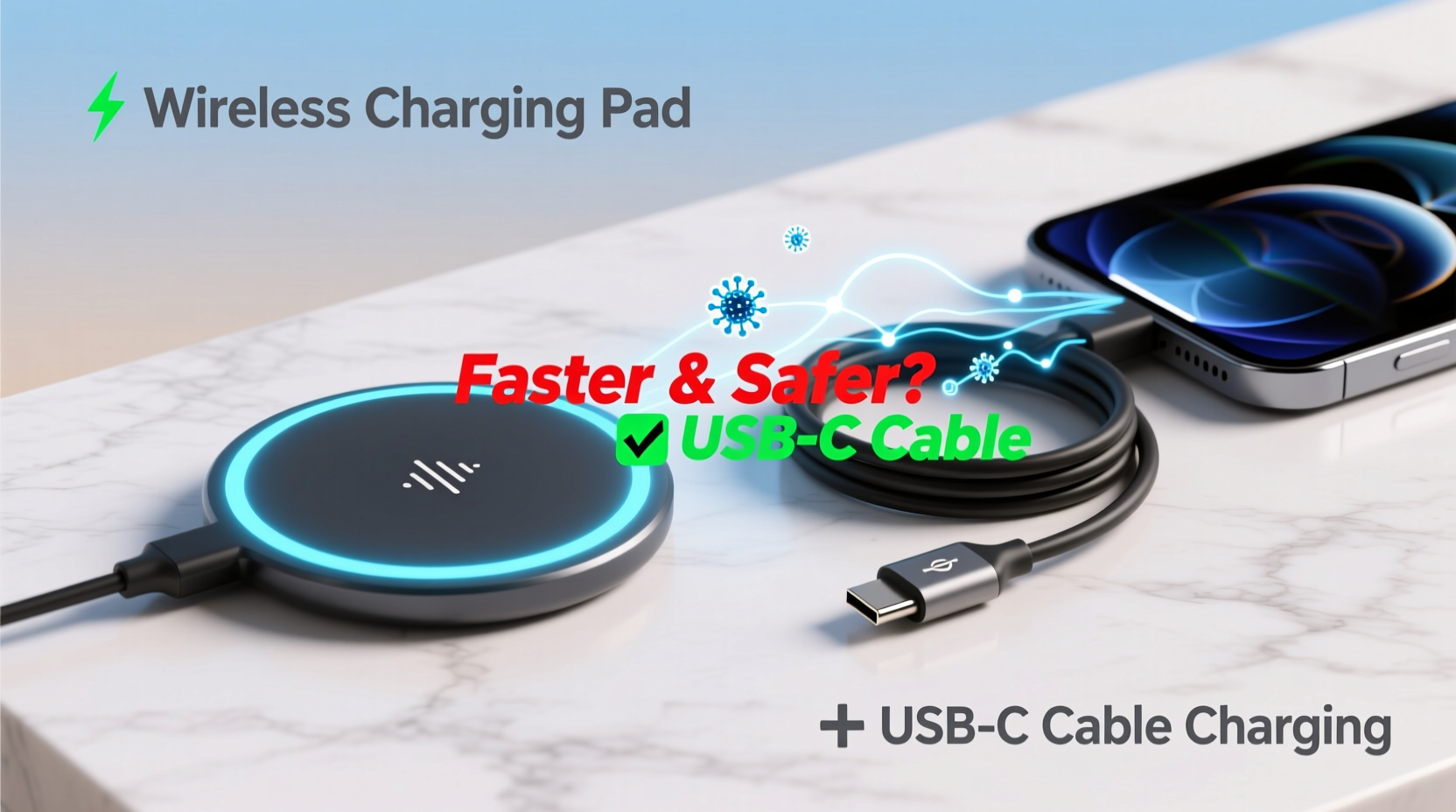
Cable charging relies on a direct electrical connection between the power source (charger) and the device via a physical cable—typically USB-C or Lightning. This method delivers power efficiently with minimal energy loss, allowing for higher wattage transfer when supported by both the charger and device.
Wireless charging, on the other hand, uses electromagnetic induction. When you place your phone on a charging pad, an alternating current passes through a coil in the pad, creating a magnetic field. This field induces a current in a corresponding coil inside your phone, which then charges the battery. This process follows the Qi standard (pronounced “chee”), used by most modern smartphones including iPhones and Android devices.
The fundamental difference—direct conduction versus electromagnetic transfer—affects everything from charging speed to energy efficiency.
Speed Comparison: Wireless vs Cable Charging
When it comes to charging speed, cable charging consistently outperforms wireless options under optimal conditions. Most high-end smartphones support fast wired charging at 18W to 65W or more, depending on the model. For example, Samsung Galaxy devices can reach up to 45W, and some OnePlus models exceed 80W with proprietary systems.
In contrast, mainstream wireless charging typically maxes out at 15W—even lower for iPhones, which are limited to 7.5W without MagSafe accessories. Apple’s MagSafe system enables 15W charging but only with compatible hardware and optimized power delivery.
Here’s a realistic charging time comparison using a smartphone with a 5,000mAh battery:
| Charging Method | Power Output | Time to Charge (0% to 80%) | Efficiency |
|---|---|---|---|
| Standard Cable Charging | 18W | ~60 minutes | ~90% |
| Fast Cable Charging (e.g., 30W+) | 30W | ~40 minutes | ~85–90% |
| Standard Wireless Charging | 7.5W–10W | ~120 minutes | ~70% |
| Magnetic Wireless Charging (MagSafe) | 15W | ~90 minutes | ~75% |
The data shows a clear gap: even the fastest wireless charging takes nearly twice as long as mid-tier cable charging to reach 80%. Efficiency also drops due to energy lost as heat during wireless transmission.
“While wireless charging offers unmatched convenience, it cannot match the speed and efficiency of direct wired power delivery—especially for users who need quick top-ups.” — Dr. Lena Patel, Electrical Engineer & Mobile Power Systems Researcher
Safety and Long-Term Battery Health
Safety concerns often center around heat generation, a known factor in battery degradation. Both methods produce heat, but wireless charging generates more due to energy loss in the air gap between coils. Prolonged exposure to elevated temperatures accelerates lithium-ion battery wear, reducing overall capacity over time.
Modern devices include thermal management systems that throttle charging when temperatures rise. However, placing a phone on a wireless pad overnight—especially under a pillow or blanket—can trap heat and increase risks. In contrast, cable charging produces less ambient heat and allows better airflow if the device isn’t covered.
Battery longevity is another consideration. Frequent partial charging (like topping up throughout the day) is generally healthier than deep discharges. Wireless charging encourages this behavior—users tend to \"drop and charge\" multiple times daily—which can be beneficial if done within optimal temperature ranges.
However, keeping your phone at 100% charge for extended periods, whether via cable or wireless, stresses the battery. Some manufacturers now include adaptive charging features (e.g., iPhone’s Optimized Battery Charging, Samsung’s Protect Battery) that delay full charging until just before you wake up.
Best Practices for Battery Longevity
- Avoid letting your battery drop below 20% regularly.
- Try to keep charge levels between 30% and 80% for daily use.
- Use original or MFi-certified chargers and cables.
- Remove thick cases during wireless charging to reduce heat buildup.
- Charge in cool, well-ventilated areas—never in direct sunlight or hot cars.
Convenience vs Performance: Real-World Trade-offs
The appeal of wireless charging isn’t speed—it’s simplicity. Placing your phone on a pad without fumbling for a cable is ideal on a nightstand, desk, or car mount. It reduces wear on charging ports, which can accumulate lint and suffer physical damage over time.
Consider this scenario:
Mini Case Study: Office Worker Using Both Methods
Jamal, a marketing manager, uses both wireless and cable charging daily. At home, he places his phone on a wireless pad beside his bed each night. He values the ease of just setting it down, and since he doesn’t need it immediately in the morning, the slower speed doesn’t matter.
During work hours, he keeps a USB-C fast charger at his desk. When his phone dips below 30%, he plugs in for a 30-minute boost during lunch. This gives him several extra hours of battery life quickly. On travel days, he packs a compact power bank with cable output for maximum flexibility.
His hybrid approach balances convenience with performance—using wireless for routine top-ups and cable charging when speed is essential.
This kind of strategic use maximizes the strengths of both technologies. Relying solely on wireless charging may suit those with predictable routines and low urgency, while frequent travelers or heavy users benefit from faster cable-based solutions.
Which Is Safer? Assessing Risks and Standards
Both methods are safe when using quality components. Certified wireless charging pads undergo strict testing to prevent overcurrent, overheating, and foreign object detection (FOD). FOD ensures the pad stops charging if metal objects (like keys or coins) are placed on it, preventing potential fire hazards.
Cable charging carries its own risks if low-quality or counterfeit cables are used. Poor insulation, incorrect voltage regulation, or lack of surge protection can damage devices or pose electrical hazards. The EU and U.S. have issued warnings about uncertified third-party chargers causing fires or short circuits.
Manufacturers like Apple, Samsung, and Google design their devices to handle both charging types safely. Built-in safeguards monitor voltage, current, and temperature in real time. However, user behavior plays a critical role. Charging under pillows, using damaged cables, or covering the device during charging increases risk regardless of method.
Do’s and Don’ts for Safe Charging
| Action | Recommended? | Reason |
|---|---|---|
| Use manufacturer-approved chargers | ✅ Yes | Ensures compatibility and safety compliance |
| Charge phone under a pillow or blanket | ❌ No | Traps heat; fire hazard |
| Leave phone charging overnight | ✅ With caveats | Only if adaptive charging is enabled and device is well-ventilated |
| Use wireless charging with thick metal cases | ❌ Avoid | Blocks signal, increases heat |
| Unplug once fully charged | ✅ Ideal | Reduces battery stress (though modern systems auto-throttle) |
FAQ: Common Questions Answered
Does wireless charging damage my phone’s battery faster?
Not inherently—but because wireless charging generates more heat, prolonged use can accelerate battery wear over time. If you frequently charge wirelessly in hot environments or leave your phone on the pad after reaching 100%, degradation may occur faster than with cable charging. Using adaptive charging features helps mitigate this.
Can I use any wireless charger with my phone?
Most modern smartphones support the Qi standard, so basic compatibility is widespread. However, fast charging requires matching capabilities between the pad and device. For example, to get 15W MagSafe charging on an iPhone, you need an Apple-certified MagSafe charger. Generic pads may default to 5W or 7.5W.
Is cable charging going away?
No. Despite advances in wireless technology, cable charging remains essential for fast power delivery, especially for laptops, tablets, and high-drain devices. Industry experts predict coexistence rather than replacement. As one tech analyst noted: “Cables aren’t obsolete—they’re just sharing the stage.”
Final Verdict: Choose Based on Your Needs
There’s no universal winner in the wireless charging pad vs cable charging debate. Each has distinct advantages:
- Choose wireless charging if convenience, port preservation, and seamless integration into your environment (bedside, office, car) are priorities. It’s ideal for overnight charging and casual top-ups.
- Choose cable charging when speed, efficiency, and minimizing heat exposure are crucial. It’s better suited for urgent charging needs, travel, or maximizing battery lifespan over years.
The smartest approach is not choosing one over the other, but combining both strategically. Use wireless charging for low-pressure situations and reserve cable charging for when time matters. Pair either method with good habits—avoiding extreme temperatures, enabling battery protection features, and using certified hardware.
“The best charging method is the one that fits your lifestyle without compromising safety or long-term device health.” — TechRadar, Consumer Electronics Analysis Unit
Take Action Today
Review how you currently charge your phone. Are you relying on outdated cables? Leaving your device on a wireless pad all day? Small changes—like switching to a certified fast charger or removing your case during wireless charging—can improve both performance and battery life.
Experiment with a dual setup: a wireless pad in your bedroom and a fast cable at your desk. Track how it affects your daily routine and battery longevity over the next few weeks. Share your experience with others—your insight might help someone avoid common pitfalls.




 浙公网安备
33010002000092号
浙公网安备
33010002000092号 浙B2-20120091-4
Comments
No comments yet. Why don't you start the discussion?