
For millions working remotely, a seamless audio experience isn’t just a luxury—it’s essential. Whether you're switching between Zoom calls on your laptop, taking a mobile call from a client, or listening to focus music during deep work sessions, the right wireless earbuds can make or break your productivity. One of the most debated features in today’s market is multipoint connectivity—where earbuds pair simultaneously to two devices—versus traditional single-device pairing. But which setup truly serves the modern remote worker best?
The answer depends on workflow complexity, device usage patterns, and personal preference. While multipoint earbuds promise flexibility, they come with trade-offs in stability, battery life, and cost. Single-device models, meanwhile, often deliver more consistent performance but limit multitasking convenience. Understanding these differences helps you choose not just based on specs, but on how you actually work.
Understanding Multipoint vs Single-Device Connectivity
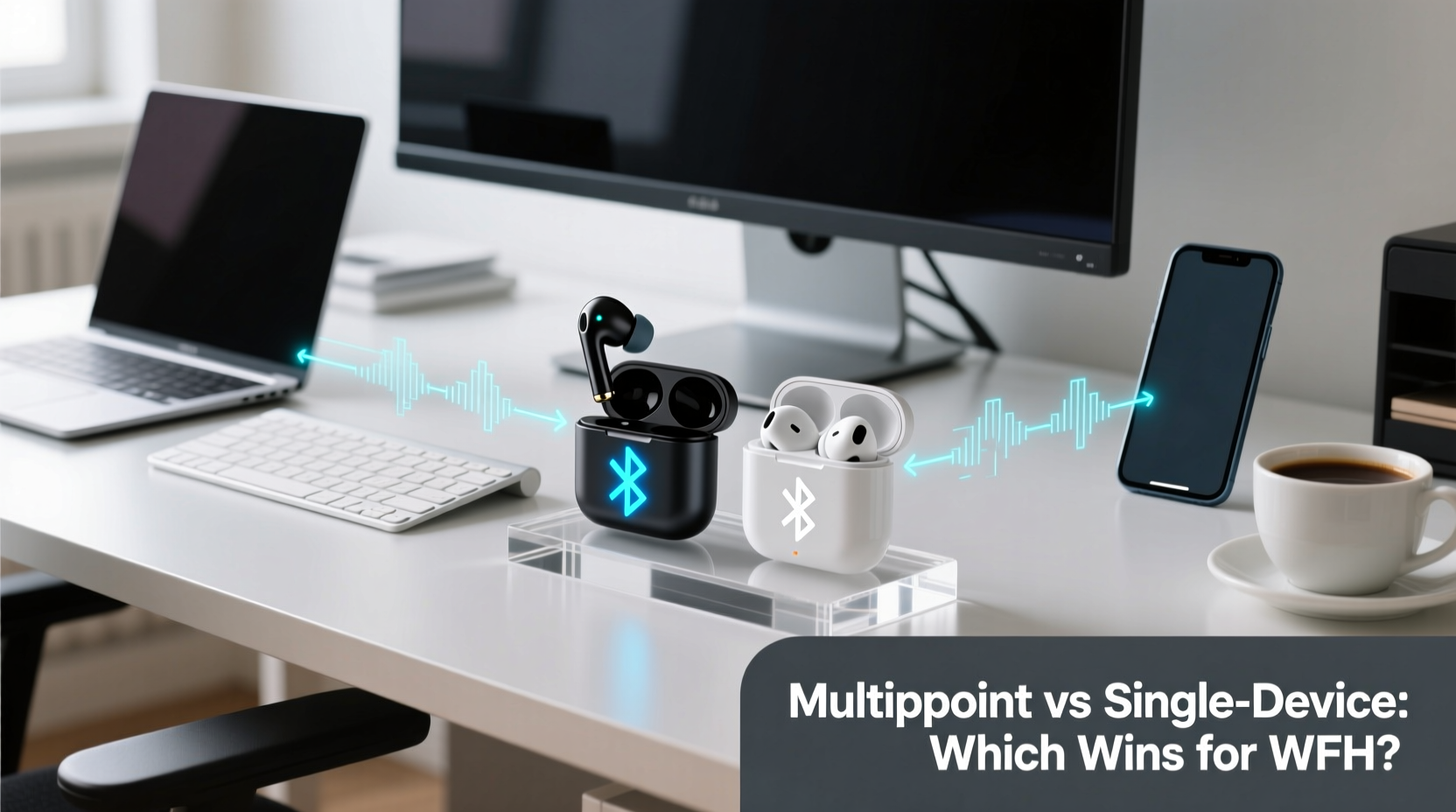
Multipoint Bluetooth technology allows wireless earbuds to maintain active connections with two devices at once—typically a smartphone and a computer. When a call comes in on one device, the earbuds automatically switch audio input without requiring manual disconnection and re-pairing. This eliminates the friction of toggling settings mid-meeting or missing alerts because your headphones were tied to the wrong gadget.
In contrast, single-device earbuds connect to only one source at a time. To switch between your phone and laptop, you must manually disconnect from one and reconnect to another through Bluetooth settings. While this process has become faster over recent years, it still introduces delays and interruptions that disrupt focused workflows.
The underlying technology differs significantly. Standard Bluetooth profiles like A2DP handle audio streaming, while HFP (Hands-Free Profile) manages voice calls. Multipoint functionality requires robust firmware that can manage both profiles across multiple sources without latency spikes or signal drops. Not all manufacturers implement this equally well—some prioritize smooth transitions, others sacrifice audio quality for speed.
“Multipoint isn’t just about convenience—it’s about reducing cognitive load. Every time you have to fiddle with device settings, you lose momentum.” — Dr. Lena Torres, Human-Computer Interaction Researcher, MIT Media Lab
Work-from-Home Realities: When Multipoint Shines
Remote professionals often juggle multiple digital environments throughout the day. Consider a typical scenario: You’re editing a document on your MacBook when a Slack message pings from your Android phone. Before you respond, a Teams meeting starts. Your calendar reminder came through email on the laptop, but the actual call launched from your phone. Without multipoint, you’d need to pause, open Bluetooth settings, disconnect from the laptop, connect to the phone, join the call, then reverse the process afterward.
This kind of context-switching happens repeatedly in hybrid communication ecosystems. According to a 2023 study by FlexJobs, 68% of remote workers use at least three different devices daily, and 44% report frequent audio disruptions due to poor peripheral integration.
Real-world users benefit most when their tools adapt to them—not the other way around. Take Sarah, a freelance project manager based in Portland:
💬 Mini Case Study: Sarah’s Workflow Transformation
Sarah used to rely on Apple AirPods (single-device model) while managing clients across Europe and North America. Her mornings involved constant toggling between her iPad (for planning) and iPhone (for calls). She frequently missed urgent messages because she was “connected” to the wrong device.
After upgrading to Sony WF-1000XM5s with reliable multipoint support, she paired them with both her iPad and iPhone. Now, incoming FaceTime calls automatically override media playing on the tablet. She no longer misses time-sensitive check-ins, and her ability to transition smoothly between tasks improved noticeably. “It sounds minor,” she says, “but eliminating those little tech hiccups gave me back nearly an hour a week.”
Performance Trade-Offs of Multipoint Technology
Despite its advantages, multipoint isn’t flawless. The added complexity of managing dual connections introduces several potential drawbacks:
- Reduced battery life: Maintaining two active Bluetooth links consumes more power. Users commonly report 15–25% shorter playback time when using multipoint versus single-device mode.
- Audio latency: Some models exhibit slight lag during transitions, especially when switching from high-bitrate music streaming to low-latency voice calls.
- Connection instability: In crowded RF environments (e.g., apartment buildings with many Wi-Fi networks), interference can cause dropouts or stuttering.
- Limited codec support: Many multipoint implementations default to SBC or AAC instead of higher-quality codecs like LDAC or aptX Adaptive when connected to multiple devices.
Additionally, not all operating systems handle multipoint equally. Windows PCs, for example, often require third-party drivers or dongles to achieve stable multipoint behavior, whereas macOS and newer Android versions integrate it more seamlessly.
When Single-Device Earbuds Are the Smarter Choice
For some remote workers, simplicity trumps versatility. If your primary computing device is a single laptop and you rarely take mobile calls during work hours, single-device earbuds may offer a cleaner, more predictable experience.
These models tend to have tighter firmware optimization since they don’t need to manage complex handoffs. They often support advanced audio features like adaptive noise cancellation tuned specifically for conference calls, longer standby times, and faster reconnect speeds after brief pauses.
Moreover, entry-level multipoint earbuds sometimes cut corners elsewhere—such as microphone clarity or fit comfort—to accommodate the extra hardware demands. A well-designed single-device model like the Jabra Elite 75t or Anker Soundcore Life P3 can outperform pricier multipoint alternatives in call quality and all-day wearability.
Single-device setups also reduce mental clutter. With fewer connection states to monitor (“Am I on my phone or laptop?”), users report less anxiety about whether their audio will route correctly. For neurodivergent individuals or those sensitive to sensory overload, minimizing technological variables can enhance focus and reduce fatigue.
📋 Comparison Table: Key Differences at a Glance
| Feature | Multipoint Earbuds | Single-Device Earbuds |
|---|---|---|
| Simultaneous Connections | Yes (typically 2) | No |
| Battery Life (avg.) | 4–6 hours (with ANC) | 5–8 hours (with ANC) |
| Switching Devices | Automatic or quick toggle | Manual re-pairing required |
| Call Quality Stability | Good, varies by brand | Excellent, highly optimized |
| Best For | Multi-device professionals, frequent callers | Focused workers, minimalists, budget-conscious buyers |
| Average Price Range | $150–$250 | $80–$180 |
💡 Checklist: Choosing the Right Option for Your Setup
Before purchasing, ask yourself the following questions:
- Do I regularly receive calls on my phone while working on my computer?
- Do I use more than one primary device (e.g., laptop + tablet, desktop + smartphone)?
- Are my meetings spread across platforms (Zoom, Teams, Google Meet, mobile calls)?
- Is battery life a critical factor for long workdays?
- Do I value seamless transitions over absolute audio fidelity?
- Am I willing to pay a premium for added convenience?
If you answered “yes” to the first three, multipoint earbuds are likely worth the investment. If your answers lean toward the last three, a high-performing single-device model might serve you better.
🕒 Step-by-Step Guide: Setting Up Multipoint for Optimal Performance
Not all multipoint experiences are created equal. Follow these steps to maximize reliability:
- Check compatibility: Verify that both your devices support Bluetooth 5.0 or higher and the necessary profiles (HFP, A2DP).
- Prioritize your primary device: Pair the earbuds with your main work computer first.
- Add secondary device: Put earbuds in pairing mode again and connect to your phone or tablet.
- Test automatic switching: Play music on your laptop, then initiate a call from your phone. Audio should shift seamlessly.
- Adjust auto-switch settings: Use the manufacturer’s app (e.g., Sony Headphones Connect, Samsung Galaxy Wearable) to customize priority rules.
- Update firmware: Ensure both earbuds and connected devices have the latest software updates.
- Minimize interference: Keep routers, microwaves, and USB 3.0 devices away from your workspace to reduce signal congestion.
Some brands allow you to disable multipoint temporarily to extend battery life during long flights or offline work sessions—a useful feature if you want flexibility without constant drain.
❓ Frequently Asked Questions
Can I use multipoint earbuds with a Windows PC and iPhone?
Yes, but results vary. iPhones running iOS 14+ and Macs with Apple Silicon handle multipoint well. Older Windows machines may struggle unless they have updated Bluetooth drivers. Consider using a USB-C Bluetooth adapter for improved stability.
Do multipoint earbuds drain my phone’s battery faster?
Only slightly. The primary battery impact is on the earbuds themselves. However, keeping Bluetooth active on two devices does increase background power usage marginally—usually less than 3% per day under normal conditions.
Are there security risks with multipoint connections?
No significant risks exist beyond standard Bluetooth vulnerabilities. As long as you pair in secure environments and avoid public pairing modes, your data remains protected. Most modern earbuds use encrypted Bluetooth protocols.
Conclusion: Match Your Gear to Your Workflow
There’s no universal “best” when it comes to wireless earbuds for remote work—only what works best for you. Multipoint connectivity offers undeniable advantages for dynamic, multi-device professionals who need fluid transitions between communications channels. It reduces friction, minimizes missed calls, and supports a truly integrated digital workspace.
However, if your routine centers around a single machine, values audio consistency, or prioritizes battery endurance, a well-engineered single-device model delivers excellent performance at a lower price point. The key is aligning your choice with actual usage patterns, not marketing hype.




 浙公网安备
33010002000092号
浙公网安备
33010002000092号 浙B2-20120091-4
Comments
No comments yet. Why don't you start the discussion?