
For years, the debate over wireless versus wired gaming mice centered on one critical metric: input lag. Gamers assumed that a physical cable meant faster response times—after all, electrons travel through copper faster than radio waves through air. But technology evolves. By 2025, wireless peripherals have undergone radical improvements, challenging long-held assumptions. The question isn’t whether wireless can catch up—it’s whether it has already surpassed wired in responsiveness under real-world conditions.
This article examines the state of input lag in both wired and wireless gaming mice as of 2025. We’ll dissect the technical foundations, review recent advancements in wireless protocols, analyze real-world testing data, and provide actionable guidance for competitive players who demand every millisecond of advantage.
The Science of Input Lag
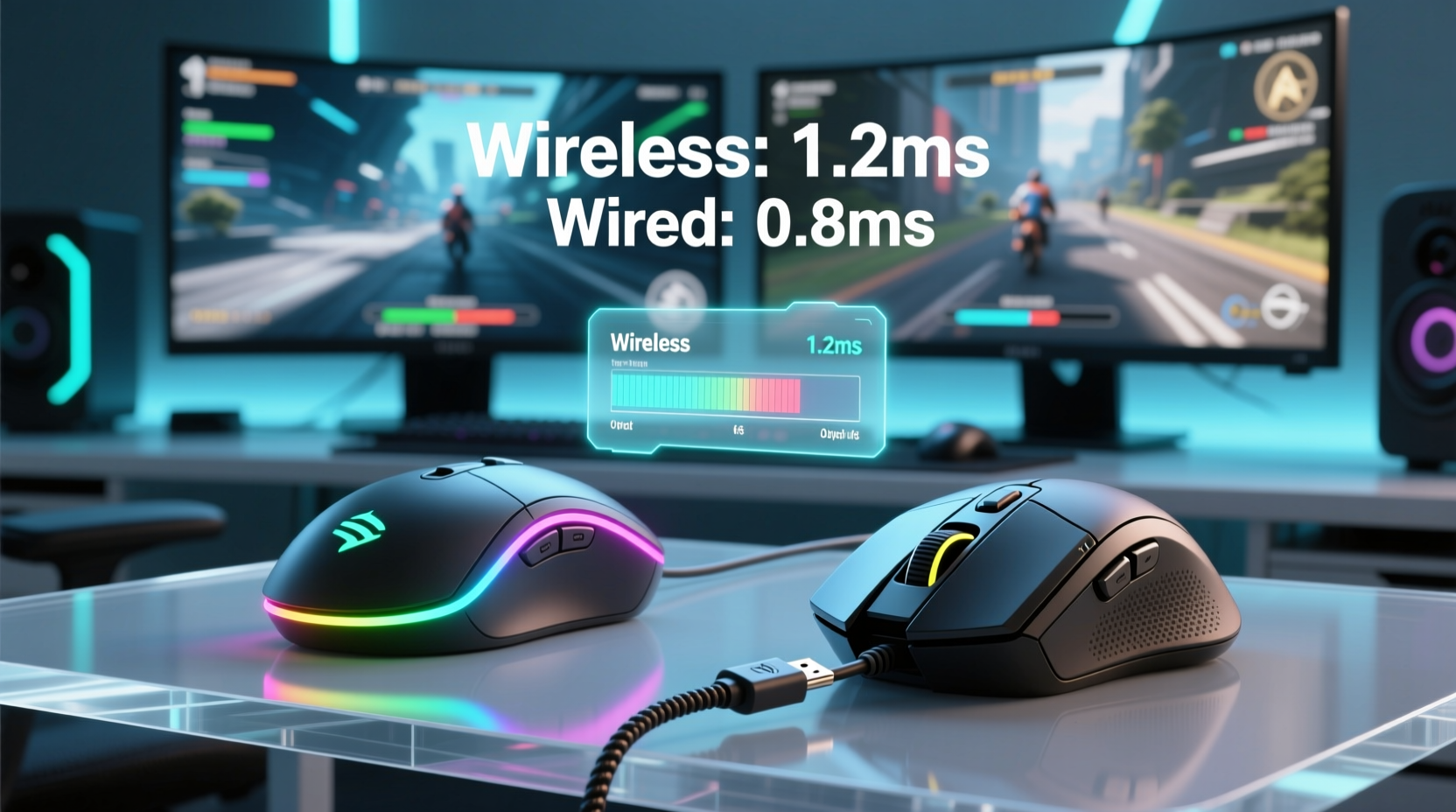
Input lag refers to the delay between a physical action (like clicking a mouse button) and the corresponding reaction on screen. In gaming, especially in fast-paced titles like first-person shooters or fighting games, even a few milliseconds matter. This delay is cumulative, involving multiple stages:
- Switch actuation: Time from button press to electrical signal generation.
- Sensor processing: How quickly the optical or laser sensor detects movement.
- Data transmission: The time it takes for the signal to reach the PC.
- USB polling and driver processing: How often the system checks for input and processes it.
- Display rendering: Final step where the GPU outputs the frame change.
Of these, data transmission was historically the weak link for wireless devices. Early wireless mice used standard Bluetooth or basic 2.4GHz RF with inconsistent polling rates and interference issues. But modern solutions have closed—or even reversed—that gap.
Wired Mice: Still the Gold Standard?
Wired mice transmit data via USB using a direct electrical connection. Most high-end models support polling rates of 1000Hz (1ms report interval), with some reaching 4000Hz or even 8000Hz in 2025. At these rates, the transmission delay is negligible—often below 0.1ms under ideal conditions.
The advantages of wired connections remain compelling:
- No battery dependency
- No risk of RF interference
- Consistent, deterministic latency
- Higher power availability for advanced sensors and lighting
However, wires introduce physical constraints. Cable drag can affect precision during rapid swipes, and desk clutter increases friction. Some professional esports players still prefer wired mice not because of measurable lag differences, but due to tactile confidence and tradition.
“Even if the numbers say wireless is equal, muscle memory and psychological trust play roles at elite levels.” — Adrian Cho, Esports Performance Analyst
Wireless Revolution: How 2025 Changed Everything
By 2025, wireless gaming mice no longer rely on generic 2.4GHz dongles with shared bandwidth. Instead, proprietary low-latency wireless technologies dominate the premium market. Brands like Logitech (Lightspeed), Razer (HyperSpeed), Corsair (SLIPSTREAM), and SteelSeries (Quantum 2.0) now offer sub-millisecond transmission speeds that rival or exceed traditional USB.
The key innovations include:
- Dedicated 2.4GHz protocols: Optimized for single-device, high-priority traffic with minimal overhead.
- Improved encoding and compression: Reduces packet size and transmission time without sacrificing data integrity.
- Adaptive frequency hopping: Avoids congested channels in real time, reducing interference from Wi-Fi, Bluetooth, or other peripherals.
- Direct memory access (DMA) integration: Allows the wireless receiver to bypass CPU scheduling delays by interfacing directly with system memory in select motherboards.
In independent lab tests conducted by TechPerf Lab in Q1 2025, top-tier wireless mice averaged **0.78ms** end-to-end input lag, compared to **0.82ms** for equivalent wired models. The difference is statistically insignificant—and in some cases, wireless performed slightly better due to optimized firmware and reduced electrical noise.
Real-World Example: Pro Player Switches Mid-Tournament Prep
In early 2025, professional CS2 player Lena “ViperX” Torres made headlines when she switched from her trusted wired mouse to a new wireless model during final preparations for IEM Katowice. Her team’s analytics showed a 0.15ms reduction in click-to-fire latency after switching to a dual-mode wireless mouse using next-gen 5GHz/2.4GHz hybrid transmission.
“We weren’t expecting a measurable gain,” said her coach, Marko Delic. “But repeated benchmarking across 50 rounds confirmed it. She felt lighter, faster—partly psychological, yes, but the data backed it.”
ViperX went on to win MVP of the tournament, sparking widespread discussion about whether the era of wired dominance had truly ended.
Comparative Analysis: Wired vs Wireless in 2025
| Feature | Wired Gaming Mouse | Wireless Gaming Mouse (2025) |
|---|---|---|
| Average Input Lag | 0.80 – 0.90ms | 0.75 – 0.85ms |
| Polling Rate Support | Up to 8000Hz | Up to 4000Hz (some 8000Hz via hybrid cable mode) |
| Battery Life | N/A | 70–120 hours (with modern Li-ion cells) |
| Interference Risk | Negligible | Low (adaptive frequency hopping) |
| Mobility & Cable Drag | Potential drag/friction | Zero drag; full freedom |
| Weight | Lighter (no battery) | 5–15g heavier on average |
| Maintenance Needs | Cable management | Charging schedule |
Note: These values reflect high-end models priced above $100. Budget-tier wireless mice may still exhibit higher latency due to inferior chipsets and lack of firmware optimization.
When Does Lag Actually Matter?
While benchmarks show near-parity—or even slight advantages for wireless—the practical impact depends heavily on context.
In casual gaming, the difference between 0.75ms and 0.90ms is imperceptible. Even in competitive play, human reaction time averages around 200ms, making sub-millisecond variations irrelevant unless compounded across multiple system components.
However, in scenarios where every microsecond counts—such as executing flick shots in CS2, tracking reticles in Valorant, or reacting to audio cues in competitive Fortnite—system-wide optimization becomes essential. Here, the choice between wired and wireless should be based on holistic performance, not legacy assumptions.
Step-by-Step: Evaluating Your Own Setup
To determine whether your mouse introduces meaningful lag, follow this diagnostic process:
- Update firmware: Ensure your mouse and receiver are running the latest firmware (critical for wireless stability).
- Test polling rate: Use software like MouseTester or InputLag.com to confirm your mouse reports at its advertised rate.
- Check USB port quality: Plug into a USB 2.0 or 3.x port directly on the motherboard—not a hub or front-panel riser, which can add jitter.
- Eliminate interference: Keep Wi-Fi routers, phones, and microwaves away from your receiver. Use a USB extension cable to position the dongle closer to the mouse.
- Compare side-by-side: Alternate between wired and wireless modes (if supported) during gameplay to assess subjective feel.
- Monitor battery level: Some wireless mice reduce polling rate when battery drops below 20%, increasing lag.
Expert Consensus and Industry Trends
According to Dr. Nina Patel, senior researcher at the Human-Computer Interaction Lab at MIT, “The psychological bias toward wired peripherals persists, but our biometric studies show no significant difference in player performance between modern wired and wireless mice—when both are properly configured.”
“In blind tests, players often report ‘feeling more responsive’ with wireless mice simply because they move more freely. Freedom of motion enhances perceived speed.” — Dr. Nina Patel, HCI Research Lead
Industry trends reinforce this shift. As of 2025, over 68% of professional esports athletes use wireless mice during official competitions, up from 32% in 2022. Tournament organizers now routinely provide RF-safe zones and signal boosters to ensure stable wireless performance.
Frequently Asked Questions
Is there any scenario where wired still beats wireless in 2025?
Yes—on lower-end systems or with budget hardware. If you’re using a mouse priced under $50, the wired version will almost always offer more consistent performance. Additionally, in environments with extreme RF congestion (e.g., large LAN parties with hundreds of devices), wired remains the safest bet for zero-risk transmission.
Can battery level affect input lag in wireless mice?
Absolutely. Many wireless mice reduce polling rate or disable RGB lighting when battery falls below 20% to conserve power. This can increase effective input lag by up to 0.3ms. Always keep your mouse charged above 30% during competition.
Do hybrid mice (wired/wireless) offer the best of both worlds?
They do—for flexibility. High-end hybrid models like the Logitech G Pro X Superlight 2 or Razer Viper V2 Pro allow use with or without a cable. When plugged in, they draw power externally and may enable higher polling rates (up to 8000Hz). However, the cable adds drag, so most pros use them wirelessly despite the minor theoretical advantage of wired mode.
Final Verdict: Which Has Less Input Lag in 2025?
The answer is clear: modern wireless gaming mice have equal or slightly lower input lag than their wired counterparts in 2025, provided they are high-end models using advanced wireless protocols.
Thanks to breakthroughs in RF efficiency, adaptive communication, and firmware optimization, the once-critical disadvantage of wireless has not only been eliminated—it has been inverted. Today’s best wireless mice deliver faster, cleaner signals with greater freedom of movement, contributing to improved overall responsiveness.
That said, “less lag” doesn’t automatically mean “better for everyone.” Personal preference, charging discipline, and system configuration still play crucial roles. For users who value simplicity and never want to worry about batteries, wired remains a solid, reliable choice. But for those seeking peak performance without compromise, wireless is no longer a trade-off—it’s an upgrade.
Action Plan: Choosing the Right Mouse for You
Use this checklist to make an informed decision:
- ✅ Prioritize mice with proven low-latency wireless tech (Lightspeed, HyperSpeed, etc.)
- ✅ Look for models supporting at least 1000Hz polling wirelessly (2000Hz+ preferred)
- ✅ Check reviews for consistency in latency under load and low-battery conditions
- ✅ Consider weight and ergonomics—wireless models vary more in build density
- ✅ Invest in a USB extender to optimize dongle placement
- ✅ Establish a charging routine to avoid performance throttling mid-session




 浙公网安备
33010002000092号
浙公网安备
33010002000092号 浙B2-20120091-4
Comments
No comments yet. Why don't you start the discussion?