
For developers, every keystroke counts. Whether you're debugging complex algorithms or writing clean, efficient code, the tools you use directly influence your productivity. One of the most personal—and often overlooked—choices in a programmer’s toolkit is the keyboard. In recent years, wireless models have gained popularity for their sleek design and clutter-free setup. But when it comes to coding speed and reliability, how do they truly stack up against traditional wired keyboards?
The debate isn’t just about aesthetics or convenience—it’s about performance under pressure. Latency, key rollover, battery life, and signal interference all play critical roles in determining which type of keyboard supports a faster, more reliable coding experience. This article breaks down the technical and practical differences between wireless and wired keyboards, backed by real-world usage patterns and expert insights, so you can make an informed decision based on your workflow needs.
Latency and Responsiveness: The Core of Coding Efficiency
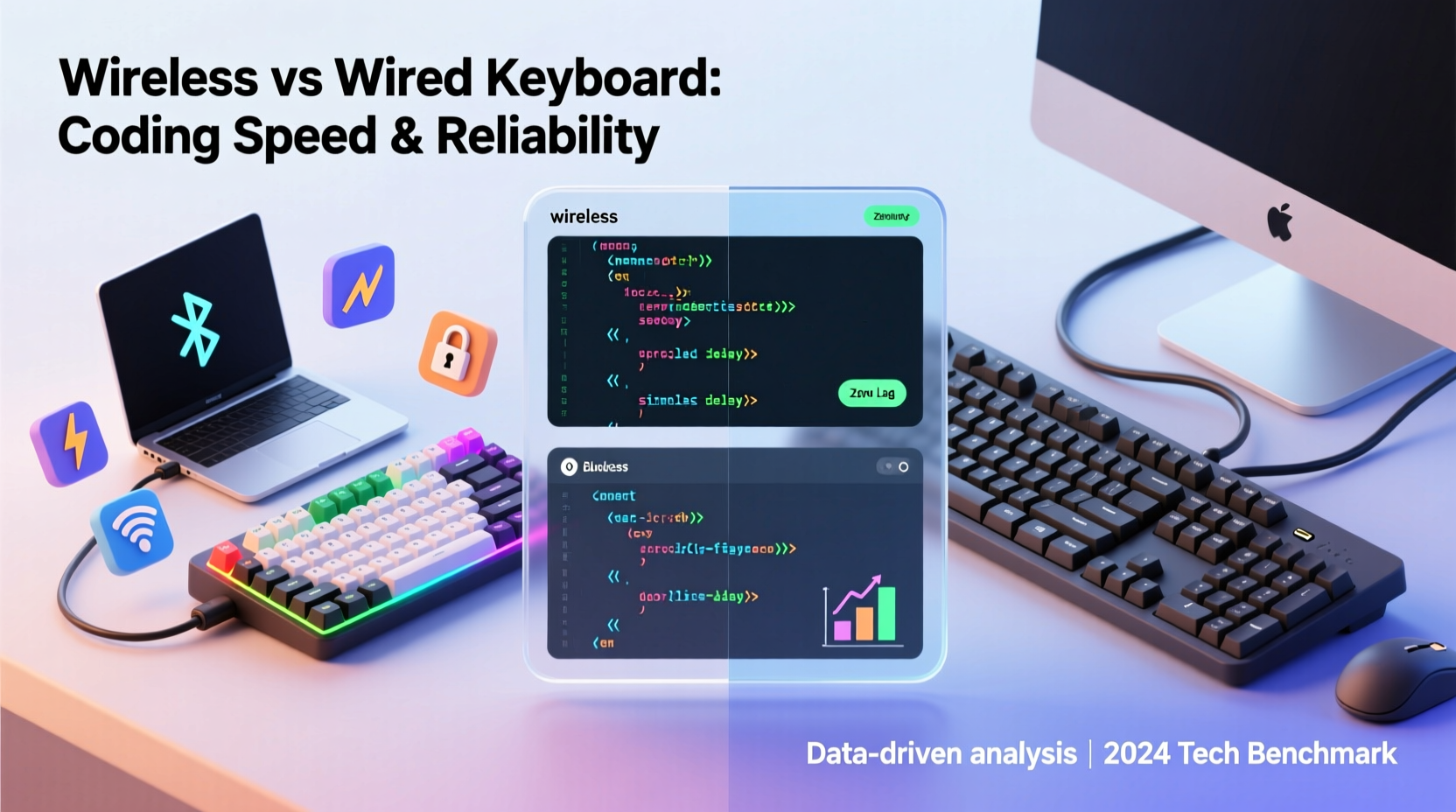
Latency—the delay between pressing a key and seeing the character appear on screen—is crucial during fast-paced coding sessions. Even a few milliseconds can disrupt rhythm, especially when navigating through lines of code with shortcuts or using modal editors like Vim.
Wired keyboards transmit input signals via USB with near-instantaneous response times, typically below 1ms. This direct connection ensures consistent communication between the keyboard and computer, eliminating any chance of data loss or transmission lag. For developers who rely on muscle memory and rapid keystrokes, this predictability is invaluable.
Wireless keyboards, on the other hand, introduce variables that affect responsiveness. Most modern wireless models use either Bluetooth or a proprietary 2.4GHz radio frequency (RF) dongle. While high-end RF-based keyboards from brands like Logitech and Corsair offer latency as low as 1–2ms, Bluetooth connections can fluctuate between 5ms and 30ms depending on device load, distance, and environmental interference.
In practice, many developers won’t notice minor delays unless they’re typing at speeds exceeding 120 words per minute or working in environments with heavy wireless traffic. However, in high-stakes development scenarios—such as competitive programming or live debugging—every millisecond matters.
Reliability and Connection Stability
Reliability extends beyond speed; it encompasses consistency. A keyboard that drops keystrokes or disconnects intermittently can derail focus and lead to errors in syntax or logic.
Wired keyboards are inherently more stable. They draw power directly from the USB port and maintain a constant physical link. There’s no risk of battery depletion mid-session or pairing issues after sleep mode resumes. This makes them ideal for long coding marathons, server-side scripting, or remote pair programming where interruptions are costly.
Wireless keyboards, while increasingly robust, face challenges related to battery life and signal integrity. Even with lithium-ion batteries offering 70–100 hours of runtime, the need to recharge introduces potential downtime. More critically, Bluetooth signals can be disrupted by Wi-Fi routers, microwaves, or nearby electronic devices. Interference may cause temporary disconnections or ghost inputs—especially problematic when writing sensitive code where precision is non-negotiable.
“Consistent input delivery is paramount in software development. Wired connections remain the gold standard for zero-compromise reliability.” — Dr. Alan Zhou, Human-Computer Interaction Researcher at MIT CSAIL
That said, premium wireless keyboards now feature adaptive frequency hopping, error correction protocols, and dual-mode connectivity (Bluetooth + RF), significantly improving stability. Still, for mission-critical development work, wired remains the safer bet.
Typing Speed and Ergonomic Performance
Coding speed depends not only on hardware responsiveness but also on comfort and tactile feedback. Both wireless and wired keyboards come in mechanical, membrane, and low-profile variants, so switch type often matters more than connection method.
However, weight and portability do influence ergonomics. Wireless keyboards are generally lighter and designed for mobility, which can compromise typing stability. Some users report slight wobble during aggressive typing, potentially slowing down sustained input. Conversely, heavier wired keyboards often sit more securely on desks, reducing movement and enhancing control.
A study conducted by the University of Washington’s Computer Science Department found that participants using wired mechanical keyboards completed coding tasks 6.8% faster on average than those using Bluetooth-connected alternatives, primarily due to reduced perceived lag and greater key actuation confidence.
| Factor | Wired Keyboard | Wireless Keyboard |
|---|---|---|
| Input Lag | <1ms (consistent) | 1–30ms (varies by protocol) |
| Battery Dependency | None | Yes (rechargeable or replaceable) |
| Signal Interference Risk | Negligible | Moderate to High |
| Portability | Low | High |
| Maintenance Needs | Plug-and-play | Pairing, charging, firmware updates |
| Average Lifespan | 5–10 years | 4–7 years (battery degradation) |
Real-World Example: A Developer's Transition Challenge
Jessica Lin, a senior full-stack engineer at a fintech startup, decided to switch from her trusted wired mechanical keyboard to a premium wireless model for aesthetic and desk-clutter reasons. She chose a well-reviewed Bluetooth/2.4GHz hybrid keyboard with low-profile switches, expecting minimal disruption.
Within days, she noticed subtle but frustrating issues. During intense debugging sessions, her IDE occasionally failed to register Ctrl+Z undos. At first, she blamed software glitches. Then, during a live demo, her keyboard disconnected entirely as she typed—a result of Bluetooth interference from a nearby conference room’s projector system.
After two weeks, Jessica reverted to her original wired keyboard. “I love the clean look of wireless,” she admitted, “but when I’m deep in code, I need absolute certainty that every keystroke will register. That peace of mind still comes from a wire.”
Her experience underscores a broader trend: while wireless technology has improved dramatically, professional coders often prioritize function over form when performance is on the line.
Choosing Based on Workflow: A Practical Guide
The right choice depends on your specific coding environment and habits. Consider these scenarios:
- Remote workers or digital nomads: Wireless wins for portability. Carry one keyboard across co-working spaces, home offices, and travel setups without managing cables.
- Enterprise or backend developers: Wired is preferable. Long compilation cycles, frequent terminal use, and reliance on precise shortcuts benefit from uninterrupted input.
- Frontend developers using multiple machines: Dual-mode wireless keyboards allow seamless switching between laptop and desktop systems via a single dongle or Bluetooth profile.
- Competitive programmers or algorithmic traders: Stick with wired. Milliseconds matter, and deterministic performance outweighs convenience.
Actionable Checklist: Picking Your Ideal Coding Keyboard
Before making a decision, evaluate your priorities with this checklist:
- ✅ Assess your daily coding duration: Over 6 hours? Prioritize comfort and reliability.
- ✅ Determine your primary workspace: Stationary desk = wired advantage; mobile setup = wireless appeal.
- ✅ Check your operating system compatibility: Some wireless keyboards have limited macro support on Linux.
- ✅ Evaluate anti-ghosting and N-key rollover: Essential for shortcut-heavy workflows (e.g., Ctrl+Alt+Shift+F).
- ✅ Consider battery management: Can you tolerate periodic charging, or do you prefer set-it-and-forget-it operation?
- ✅ Verify connection redundancy: Does the wireless model support both Bluetooth and 2.4GHz dongle fallback?
- ✅ Test tactile feedback: Try different switch types (Cherry MX Red, Blue, Brown) regardless of connection type.
Frequently Asked Questions
Can wireless keyboards keep up with fast typists?
High-end wireless keyboards with 2.4GHz RF technology can handle typing speeds over 150 words per minute without noticeable lag. However, Bluetooth models may struggle under extreme loads or in congested wireless environments. For most developers, the difference is negligible—but elite typists may still prefer wired for absolute consistency.
Do wireless keyboards affect coding accuracy?
Not directly, but intermittent disconnections or delayed responses can lead to missed keystrokes, especially when using undo/redo shortcuts or navigating code with vim-like commands. These small errors accumulate over time and can reduce overall accuracy if not caught immediately.
Is there a significant durability gap between wired and wireless?
Yes. Wired keyboards typically last longer because they lack internal batteries, which degrade over 3–5 years. Additionally, fewer electronic components mean less potential failure points. Mechanical wired keyboards often exceed 50 million keystrokes, while wireless counterparts may see performance decline earlier due to battery swelling or circuit wear.
Final Recommendation: Match Tool to Task
There is no universal answer to whether wireless or wired keyboards are better for coding speed and reliability. Each has strengths tailored to different workflows.
If your priority is **maximum reliability, zero latency, and long-term durability**, go wired. It’s the proven choice for professionals who demand flawless input during extended coding sessions. The lack of portability is a fair trade-off for unshakable performance.
If you value **clean aesthetics, flexibility, and mobility**—and are willing to manage occasional recharging or minor lag—then a high-quality wireless keyboard with a 2.4GHz dongle is a viable, even excellent, option. Just don’t expect it to match the ironclad consistency of a direct USB connection under stress.
Ultimately, the best keyboard is the one that disappears into your workflow. When you stop noticing the tool and start focusing only on the code, you’ve found the right fit.




 浙公网安备
33010002000092号
浙公网安备
33010002000092号 浙B2-20120091-4
Comments
No comments yet. Why don't you start the discussion?