
Synchronized light shows have evolved from simple string lights on a timer to complex, music-driven spectacles spanning entire neighborhoods. Behind the scenes, these dazzling displays rely on precise timing and seamless communication between hundreds—or even thousands—of smart lighting nodes. As more hobbyists and professionals adopt wireless control systems like ESP8266, ESP32, or proprietary controllers, the question arises: can a standard Wi-Fi setup handle the load? More specifically, do you need multiple routers when using wireless mesh networks for synchronized light shows? The answer isn’t a simple yes or no—it depends on scale, layout, synchronization demands, and network design.
Unlike streaming video or browsing the web, synchronized lighting requires ultra-low latency, high reliability, and tight timing accuracy—often within milliseconds. A dropped packet or delayed command can throw off an entire sequence, ruining the visual harmony of a show. This is where wireless mesh networking comes into play, offering extended coverage and self-healing capabilities. But even with mesh technology, understanding whether multiple routers (or access points) are necessary is critical to building a robust system.
Understanding Wireless Mesh Networks in Lighting Control
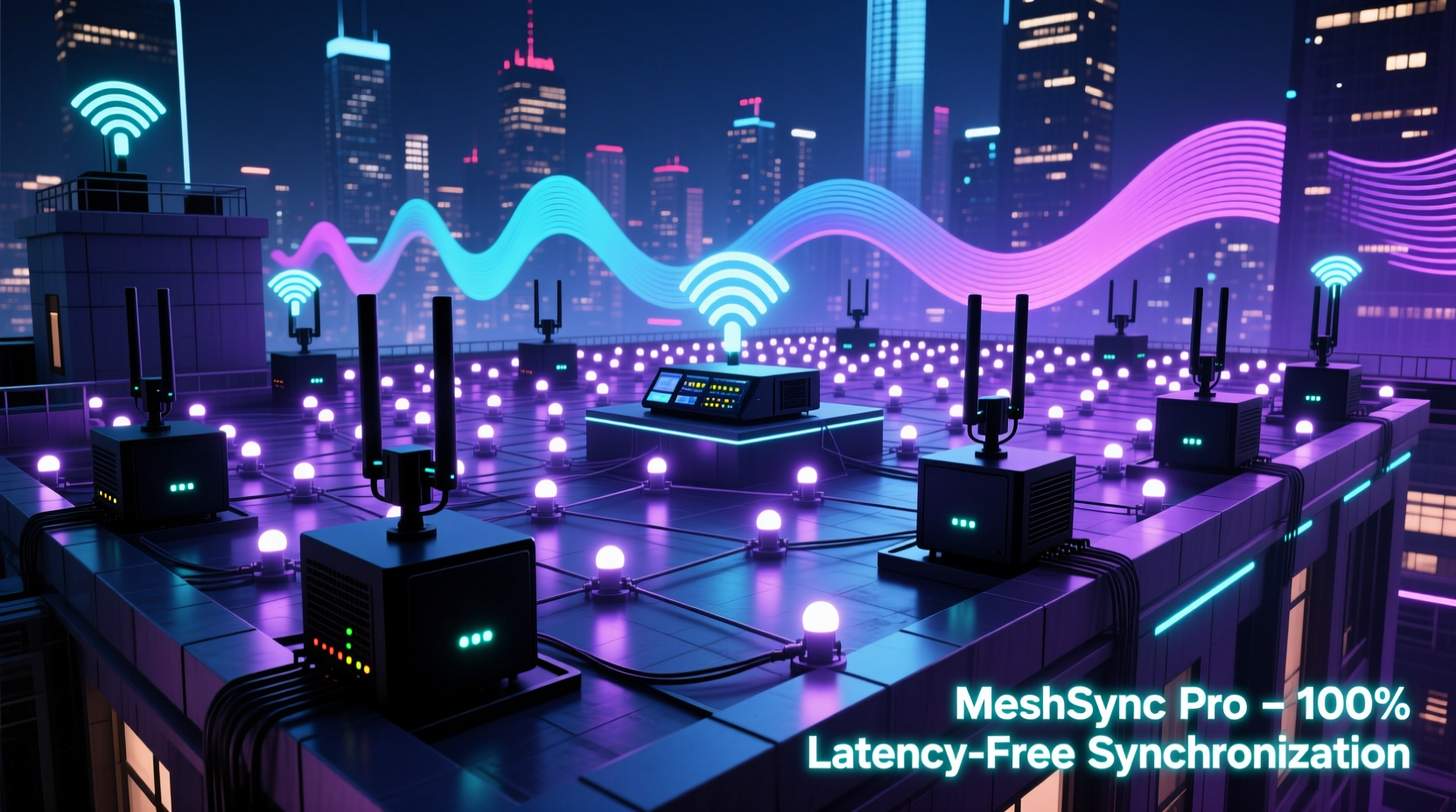
A wireless mesh network consists of multiple interconnected nodes that relay data across a decentralized structure. Unlike traditional Wi-Fi, where every device connects directly to a central router, mesh networks allow devices to communicate through intermediate nodes, effectively extending range without signal degradation. In the context of synchronized light shows, each lighting controller can act as both a receiver and a repeater, forming a resilient web of connectivity.
For small-scale setups—say, a single house with 200–300 pixels—most modern mesh systems perform adequately with just one primary router and one satellite unit. However, larger installations involving multiple buildings, expansive yards, or public spaces demand more sophisticated planning. Mesh networks reduce dead zones and improve redundancy, but they introduce challenges such as increased latency due to multi-hop routing and potential jitter in time-sensitive applications.
The key metric here is **timing consistency**. Light sequences often use protocols like Art-Net, sACN (Streaming ACN), or UDP-based custom firmware (e.g., Falcon Pi Player or xLights). These protocols transmit timing-critical data packets that must arrive at each node within a narrow window—typically under 10ms—to maintain synchronization. If a packet takes too long because it’s hopping through three mesh nodes instead of connecting directly, the corresponding lights may flicker or lag behind the beat.
When Multiple Routers Become Necessary
Multiple routers—or more accurately, multiple access points (APs)—are not always required, but they become essential under certain conditions:
- Large physical footprint: Properties exceeding 5,000 square feet or outdoor areas with obstructions (trees, walls, metal structures) often exceed the effective range of a single AP.
- High node density: Over 100 lighting controllers on one network segment can overwhelm a single access point’s capacity, leading to packet loss and interference.
- Multi-building coordination: Shows spanning garages, sheds, front lawns, and street-facing facades benefit from dedicated APs near each cluster of lights.
- Need for deterministic performance: Professional-grade shows require predictable behavior. Distributing traffic across multiple routers ensures consistent throughput.
In practice, many top-tier holiday displays use a hybrid approach: a core mesh backbone supplemented by strategically placed access points connected via Ethernet (wired backhaul). This configuration combines the flexibility of mesh with the stability of wired infrastructure.
“Reliability trumps elegance in live lighting control. I’d rather run extra cables than risk a glitch during peak viewing hours.” — Derek Lin, Lighting Engineer & Creator of “Neighborhood Lights Festival”
Step-by-Step Guide to Building a Reliable Network for Synchronized Lights
Follow this structured process to determine if you need multiple routers and how to deploy them effectively:
- Map your display area: Sketch out all locations where lighting nodes will be installed. Note distances from your main control point (e.g., garage or basement).
- Estimate node count: Count how many individual controllers (e.g., WLED strips, PixlDuino boards) you’ll use. Group them by zone (front yard, roofline, driveway).
- Assess existing Wi-Fi coverage: Use a Wi-Fi analyzer app (like NetSpot or Wi-Fi Analyzer) to measure signal strength across your property. Identify weak spots.
- Determine bandwidth needs: Each lighting node typically sends minimal data (~1–2 Mbps total for most home setups), but timing precision matters more than raw speed.
- Choose your network topology:
- Single router: Suitable for under 100 nodes within 100 ft line-of-sight.
- Multipoint mesh: Ideal for medium-range, obstacle-rich environments.
- Distributed APs with wired backhaul: Best for large or professional installations.
- Deploy access points strategically: Place routers or mesh satellites within 30–50 feet of their target node groups. Avoid placing them behind thick walls or metal gutters.
- Configure QoS and VLANs (if supported): Prioritize lighting traffic over general internet use. Assign lighting devices to a separate VLAN to reduce broadcast noise.
- Test under real conditions: Run full sequences at night while monitoring packet loss and sync accuracy. Use tools like ping sweeps or Wireshark for deeper analysis.
Comparison: Single Router vs. Multi-Router Mesh Setup
| Factor | Single Router | Multi-Router / Mesh System |
|---|---|---|
| Coverage Range | Limited to ~100 ft indoors, less outdoors | Extensible up to several hundred feet |
| Node Capacity | Up to ~75–100 devices (varies by model) | Scalable; supports 200+ nodes with proper segmentation |
| Latency Consistency | Low and predictable (direct connection) | Higher variability in multi-hop mesh; better with wired backhaul |
| Installation Complexity | Simple plug-and-play | Moderate to high; requires planning and cabling |
| Cost | $50–$150 | $200–$600+ depending on number of units and switches |
| Best For | Small residential displays, beginners | Large yards, multi-zone shows, public events |
Real-World Example: The Clark Family Mega Display
The Clark family in Portland, Oregon runs one of the region’s most popular holiday light shows, featuring over 120,000 LEDs across two houses, a detached garage, and a front lawn stage. Initially, they used a single high-end router inside the main house. During testing, they noticed frequent desynchronization in the garage-mounted snowflake animations—delays of up to 300ms.
After diagnosing the issue with packet capture software, they discovered that the mesh satellite serving the garage was relaying data through two hops due to poor line-of-sight. The solution? They installed a second router in the garage, connected via a 100-foot Cat6 cable running along the fence. This new access point operated on a different SSID and channel, reducing interference. They also segmented their network so that only lighting controllers connected to the secondary AP.
Result: Sync accuracy improved to within 8ms across all zones. Viewers reported smoother transitions and tighter audio alignment. The Clarks now recommend a \"zone-based\" networking strategy to others building large-scale displays.
Expert Recommendations for Optimal Performance
Based on interviews with lighting engineers and network specialists who support commercial holiday displays, several best practices emerge:
- Use 5 GHz band selectively: While faster, 5 GHz has shorter range and poorer wall penetration. Reserve it for short-range, high-density clusters. Use 2.4 GHz for broader coverage—especially since most microcontrollers (ESP8266/ESP32) only support 2.4 GHz.
- Limit mesh hops to two: Each hop adds ~10–30ms of delay. Beyond two hops, timing becomes unreliable for real-time sync.
- Enable multicast optimization: Protocols like sACN rely on multicast UDP. Ensure your mesh system supports IGMP snooping or similar features to prevent unnecessary flooding.
- Power cycle regularly: Consumer-grade routers can develop memory leaks after days of continuous operation. Schedule nightly reboots during the display season.
- Monitor with SNMP or API tools: Advanced users can integrate network monitoring dashboards to track uptime, packet loss, and device status in real time.
“Think of your network as part of the show itself—not just infrastructure. A single failed node shouldn't bring down the whole performance.” — Maria Tran, Lead Systems Architect at Lumos Displays
Checklist: Building a Robust Network for Your Light Show
Before launching your synchronized display, verify the following:
- ✅ All lighting controllers are within acceptable Wi-Fi range of an access point
- ✅ Mesh hops do not exceed two nodes between controller and source
- ✅ Wired backhaul is used between major access points (where feasible)
- ✅ Lighting devices are isolated on a dedicated SSID or VLAN
- ✅ Quality of Service (QoS) settings prioritize UDP traffic for lighting protocols
- ✅ Firmware on routers and controllers is up to date
- ✅ Backup plan exists (e.g., local SD card playback) in case of network failure
- ✅ Full sequence tested at night under actual operating conditions
Frequently Asked Questions
Can I use consumer mesh systems like Google Nest Wi-Fi or Eero for synchronized lights?
Yes, but with caveats. These systems are optimized for streaming and browsing, not low-latency control. Some automatically steer devices between bands or throttle background traffic, which can disrupt timing. For best results, disable band steering, lock controllers to 2.4 GHz, and avoid automatic updates during show season.
Do I need a separate router for each section of my yard?
Not necessarily. One well-placed access point can cover multiple zones if within range. However, for sections beyond 50 feet with obstacles, adding a dedicated router or mesh node improves reliability. Think in terms of functional zones rather than geography.
Is Wi-Fi the best option for synchronized lighting?
Wi-Fi is convenient and widely supported, but alternatives exist. DMX over Ethernet (with Artnet/sACN), Zigbee, or proprietary RF systems (like Light-O-Rama’s LOR networks) offer greater determinism. However, Wi-Fi remains the most accessible for DIY builders due to low-cost hardware and open-source firmware options.
Final Thoughts: Plan Ahead, Build Smart
The magic of a perfectly timed light show lies not just in the choreography or color palette, but in the invisible network that powers it. Whether you're illuminating a modest porch or orchestrating a block-wide spectacle, the decision to use multiple routers should stem from deliberate design—not last-minute fixes.
Wireless mesh networks provide valuable flexibility, especially in dynamic or temporary setups. But they’re not a substitute for thoughtful architecture. When synchronization is paramount, combining mesh coverage with strategic placement of multiple access points—and ideally, wired connections—creates a foundation you can trust night after night.
You don’t need multiple routers for every situation. But if your display spans more than one building, exceeds 100 lighting nodes, or demands millisecond-level accuracy, investing in a multi-router setup isn’t just wise—it’s essential.




 浙公网安备
33010002000092号
浙公网安备
33010002000092号 浙B2-20120091-4
Comments
No comments yet. Why don't you start the discussion?