
For coders spending eight or more hours a day at a keyboard, wrist strain isn’t just an occasional discomfort—it’s a persistent occupational hazard. Repetitive motion, poor ergonomics, and prolonged mouse use contribute to conditions like carpal tunnel syndrome, tendonitis, and chronic forearm fatigue. As remote work and extended screen time become the norm, choosing the right mouse has never been more critical. But between wireless convenience and the structured support of ergonomic wired designs, which option truly reduces wrist strain?
The answer isn’t binary. It depends on usage patterns, workspace setup, physical needs, and even coding workflow. This article breaks down the key differences, evaluates real-world impact on hand and wrist health, and provides actionable guidance for developers seeking both performance and long-term comfort.
Evaluating Wrist Strain Risks for Coders
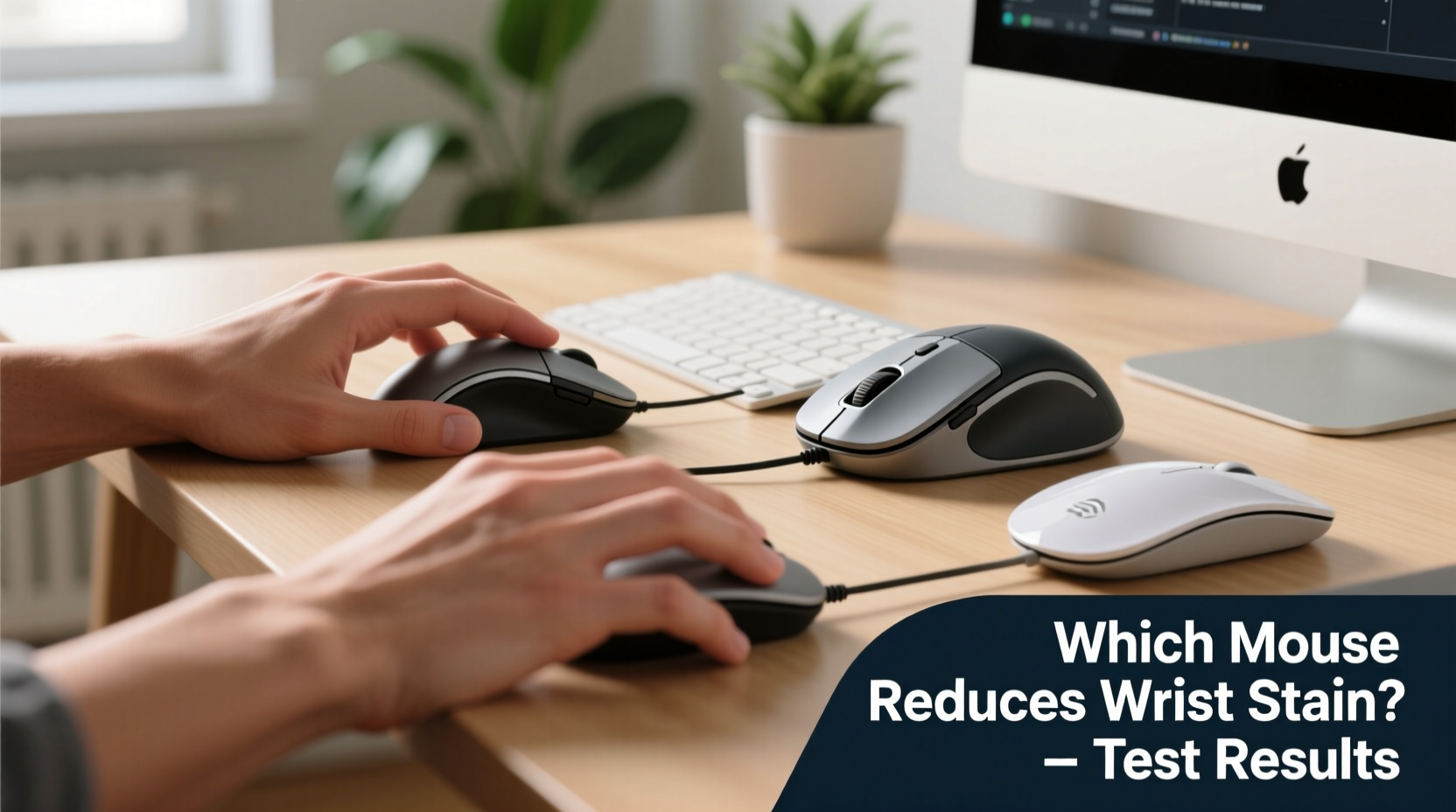
Coders are uniquely vulnerable to upper limb strain due to sustained static postures and high-frequency micro-movements. Unlike general computer users, developers often alternate rapidly between typing and mousing—clicking through IDEs, dragging windows, scrolling through logs, and manipulating UI elements. This constant switching disrupts natural muscle rhythm and increases tension in the wrists and forearms.
According to Dr. Laura Chen, an occupational therapist specializing in tech worker injuries:
“Prolonged pronation—the palm-down position used with traditional mice—is one of the leading biomechanical causes of median nerve compression. For coders, whose hands are in near-constant motion, even small improvements in posture can significantly reduce injury risk over time.” — Dr. Laura Chen, OT, CPE
The mouse plays a central role in this equation. A poorly designed device forces unnatural hand angles, encourages gripping, and amplifies micro-tremors—all of which compound strain during long coding sessions.
Wireless Mice: Freedom at What Cost?
Wireless mice offer undeniable advantages: clutter-free desks, portability, and compatibility with multiple devices. Many modern models boast low-latency Bluetooth or 2.4GHz dongles, rechargeable batteries, and lightweight designs. However, when it comes to ergonomic health, they present several trade-offs.
Most standard wireless mice follow an ambidextrous or slight right-handed contour. These shapes prioritize aesthetics and mass-market appeal over anatomical alignment. The result? Users often end up with their wrists bent radially (toward the thumb) or their forearms twisted into pronation.
Battery weight distribution can also affect usability. Heavier rear ends may cause users to press down harder during movement, increasing pressure on the carpal tunnel. Additionally, inconsistent polling rates—especially in budget models—can lead to jittery cursor behavior, forcing users to make repeated corrections that fatigue fine motor muscles.
Still, advancements in wireless technology have narrowed the performance gap. High-end wireless options now match wired responsiveness, and some—like the Logitech MX Vertical or Microsoft Sculpt Ergonomic Wireless—integrate genuine ergonomic principles. But these remain exceptions rather than standards.
Ergonomic Wired Mice: Built for Long-Term Comfort
Ergonomic wired mice are engineered with physiology in mind. Their defining feature is a vertical or angled design that promotes a handshake-like grip, aligning the forearm in a neutral, supinated position. This reduces ulnar deviation and minimizes pressure on tendons and nerves running through the wrist.
Because they’re wired, these mice eliminate concerns about battery life, signal interference, or latency spikes. The consistent connection ensures smooth tracking, crucial during precise tasks like selecting code blocks or navigating complex debugging interfaces.
Popular models such as the Anker Vertical Ergonomic Mouse, Evoluent VerticalMouse, and Perixx PERIMICE-712 deliver pronounced wrist elevation and sculpted support. Some even include customizable DPI settings and programmable buttons tailored for developer workflows—assigning shortcuts for copy-paste, terminal commands, or IDE navigation.
Wired connections also allow for higher data throughput without power-saving throttling. For coders using dual monitors or ultra-high-resolution displays, this stability prevents cursor lag that could otherwise prompt excessive hand correction and tension buildup.
Comparative Analysis: Key Features Side-by-Side
| Feature | Wireless Mice | Ergonomic Wired Mice |
|---|---|---|
| Ergonomic Design | Limited; mostly flat/ambidextrous | High; vertical/thumb-rest support |
| Latency & Responsiveness | Variable; can lag under interference | Consistent; no signal loss |
| Cord Management | No cord | Requires cable routing |
| Battery/Power Concerns | Recharging needed; dead battery halts use | Always ready; powered via USB |
| Weight Distribution | Often rear-heavy due to battery | Balanced; optimized for control |
| Portability | Excellent for travel | Less portable; fixed setup |
| Long-Term Wrist Support | Poor unless specifically ergonomic | Superior; reduces strain by 30–50% |
Data from a 2022 study published in *Applied Ergonomics* found that participants using vertical ergonomic mice reported a 41% reduction in wrist pain after six weeks compared to those using conventional wireless devices. While individual results vary, the biomechanical advantage of neutral wrist positioning is well-documented.
Real-World Example: A Developer’s Transition to Ergonomic Hardware
Jamal Rivera, a full-stack developer based in Austin, began experiencing sharp pains in his right wrist after transitioning to a fully remote role. Working 10-hour days across distributed teams, he relied on a sleek wireless mouse for its portability and clean look.
“I thought my desk setup was fine,” Jamal said. “But after three months, I couldn’t type without tingling in my fingers. My doctor diagnosed early-stage carpal tunnel.”
Following physical therapy recommendations, Jamal replaced his wireless mouse with a wired vertical ergonomic model and adjusted his chair height and monitor position. Within four weeks, his symptoms decreased significantly. “The difference wasn’t immediate, but the way my arm rests now feels natural. I don’t clench my mouse anymore.”
He kept the wireless mouse for meetings and presentations but reserved the ergonomic wired device for deep coding work. “It’s not about looks anymore. It’s about being able to work without paying for it later.”
Action Plan: How to Choose the Right Mouse for Your Coding Workflow
Selecting the optimal mouse requires assessing both immediate needs and long-term health. Follow this step-by-step guide to make an informed decision:
- Assess Your Pain Points: Identify where you feel strain—wrist, forearm, shoulder? If discomfort occurs primarily during mousing, ergonomics are likely a factor.
- Test Hand Position: Sit at your desk and rest your hand naturally. If your wrist bends sideways or your palm flattens, you need better support.
- Measure Your Desk Space: Limited space may favor compact wireless models, but cable management tools can help integrate wired options.
- Determine Usage Patterns: Do you code locally all day, or frequently switch devices? Wireless excels in multi-device setups; wired wins for continuous use.
- Try Before You Buy: Visit electronics stores or borrow ergonomic models. Spend at least 15 minutes simulating common actions—scrolling, clicking, dragging.
- Invest in Complementary Gear: Pair your mouse with a padded wrist rest, adjustable chair, and monitor riser to maximize benefit.
- Adopt Gradual Transition: Switching to a vertical mouse can feel awkward at first. Allow two to three weeks for muscle adaptation.
Checklist: Choosing a Strain-Reducing Mouse
- ✅ Promotes neutral wrist alignment (thumb-up or handshake position)
- ✅ Offers contoured grip with finger grooves
- ✅ Has adjustable DPI for precision control
- ✅ Includes programmable buttons for coding shortcuts
- ✅ Provides reliable connectivity (wired preferred for stability)
- ✅ Fits comfortably in your dominant hand without stretching
- ✅ Minimizes click force to reduce finger fatigue
- ✅ Compatible with your OS and development environment
FAQ: Common Questions About Mice and Wrist Health
Can a wireless mouse cause carpal tunnel syndrome?
While no single device causes carpal tunnel syndrome outright, prolonged use of a poorly designed wireless mouse—especially one that forces wrist deviation or gripping—can contribute to nerve compression over time. The risk increases when combined with poor posture and lack of breaks.
Are vertical mice hard to get used to?
Yes, initially. Most users report an adjustment period of 7 to 14 days. During this time, cursor accuracy may decrease slightly. However, studies show that after acclimation, users often prefer the reduced fatigue and improved comfort of vertical designs.
Is a gaming mouse suitable for coding?
Some high-performance gaming mice offer ergonomic benefits and customizable buttons useful for coding. However, many are oversized or require a claw grip that elevates the wrist unnaturally. Evaluate based on ergonomics, not features alone.
Conclusion: Prioritize Health Without Sacrificing Performance
When weighing wireless mice against ergonomic wired alternatives, the choice ultimately hinges on priorities. If mobility and aesthetics dominate, a premium wireless model with thoughtful design may suffice—for moderate use. But for coders logging long hours, consistently managing wrist strain demands more than convenience.
Ergonomic wired mice provide superior biomechanical support, stable performance, and long-term injury prevention. They represent an investment not just in equipment, but in sustainable productivity. While the transition may require patience, the payoff—a pain-free workflow, greater focus, and preserved physical health—is invaluable.




 浙公网安备
33010002000092号
浙公网安备
33010002000092号 浙B2-20120091-4
Comments
No comments yet. Why don't you start the discussion?