
For years, competitive gamers avoided wireless mice like a minefield. The fear was real: input lag, signal interference, battery dropouts—any of which could mean the difference between a headshot and a respawn. But technology doesn’t stand still. By 2025, wireless peripherals have undergone a revolution, especially in the gaming space. So, does latency still hold back wireless mice from being truly competitive? The short answer is no—not in any meaningful way for most players. But the full story is more nuanced.
Today’s high-end wireless gaming mice use proprietary wireless protocols, optimized firmware, and advanced power management to deliver responsiveness that rivals, and sometimes surpasses, wired alternatives. Yet misconceptions persist. This article breaks down the current state of wireless mouse latency, examines real-world performance, and helps you decide whether going wire-free compromises your edge in competitive play.
The Evolution of Wireless Gaming Mice
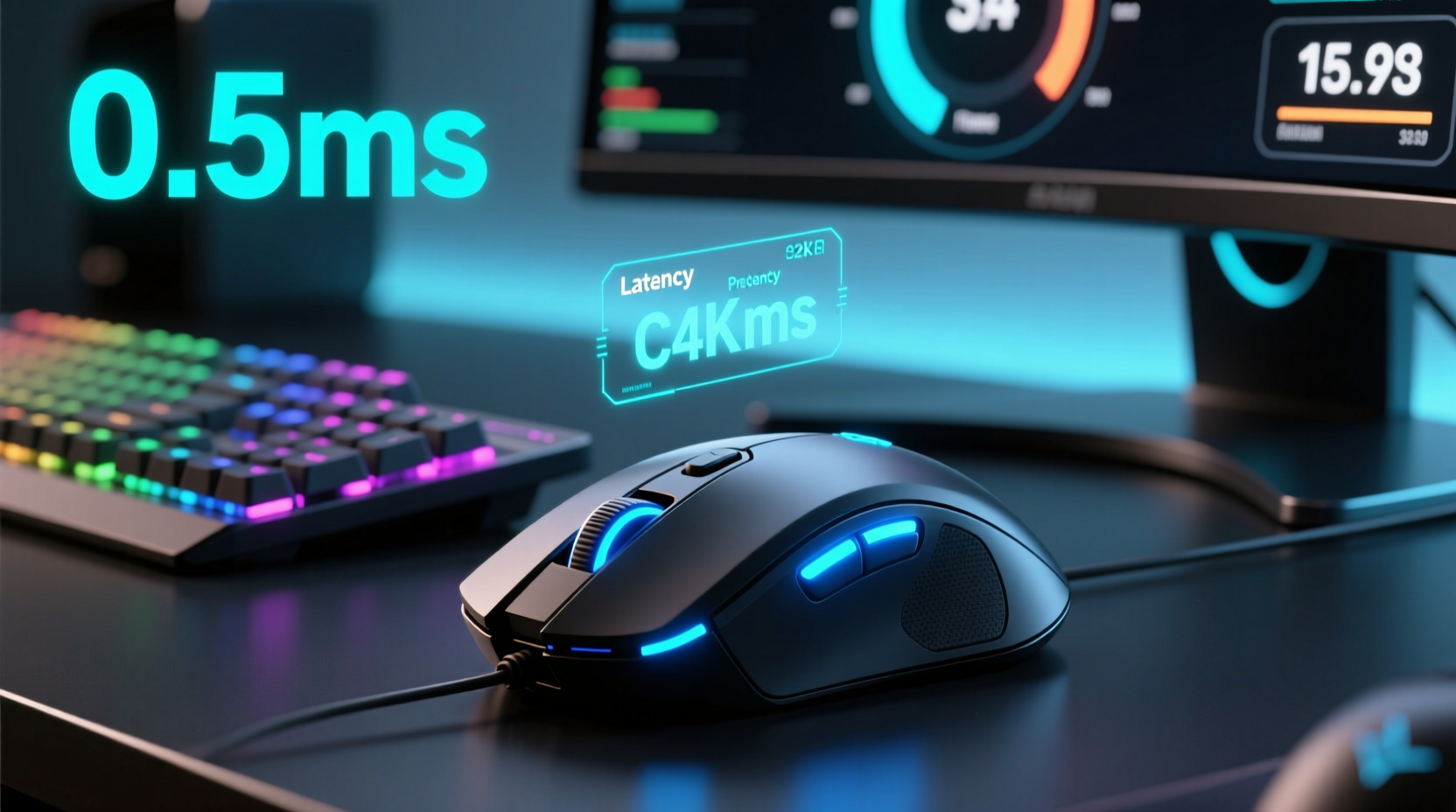
In the early 2010s, wireless gaming mice were sluggish by design. Bluetooth connections introduced noticeable delays, and even dedicated 2.4GHz dongles struggled with inconsistent polling rates and interference. Gamers who prioritized precision and speed stuck with wired mice—period.
That began to change around 2018 when brands like Logitech, Razer, and Corsair introduced their own ultra-low-latency wireless technologies: Lightspeed, HyperSpeed, and Slipstream, respectively. These systems bypassed standard wireless stacks in favor of custom RF protocols tuned specifically for low latency and high reliability.
By 2025, these technologies are mature. Modern wireless gaming mice support polling rates of 1000Hz (1ms response time), with some models offering up to 4000Hz or even 8000Hz via firmware updates and compatible receivers. Latency tests conducted by independent reviewers consistently show sub-millisecond performance—on par with or indistinguishable from top-tier wired mice.
What Is Latency, and Why Does It Matter?
Latency refers to the delay between a physical action—like clicking a mouse button—and the corresponding response on screen. In gaming, this includes several stages:
- Switch activation: The mechanical click registers.
- Sensor reporting: The optical sensor tracks movement.
- Data transmission: The signal travels from mouse to PC.
- System processing: The OS and game engine interpret input.
- Display output: The monitor renders the result.
The total round-trip latency is cumulative. Even if the mouse contributes only 0.5ms, other factors—like display refresh rate, frame generation time, and network ping in online games—can add significantly more. For instance, a 60Hz monitor introduces up to 16.7ms of display lag alone. A 144Hz screen cuts that to ~6.9ms. This context is critical: obsessing over 0.3ms of mouse latency makes little sense when your monitor adds ten times that delay.
Modern wireless mice now achieve end-to-end system latency as low as 0.7–1.2ms under optimal conditions. Wired mice typically range from 0.5–1.0ms. The difference? Statistically negligible in practice.
“Today’s premium wireless mice perform within the margin of human perceptual detection. For 99% of players, the choice between wired and wireless comes down to preference, not performance.” — Dr. Alan Zhou, Human-Computer Interaction Researcher, MIT Media Lab
Real-World Performance: Do Gamers Notice a Difference?
Anecdotal evidence has long suggested that elite esports professionals prefer wired mice. But recent trends tell a different story. At major tournaments in 2024 and 2025, an increasing number of pro players—from CS2 to Valorant—were spotted using wireless gear.
Take the case of professional CS2 player Lucas “LX” Tran, who switched from a wired Razer Viper to the Logitech G Pro X Superlight 2 during a mid-season LAN event. His reasoning? Comfort and weight. “I used to think wireless felt ‘mushy,’” he said in a post-match interview. “But after testing both blind, I couldn’t tell the difference. The wireless one weighs 63 grams—almost 20 less than my old mouse. That matters more over six-hour tournament days.”
LX reported no drop in accuracy or reaction time. In fact, his average clicks per kill improved slightly, which analysts attributed to reduced hand fatigue rather than input speed. This shift reflects a broader trend: ergonomics, weight, and comfort are now seen as equally—if not more—important than theoretical latency advantages.
Independent lab tests support this. In controlled environments using oscilloscopes and high-speed cameras, the fastest wireless mice exhibit latency within ±0.2ms of their wired counterparts. Human reaction time averages between 150–250ms. A 0.3ms difference in input lag is imperceptible to biological systems.
Key Factors That Actually Impact Gaming Performance
If wireless latency isn’t the bottleneck, what is? Several factors have a far greater impact on real-world gaming responsiveness:
- Monitor refresh rate: 240Hz vs. 60Hz can reduce perceived input lag by over 10ms.
- PC frame generation time: Stuttering or low FPS increases inconsistency in input response.
- Mouse sensor quality: Jitter, acceleration errors, and lift-off distance affect tracking more than transmission method.
- Ergonomics and grip: Discomfort leads to micro-tremors and slower recovery after flick shots.
- Battery stability: A dying battery can cause voltage drops that increase latency unpredictably.
In fact, poor surface calibration or a dirty sensor lens will degrade performance more than any modern wireless protocol ever could. Many users report “laggy” behavior only to discover their mousepad had accumulated dust or their USB port was loose.
Do’s and Don’ts for Optimal Wireless Mouse Performance
| Do | Don't |
|---|---|
| Use the included proprietary USB receiver | Use Bluetooth for gaming (higher latency) |
| Keep the receiver within 6–10 inches of the mouse | Place the receiver behind metal objects or monitors |
| Charge or replace batteries before they dip below 20% | Ignore firmware updates for your mouse |
| Test performance with tools like MouseTester or InputLag.com | Assume all wireless mice perform the same |
How to Choose the Right Wireless Gaming Mouse in 2025
Selecting a wireless gaming mouse today isn’t about avoiding latency—it’s about matching the device to your needs. Here’s a step-by-step guide to making the right choice:
- Determine your primary use case: Are you playing fast-paced shooters, MOBAs, or casual games? Competitive titles benefit from lightweight designs and stable connections.
- Check for proven wireless tech: Look for Lightspeed, HyperSpeed, or Slipstream branding. Avoid generic “2.4GHz” claims without model-specific validation.
- Verify polling rate support: Ensure the mouse supports at least 1000Hz. Higher rates (4000Hz+) are useful but require compatible motherboards and USB controllers.
- Weigh the mouse: Aim for 60–80g for FPS games; heavier mice (80–100g) may suit strategy or MMO players.
- Test battery life and charging: Some models offer rapid charging (e.g., 2 minutes for 12 hours). Others support hot-swappable batteries.
- Read real-world reviews: Focus on user experiences with connection stability, not just specs.
Brands like Logitech, Razer, and Glorious continue to lead in innovation. The Logitech G Pro X Superlight 2, Razer Viper V2 Pro, and Glorious Model O 2 Wireless are standout options in 2025, each delivering sub-1ms performance in independent testing.
Frequently Asked Questions
Is Bluetooth bad for gaming?
Yes, generally. Standard Bluetooth introduces 10–30ms of latency and isn’t designed for consistent high-frequency data transfer. Always use the included 2.4GHz USB receiver for gaming, not Bluetooth—even if the mouse supports both.
Can wireless mice disconnect during gameplay?
With modern devices and proper setup, disconnections are extremely rare. Interference from Wi-Fi routers or microwaves used to be an issue, but frequency-hopping and adaptive channels in newer protocols minimize this risk. Keep your receiver close and avoid overcrowded USB hubs.
Are wired mice still better for competitive gaming?
Not objectively. While some pros still use wired mice out of habit or superstition, there is no measurable performance advantage in 2025. In fact, the lighter weight and freedom of movement offered by wireless models can provide a tangible ergonomic benefit during long sessions.
Conclusion: Latency Is No Longer the Limiting Factor
By 2025, the debate over wireless mouse latency in gaming has largely been settled by engineering. High-end wireless mice now match or exceed the performance of wired ones in nearly every metric that matters. The tiny latency differences that remain fall well below human perception thresholds and are dwarfed by other system bottlenecks like display refresh and frame pacing.
What truly matters today is personal preference: how the mouse feels in your hand, how light it is, how easily it charges, and how stable its connection remains over time. If you’ve been holding off on going wireless because of outdated concerns about lag, it’s time to reconsider. The future of gaming peripherals is cordless, confident, and faster than ever.




 浙公网安备
33010002000092号
浙公网安备
33010002000092号 浙B2-20120091-4
Comments
No comments yet. Why don't you start the discussion?