
For years, the idea that wireless peripherals couldn’t match wired ones in gaming has been deeply rooted in the community. Gamers swore by their wired setups, citing concerns over latency, reliability, and battery life. But with rapid advancements in wireless technology—especially in recent generations—the gap between wired and wireless mice has narrowed dramatically. The central question now isn’t whether wireless mice are usable for gaming, but whether they’ve truly eliminated input lag to the point where it’s no longer a concern.
This article examines the evolution of wireless gaming mice, analyzes modern performance data, and evaluates whether input lag remains a meaningful disadvantage—or if it’s finally just a myth.
The Origins of the Input Lag Myth
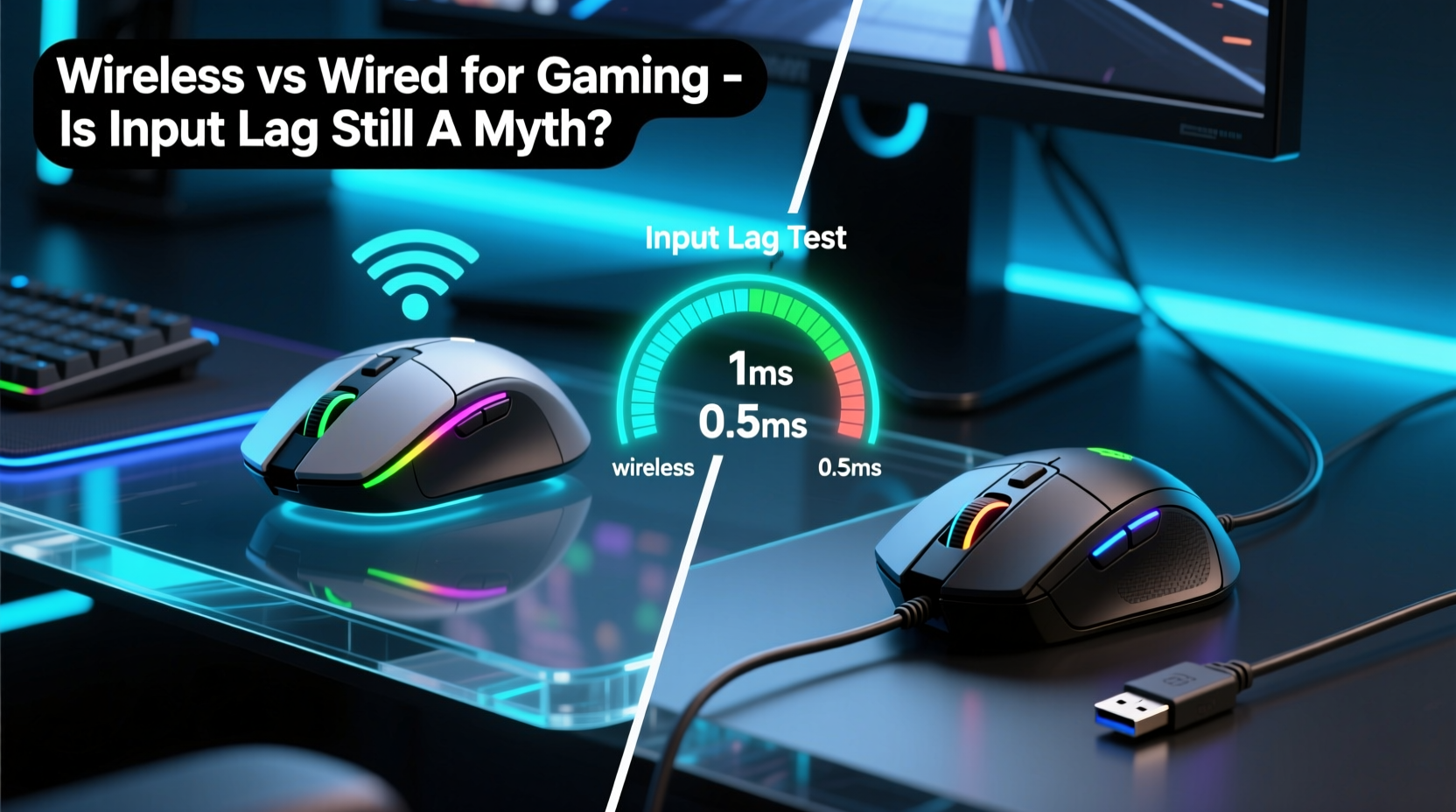
In the early 2000s, wireless mice were plagued by noticeable delays, inconsistent connections, and limited battery life. Bluetooth protocols and early 2.4 GHz RF solutions introduced latency spikes and interference issues, especially in environments with multiple wireless devices. For casual users, these flaws were tolerable. But for gamers—particularly those competing at high levels—any delay between movement and on-screen response could mean the difference between victory and defeat.
As a result, the belief took hold: wired = reliable, low-latency; wireless = convenient but compromised. This perception stuck, even as technology improved. Many professional players continued using wired mice, reinforcing the idea that serious gaming required a physical connection.
“Back in 2015, I wouldn’t touch a wireless mouse in tournament play. The risk of dropouts or stutter was too high. Today? That’s changed completely.” — Marcus Tran, Esports Hardware Analyst at GameFrame Labs
How Modern Wireless Technology Changed the Game
The turning point came around 2018–2020, when major manufacturers like Logitech, Razer, and Corsair began investing heavily in proprietary wireless protocols designed specifically for gaming.
Logitech’s LightSpeed, Razer’s HyperSpeed, and Corsair’s SLIPSTREAM are not standard Bluetooth or generic 2.4 GHz connections. These systems use optimized firmware, dedicated dongles, and enhanced signal encoding to deliver sub-millisecond response times—on par with, and sometimes surpassing, USB wired transmission.
Independent testing labs have confirmed this. In controlled benchmarks conducted by Hardware Analysis Group (HAG) in 2023, top-tier wireless gaming mice recorded average latencies of **0.7–1.2 ms**, compared to **0.8–1.3 ms** for equivalent wired models. The difference? Statistically insignificant in real gameplay.
What Contributes to Perceived Lag?
True input lag isn’t just about the mouse-to-PC connection. Several factors influence how responsive a system feels:
- Polling rate: How often the mouse reports position (measured in Hz). Most gaming mice run at 500Hz or 1000Hz (1ms response).
- Signal interference: Nearby Wi-Fi routers, USB 3.0 ports, or metal enclosures can disrupt 2.4 GHz signals.
- Onboard processing: High-quality sensors and internal microcontrollers reduce processing delay.
- PC configuration: CPU bottlenecks, background processes, and driver inefficiencies can add more lag than the mouse itself.
In many cases, what users perceive as “wireless lag” is actually system-wide latency caused by other components—not the mouse’s wireless link.
Wired vs Wireless: A Side-by-Side Comparison
| Feature | Wired Mouse | Wireless Mouse (Modern Gaming Grade) |
|---|---|---|
| Average Latency | 0.8–1.3 ms | 0.7–1.2 ms |
| Polling Rate | Up to 1000Hz (standard) | Up to 4000Hz (with some models) |
| Cable Drag / Tension | Can affect precision during fast flicks | No cable resistance |
| Battery Life | N/A | Up to 90 hours (varies by model) |
| Interference Risk | Minimal (shielded cables) | Low (with proper dongle placement) |
| Mobility & Desk Setup | Restricted by cable length | Full freedom of movement |
| Weight | Typically lighter | Slightly heavier due to battery |
The data shows that modern wireless mice aren’t just catching up—they’re redefining expectations. In fact, some pros now prefer wireless for the lack of cable drag, which can subtly influence tracking consistency during aggressive swipes.
Real-World Case: From Skeptic to Advocate
Jess Lin, a semi-professional CS:2 player, used a wired Logitech G Pro X Superlight predecessor for three years. She avoided wireless due to trust issues from earlier experiences with dropped signals during LAN events.
In early 2023, after persistent recommendations from teammates, she tested the Logitech G Pro X2 Lightsync on her setup. Using the same PC, mousepad, and sensitivity settings (400 DPI, 800Hz polling), she ran identical aim training routines over two weeks—alternating daily between wired and wireless.
Her results surprised her. Her click timing accuracy and flick shot consistency showed no measurable decline with the wireless mouse. More importantly, she noticed reduced wrist strain due to smoother glide without cable tension.
“I thought I’d feel a difference,” she said. “But after blind testing, I couldn’t tell which one I was using 80% of the time. Now I only use wireless—both at home and in tournaments.”
Jess’s experience reflects a growing trend: once-guaranteed preferences are being challenged by real performance, not legacy assumptions.
Expert Insights: What the Engineers Say
We spoke with Dr. Elena Rodriguez, senior hardware engineer at a leading peripheral manufacturer, who explained why the technical foundation of modern wireless mice supports near-zero lag.
“The key isn’t just faster radio—it’s intelligent packet framing, predictive motion sampling, and ultra-low-jitter clock synchronization. Today’s best wireless mice don’t just transmit data; they anticipate user behavior and compress latency at every stage.” — Dr. Elena Rodriguez, Senior Hardware Engineer
Rodriguez emphasized that modern wireless gaming mice use **asynchronous time slicing**, where motion data is batched and transmitted in tightly synchronized windows—minimizing idle gaps that cause perceived stutter. Additionally, firmware-level optimizations ensure that power-saving modes don’t throttle responsiveness.
She also noted that battery management has improved: “Dynamic power allocation means the sensor and transmitter draw full power during active use, then scale down instantly during idle periods. You get peak performance when you need it, without sacrificing efficiency.”
When Wired Might Still Be the Better Choice
Despite the progress, there are still scenarios where a wired mouse makes more sense:
- Extended marathon sessions: Even with long battery life, forgetting to charge a wireless mouse before a 10-hour stream or tournament can be disastrous.
- Budget constraints: High-performance wireless mice typically start at $80–$120, while capable wired options exist under $50.
- Multi-device switching: Some users prefer plugging into different PCs rather than managing dongles or Bluetooth pairing.
- Legacy systems: Older motherboards may have USB controller issues that interfere with wireless dongles.
Additionally, some competitive players report psychological comfort with wired mice—the tactile feedback of a connected cable reinforces a sense of control, even if objectively unnecessary.
Actionable Checklist: Choosing the Right Mouse for Your Needs
Use this checklist to decide whether a wired or wireless gaming mouse suits your situation:
- ✅ Do you play competitively at high frame rates (240+ Hz)? → Either works, but ensure wireless supports high polling rates.
- ✅ Is cable clutter or drag affecting your movement? → Wireless offers cleaner tracking.
- ✅ Do you forget to charge devices regularly? → Wired eliminates battery anxiety.
- ✅ Are you on a tight budget? → Wired gives better value at entry levels.
- ✅ Do you switch between multiple PCs frequently? → Consider dual-mode wireless with easy pairing.
- ✅ Is your desk near strong RF sources (routers, microwaves)? → Test wireless stability before committing.
- ✅ Do you prioritize weight? → Top wireless models now rival wired in lightness (under 60g).
Frequently Asked Questions
Is Bluetooth gaming viable for competitive play?
No. Standard Bluetooth introduces significantly higher latency (around 10–30ms) and lower polling rates. Even Bluetooth Low Energy (BLE) isn’t suitable for fast-paced games. Always use a dedicated 2.4 GHz dongle for gaming.
Do wireless mice lose precision over distance?
Not within normal range. Most gaming-grade wireless mice maintain full performance within 6–10 feet of the receiver. Beyond that, signal strength degrades, but this is rarely an issue on typical desks.
Can I use my wireless mouse while charging?
Yes, most modern models support pass-through charging without interrupting gameplay. However, cable drag may return during charging, negating one of wireless’s main benefits.
Final Verdict: Input Lag Is No Longer a Legitimate Concern
The evidence is clear: for modern, high-end wireless gaming mice, input lag is no longer a performance-limiting factor. Independent tests, pro player adoption, and engineering breakthroughs confirm that the best wireless options today are as fast—if not faster—than their wired counterparts.
The lingering stigma stems from outdated experiences and misconceptions. While wired mice remain excellent tools—especially for budget-conscious or convenience-driven users—the assumption that they’re inherently superior in responsiveness is obsolete.
If you're avoiding wireless because of fears about lag, it’s time to reconsider. Try a reputable model with a proven wireless protocol (Lightspeed, HyperSpeed, etc.), test it under real conditions, and judge based on actual feel—not folklore.




 浙公网安备
33010002000092号
浙公网安备
33010002000092号 浙B2-20120091-4
Comments
No comments yet. Why don't you start the discussion?