
When it comes to securing your home or business, choosing the right surveillance system involves more than just image quality or field of view. One of the most critical factors—often overlooked until it’s too late—is cybersecurity. With increasing reports of hacked smart devices, many consumers are asking: Are wireless security cameras more vulnerable than wired ones? The answer isn’t as straightforward as “wireless = risky” or “wired = safe.” It depends on how each system is designed, installed, and maintained.
This article breaks down the security strengths and weaknesses of both wireless and wired security cameras, examines real-world hacking scenarios, and provides actionable insights to help you build a surveillance setup that’s not only effective but also resilient against digital threats.
How Security Cameras Can Be Hacked
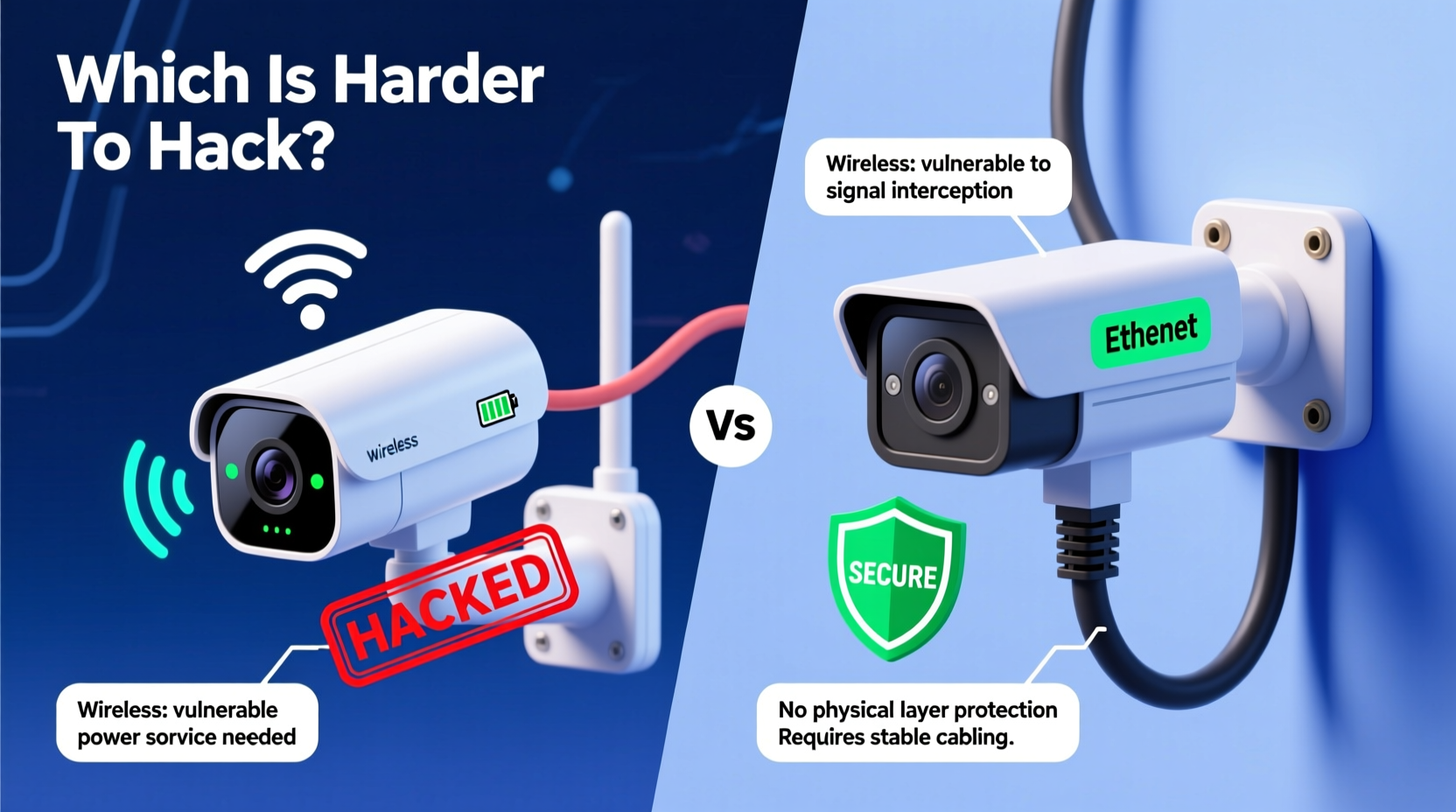
Before comparing wireless and wired systems, it's essential to understand the common attack vectors hackers use to compromise security cameras:
- Weak passwords: Default or easily guessable login credentials are the top entry point for attackers.
- Unencrypted data transmission: Video feeds sent over unsecured channels can be intercepted.
- Firmware vulnerabilities: Outdated or poorly coded firmware may contain exploitable bugs.
- Network exposure: Cameras connected to public or poorly segmented networks are at higher risk.
- Physical access: In rare cases, tampering with wiring or device ports can allow direct access.
Both wireless and wired systems face these threats, but they differ in how exposed they are to certain types of attacks—especially those involving network interception and remote access.
Wireless Security Cameras: Convenience vs. Risk
Wireless cameras dominate the consumer market due to their ease of installation, flexibility, and integration with smart home ecosystems. They transmit video via Wi-Fi or Bluetooth to cloud servers or local storage.
However, their reliance on radio frequency communication introduces unique risks:
- Signal interception: Wi-Fi signals can be captured using packet-sniffing tools if not properly encrypted.
- Wi-Fi network compromise: If your router is breached, all connected devices—including cameras—are potentially exposed.
- Cloud dependency: Many wireless systems store footage remotely, making them targets for large-scale breaches (e.g., Verkada incident in 2021).
- Default configurations: Some models ship with weak default settings, including open ports or universal plug-and-play (UPnP) enabled.
“Wireless doesn’t inherently mean insecure—but convenience often comes at the cost of oversight. Users assume ‘set and forget,’ but that mindset enables breaches.” — Dr. Lena Patel, Cybersecurity Researcher at MITRE Corporation
Encryption Standards in Wireless Systems
The level of protection in wireless cameras largely depends on encryption protocols:
- WPA3: The latest Wi-Fi security standard, offering robust protection against brute-force and offline decryption attacks.
- WPA2: Still widely used but vulnerable to KRACK (Key Reinstallation Attacks) if not patched.
- AES-128/256: End-to-end encryption for video streams adds another layer, though not all brands implement it.
Brands like Arlo, Google Nest, and Eufy offer end-to-end encryption on select models, significantly reducing the risk of video interception. However, budget models from lesser-known manufacturers often lack such features.
Wired Security Cameras: Built-In Security Advantages
Wired systems—typically using coaxial cable (analog) or Ethernet (IP-based)—transmit video through physical connections. This fundamental difference offers several inherent security benefits:
- No broadcast signal: Unlike Wi-Fi, wired transmissions don’t radiate into the environment, making eavesdropping without physical access nearly impossible.
- Reduced network footprint: Analog HD systems (like HDCVI or TVI) operate on closed circuits, isolated from IP networks entirely.
- Greater control over access: Admins can physically disconnect or segment wired networks more easily.
- Less reliance on cloud: Many wired NVR (Network Video Recorder) systems store footage locally, minimizing exposure to external breaches.
That said, modern wired IP cameras still connect to internal networks and can be compromised if those networks are poorly secured. A wired camera linked to a vulnerable router is no safer than a wireless one under the same conditions.
Myth: “Wired Cameras Can’t Be Hacked”
This misconception leads to complacency. In 2020, researchers demonstrated that even enterprise-grade PoE (Power over Ethernet) cameras could be exploited via firmware flaws or misconfigured VLANs. Physical security matters too—if an intruder gains access to the cabling closet, they might tap into video lines or reconfigure devices.
The key takeaway: wired systems reduce certain attack surfaces but aren’t immune to cyber threats.
Comparative Security Analysis: Key Differences
| Factor | Wireless Cameras | Wired Cameras |
|---|---|---|
| Signal Interception Risk | High (if WPA2/WPA3 not enforced) | Very Low (requires physical tap) |
| Network Exposure | High (connected to Wi-Fi/router) | Moderate (depends on network design) |
| Cloud Dependency | Common (many rely on cloud storage) | Rare (local NVR preferred) |
| Firmware Update Frequency | Often automatic, but varies by brand | Manual updates common; slower patch cycles |
| Physical Tampering Risk | Low to Moderate | Moderate (cables can be cut/spliced) |
| Encryption Support | Varies widely; high-end models better | Increasingly available, especially in IP systems |
The table shows that while wired systems generally have lower remote-hack potential, both types require diligent configuration to remain secure.
Real-World Example: The Baby Monitor Breach
In 2019, a Texas family reported that their wireless baby monitor was hacked. Audio and video were streamed live online, and the attacker verbally harassed the child. Investigation revealed the device used default login credentials (admin/admin) and outdated firmware. Though marketed as “secure,” the model lacked two-factor authentication and had known vulnerabilities listed in the National Vulnerability Database (NVD).
Critically, the camera was wireless and connected to the home Wi-Fi network, which used WPA2 with a weak password. The hacker accessed the router first, then scanned for open devices. A wired analog system operating on a separate circuit would have been unreachable from the internet-facing side of the network.
This case illustrates that while wireless technology enabled the breach path, poor user practices amplified the risk. The same outcome could occur with a poorly configured wired IP camera.
Step-by-Step: Securing Any Security Camera System
Regardless of whether you choose wireless or wired, follow this sequence to harden your system against hacking:
- Change default credentials: Replace factory usernames and passwords with strong, unique combinations (e.g., 12+ characters, mix of letters, numbers, symbols).
- Update firmware regularly: Check manufacturer websites quarterly or enable auto-updates if trusted.
- Segment your network: Use a guest or IoT VLAN to isolate cameras from primary devices like laptops and phones.
- Disable remote access unless necessary: If you don’t need to view footage outside your home, turn off port forwarding and P2P services.
- Enable encryption: Ensure WPA3 on Wi-Fi; look for cameras with AES or TLS encryption for video streams.
- Monitor connected devices: Use tools like Fing or your router’s admin panel to detect unknown devices.
- Physically secure hardware: Lock NVRs, routers, and junction boxes in inaccessible locations.
Checklist: Choosing a Secure Camera System
- ✅ Does the manufacturer issue regular security patches?
- ✅ Is end-to-end encryption available for video transmission?
- ✅ Can the device operate without cloud connectivity?
- ✅ Does it support two-factor authentication (2FA)?
- ✅ Is the app/store presence reputable (e.g., Apple App Store, Google Play)?
- ✅ Are there third-party security audits or certifications (e.g., SOC 2, ISO 27001)?
- ✅ Can I disable unnecessary features like voice assistants or remote viewing?
Brands like Axis Communications, Bosch, and Hikvision (for enterprise use) score well on these criteria. For consumers, Eufy (by Anker) stands out for local-only storage options and transparent privacy policies.
FAQ: Common Questions About Camera Security
Can someone really hack my security camera from another country?
Yes—if your camera is exposed to the internet via port forwarding, dynamic DNS, or a compromised cloud service. Hackers use automated bots to scan for vulnerable devices globally. However, disabling remote access and using strong passwords greatly reduces this risk.
Are wired cameras completely safe from hacking?
No system is 100% safe. While wired cameras are less susceptible to wireless eavesdropping, they can still be compromised through network vulnerabilities, phishing attacks targeting admin accounts, or physical access to recording equipment.
Do I need a firewall for my security camera system?
Yes. A properly configured firewall—either built into your router or as a standalone appliance—helps block unauthorized access attempts. Consider a next-generation firewall (NGFW) if managing a business system with multiple cameras.
Conclusion: It’s Not Just Wired vs. Wireless—It’s How You Use Them
The question of whether wireless or wired security cameras are harder to hack doesn't have a one-size-fits-all answer. Wired systems generally present fewer remote attack vectors, especially when using analog technology or isolated networks. But modern IP-based wired cameras share many of the same risks as their wireless counterparts if connected to a poorly secured network.
Conversely, wireless cameras can be highly secure when paired with strong encryption, updated firmware, and proper network segmentation. The convenience of wireless should not be dismissed—nor should the risks be ignored.
The real determinant of security isn’t the connection type—it’s the user’s commitment to best practices. From changing default passwords to monitoring network traffic, proactive maintenance makes the biggest difference.




 浙公网安备
33010002000092号
浙公网安备
33010002000092号 浙B2-20120091-4
Comments
No comments yet. Why don't you start the discussion?