
In an era where digital surveillance is both a necessity and a concern, wireless security cameras have become essential tools for protecting homes and small businesses. Yet, as data breaches and cloud vulnerabilities make headlines, many users are turning to wireless security cameras with local storage as a safer alternative. The promise is clear: no reliance on third-party servers, reduced exposure to hacking, and greater control over sensitive footage. But are these systems truly privacy-safe today? The answer isn’t a simple yes or no—it depends on the technology, implementation, and user habits.
While local storage eliminates the risks associated with cloud-based data centers, it introduces new considerations around physical access, encryption standards, and firmware security. As manufacturers improve hardware design and adopt stronger encryption protocols, we may be approaching a point where locally stored video surveillance can offer genuine peace of mind. This article examines the evolution of local storage in wireless cameras, evaluates current security standards, and provides practical guidance for maximizing privacy without sacrificing functionality.
The Shift from Cloud to Local Storage
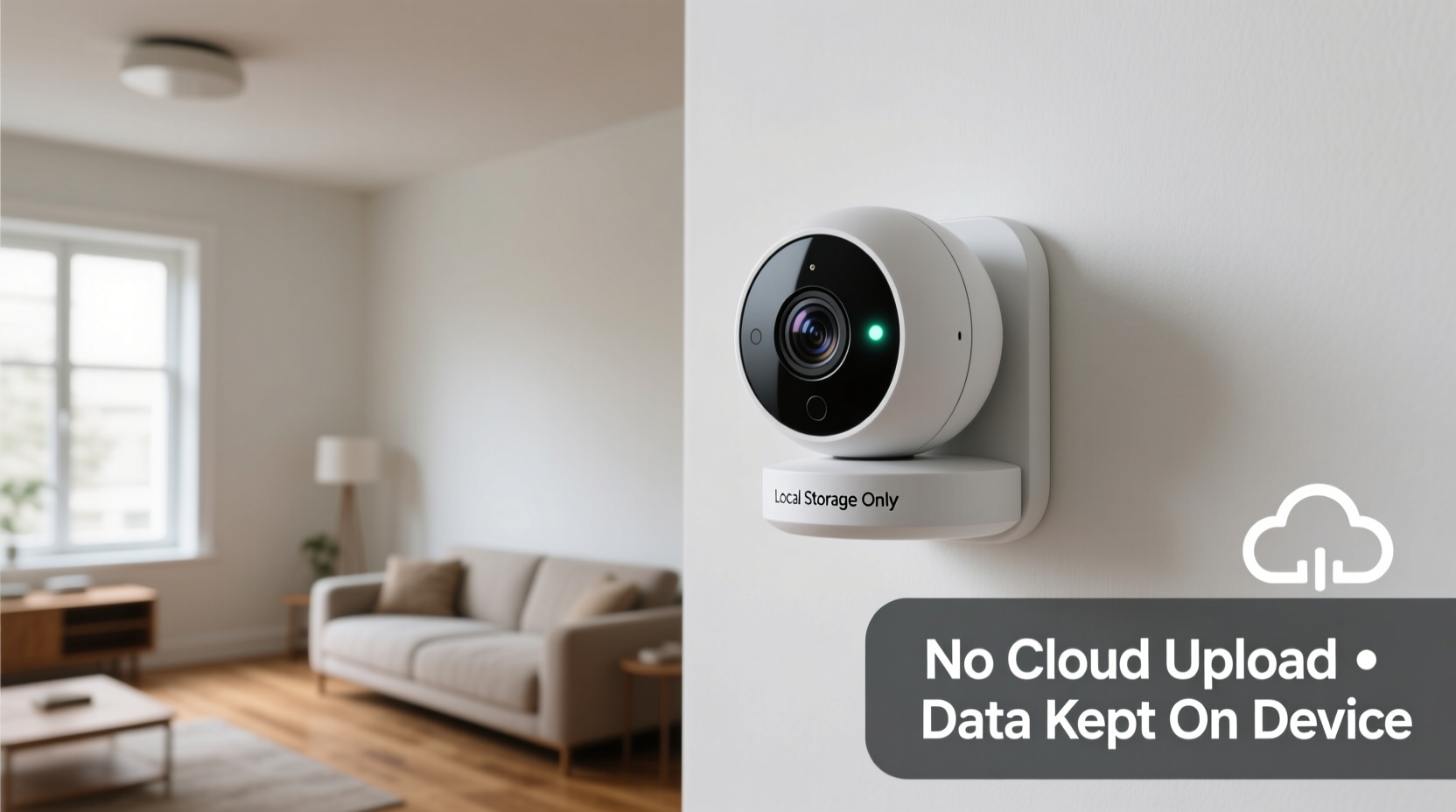
For years, cloud-based storage dominated the smart security camera market. Companies like Ring, Nest, and Arlo popularized subscription models that stored video footage on remote servers, offering users convenient access from anywhere via mobile apps. However, this convenience came at a cost. High-profile incidents—including unauthorized employee access to customer feeds and law enforcement data requests—raised serious questions about who really controls the footage.
Local storage emerged as a compelling alternative. Instead of uploading video to distant servers, these cameras save recordings directly onto microSD cards, Network Attached Storage (NAS) devices, or onboard memory. This shift reduces dependency on internet connectivity and minimizes exposure to large-scale cyberattacks. It also aligns with growing consumer demand for data sovereignty—the idea that individuals should own and control their personal information.
According to a 2023 Pew Research Center report, 67% of Americans express concern about the privacy implications of connected home devices. Local storage addresses some of these fears by keeping data within the user’s physical environment. But while the model is inherently more private than cloud alternatives, it is not automatically secure.
How Local Storage Enhances Privacy
Storing video footage locally offers several distinct advantages over cloud-based solutions:
- No third-party access: Without cloud hosting, there’s no intermediary service that can view, analyze, or share your footage.
- Reduced attack surface: Eliminating constant internet transmission lowers the risk of interception during data transfer.
- Offline availability: Footage remains accessible even during internet outages, ensuring continuity of monitoring.
- No recurring fees: Most local storage setups don’t require monthly subscriptions, making them cost-effective long-term.
However, enhanced privacy doesn’t mean invulnerability. A camera with local storage can still be compromised if its network is poorly secured or if the device lacks proper encryption.
Security Risks That Remain
Despite the benefits, local storage systems are not immune to threats. Key vulnerabilities include:
- Physical theft: If someone gains access to your property, they could remove the SD card or entire camera unit.
- Weak device authentication: Default passwords or unpatched firmware can allow hackers to access live feeds remotely.
- Lack of end-to-end encryption: Some cameras store data on SD cards without encrypting it, meaning stolen cards can be read on any device.
- Outdated software: Manufacturers may stop issuing updates, leaving known exploits unpatched.
A notable case occurred in 2022 when researchers at the cybersecurity firm PenTest Partners discovered that certain budget wireless cameras marketed as “local-only” still phoned home to manufacturer servers for firmware checks—potentially leaking metadata such as IP addresses and usage patterns. This highlights a crucial reality: marketing claims of “privacy-safe” don’t always reflect actual technical behavior.
“Just because a camera stores video locally doesn’t mean it’s private. You need to verify what data leaves the device and how it’s protected at rest.” — Dr. Lena Torres, Cybersecurity Researcher at MITRE Corporation
Choosing a Truly Secure System: A Buyer’s Checklist
Not all local storage cameras are created equal. To ensure maximum privacy and security, consider the following criteria before purchasing:
- End-to-end encryption (E2EE) for stored and transmitted data
- Open-source firmware or transparent security audits
- Support for WPA3 and TLS 1.3 protocols
- No mandatory cloud accounts or hidden data collection
- Regular firmware updates from the manufacturer
- Option to disable internet connectivity entirely after setup
- Secure boot and tamper detection features
Brands like Reolink, Yi Technology, and certain models from Eufy have gained recognition for prioritizing local storage with strong encryption. In contrast, many mainstream brands continue to push hybrid models that default to cloud integration unless manually configured otherwise.
Real-World Example: A Homeowner’s Experience
Consider the experience of Mark T., a homeowner in Portland, Oregon, who switched from a cloud-based system to a Reolink Argus 3 Pro with local SD card storage after learning that his previous provider shared anonymized motion data with advertisers. He appreciated the immediate improvement in control—no more prompts to upgrade to premium plans, no unexpected logins from unknown locations.
But six months in, he realized his camera had stopped recording. After troubleshooting, he found that the microSD card had failed due to continuous write cycles. Worse, because he hadn’t enabled encryption, anyone who found the discarded card could potentially recover deleted footage. This incident taught him two lessons: first, that hardware durability matters just as much as software security; second, that user responsibility plays a major role in maintaining privacy.
After replacing the card with a high-endurance model and enabling AES-256 encryption through the app, Mark now feels confident in his setup. “I still check for firmware updates monthly,” he says. “It’s not set-and-forget, but I’d rather spend 10 minutes a month managing my privacy than trust a corporation with my family’s safety.”
Best Practices for Maximizing Security
To get the most out of a wireless camera with local storage, follow this step-by-step guide:
- Isolate your camera network: Use a separate VLAN or guest network to prevent attackers from moving laterally if they breach your main network.
- Change default credentials: Immediately replace factory-set usernames and passwords with strong, unique ones.
- Enable encryption: Ensure both the SD card and communication between the camera and app are encrypted.
- Update firmware regularly: Check the manufacturer’s website quarterly for patches and security notices.
- Physically secure the device: Mount cameras in hard-to-reach places and consider locking enclosures for outdoor units.
- Rotate storage media: Replace microSD cards every 1–2 years to avoid corruption and reduce wear.
- Monitor logs: Review connection history for signs of unauthorized access.
Additionally, consider pairing your camera with a local NVR (Network Video Recorder) instead of relying solely on SD cards. NVRs offer centralized management, better redundancy, and often support RAID configurations for fault tolerance—all while keeping data off the cloud.
Comparison: Cloud vs. Local Storage Security Features
| Feature | Cloud Storage | Local Storage |
|---|---|---|
| Data Ownership | Limited; subject to provider policies | Full control by user |
| Encryption Standard | Often TLS in transit, variable at rest | Varies; best systems use AES-256 E2EE |
| Vulnerability to Hacking | High (centralized targets) | Lower, but depends on network hygiene |
| Physical Theft Risk | Negligible (data not on-site) | Moderate to high |
| Internet Dependency | Required | Only for remote viewing |
| Long-Term Cost | Recurring subscription fees | One-time hardware investment |
| Firmware Transparency | Rarely open source | Some brands offer auditable code |
Frequently Asked Questions
Can hackers still access my camera if it uses local storage?
Yes, if the device has weak passwords, outdated firmware, or is connected to an insecure network. Local storage prevents cloud breaches, but does not eliminate remote exploitation risks. Always secure your router and update device software promptly.
Does local storage mean no internet connection is needed?
Not necessarily. While recording can happen offline, most wireless cameras require Wi-Fi for initial setup, remote viewing via smartphone apps, and receiving firmware updates. Some advanced models allow complete air-gapping after configuration.
What happens if my SD card gets stolen?
If the card isn’t encrypted, the thief can access all recorded footage. Always use cameras that support encrypted storage, and consider hiding secondary recording devices in secure locations as backups.
Conclusion: Are We There Yet?
Wireless security cameras with local storage represent a significant step toward genuinely privacy-respecting surveillance. They reduce reliance on opaque corporate infrastructures and return control to the user. However, calling them “finally privacy-safe” would be premature. True safety depends on a combination of robust hardware design, transparent manufacturing practices, and informed user behavior.
The technology has matured considerably since early DIY IP cameras with glaring security flaws. Today, reputable brands offer encrypted, auditable, and standalone systems that come close to ideal privacy standards. But vigilance remains essential. Just as a lock on your door isn’t enough without closing the windows, a local storage camera isn’t secure without proper network configuration and maintenance.




 浙公网安备
33010002000092号
浙公网安备
33010002000092号 浙B2-20120091-4
Comments
No comments yet. Why don't you start the discussion?