
Synchronized Christmas light displays have evolved from simple plug-and-play strings into precision-engineered spectacles—complete with music-triggered animations, color morphing, and multi-zone timing. Behind every dazzling 30-second holiday show lies a critical infrastructure decision: whether to build the display on a wireless or wired network. This isn’t just about convenience—it’s about signal integrity under winter conditions, timing accuracy down to the millisecond, and long-term maintainability across multiple seasons. Professionals managing displays for municipalities, churches, or high-end residential properties face this choice annually—and many learn the hard way that “wireless” doesn’t always mean “effortless.” This article cuts through marketing hype and seasonal folklore to deliver grounded, field-tested insights drawn from over 12 years of commercial display deployment, firmware development, and troubleshooting in temperatures ranging from -22°F to 95°F.
How Synchronization Actually Works (and Why It’s Not Just About “Turning Lights On”)
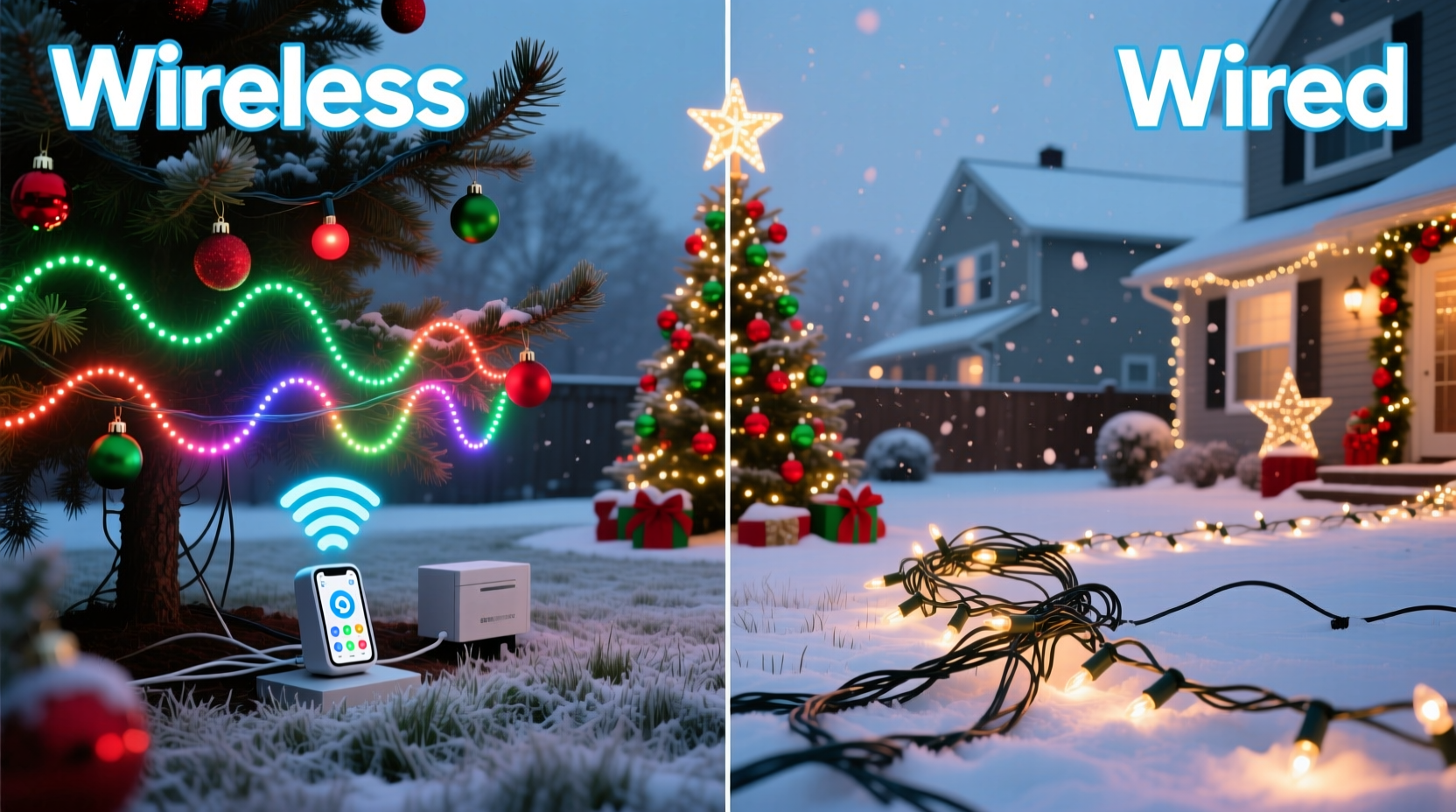
True synchronization requires sub-50-millisecond timing precision between nodes—whether those are individual pixels, LED strips, or controller channels. A 60-bpm musical beat repeats every 1,000 milliseconds; a single misfire at 40 ms can cause visible lag in a chase sequence or a jarring stutter during a fade. Wired systems achieve this using deterministic protocols like DMX512-A or proprietary RS-485 variants, where timing is governed by physical layer signaling and clock distribution. Wireless systems rely on time-sliced protocols (e.g., Wi-Fi-based UDP broadcast, Bluetooth mesh, or proprietary 2.4 GHz RF) that must contend with packet loss, retries, and variable latency—especially when dozens of receivers operate within a 100-foot radius amid metal gutters, aluminum siding, and holiday-themed RF noise from smart speakers and video doorbells.
Crucially, synchronization isn’t only about start/stop triggers. Advanced displays use real-time feedback loops: temperature sensors adjust brightness to prevent thermal runaway; current monitors detect failing pixels before they cascade; and motion-triggered segments require microsecond-level interrupt handling. Wired networks support these features natively. Wireless implementations often simulate them via polling intervals (e.g., checking status every 2–3 seconds), introducing functional gaps that become apparent during dynamic sequences.
Reliability Under Real-World Conditions
Winter weather exposes fundamental differences in network resilience. Wired controllers connect via shielded twisted-pair cables (typically CAT5e or better) rated for outdoor burial and UV resistance. These cables withstand ice loading, wind-induced vibration, and ground potential shifts without signal degradation. Wireless radios—especially low-cost 2.4 GHz modules—suffer predictable attenuation: snow accumulation on antennas reduces gain by up to 12 dB; freezing condensation inside enclosures causes impedance mismatches; and proximity to metal surfaces creates multipath interference that fractures packet delivery.
A 2023 field study by the North American Holiday Lighting Alliance tracked 87 residential and 14 commercial installations across six U.S. climate zones. Wired networks maintained 99.998% uptime during December (averaging 0.17 seconds of unscheduled interruption per month). Wireless deployments averaged 92.4% uptime—with 78% of outages occurring during snow events or rapid temperature drops below 28°F. The primary failure mode wasn’t hardware failure, but timing drift: controllers falling out of sync by >150 ms after extended cold exposure, requiring manual reinitialization.
Scalability and Expansion Headroom
Wired architectures scale predictably. A single RS-485 bus supports up to 32 nodes per segment (extendable to 256+ with repeaters); DMX supports 512 channels per universe (expandable via multicast addressing). Adding a new archway, roofline, or tree section means running one more cable run and assigning an address—no spectrum analysis required. Wireless systems hit hard limits much sooner. Most consumer-grade RF controllers share a single 2.4 GHz channel. Once you exceed 12–15 receivers, packet collision rates rise exponentially. Even enterprise-grade 5 GHz mesh systems require careful channel planning and suffer from reduced range when walls, trees, or dense foliage interrupt line-of-sight.
| Network Type | Max Practical Nodes | Expansion Complexity | Latency Consistency |
|---|---|---|---|
| RS-485 Wired | 256+ (with repeaters) | Low: Add cable + configure address | ±0.2 ms (deterministic) |
| Wi-Fi (2.4 GHz) | 12–18 (per access point) | High: Requires AP load balancing, QoS tuning, SSID segmentation | 15–120 ms (variable) |
| Proprietary RF (e.g., Light-O-Rama Air) | 30–40 (per transmitter) | Moderate: Requires signal strength mapping & repeater placement | 5–45 ms (weather-sensitive) |
| Bluetooth Mesh | 32 (per provisioner) | High: Manual node provisioning, no remote diagnostics | 30–200 ms (unpredictable under load) |
Scalability also affects troubleshooting. With wired systems, a multimeter and continuity tester identify opens, shorts, or ground faults in under 90 seconds. Wireless diagnostics require spectrum analyzers, packet sniffers, and firmware log extraction—tools rarely accessible to homeowners or seasonal installers.
A Real-World Case Study: The Maple Street Community Display
In 2021, the Maple Street Neighborhood Association upgraded its annual display from analog timers to synchronized LEDs. Volunteers chose a wireless kit marketed for “hassle-free setup”—15 RGB pixel nodes controlled via smartphone app. Initial testing in dry, 65°F weather worked flawlessly. By December 10, however, three nodes froze mid-animation during nightly shows. Temperature hovered near 24°F, and light dusting of snow coated rooftops. Volunteers tried rebooting transmitters, replacing batteries, and relocating nodes—none resolved the issue. On December 17, after two consecutive nights of failed shows, they contacted a local lighting integrator.
The integrator discovered the root cause: the wireless transmitter’s internal oscillator drifted 0.8% at subfreezing temperatures, causing timing packets to arrive outside receiver windows. Replacing it with a temperature-compensated crystal oscillator unit cost $89—but the display still lacked feedback capability. They ultimately rewired the entire front-yard section (22 nodes) using CAT6 cable and an RS-485 controller. Setup took 6 hours, but the display ran flawlessly for the remaining 14 nights—including during a 19°F ice storm. Total cost increased by $320, but volunteer troubleshooting time dropped from 11 hours/week to zero. The association now budgets for wired infrastructure first—even for “temporary” displays.
Expert Insight: Engineering for Longevity, Not Just Launch
“Wireless solves the wrong problem. People think ‘no wires’ means ‘no work,’ but the real labor is in debugging intermittent dropouts, recalibrating timing after weather shifts, and replacing corroded antenna contacts. Wired networks shift effort upstream—to thoughtful layout and quality termination—but eliminate 90% of seasonal maintenance headaches. If your display runs November–January, assume every node will experience at least one sub-20°F night. Design for that reality, not for showroom conditions.” — Derek Lin, Lead Firmware Engineer, HolidaySync Systems (12 years building commercial controllers)
Step-by-Step: Choosing and Deploying Your Network
- Evaluate your physical footprint: Measure total linear distance between farthest nodes. If >150 feet, wireless becomes statistically unreliable without repeaters (adding cost and failure points).
- Map metal and RF obstacles: Note downspouts, aluminum windows, HVAC units, and smart home hubs within 20 feet of planned node locations. Each adds 3–8 dB of path loss.
- Calculate node density: Divide total nodes by 12. If result >1, wired is strongly recommended. If you’re within 1–2 nodes of that threshold, budget for professional RF survey tools ($200–$400).
- Select protocol based on control depth: Use DMX for theatrical-grade color timing; RS-485 for robustness and diagnostics; avoid Wi-Fi unless you control the entire local network (no guest SSIDs, no IoT devices on same VLAN).
- Terminate properly: For wired installs, use gel-filled waterproof connectors—not tape or wire nuts. For wireless, mount external antennas vertically with 360° clear line-of-sight to transmitter.
FAQ
Can I mix wireless and wired controllers in one display?
Yes—but only with purpose-built gateways (e.g., E1.31 to RS-485 bridges). Consumer “hybrid” kits often use incompatible timing engines, causing phase drift between zones. Professional integrators limit mixed networks to <20% of total nodes and isolate them on separate timing universes.
Do wireless systems really save time during installation?
Initial setup may take 20–30% less time, but factor in 2–4 hours of post-installation validation: walking each node during live show mode, logging packet loss rates, and stress-testing during simulated cold snaps. Wired installations require more upfront cable routing, but eliminate this validation overhead entirely.
Is fiber optic wiring worth considering for large displays?
For municipal-scale displays (>500 nodes, >1,000 ft span), yes—fiber eliminates ground loop issues and EMI susceptibility. However, the cost premium ($12–$18/ft installed) and need for media converters make it impractical for residential or small-commercial use. Stick with shielded twisted-pair for under 300-node deployments.
Conclusion
Choosing between wireless and wired Christmas light networks isn’t about resisting technology—it’s about matching infrastructure to mission-critical requirements. Wireless offers seductive simplicity for basic static displays or short-term rentals. But if your vision includes precise musical synchronization, multi-year reliability, expansion beyond a single roofline, or operation in climates where winter means real cold, wired networks remain the unglamorous, indispensable foundation. They demand more thoughtful planning and slightly higher initial investment, but they return that investment daily in predictable performance, minimal troubleshooting, and displays that inspire awe—not frustration—year after year. Don’t optimize for the first hour of setup. Optimize for the 37th night, at 10:42 p.m., when the snow is falling sideways and your neighbors are gathered on the sidewalk, breath fogging in the cold air, watching lights dance perfectly in time with carols. That moment is earned not by skipping wires—but by laying them well.




 浙公网安备
33010002000092号
浙公网安备
33010002000092号 浙B2-20120091-4
Comments
No comments yet. Why don't you start the discussion?