
Choosing between wireless and wired security cameras is one of the most consequential decisions when setting up a surveillance system. Both options have evolved significantly over the past decade, offering improved image quality, remote access, and integration with smart home ecosystems. However, their underlying technologies lead to distinct differences in reliability, installation complexity, and long-term performance. Understanding these differences helps homeowners and business operators make informed choices that align with their security needs, technical comfort, and property layout.
Understanding the Core Differences
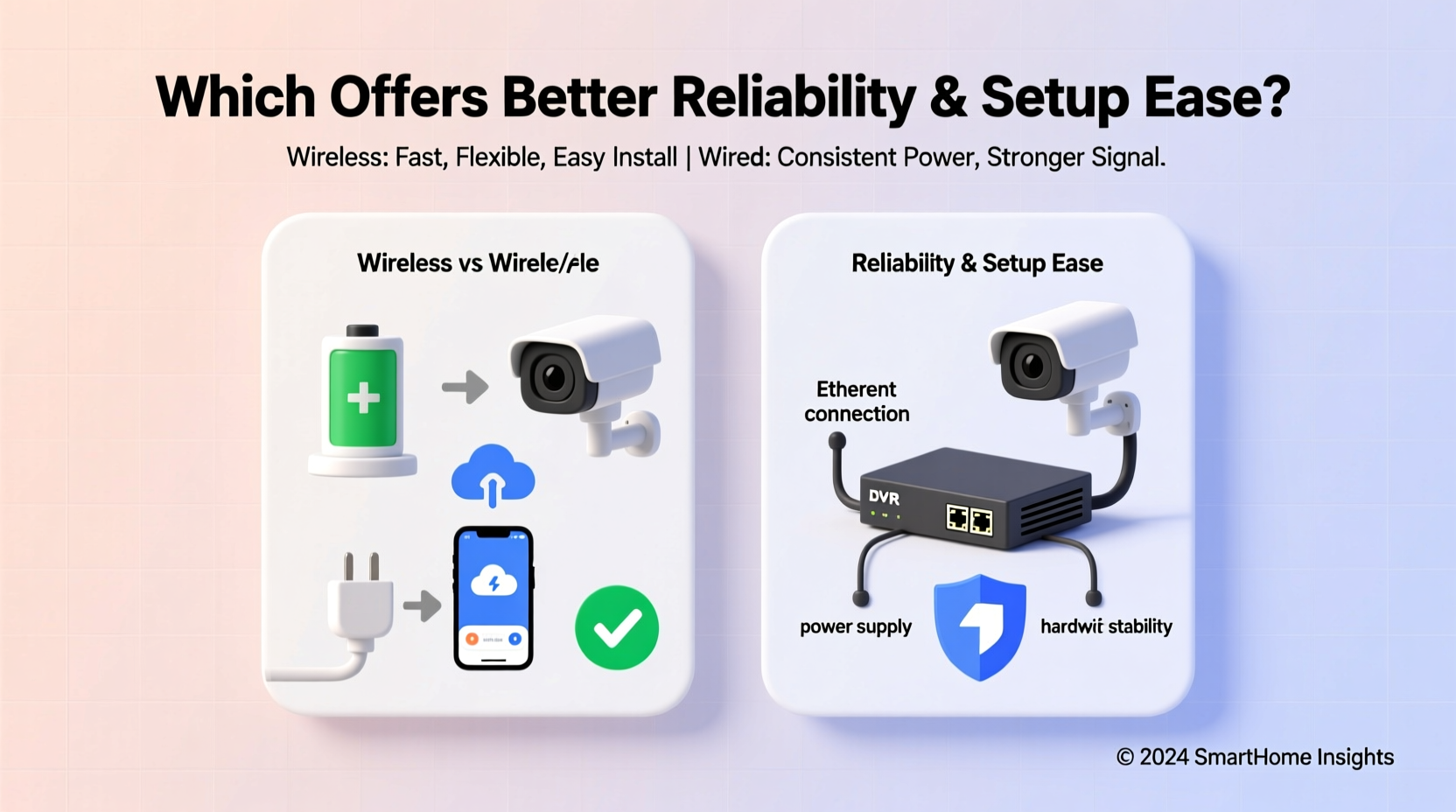
The fundamental distinction lies in how data and power are transmitted. Wired security cameras use physical cables—typically coaxial or Ethernet (PoE)—to transmit video signals and often receive power through the same line. Wireless cameras, on the other hand, send encrypted video data over Wi-Fi networks and usually rely on batteries or local power adapters, eliminating the need for extensive cabling.
While both types can deliver high-definition footage and support features like motion detection, night vision, and cloud storage, their infrastructure requirements create divergent user experiences. A wired system may demand more upfront effort but promises stable performance. A wireless system offers plug-and-play convenience but may falter under network strain or interference.
Data Transmission and Network Dependency
Wired cameras operate on dedicated lines, making them immune to Wi-Fi congestion, signal drops, or bandwidth throttling. This isolation ensures consistent frame rates and minimal latency, especially important in commercial settings where every second counts. In contrast, wireless cameras depend entirely on the strength and stability of your local network. If multiple devices are streaming simultaneously or if walls interfere with signal propagation, video quality can degrade or recording can fail during critical moments.
“Wired systems offer predictable performance. When lives or assets are on the line, you don’t want your camera dropping frames because someone started a Zoom call.” — Marcus Lin, Security Systems Engineer at SafeGrid Solutions
Reliability: Where Each System Excels
Reliability encompasses uptime, resistance to interference, data integrity, and resistance to tampering. While both systems can be secure, their vulnerabilities differ significantly.
Signal Stability and Uptime
Wired cameras maintain constant connectivity. Once installed, they rarely lose connection unless there’s physical cable damage or a power outage. They’re less prone to environmental interference such as microwave ovens, neighboring networks, or Bluetooth devices—all common disruptors of 2.4 GHz Wi-Fi bands used by many wireless models.
Wireless cameras, while increasingly robust, still face periodic disconnections. Firmware updates, router reboots, or temporary network congestion can interrupt live feeds or prevent motion-triggered recordings. Some users report delays of up to 10 seconds before alerts arrive—time enough for an intruder to bypass a monitored zone unnoticed.
Power Source and Outage Resilience
Many wired systems use Power over Ethernet (PoE), delivering both power and data through a single cable. This simplifies wiring and allows centralized power management via a PoE switch or NVR (Network Video Recorder). With a UPS (Uninterruptible Power Supply) attached, PoE systems can remain operational during short outages.
Wireless cameras typically run on rechargeable batteries or wall adapters. Battery-powered models offer greater placement flexibility but require regular maintenance. Low battery levels can disable cameras without warning, especially in cold weather, which reduces battery efficiency. Hardwired wireless units avoid this issue but lose the primary advantage of cable-free installation.
Setup Ease: Installation Challenges and Time Investment
Installation complexity is often the deciding factor for DIY users. Here, wireless cameras clearly win in terms of accessibility and speed.
Wired Camera Installation Process
Installing wired cameras involves drilling holes, running cables from each camera to a central recorder or network switch, and ensuring proper insulation against moisture and pests. It's labor-intensive and may require professional help—especially for multi-camera setups or outdoor installations.
However, once completed, the system is largely \"set and forget.\" There are no battery replacements, fewer firmware-related glitches, and no pairing hassles. The initial investment in time and labor pays off in long-term stability.
Wireless Setup Advantages and Hidden Hurdles
Most wireless cameras come with mobile apps that guide users through Wi-Fi pairing, account creation, and camera positioning. Mounting is usually tool-free or requires only a screwdriver. Within minutes, users can view live footage on their smartphones.
But simplicity has trade-offs. Pairing failures due to incorrect passwords, incompatible routers (e.g., 5 GHz-only networks), or weak signals can frustrate even tech-savvy users. Additionally, managing multiple wireless cameras increases network load and complicates troubleshooting when issues arise.
“We had a client install four wireless cameras around their home. All worked fine initially, but after adding a baby monitor and smart thermostat, two cameras began disconnecting daily. Switching to a dual-band router resolved it—but that’s not something every homeowner knows to do.” — Dana Patel, Smart Home Consultant
Comparative Overview: Key Factors at a Glance
| Factor | Wired Cameras | Wireless Cameras |
|---|---|---|
| Installation Difficulty | High – Requires drilling, cabling, and possibly professional help | Low – Typically app-guided setup with minimal tools |
| Reliability | Very High – Immune to network issues; consistent stream | Moderate – Dependent on Wi-Fi strength and stability |
| Maintenance | Low – No battery changes; durable connections | High – Regular battery charging/replacement needed |
| Scalability | Moderate – Limited by cable reach and port availability | High – Easy to add more units within Wi-Fi range |
| Vulnerability to Tampering | Medium – Cables can be cut | High – Signal jamming possible; device theft easier |
| Cost (Long-Term) | Higher initial cost, lower ongoing expenses | Lower upfront cost, potential battery/accessory costs over time |
Real-World Application: A Homeowner’s Experience
Sarah Thompson, a suburban homeowner in Portland, OR, initially chose wireless cameras for her two-story house. She appreciated the quick setup and clean appearance—no visible wires along eaves or downspouts. Her four cameras linked easily to her Google Nest Hub, allowing voice-activated viewing.
Within six months, however, she noticed recurring blind spots. One camera near the garage frequently lost connection during peak internet usage hours. Another, mounted under the eave, suffered reduced battery life in winter, requiring biweekly charges. After a package was stolen and the side-yard camera failed to record due to a low battery alert being missed, Sarah switched to a hybrid system: PoE cameras covering entry points and driveway, with one wireless unit indoors for flexibility.
“I didn’t realize how much I’d miss consistent footage until I needed it,” she said. “Now I have alerts that never fail, and I don’t worry about charging anything. It took a pro two days to install, but it’s been flawless for eight months.”
Action Plan: Choosing the Right Option for Your Needs
Selecting between wireless and wired isn't about which is universally better—it's about matching technology to your environment and expectations. Follow this step-by-step guide to determine the optimal path.
- Assess Your Property Layout: Large homes or properties with thick walls may hinder Wi-Fi signals. Consider site surveys or signal testing before committing to wireless.
- Evaluate Technical Comfort Level: If you're uncomfortable drilling or handling cables, wireless is more suitable. But consider whether you're prepared for ongoing battery management.
- Determine Surveillance Priorities: Is 24/7 uninterrupted recording essential? Are you monitoring high-risk areas like garages or back entrances? Wired systems provide stronger assurance.
- Budget for Long-Term Costs: Include labor, equipment, and maintenance. Wireless may seem cheaper upfront, but replaceable batteries and potential extenders add up.
- Plan for Future Expansion: Will you add more cameras later? Wireless scales more easily, but ensure your network can handle additional streams.
Checklist: Before You Buy Any Security Camera
- ✅ Test Wi-Fi signal strength at intended camera locations
- ✅ Confirm compatibility with your existing router and smart home platform (e.g., Alexa, Google Assistant)
- ✅ Check local building codes or HOA rules regarding external wiring or camera placement
- ✅ Verify whether the system supports local storage (microSD) or requires a subscription for cloud access
- ✅ Read return policies—some brands allow trial periods for wireless systems
- ✅ Ensure night vision range meets your outdoor visibility needs
Frequently Asked Questions
Can wireless cameras work without an internet connection?
Some wireless models support local storage via microSD cards and can record without internet. However, you won’t receive remote alerts or be able to view live feeds from outside the home. Full functionality requires a stable internet connection.
Are wired cameras more secure than wireless ones?
Physically, yes. Wired cameras are harder to disable remotely and aren’t vulnerable to Wi-Fi hacking if properly isolated. However, modern wireless cameras use end-to-end encryption (like AES-128 or WPA3), making digital breaches unlikely for average users. Physical security—such as protecting the NVR or router—matters just as much.
Do I need a professional to install wired cameras?
For basic single-camera setups, DIY is feasible with the right tools. However, multi-camera installations, especially outdoors or across floors, benefit from professional expertise. Incorrect cabling can lead to signal loss or water damage. Professionals also ensure compliance with electrical safety standards.
Final Recommendation and Next Steps
When weighing wireless versus wired security cameras, prioritize reliability if your main goal is continuous, trustworthy surveillance. Wired systems, particularly those using PoE, deliver unmatched consistency and durability—ideal for businesses, large properties, or anyone who cannot afford downtime.
Wireless cameras shine in flexibility and ease of deployment. Renters, small homes, or temporary setups benefit greatly from their adaptability. Just be prepared for occasional hiccups and routine maintenance.
The growing trend toward hybrid systems—combining wired core coverage with select wireless units for hard-to-wire zones—offers a balanced solution. Advances in Wi-Fi 6 and mesh networking are narrowing the reliability gap, but physical connections still set the gold standard for mission-critical monitoring.




 浙公网安备
33010002000092号
浙公网安备
33010002000092号 浙B2-20120091-4
Comments
No comments yet. Why don't you start the discussion?