
Choosing between Wix and WordPress often comes down to a fundamental trade-off: simplicity versus control. Wix promises a drag-and-drop experience that allows anyone to build a website in minutes, while WordPress offers unparalleled flexibility and power—especially for those willing to learn its intricacies. But when it comes to search engine optimization (SEO), that balance shifts. The real question isn’t just which platform is easier, but whether Wix’s user-friendly design compensates for its inherent SEO constraints compared to the more technically demanding yet highly customizable WordPress.
For bloggers, small business owners, freelancers, and entrepreneurs, visibility on search engines can make or break online success. A beautiful site means little if no one finds it. So, understanding how these two platforms stack up in terms of both usability and SEO capability is essential before committing time and resources.
Understanding the Core Differences
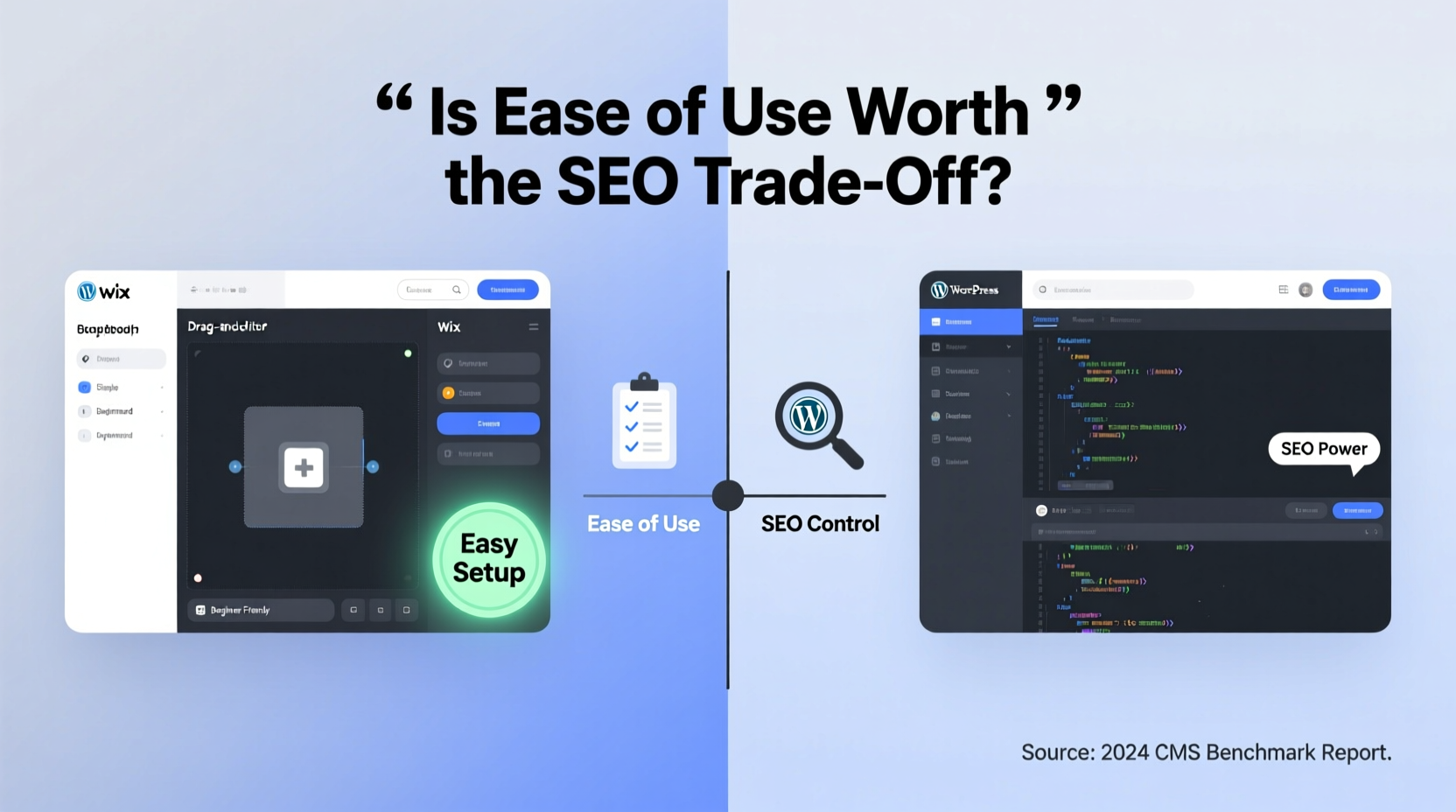
At their core, Wix and WordPress serve similar purposes—they help users create websites—but they do so in fundamentally different ways.
Wix is a fully hosted website builder. Everything happens within Wix’s ecosystem: hosting, design, editing, and publishing. Its interface is entirely visual, allowing users to click, drag, and drop elements onto a canvas. No coding knowledge is required, making it ideal for beginners. However, this convenience comes at the cost of backend access. You cannot modify core files, alter server settings, or deeply customize technical SEO elements.
WordPress, on the other hand, is open-source software. While it can be used via WordPress.com (a hosted solution with some restrictions), most people refer to self-hosted WordPress.org when discussing its full potential. This version requires you to manage your own hosting, domain, updates, and security. In return, you gain complete control over every aspect of your site—from URL structure to schema markup, from page speed optimizations to plugin integrations.
Usability: Who Wins the Ease-of-Use Battle?
There’s no contest when it comes to beginner-friendliness: Wix wins hands down.
- Drag-and-Drop Editor: Wix’s editor lets users place text boxes, images, buttons, and forms exactly where they want them, in real time.
- Templates: Hundreds of professionally designed templates are available, many tailored to specific industries like restaurants, portfolios, or e-commerce.
- No Setup Hassle: No need to install software, configure databases, or manage plugins. Everything is integrated.
By contrast, self-hosted WordPress has a steeper learning curve. Users must:
- Purchase hosting and a domain.
- Install WordPress (often automated by hosts).
- Choose and install a theme.
- Add functionality through plugins (e.g., contact forms, SEO tools).
- Learn how to use the block editor or page builders like Elementor.
While modern tools have made WordPress much more accessible, it still demands more technical involvement than Wix. For someone who wants a simple brochure site and doesn’t plan to scale, Wix’s ease of use is undeniably appealing.
But Simplicity Has Limits
The very features that make Wix easy also limit what you can do. Once you’ve built a page using Wix’s drag-and-drop system, you’re locked into their framework. Moving content off Wix is difficult, and exporting data is limited. Additionally, Wix does not allow full access to HTML or CSS by default, restricting advanced customization.
WordPress, despite requiring more initial effort, grows with you. Whether you start with a blog and later add an online store, membership area, or multilingual support, WordPress scales seamlessly.
SEO Capabilities Compared
Search engine optimization depends on multiple factors: site speed, mobile responsiveness, metadata control, URL structure, image optimization, internal linking, structured data, and more. Let’s compare how each platform handles these.
| SEO Factor | Wix | WordPress |
|---|---|---|
| Metadata Control | Limited; basic title tags and meta descriptions only. | Full control via plugins like Yoast SEO or Rank Math. |
| URL Structure | Semi-customizable; subfolders possible but not always clean. | Fully customizable permalinks (e.g., /blog/post-name). |
| Site Speed | Depends on template; heavier designs slow loading times. | Optimizable via caching, CDN, lightweight themes, and code control. |
| Schema Markup | Basic structured data automatically added. | Advanced schema possible via plugins or custom code. |
| Image Optimization | Automatic compression; limited manual options. | Plugins available for lazy loading, WebP conversion, alt text management. |
| Indexing & Sitemaps | Auto-generated sitemap; submitted to search engines. | Customizable XML sitemaps, robots.txt editing, index control per page. |
| Plugin Ecosystem | None; all features built-in or app market (limited). | Over 60,000 plugins, including dedicated SEO, analytics, and performance tools. |
While Wix has improved its SEO tools significantly over the years—adding features like automatic sitemaps, SSL encryption, and mobile optimization—it remains constrained by its closed architecture. You cannot optimize beyond what Wix allows.
WordPress, particularly with plugins like Yoast SEO, gives granular control. You can preview how your page will appear in search results, analyze keyword density, set canonical URLs, and generate rich snippets. These capabilities matter as competition increases and search algorithms grow more sophisticated.
“Technical SEO is no longer optional—it’s foundational. Platforms that restrict access to core elements like headers, redirects, and schema are putting users at a disadvantage.” — Sarah Lin, SEO Strategist at SearchPilot
A Real-World Example: Scaling a Small Business Site
Consider a local fitness trainer named Maya who started her wellness brand in 2021. She chose Wix because she wanted a quick, attractive site to showcase her services and book clients. Within months, she had a polished homepage, class schedule, testimonials, and a contact form—all built without touching a line of code.
Initially, everything worked well. But as she began blogging about nutrition and workouts to attract more visitors, she hit roadblocks:
- She couldn’t edit the
<h1>tag on blog posts—Wix auto-generates it based on the title, limiting keyword targeting. - Her URLs looked like
/post/123abcinstead of/blog/healthy-smoothie-recipes, hurting click-through rates. - Despite writing quality content, her pages weren’t ranking above position 25 on Google.
After consulting an SEO specialist, she migrated to WordPress. Using Astra theme and Rank Math, she optimized her old content, rewrote URLs, added FAQ schema, and improved internal linking. Within four months, three of her top articles reached the first page of Google, increasing organic traffic by 320%.
Was the migration effort worth it? “Absolutely,” Maya said. “I spent two weekends learning WordPress, but now I own my site—not just rent space on someone else’s platform.”
When Wix Makes Sense (And When It Doesn’t)
Wix excels in scenarios where:
- You need a simple, one-off website (e.g., event page, portfolio, small service business).
- You lack technical skills and don’t want to learn web development.
- Your primary goal is appearance and functionality, not organic growth.
- You prefer an all-in-one solution with minimal maintenance.
However, Wix becomes problematic when:
- You aim to rank competitively for keywords.
- You plan to publish frequent blog content or build authority.
- You require advanced integrations (e.g., CRM, email automation, LMS).
- You anticipate needing custom functionality beyond Wix App Market offerings.
In such cases, even the steeper learning curve of WordPress pays dividends over time.
Step-by-Step: Choosing the Right Platform
Follow this decision-making process:
- Define Your Goals: Are you building a temporary landing page or a long-term digital asset?
- Evaluate Content Plans: Will you publish blogs, guides, or videos regularly? If yes, lean toward WordPress.
- Assess Technical Comfort: Can you handle basic troubleshooting, updates, and plugin management?
- Project Growth: Estimate your needs in 1–3 years. Will you sell products, offer memberships, or expand internationally?
- Test Both Platforms: Build a sample page on Wix and WordPress (using a free host like 000webhost). Compare ease, flexibility, and output.
Frequently Asked Questions
Can I improve SEO on Wix?
Yes, to an extent. Wix provides basic SEO tools: editable titles, meta descriptions, mobile optimization, and automatic sitemaps. However, you cannot modify HTTP headers, implement advanced schema types, or fine-tune crawl efficiency. For competitive niches, these limitations can hinder progress.
Is WordPress harder to maintain?
It requires more active management. You’ll need to update themes, plugins, and core software regularly, monitor backups, and ensure security. But many managed WordPress hosts (like WP Engine or Kinsta) automate much of this. With proper setup, maintenance becomes routine rather than burdensome.
Does Wix hurt my Google rankings?
Not inherently. Wix sites can rank well, especially for low-competition queries. However, structural issues like non-semantic HTML, bloated code, and inflexible URL patterns may reduce your ceiling. Google ranks pages, not platforms—but some platforms make ranking easier than others.
Final Verdict: Is the Ease Worth the SEO Trade-Off?
The answer depends on your priorities.
If your main concern is getting online quickly—with zero technical hassle—and you don’t rely heavily on search traffic, Wix is a solid choice. Its design tools are excellent, customer support is responsive, and for many small businesses, it’s sufficient.
But if you’re serious about building a sustainable online presence, growing an audience, or competing in a crowded market, the SEO limitations of Wix become increasingly costly. WordPress may demand more upfront effort, but it rewards that investment with superior visibility, scalability, and ownership.
Think of it like renting versus owning a home. Wix is a furnished apartment—you can move in immediately, but you can’t remodel the kitchen or change the locks. WordPress is your own house: you handle the repairs, but you decide how to build, expand, and optimize.
“The best website platform isn’t the easiest one—it’s the one that aligns with your long-term vision.” — David Kim, Digital Strategy Consultant
Take Action Today
Don’t let short-term convenience compromise long-term growth. If you're still deciding, spend a few hours exploring both platforms. Try creating a sample blog post and optimizing it for a keyword. See which environment feels more empowering.
If you're already on Wix and noticing stagnant traffic, consider a strategic migration. Many agencies specialize in Wix-to-WordPress transfers, preserving your content while unlocking new SEO potential.
Ultimately, your website should work for you—not the other way around. Choose the platform that supports your ambitions, not just your current skill level.




 浙公网安备
33010002000092号
浙公网安备
33010002000092号 浙B2-20120091-4
Comments
No comments yet. Why don't you start the discussion?