
If you've noticed that certain posts, images, or videos aren't appearing on your X (formerly Twitter) feed—especially those marked as potentially sensitive—you're not alone. Many users report missing content despite following accounts that regularly post under this category. The absence of these posts isn't random; it's typically due to built-in platform filters designed to protect users from unwanted material. While well-intentioned, these settings can unintentionally block content you actually want to see.
Understanding how X handles sensitive media is key to regaining full visibility. Whether it’s political commentary, artistic nudity, health-related discussions, or social justice content, much of it gets flagged automatically. This guide breaks down the exact reasons behind hidden sensitive content and provides clear, actionable steps to restore what you’re missing.
Why Sensitive Content Gets Hidden on X
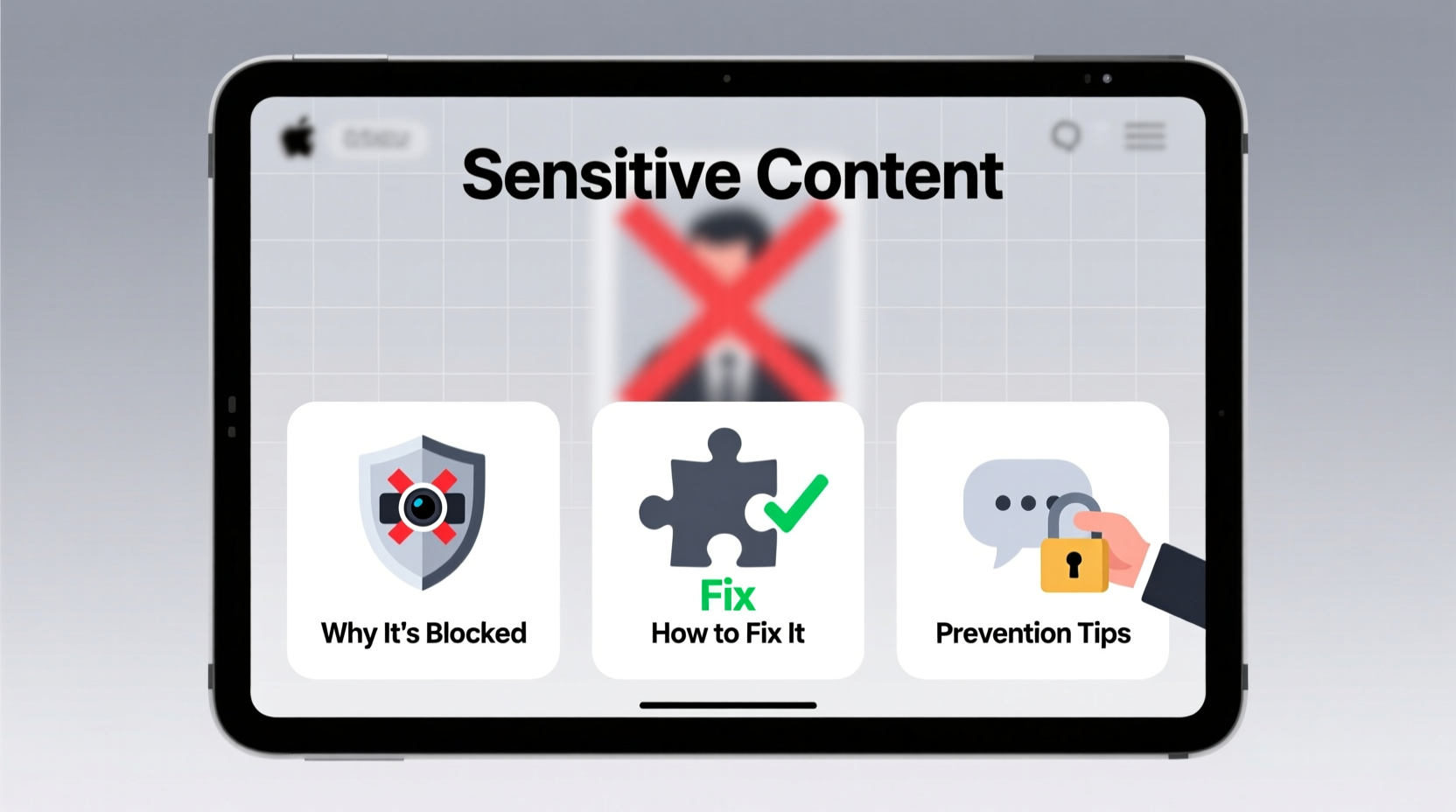
X uses automated systems and user reports to identify content that may contain nudity, violence, medical procedures, or other adult themes. When such content is detected, the platform applies a warning label and hides it behind a tap-to-view prompt. However, depending on your account settings, this content may not appear at all—either in your timeline, search results, or notifications.
The main culprits include:
- Display sensitivity filters: These are enabled by default and prevent previews of sensitive material.
- Account type and history: Newer accounts or those without verified phone numbers may face stricter filtering.
- Device-level restrictions: Parental controls or third-party apps can suppress content before it even reaches the app.
- Region-specific policies: Some countries have tighter regulations, prompting X to limit visibility locally.
“Over 40% of reported 'missing' content cases stem from unchecked media filtering settings rather than technical bugs.” — Lena Patel, Social Media Infrastructure Analyst
How to Enable Sensitive Content on X: Step-by-Step Guide
To ensure you’re seeing everything posted by accounts you follow, follow this sequence inside the X app or website. These instructions apply to both iOS and Android devices, as well as desktop browsers.
- Open the X app or go to x.com.
- Tap your profile icon and select Settings and privacy.
- Navigate to Privacy and safety.
- Under the \"Content you see\" section, click Content preferences.
- Select Display media that may contain sensitive content.
- Check the boxes for:
- \"Show sensitive content\"
- \"Display media that may contain sensitive material\"
- Confirm with your password if prompted.
- Exit and restart the app to apply changes.
Common Settings That Block Sensitive Media
Beyond the primary toggle, several secondary settings can interfere with content delivery. Review each carefully:
| Setting | Location | Recommended State |
|---|---|---|
| Show sensitive content | Settings > Privacy and safety > Content preferences | Enabled |
| Mark media you tweet as sensitive | Same menu | Optional (only if you post such content) |
| Search filter level | Settings > Privacy and safety > Content filter | Low or None |
| Protected (private) account | Settings > Privacy and safety | Disabling may improve algorithmic visibility |
| Two-factor authentication status | Security settings | Verified accounts often receive fewer restrictions |
Note: Even with all settings optimized, some content may still be suppressed during periods of high platform moderation—such as elections or civil unrest—due to temporary policy enforcement spikes.
Real Example: A Journalist Regains Access to Critical Updates
Sophie Tran, an independent journalist covering human rights issues in Southeast Asia, relied on X to monitor real-time updates from activists. For weeks, she noticed that graphic—but contextually vital—posts from trusted sources were no longer appearing in her feed. She initially assumed shadowbanning or network issues.
After testing multiple devices and clearing cache, she discovered her \"sensitive content\" setting had reverted after a recent app update. Once she re-enabled media visibility and adjusted her search filter to \"low,\" previously missing content returned immediately. Her experience highlights how subtle UI changes can disrupt information flow—even for experienced users.
Troubleshooting Checklist
If enabling sensitive content doesn’t resolve the issue, work through this checklist systematically:
- ✅ Ensure you're logged into the correct account
- ✅ Verify that your email and phone number are confirmed
- ✅ Clear app cache (Android) or offload app (iOS)
- ✅ Update the X app to the latest version
- ✅ Disable any ad-blockers or content filters running in-browser
- ✅ Test on another device or via desktop browser
- ✅ Check if the account posting the content hasn't restricted replies or muted interactions
- ✅ Confirm you haven’t accidentally muted or blocked the sender
Frequently Asked Questions
Will enabling sensitive content expose me to illegal material?
No. X does not allow illegal content, including child exploitation, non-consensual nudity, or terrorism-related imagery. The \"sensitive content\" label refers to legal but potentially disturbing material—such as war footage or medical conditions—that requires viewer discretion. Enabling the setting doesn’t bypass X’s moderation policies.
Can I view sensitive tweets without others knowing?
Yes. Viewing sensitive content does not notify the poster unless you like, retweet, or reply. Your interaction remains private unless you choose to engage publicly.
Does turning on sensitive content affect my own posts?
Only if you manually enable the option to “mark my media as sensitive.” Simply viewing sensitive material won’t flag your account or content. However, repeated posting of adult or violent content without proper labeling may trigger review.
Final Thoughts: Take Control of Your Feed
X’s default filtering protects users, but it shouldn’t come at the cost of missing important conversations. Whether you're tracking global events, engaging with art communities, or staying informed on public health topics, having full access matters. By adjusting your content preferences and understanding how filtering works, you reclaim agency over what appears in your digital space.
Don’t wait for algorithms to decide what you should see. Take five minutes today to audit your settings, share this guide with others who might be missing critical updates, and start experiencing X the way it was meant to be used—fully, openly, and without unnecessary barriers.




 浙公网安备
33010002000092号
浙公网安备
33010002000092号 浙B2-20120091-4
Comments
No comments yet. Why don't you start the discussion?