
The gaming landscape is shifting. With Microsoft pushing its Game Pass and cloud gaming services aggressively, and Sony refining PlayStation Plus Cloud Streaming, many players are asking: do we still need a physical console? The Xbox Series S, Microsoft’s budget-friendly next-gen machine, offers 4K-ready performance at an affordable price. But with the promise of playing AAA games on any device through the cloud, is it time to ditch the hardware altogether?
This isn’t just about convenience—it’s about performance, cost, reliability, and long-term value. To answer whether cloud gaming can truly replace consoles like the Xbox Series S, we need to look beyond marketing claims and examine real-world usage, infrastructure limitations, and user expectations.
Performance: Raw Power vs. Network Dependency
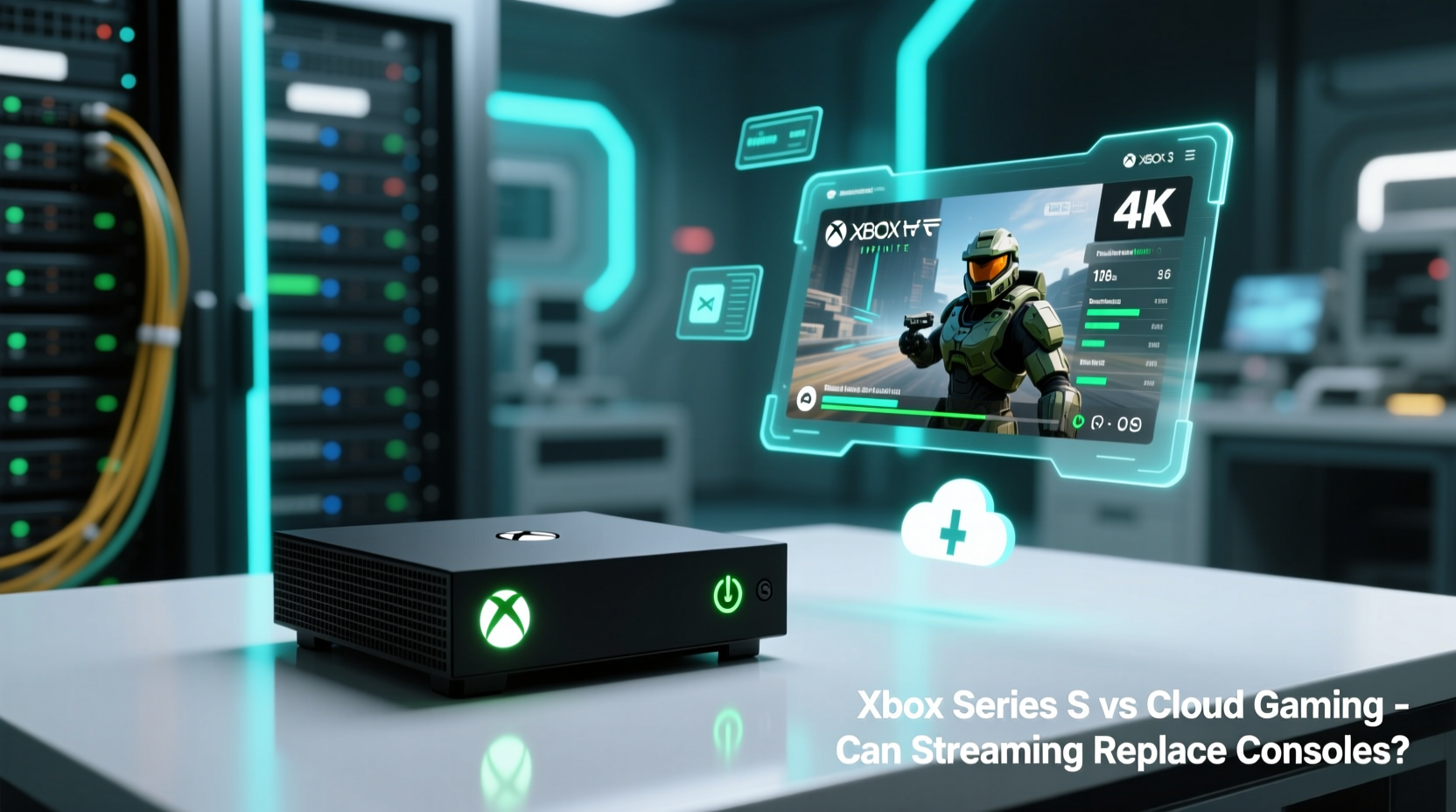
The Xbox Series S runs on dedicated hardware: a custom AMD GPU capable of up to 4K resolution (upscaled), 1440p native at high frame rates, and features like Quick Resume, ray tracing, and SSD-powered fast loading. It boots games in seconds, maintains stable framerates, and delivers consistent visual fidelity—provided your display supports it.
Cloud gaming, by contrast, relies entirely on remote servers. Services like Xbox Cloud Gaming (part of Game Pass Ultimate) stream gameplay from data centers using powerful server-grade hardware. In theory, you’re accessing specs comparable to or exceeding the Series S. But in practice, performance hinges on one factor: your internet connection.
Microsoft recommends a minimum of 10 Mbps for 720p streaming and 20 Mbps for 1080p. Even with those speeds, latency, packet loss, and jitter can introduce input lag that makes fast-paced games—like shooters or fighting titles—feel sluggish or unresponsive. A wired Ethernet connection helps, but Wi-Fi fluctuations can still disrupt the experience.
Meanwhile, the Series S doesn’t care about your ping. Once the game is installed, it runs locally. Load times are near-instant, textures stream quickly, and there’s no compression artifacting. You get what the developers optimized for—no compromises.
Cost Comparison: Upfront vs. Ongoing Expenses
The financial model differs drastically between the two options. The Xbox Series S has a clear upfront cost: $299 at launch (though availability and pricing may vary). After that, you pay only for games, accessories, and optional Game Pass subscriptions.
Cloud gaming, particularly through Xbox Cloud Gaming, requires a Game Pass Ultimate subscription—currently $17.99/month. This includes access to hundreds of games and cloud streaming, but it’s a recurring cost. Let’s break down the math over three years:
| Option | Upfront Cost | Monthly Fee | 3-Year Total | Ownership After Cancellation? |
|---|---|---|---|---|
| Xbox Series S + Game Pass (optional) | $299 | $10–$18 (optional) | $857–$1,025 | Yes – keep console & installed games |
| Cloud Gaming Only (Game Pass Ultimate) | $0 | $17.99 | $647.64 | No – access stops when subscription ends |
While cloud gaming appears cheaper initially, the long-term cost adds up. More importantly, you gain no ownership. Cancel your subscription, and you lose access to every game—even those you never downloaded locally.
“Subscription fatigue is real. Gamers want flexibility and permanence. Paying monthly for access without ownership creates a sense of impermanence.” — David Liu, Industry Analyst at GameEconomy Insights
Accessibility and Flexibility: Where You Can Play
Cloud gaming shines in flexibility. With Xbox Cloud Gaming, you can play supported titles on smartphones, tablets, PCs, and even select smart TVs—no console required. Travelers, casual gamers, or those without space for a full setup benefit greatly.
Imagine playing *Forza Horizon 5* on a train ride using a Bluetooth controller and phone, or jumping into *Starfield* during a lunch break on a work laptop. This level of portability is unmatched by any console.
However, this freedom comes with strings attached. Not all games are available for streaming due to licensing or technical constraints. Some publishers restrict their titles from cloud platforms. Additionally, touch controls on mobile aren’t ideal for complex games, and external controllers must be compatible and charged.
The Xbox Series S, while less portable, offers a unified, reliable ecosystem. You install games once, switch between them instantly, and enjoy consistent performance across genres. It also supports backward compatibility with thousands of Xbox One, Xbox 360, and original Xbox titles—something cloud libraries haven’t fully replicated.
Real-World Example: Living Without a Console for 6 Months
Jamal, a 28-year-old graphic designer in Austin, decided to go “console-free” for six months. He canceled his Xbox Series S pre-order and relied solely on Xbox Cloud Gaming via his iPhone 14 and iPad Pro, using a Razer Kishi controller.
At first, the experience was impressive. He played *Halo Infinite* multiplayer during commutes and enjoyed *Psychonauts 2* on his couch via TV casting. But within weeks, inconsistencies emerged. His apartment’s aging cable internet struggled during evening peak hours, leading to stuttering and disconnections. Playing *Sea of Thieves* with friends became frustrating due to delayed inputs.
He also found that new releases sometimes arrived on cloud later than on console. When *Fable* eventually launches, he realized he might not be able to play it day one if it’s excluded from streaming.
After five months, Jamal purchased a used Series S. “The freedom was nice,” he said, “but I missed having a machine that just worked—no buffering, no login screens, no waiting for servers. I wanted to own my games again.”
Step-by-Step: How to Decide Which Option Is Right for You
Choosing between the Xbox Series S and cloud-only gaming depends on your lifestyle, priorities, and technical environment. Follow this decision timeline:
- Assess your internet quality. Run speed tests at different times of day. If your download speed is below 25 Mbps or ping exceeds 40ms consistently, cloud gaming will disappoint.
- Evaluate how you play. Do you mostly game on the couch or commute? If mobility is key, cloud has advantages. If you prefer immersive, uninterrupted sessions, local hardware wins.
- Consider your game library. Are you drawn to offline RPGs, competitive shooters, or story-driven adventures? Fast-response games suffer more in the cloud.
- Calculate long-term costs. Estimate how much you’ll spend on subscriptions over 2–3 years versus a one-time console purchase.
- Test before committing. Sign up for a Game Pass Ultimate trial and try cloud gaming on your devices. Use it in real conditions—on your home network, during dinner time, on mobile data.
Tips for Maximizing Either Option
Checklist: Is Cloud Gaming Ready to Replace Your Console?
- ✅ Do you have a stable internet connection with at least 25 Mbps download and low latency?
- ✅ Are you comfortable with a subscription model and no permanent ownership of games?
- ✅ Do you frequently play on mobile or secondary devices?
- ✅ Are you okay with potential delays in accessing new releases?
- ✅ Have you tested cloud gaming under real-world conditions?
- ✅ Can you tolerate occasional input lag in fast-paced games?
If you answered “no” to two or more, the Xbox Series S—or another physical console—is likely a better fit.
FAQ: Common Questions About Cloud Gaming vs. Consoles
Can I play multiplayer games smoothly on cloud gaming?
It depends on your connection. Competitive titles like *Call of Duty* or *Apex Legends* are playable with excellent internet, but even small latency spikes can affect performance. Local consoles provide more consistent responsiveness.
Does the Xbox Series S support cloud gaming too?
Yes. The Series S can stream games from the cloud just like any other device. This allows you to access titles not installed locally, making it a hybrid solution—best of both worlds.
Will cloud gaming improve enough to replace consoles in the future?
Possibly, but not imminently. Widespread gigabit fiber, edge computing, and AI-powered compression could make streaming seamless in 5–10 years. Until then, physical consoles offer superior reliability and performance.
Conclusion: Streaming Is a Powerful Companion—Not a Replacement
Cloud gaming is an impressive technological leap—one that expands access and redefines where and how we play. For casual gamers, travelers, or those testing the waters, it’s a compelling alternative. But for most serious players, the Xbox Series S remains the better investment.
It offers ownership, consistency, faster load times, broader game compatibility, and freedom from network anxiety. Cloud gaming complements it well, especially with Game Pass Ultimate allowing seamless transitions between devices. But replacing the console entirely? Not yet.
The future may lean toward streaming, but today’s reality still favors hardware. Think of cloud gaming not as a replacement, but as an extension—an extra way to play when you’re away from your console. The Xbox Series S gives you a foundation; cloud adds flexibility.




 浙公网安备
33010002000092号
浙公网安备
33010002000092号 浙B2-20120091-4
Comments
No comments yet. Why don't you start the discussion?