
For many console gamers, the decision to upgrade from a PS4 Pro to an Xbox Series S isn’t just about new hardware—it’s about whether the leap in technology delivers meaningful improvements. The PS4 Pro, released in 2016, brought enhanced 4K gaming to Sony’s lineup. The Xbox Series S, launched in 2020, represents Microsoft’s entry-level next-gen console with promises of faster load times, smoother frame rates, and modern features like Quick Resume. But does it actually justify leaving behind a well-performing PS4 Pro? Let’s break down the real differences across performance, game library, pricing, and long-term value.
Performance and Hardware: Generational Leap or Incremental Gain?
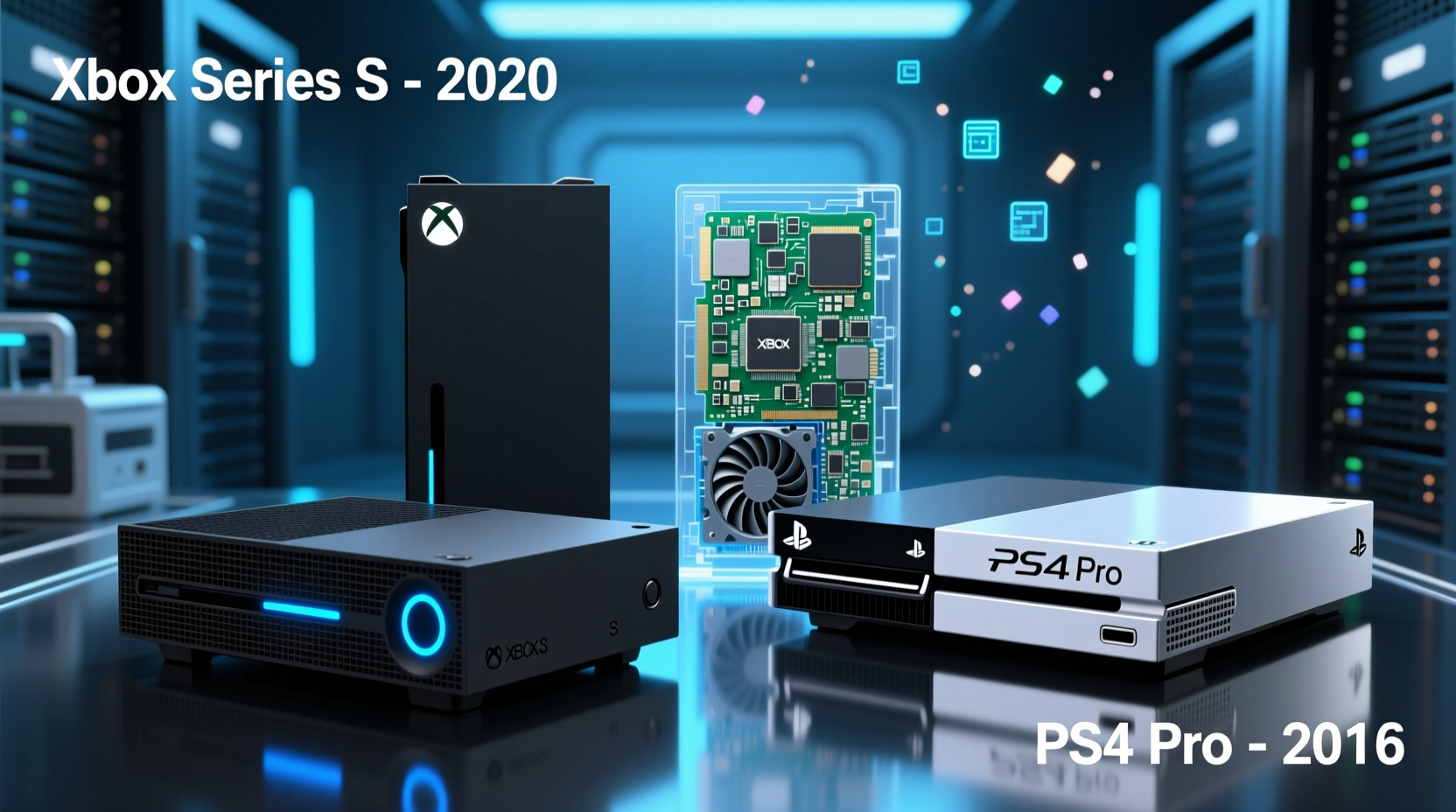
The core difference between the Xbox Series S and PS4 Pro lies in their underlying architecture. The PS4 Pro uses older AMD Jaguar CPU cores and GCN-based graphics—technology that was already aging at launch. While capable of upscaling games to 4K and supporting HDR, its limitations are evident in loading speeds, resolution consistency, and texture detail.
In contrast, the Xbox Series S runs on a custom Zen 2 CPU and RDNA 2 GPU—modern components designed for efficiency and speed. Despite targeting 1440p output (upscaled to 4K), the Series S renders most titles with higher fidelity textures, more stable frame rates (often 60fps), and ray tracing support in select games. Its SSD slashes load times dramatically; booting *Assassin’s Creed Valhalla* takes under 30 seconds on Series S compared to over two minutes on PS4 Pro.
Game Library and Backward Compatibility
One of Microsoft’s strongest selling points is backward compatibility. The Xbox Series S supports nearly all Xbox One games, including those from the PS4 Pro era through cloud streaming via Xbox Cloud Gaming (Beta). More importantly, hundreds of titles benefit from Auto HDR and FPS Boost, meaning even older games look sharper and run smoother without developer updates.
Sony improved backward compatibility late in the PS4 lifecycle, but only offers it within the PlayStation ecosystem. You can't play PS4 games on Xbox, and while PS Plus Premium includes some streaming options, they lack the flexibility of Microsoft’s cross-gen library approach.
For players invested in Xbox Game Pass, the equation shifts further. For $10/month, subscribers gain access to over 100 high-quality titles—including day-one releases from first-party studios like Bethesda and 343 Industries. This transforms the Series S into a cost-effective gateway to premium content, especially when compared to purchasing individual PS4 Pro titles at full price.
Price and Long-Term Value Comparison
At launch, the PS4 Pro retailed for $399. The Xbox Series S launched at the same price point, making direct comparisons fair. However, inflation and supply chain issues have since driven prices up temporarily, though both consoles now hover near $299–$349 used or refurbished.
| Feature | Xbox Series S | PS4 Pro |
|---|---|---|
| Launch Price | $299 | $399 |
| Storage | 512GB SSD (approx. 364GB usable) | 1TB HDD |
| Load Speed | SSD – Seconds | HDD – Minutes |
| Max Output | 1440p (upscaled to 4K) | 4K Upscaled |
| Framerate Target | Up to 120fps | Typically 30–60fps |
| Backward Compatible Games | 1000+ optimized titles | Most PS4 games |
While the PS4 Pro has double the base storage, hard drives are inherently slower than solid-state drives. Expanding storage on the Series S requires proprietary expansion cards or USB drives (for non-optimized games), which adds cost. Still, the performance gains often outweigh the inconvenience.
“Moving from a spinning disk to an SSD changes how you interact with games. It’s not just faster loads—it’s fewer interruptions, more immersion.” — David Luehr, Senior Console Analyst at GameTech Review
Real-World Example: Upgrading Mid-Cycle
Consider Mark, a longtime PS4 owner who bought a PS4 Pro in 2017 for his 4K TV. By 2022, he noticed diminishing returns: games took longer to load, updates ran overnight, and some newer titles either didn’t release on PS4 or performed poorly. He switched to an Xbox Series S primarily for Game Pass and faster performance.
His experience shifted immediately. Loading into *Starfield* went from three minutes on PS4 Pro (via streaming) to 20 seconds locally. He used Quick Resume to switch between *Forza Horizon 5*, *Hi-Fi Rush*, and *Ori and the Will of the Wisps* without relaunching. Though his 4K TV displayed upscaled 1440p, he couldn’t discern visual differences during gameplay—and appreciated the consistent 60fps.
Mark did face one limitation: limited internal storage filled quickly. But by using a $60 external drive for older titles and keeping only a few AAA games installed at once, he maintained smooth operation. For him, the trade-off was clearly worth it.
What You Should Consider Before Upgrading
Switching platforms isn’t trivial. Here’s a checklist to help determine if the move makes sense for your situation:
- Evaluate your current setup: Are you still satisfied with PS4 Pro performance? Do you own a 4K display?
- Check your game library: How many digital PS4 titles would you lose access to? Can you replay them via subscription services? Cloud Gaming AccessYes (Xbox Cloud Gaming)Limited (PS Plus Premium)
- Assess internet reliability: Cloud gaming and frequent downloads require stable, fast broadband.
- Factor in accessories: Xbox controllers work across devices, but PS4 peripherals won’t transfer.
- Consider future-proofing: The Series S receives ongoing software updates and new exclusives; PS4 Pro development has ended.
Frequently Asked Questions
Can the Xbox Series S really compete with a PS4 Pro in 4K gaming?
The Series S natively outputs at 1440p, which is then upscaled to 4K on compatible TVs. While not true 4K rendering, the result is sharp and fluid, often surpassing PS4 Pro’s checkerboard-rendered 4K due to better texture filtering and anti-aliasing. On most mid-range 4K displays, the difference is minimal during actual gameplay.
Is backward compatibility flawless on Xbox Series S?
Nearly all Xbox One games work, and many are enhanced with higher frame rates or Auto HDR. However, a small number of niche titles may have minor bugs. Microsoft maintains an official list of compatible games, so checking before purchase is recommended.
Does the smaller storage hurt the Series S experience?
It can, especially with modern games exceeding 100GB. But smart management—using external drives for archival storage and prioritizing active games—mitigates this. Over time, as install sizes stabilize and compression improves, this limitation will become less critical.
Final Verdict: Is the Upgrade Worth It?
If you're still playing on a PS4 Pro in 2024, the Xbox Series S represents a tangible upgrade in responsiveness, visual polish, and ecosystem flexibility. It’s not about raw power alone—it’s about how much more seamlessly you can engage with games. Faster boots, quicker resumes, quieter operation, and access to Game Pass redefine what console gaming feels like in the current generation.
The PS4 Pro was a mid-cycle enhancement. The Xbox Series S is a true generational step forward—even at lower resolution targets. For under $300, it offers a future-ready platform with regular updates, expanding cloud integration, and a growing catalog of optimized titles.
Unless you’re deeply entrenched in the PlayStation ecosystem—with a large library of exclusive games or PSVR investments—the practical benefits of switching are compelling. The question isn’t whether the Series S outperforms the PS4 Pro (it does, decisively), but whether you’re ready to embrace a faster, more dynamic way to play.




 浙公网安备
33010002000092号
浙公网安备
33010002000092号 浙B2-20120091-4
Comments
No comments yet. Why don't you start the discussion?