
For many casual gamers, the Xbox One S remains a familiar and reliable console. Released in 2016, it brought 4K streaming, HDR support, and a sleeker design to Microsoft’s lineup. But with the arrival of the Xbox Series S in 2020, a new entry-level contender entered the scene—offering next-gen performance at a similar price point. The question now isn't just about which console plays games, but whether upgrading from an Xbox One S to a Series S delivers meaningful improvements that justify the switch.
The answer depends on how you play, what you play, and what you expect from your gaming experience. While both consoles are marketed as compact, affordable options, their underlying capabilities differ significantly. Let’s break down the real-world differences to determine if the Series S is truly worth the leap.
Performance and Hardware: A Generational Leap
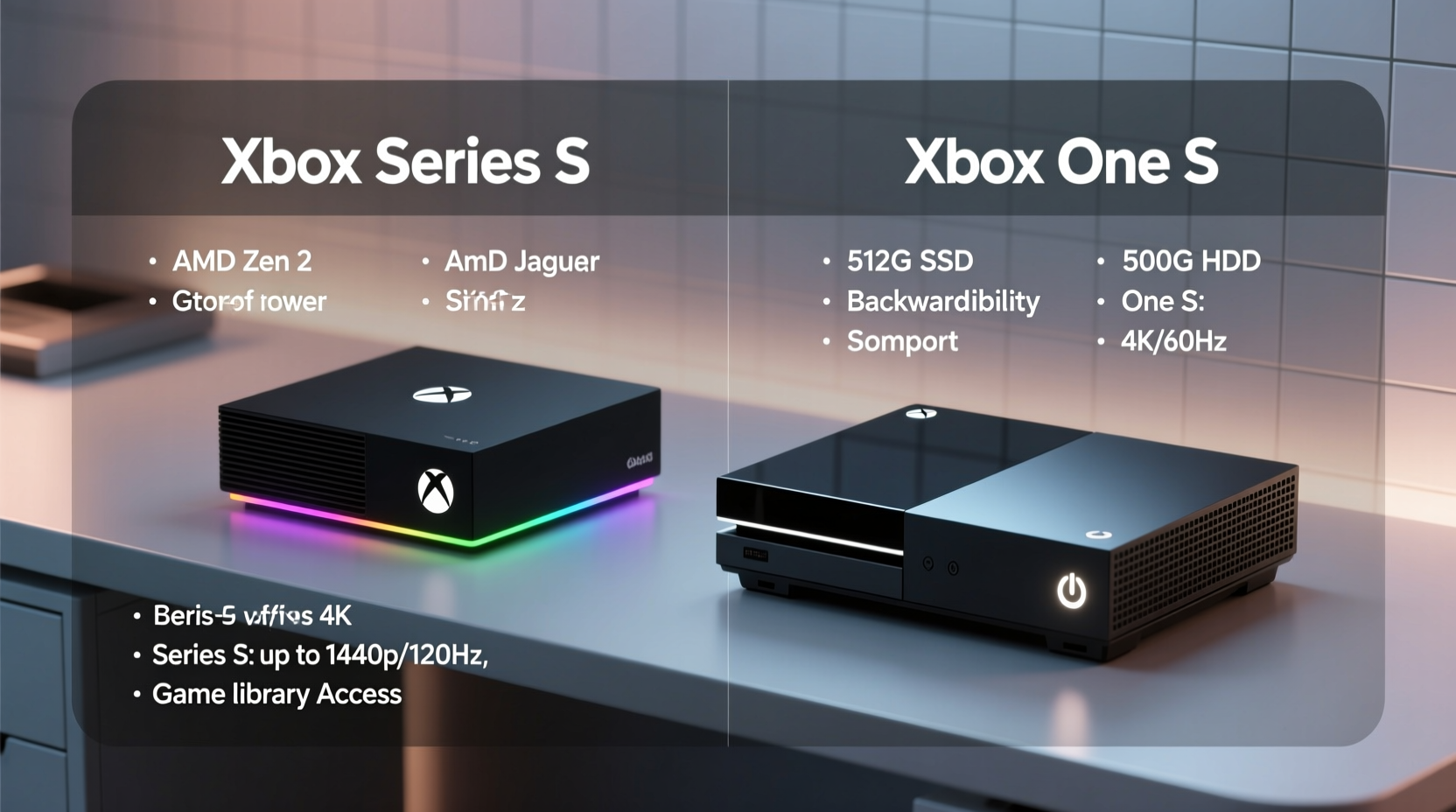
The most critical distinction between the Xbox Series S and the Xbox One S lies in raw performance. The Series S, despite being the budget model of the Xbox Series family, runs on custom AMD Zen 2 CPU and RDNA 2 GPU architecture—a modern platform that enables faster processing, higher frame rates, and advanced graphical features like hardware-accelerated ray tracing.
In contrast, the Xbox One S uses older Jaguar CPU cores and GCN-based graphics. While sufficient for 1080p gaming and media playback, it struggles to keep pace with modern titles optimized for current hardware. The Series S supports up to 120fps output (with compatible games and displays), while the One S maxes out at 60fps. This difference becomes especially apparent in fast-paced shooters or racing games where smoother motion enhances responsiveness.
Game Load Times and Storage Speed
One of the most noticeable upgrades on the Series S is its use of a custom NVMe SSD. Load times in games like Assassin’s Creed Valhalla or Forza Horizon 5 are drastically reduced compared to the mechanical hard drive in the Xbox One S. Fast travel, level transitions, and booting into menus happen in seconds rather than tens of seconds.
While the One S can be upgraded with external SSDs for slightly better performance, it lacks the internal bandwidth and system-level integration that make the Series S feel snappier overall. The Quick Resume feature—allowing players to switch between multiple suspended games—is exclusive to the Series S and X, further enhancing usability.
Storage capacity is a trade-off: the Series S comes with 512GB of internal storage (approx. 364GB usable), while the One S offers either 500GB or 1TB models. However, the Series S supports expandable storage via proprietary expansion cards or USB 3.1 drives (for non-optimized games). Given the size of modern game installations (often 50–100GB each), managing space requires planning on either console.
Visual Fidelity and Resolution Output
The Series S targets 1440p resolution with dynamic scaling, often reaching near-4K through upscaling techniques. It outputs in true 4K when streaming video content or using apps. Meanwhile, the Xbox One S supports native 1080p gaming and upscales select games and videos to 4K, but lacks the graphical muscle for consistent high-resolution rendering.
Here’s a direct comparison of key visual and performance specs:
| Feature | Xbox Series S | Xbox One S |
|---|---|---|
| Processor | Custom AMD Zen 2 (8 cores @ 3.6–3.8 GHz) | Jaguar (8 cores @ 1.75 GHz) |
| Graphics | RDNA 2 GPU, 4 TFLOPS | GCN GPU, 1.4 TFLOPS |
| RAM | 10GB GDDR6 | 8GB DDR3 + 32MB ESRAM |
| Internal Storage | 512GB SSD (custom) | 500GB / 1TB HDD |
| Max Gaming Resolution | 1440p (up to 4K upscaled) | 1080p (4K upscaled video only) |
| Frame Rate Support | Up to 120fps | Max 60fps |
| Ray Tracing | Yes (hardware-accelerated) | No |
| Quick Resume | Yes | No |
“We’re seeing a fundamental shift in game design expectations. Load times, frame consistency, and visual detail are no longer luxuries—they're baseline expectations.” — Mark Reynolds, Senior Console Analyst at GameTech Insights
Real-World Example: The Casual Gamer’s Dilemma
Consider Sarah, a part-time gamer who owns an Xbox One S. She plays primarily single-player adventures and indie titles during weekends. Her TV is a standard 1080p model, and she rarely ventures beyond the latest story-driven releases like Life is Strange or Sea of Thieves. For her, the One S still works well—games run acceptably, and streaming Netflix in 4K is smooth.
But after borrowing a friend’s Series S, she noticed immediate differences: Sea of Thieves loaded in under 15 seconds instead of nearly a minute, and fast travel was almost instant. The game also ran at a rock-solid 60fps, whereas on her One S, it occasionally dipped during storms or crowded ports. Though her screen doesn’t support 1440p, the improved fluidity made the experience feel more immersive.
Sarah realized that even without chasing 4K, the responsiveness and reduced downtime enhanced her enjoyment. For users like her, the upgrade may not be essential—but it’s increasingly compelling.
Is the Upgrade Worth It? A Practical Checklist
Before deciding, evaluate your current setup and gaming habits. Use this checklist to assess whether the Series S makes sense for you:
- ✅ Do you frequently experience long load times on your One S?
- ✅ Are you playing newer titles that feel sluggish or visually underwhelming?
- ✅ Do you own or plan to get a 120Hz display?
- ✅ Have you hit storage limits and dread managing game deletions?
- ✅ Do you value faster boot times and seamless multitasking between games?
- ✅ Are you subscribed to Xbox Game Pass and want to maximize next-gen titles?
If three or more apply, the Series S likely offers tangible benefits. However, if you mostly watch movies, play older or backward-compatible games, and don’t mind waiting 30–60 seconds for levels to load, your One S may still serve you well—at least for another year or two.
Frequently Asked Questions
Can I use my old games and accessories with the Xbox Series S?
Yes. The Series S supports full backward compatibility with Xbox One S games, including physical discs (if you have the All-Digital Edition with external drive support) and digital purchases. Most controllers, headsets, and charging docks work seamlessly across both systems.
Does the Series S support 4K gaming?
Not natively. The Series S targets 1440p resolution with upscaling to 4K. While visuals are sharp and well-optimized, it does not match the 4K output of the Xbox Series X. However, for most mid-sized TVs (under 55 inches), the difference is subtle.
Is the smaller size of the Series S worth the trade-offs?
The compact design makes it ideal for small entertainment centers or portability. However, the limited internal storage and reliance on proprietary expansion cards can become costly over time. Weigh space savings against long-term storage needs.
Final Verdict: When to Upgrade
The Xbox Series S isn’t just a minor refresh—it represents a genuine generational improvement in speed, efficiency, and gameplay responsiveness. While the Xbox One S remains functional for basic gaming and media, the Series S delivers a noticeably smoother, more modern experience, particularly with Game Pass titles and backward-compatible games enhanced for newer hardware.
The upgrade is most worthwhile if you:
- Play regularly and value reduced friction in gameplay.
- Want access to future titles that will increasingly optimize for SSDs and higher frame rates.
- Seek a quiet, energy-efficient console with quick startup and resume features.
For occasional users or those fully invested in a 1080p ecosystem, holding onto the One S is still reasonable. But for anyone looking to stay current without paying premium prices, the Xbox Series S offers exceptional value. It’s not merely an upgrade—it’s a step into the next era of accessible gaming.




 浙公网安备
33010002000092号
浙公网安备
33010002000092号 浙B2-20120091-4
Comments
No comments yet. Why don't you start the discussion?