
If Yahoo services—whether it’s your inbox, finance page, or sports feed—are suddenly unresponsive, slow, or inaccessible, you're not alone. Millions of users rely on Yahoo daily, and when it stops working, productivity takes a hit. The good news: most issues aren’t permanent and can be resolved quickly with the right approach. This guide walks through proven fixes for common Yahoo problems, from login failures to blank screens, so you can get back to checking emails, tracking stocks, or catching up on news without delay.
Common Causes of Yahoo Not Working
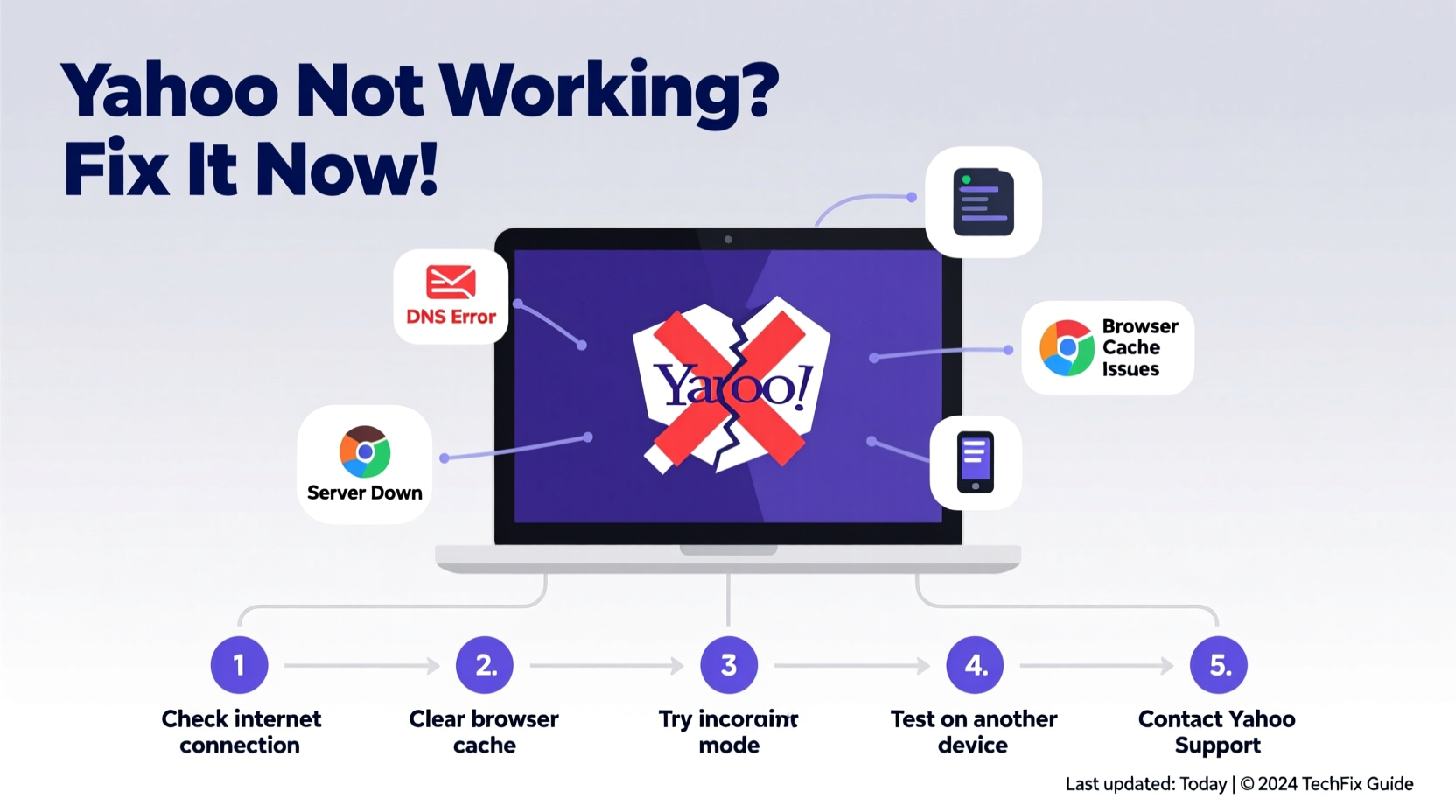
Before diving into solutions, it helps to understand what might be causing the disruption. Yahoo outages can stem from user-side factors, network issues, or server-side problems. Identifying the root cause saves time and effort.
- Internet connectivity: A weak or unstable connection can prevent Yahoo pages from loading properly.
- Browser issues: Outdated browsers, corrupted caches, or conflicting extensions may block access.
- Account problems: Forgotten passwords, two-factor authentication errors, or locked accounts stop logins.
- Server downtime: Rare but possible; Yahoo occasionally experiences regional or global outages.
- Device-specific glitches: Mobile apps or desktop clients may malfunction due to updates or bugs.
Step-by-Step Troubleshooting Guide
Follow this structured process to isolate and resolve Yahoo access issues efficiently.
- Check Yahoo’s Service Status
Visit status.yahoo.com to confirm whether there’s an ongoing outage. If Yahoo reports active incidents, wait for their engineering team to resolve it. - Test Your Internet Connection
Open another website (e.g., google.com). If nothing loads, restart your router or switch to mobile data to verify connectivity. - Clear Browser Cache and Cookies
Corrupted stored data often blocks Yahoo login. In Chrome: Settings > Privacy and Security > Clear Browsing Data > Select “Cookies and cached images.” Repeat in other browsers if needed. - Try a Different Browser or Device
Launch Yahoo in Firefox, Safari, or Edge. If it works, the original browser has an issue—disable extensions one by one to find the culprit. - Disable Browser Extensions Temporarily
Ad blockers, privacy tools, or script filters (like uBlock Origin or NoScript) may interfere with Yahoo’s scripts. Turn them off and reload the page. - Flush DNS and Reset Network Settings
On Windows: Open Command Prompt as admin, typeipconfig /flushdns, thennetsh winsock reset. Restart your PC afterward. - Update the Yahoo App (Mobile)
Go to Google Play Store or Apple App Store, search \"Yahoo Mail,\" and update if available. Outdated versions frequently crash or fail to sync.
Fixing Yahoo Login Issues
Login failures are among the most frequent complaints. These steps address password resets, verification loops, and account lockouts.
Recover Your Password
If you’re locked out:
- Go to login.yahoo.com/forgot.
- Enter your email or phone number linked to the account.
- Follow prompts to verify identity via alternate email or SMS.
- Create a new strong password (use at least 12 characters with numbers and symbols).
Two-Factor Authentication Problems
If you're not receiving verification codes:
- Ensure your registered phone number is correct under Account Security settings.
- Check for carrier delays—wait 2–3 minutes before resending.
- Use backup codes if previously generated, or switch to authenticator apps like Google Authenticator.
“Over 60% of Yahoo login issues stem from outdated credentials or misconfigured recovery options.” — IT Support Team, NetSecure Labs
Do’s and Don’ts When Yahoo Isn’t Working
| Do’s | Don’ts |
|---|---|
| ✅ Check internet speed and stability first | ❌ Repeatedly enter wrong passwords (can trigger temporary lockout) |
| ✅ Use incognito/private browsing mode to test | ❌ Ignore app update notifications |
| ✅ Clear cache weekly if using Yahoo heavily | ❌ Share recovery links or codes with anyone |
| ✅ Enable two-factor authentication for long-term security | ❌ Assume it’s a Yahoo-wide outage without verifying |
Real-World Example: Sarah’s Email Access Crisis
Sarah, a freelance writer, couldn’t access her Yahoo inbox one morning—the page loaded halfway, then froze. She had deadlines to meet and panicked. First, she checked status.yahoo.com—no reported outages. Then she tried logging in from her tablet: success. That ruled out account issues. Back on her laptop, she opened Chrome in incognito mode. Yahoo loaded instantly. The culprit? A recently installed ad blocker that was filtering essential scripts. Disabling it restored full access. Within 15 minutes, she was back on track.
This case highlights why isolating variables matters. Jumping straight to password resets or calling support could have wasted valuable time.
Advanced Fixes for Persistent Problems
When basic steps fail, deeper technical adjustments may help.
Change DNS Servers
Your ISP’s DNS may be blocking or slowing Yahoo. Switch to Google DNS:
- Navigate to Network Settings > Change Adapter Options.
- Right-click your active connection > Properties > Internet Protocol Version 4 (TCP/IPv4).
- Select “Use the following DNS server addresses”:
- Preferred:
8.8.8.8
Alternate:8.8.4.4 - Save and restart your browser.
Reset Hosts File (Windows)
A corrupted hosts file can redirect Yahoo URLs incorrectly.
- Open Notepad as administrator.
- Go to File > Open > Navigate to
C:\\Windows\\System32\\drivers\\etc\\hosts. - If you see any lines containing “yahoo,” delete them.
- Save the file (you may need permission).
Frequently Asked Questions
Why does Yahoo Mail keep logging me out?
This often happens due to browser settings that clear cookies on exit, aggressive privacy extensions, or session timeouts on public networks. Ensure “Stay signed in” is checked during login, and avoid using private browsing for regular access.
Can I use Yahoo Mail offline?
Not natively in browsers, but the Yahoo mobile app allows limited offline viewing of recently loaded emails. For full offline functionality, consider syncing Yahoo with desktop clients like Outlook or Thunderbird using IMAP.
Is Yahoo down or is it just me?
To confirm, use third-party tools like DownForEveryoneOrJustMe.com. Enter yahoo.com—if it shows “It's just you,” the issue is local. If “It's down,” wait for Yahoo to restore service.
Essential Maintenance Checklist
Prevent future disruptions with this monthly maintenance routine:
- ✔️ Clear browser cache and cookies
- ✔️ Update your browser and operating system
- ✔️ Review account recovery options (phone/email)
- ✔️ Audit connected apps and remove unused ones
- ✔️ Test login from a secondary device
- ✔️ Run a malware scan (malware sometimes hijacks email sessions)
Conclusion: Stay Proactive, Stay Connected
Yahoo not working doesn’t have to mean hours of frustration. Most issues are fixable within minutes using simple, logical steps. The key is staying calm, testing systematically, and knowing when the problem is on your end versus Yahoo’s infrastructure. By applying these strategies—from clearing caches to adjusting DNS settings—you regain control fast. Don’t wait for problems to escalate. Bookmark this guide, perform regular checkups, and keep your Yahoo experience smooth and reliable.




 浙公网安备
33010002000092号
浙公网安备
33010002000092号 浙B2-20120091-4
Comments
No comments yet. Why don't you start the discussion?