
Zelle has become one of the most widely used peer-to-peer payment platforms in the United States, allowing users to send and receive money directly from their bank accounts within minutes. However, even the most reliable digital tools can encounter hiccups. If you’ve found yourself staring at an error message or waiting endlessly for a payment that never arrives, you’re not alone. Millions of users experience Zelle-related issues each year—ranging from login problems to failed transfers. The good news is that most of these issues can be resolved quickly with the right approach.
Common Reasons Why Zelle Might Not Be Working
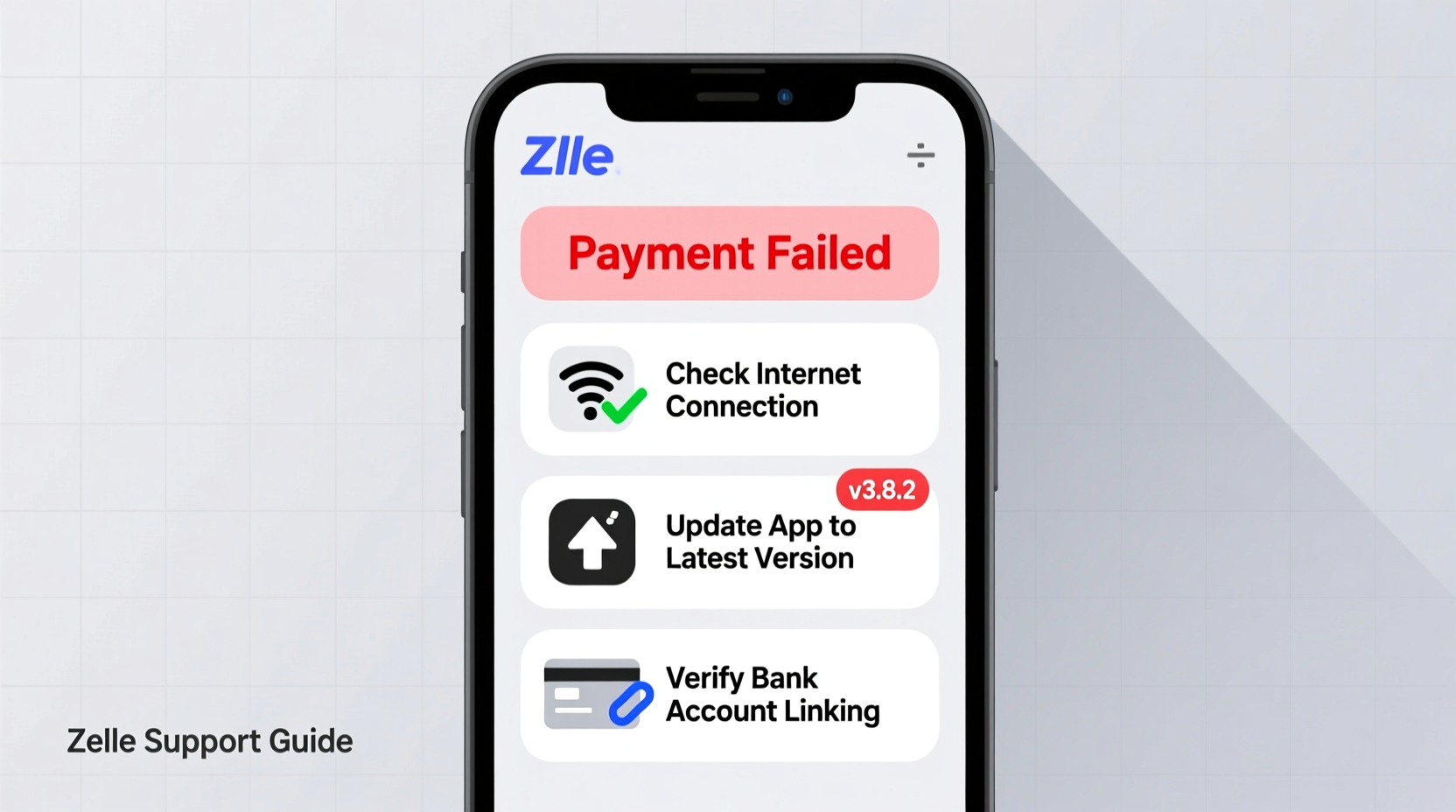
Zelle’s seamless operation depends on several factors: your bank’s compatibility, correct contact information, stable internet connection, and up-to-date app version. When any of these elements fail, the entire process can stall. Some of the most frequently reported issues include:
- “Payment cannot be processed” error
- Inability to enroll with your email or phone number
- Money sent but not received by the recipient
- Login failures or app crashes
- Delays in receiving funds despite confirmation
Understanding the root cause is the first step toward resolution. Many problems stem from simple oversights—like using an unverified phone number or attempting to send money to someone who isn’t enrolled in Zelle.
Step-by-Step Guide to Fix Zelle Issues
When Zelle stops working, follow this systematic troubleshooting process to identify and resolve the issue efficiently.
- Verify Enrollment Status
Ensure you're fully enrolled in Zelle. Open your banking app or the standalone Zelle app and confirm that your profile is active and linked to a valid U.S. mobile number or email address. - Check Recipient’s Enrollment
Zelle only works if the recipient is also enrolled. A common mistake is sending money to someone who hasn’t signed up yet. Ask them to verify their enrollment before resending. - Confirm Contact Information
If you’re using an email or phone number that isn’t registered with Zelle, the transaction will fail. Make sure the recipient added the exact same email or number you’re sending to. - Update the App or Banking Platform
An outdated app version may lack critical security patches or compatibility updates. Visit your device’s app store and install the latest version of either the Zelle app or your bank’s mobile application. - Restart Your Device and Reconnect Internet
Temporary glitches can interfere with app functionality. Turn your phone off and on again, then reconnect to Wi-Fi or switch to cellular data. - Clear Cache (For Android Users)
Go to Settings > Apps > Zelle (or your bank’s app) > Storage > Clear Cache. This often resolves performance lags without deleting account data. - Contact Your Bank
If none of the above work, reach out to your financial institution. Some banks impose limits or block transactions based on fraud detection algorithms. Customer support can lift holds or clarify restrictions.
Do’s and Don’ts When Using Zelle
| Do’s | Don’ts |
|---|---|
| Use a verified phone number or email linked to your bank account | Send money to strangers or unverified contacts |
| Confirm the recipient is enrolled in Zelle before sending | Expect instant refunds if you send to the wrong person |
| Keep your app updated regularly | Ignore error messages—note them for support |
| Monitor transaction history for unauthorized activity | Use public Wi-Fi to conduct sensitive transactions |
Real Example: A Delayed Payment Resolved
Samantha needed to pay her roommate $500 for rent via Zelle. She initiated the transfer successfully, but the funds didn’t appear in her roommate’s account after two hours. Initially concerned, Samantha reviewed her transaction history and noticed the status was “Sent.” She contacted her bank, which revealed that the delay occurred because her roommate had recently changed banks and hadn’t re-enrolled Zelle with the new account. Once her roommate re-registered using their current bank credentials, the money arrived within ten minutes.
This case highlights how enrollment gaps—not technical faults—are often the real culprit behind apparent Zelle failures.
Expert Insight on Digital Payment Reliability
“Peer-to-peer networks like Zelle rely heavily on user accuracy and institutional coordination. One mismatched phone number can halt a transaction. Always treat digital payments with the same caution as cash.” — James Lin, Senior Fintech Analyst at PayTech Review
Troubleshooting Checklist
- ✅ Confirm you’re enrolled in Zelle
- ✅ Verify the recipient is enrolled with the correct email/phone
- ✅ Ensure your app or bank portal is up to date
- ✅ Check internet connectivity and restart the app
- ✅ Look for specific error codes and research their meaning
- ✅ Contact your bank’s customer service for backend issues
- ✅ Avoid multiple resends to prevent duplicate charges
Frequently Asked Questions
Why does Zelle say my recipient isn’t enrolled even though they claim they are?
This usually happens when the recipient’s enrollment details don’t match what you’re sending to. For example, if you’re sending to an email address they used with a different bank, or if they switched banks but didn’t re-enroll. Ask them to confirm which phone number or email is currently registered with Zelle through their bank.
How long should a Zelle transfer take?
Most Zelle transfers between enrolled users complete within minutes. However, first-time transactions or those involving certain banks may take up to 3 business days. If more than 24 hours have passed without success, investigate enrollment or network issues.
Can I cancel a Zelle payment?
You can only cancel a payment if the recipient hasn’t yet enrolled in Zelle. Once the recipient is enrolled, the money is transferred directly to their bank account and cannot be reversed. Always double-check names and amounts before confirming.
Preventing Future Zelle Problems
Proactive habits reduce the likelihood of encountering issues. Set reminders to update your banking apps monthly. Store trusted contacts’ Zelle-linked emails or numbers in your phone with clear labels. Regularly review your transaction history to catch anomalies early. Additionally, avoid relying solely on third-party apps—many banks now integrate Zelle natively into their platforms, offering smoother performance and faster support.
Another overlooked factor is device permissions. On smartphones, ensure the Zelle or banking app has access to notifications and background data. Restricted permissions can delay alerts and hinder syncing, making it seem like a transaction failed when it actually succeeded.
“More than 70% of ‘failed’ Zelle transactions are due to user-side mismatches, not system outages.” — Federal Consumer Financial Protection Bureau (2023 Report)
Conclusion: Take Control of Your Digital Payments
Zelle is a powerful tool when used correctly, but its efficiency depends on accurate setup and informed usage. Most issues aren’t signs of a broken system—they’re signals to double-check enrollment, connections, and communication. By following structured troubleshooting steps and staying aware of best practices, you can overcome nearly any obstacle Zelle throws your way.




 浙公网安备
33010002000092号
浙公网安备
33010002000092号 浙B2-20120091-4
Comments
No comments yet. Why don't you start the discussion?