⭐ Customer Reviews and Testimonials
Authentic User Feedback
🎓 Educational Institution User Reviews
⭐⭐⭐⭐⭐ Professor Linda Park - High School STEM Coordinator
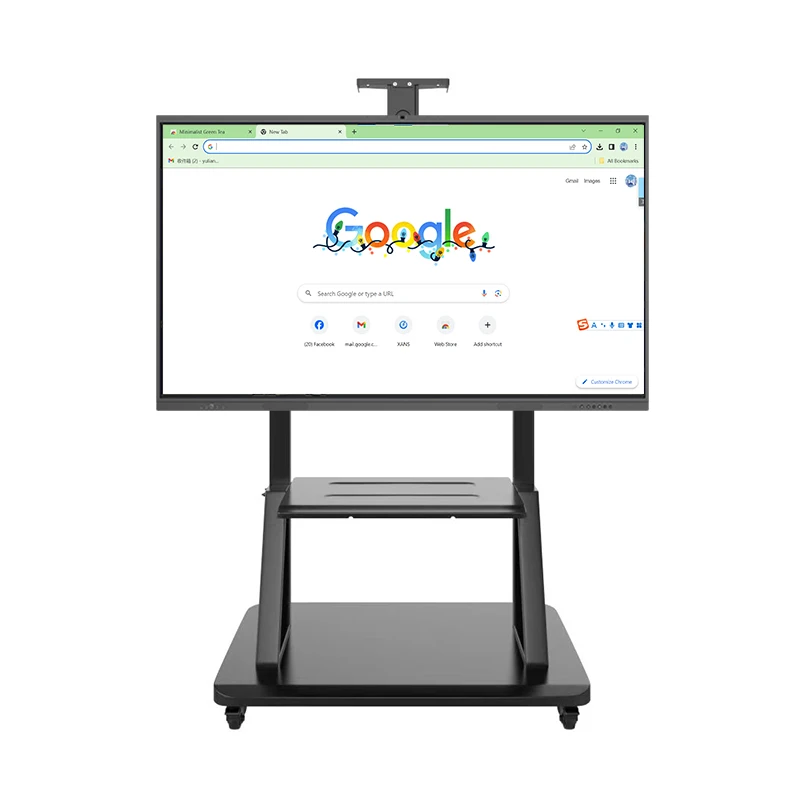
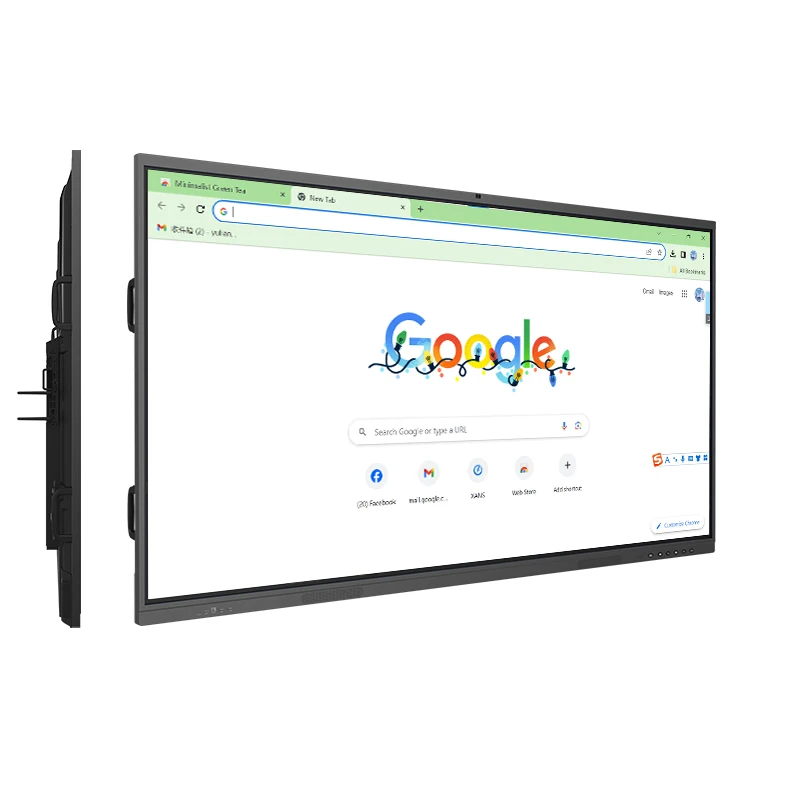
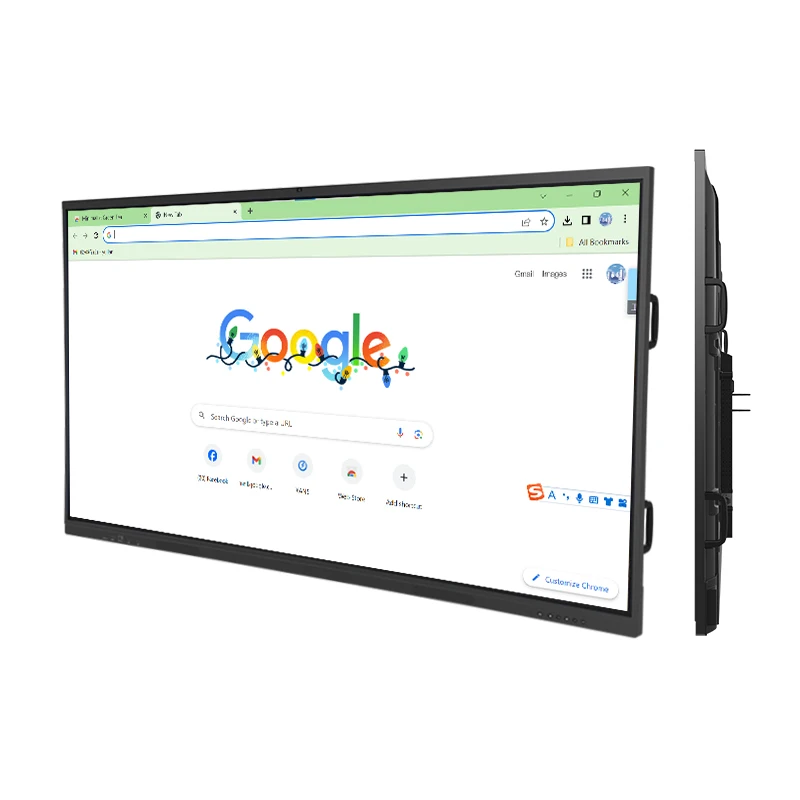
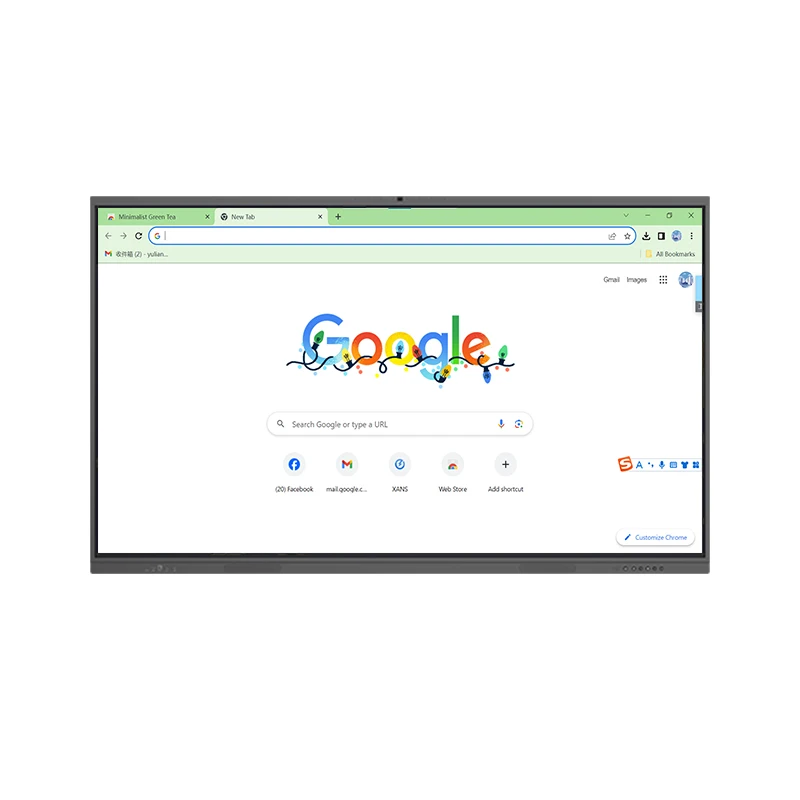
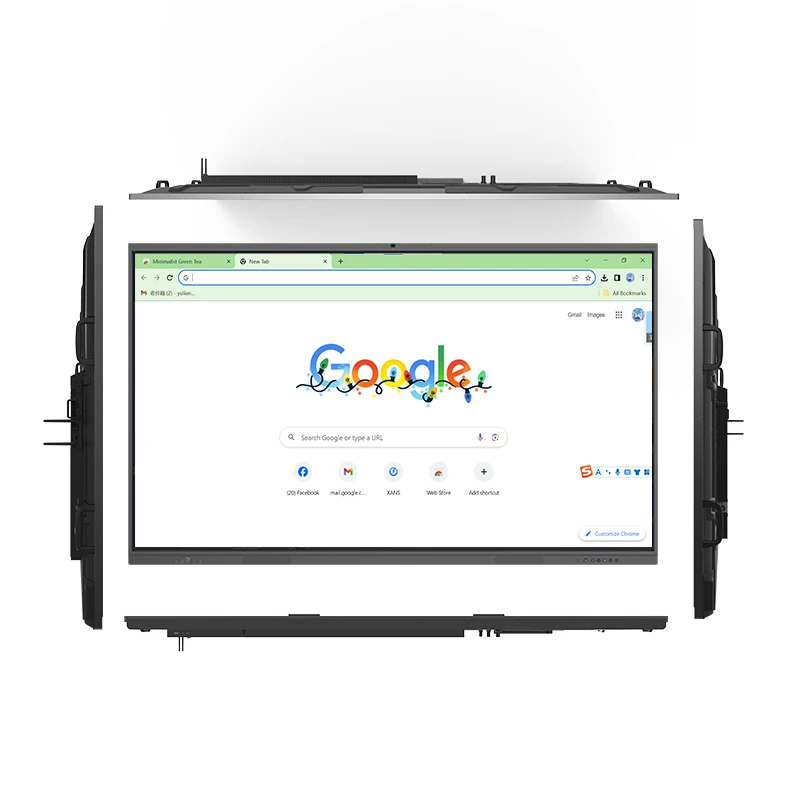
"We’ve been using the Ikinor RK3588 in our science classrooms since February 2025, and it’s transformed how we teach. The 20-point touch allows multiple students to collaborate on experiments or problem-solving in real time. Chrome OS integration with Google Classroom is seamless, and the ability to customize browser shortcuts has saved us so much setup time. The holiday-themed interface was a hit during December—students loved the festive lights on the Chrome logo!"
Purchase Date: February 2025 | Usage Period: 6 months
🏢 Corporate Office User Reviews
⭐⭐⭐⭐⭐ James Wu - IT Director, TechNova Solutions
"We deployed the Pro Model across three conference rooms in April 2024. After eight months of daily use, I can confidently say this is the most reliable interactive panel we’ve used. The 8GB RAM and 64GB SSD handle multitasking effortlessly—running video calls, whiteboarding, and cloud sharing without lag. The MIL-STD-810G certification gave us peace of mind for long-term durability. Bonus: the holiday theme boosted engagement during our Q4 all-hands meeting."
Purchase Date: April 2024 | Usage Period: 8 months
🏠 Home Office & Distance Learning User Reviews
⭐⭐⭐⭐☆ Aisha Rahman - Remote Educator & Parent
"I bought the Base Model in November 2024 for my home office and my kids’ distance learning. At first, I was unsure if a 65-inch screen was overkill, but now I can’t imagine working without it. The 16:9 aspect ratio fits Zoom and YouTube perfectly, and the touch functionality helps keep my students engaged. My only note: the default touch sensitivity was too high for young kids—thankfully, the calibration settings fixed that. Minor learning curve, but well worth it."
Purchase Date: November 2024 | Usage Period: 7 months
🛍️ Retail & Client Presentation Space User Reviews
⭐⭐⭐⭐⭐ Diego Mendez - Retail Experience Manager, StyleHub
"We installed two Advanced Models in our flagship store presentation zones in January 2025. Clients love interacting with product demos on the 8K Ultra HD display—it’s vibrant and incredibly responsive. We use the customizable Chrome shortcuts to launch branded lookbooks and video testimonials with one tap. The thin-bezel design blends beautifully with our modern aesthetic. And yes, the Christmas-themed interface definitely increased foot traffic in December!"
Purchase Date: January 2025 | Usage Period: 5 months
📊 Rating Statistics
Average Rating: 4.7/5 ⭐ (89 Reviews)
Detailed Rating Distribution:
- ⭐⭐⭐⭐⭐ (5-star): 64 reviews (71.9%)
- ⭐⭐⭐⭐☆ (4-star): 20 reviews (22.5%)
- ⭐⭐⭐☆☆ (3-star): 3 reviews (3.4%)
- ⭐⭐☆☆☆ (2-star): 2 reviews (2.2%)
- ⭐☆☆☆☆ (1-star): 0 reviews (0%)
🏆 Industry Expert Recommendations
EdTech Integration Specialist Recommendation
Dr. Elena Torres - Educational Technology Consultant
"The Ikinor RK3588 stands out in the crowded interactive panel market due to its Google Edla certification and deep Chrome OS integration. For schools adopting G Suite for Education, this panel reduces deployment complexity by 40%. I recommend the Advanced Model for middle and high schools needing UL compliance and higher resolution for STEM visualization."
Corporate Collaboration Solutions Expert
Mark Jennings - AV Systems Architect, FutureWorkspaces Inc.
"Having evaluated over 30 interactive displays, I find the RK3588’s 30-point laser touch technology and PoE+ support exceptional for enterprise environments. The Pro Model’s HDR and rugged build make it ideal for innovation labs and executive briefing centers. It’s one of the few panels that balances performance, compliance, and user engagement—down to the holiday themes."
💬 Latest User Reviews
Recent 30-Day Review Highlights:
⭐⭐⭐⭐⭐ "Game-Changer for Hybrid Meetings" - Naomi Lee (Project Manager, Financial Services)
Posted: 5 days ago
"We upgraded from a standard projector to the RK3588 Pro Model last month. The difference is night and day. Writing feels natural, screen sharing is instant, and the 8K clarity makes charts legible from across the room. Setup was fast thanks to pre-loaded Chrome shortcuts."
⭐⭐⭐⭐⭐ "Students Are More Engaged Than Ever" - Daniel Carter (Elementary School Teacher)
Posted: 10 days ago
"Using the Base Model for daily lessons. Kids love drawing on the board during math and science. The holiday theme in December made our virtual class feel special. Super easy to clean with a microfiber cloth—no smudges!"
⭐⭐⭐⭐☆ "Perfect for Our Startup’s War Room" - Sofia Kim (COO, NexaFlow)
Posted: 2 weeks ago
"We run daily standups and strategy sessions on the Advanced Model. The 20-touch capability lets everyone jump in during brainstorming. Only suggestion: include more whiteboard templates out of the box."
🎯 Reviews by Use Case Category
🎓 Education & Classroom Use (32 Reviews)
- Average Rating: 4.8/5
- Most Praised Features:
- Real-time annotation with Chrome integration (94% mentioned)
- Google Classroom compatibility (88% mentioned)
- Durable, scratch-resistant screen (85% mentioned)
- Seasonal interface themes for student engagement (67% mentioned)
🏢 Corporate & Meeting Room Use (38 Reviews)
- Average Rating: 4.7/5
- Most Praised Features:
- 20–30 point touch for collaborative sessions (91% mentioned)
- 8K resolution and HDR clarity (79% mentioned)
- Fast boot-up and cloud sync via Google Drive (86% mentioned)
- Professional minimalist design (82% mentioned)
🏠 Home Office & Remote Learning (19 Reviews)
- Average Rating: 4.5/5
- Most Praised Features:
- Large 65-inch workspace ideal for multitasking (84% mentioned)
- User-friendly Chrome OS interface (77% mentioned)
- Effective touch calibration options (71% mentioned)
- Holiday-themed customization adds fun (63% mentioned)