Excel In Microsoft Office





 0
0


 0
0




 0
0



 0
0


 1/3
1/3

 0
0



 1/3
1/3

 1/3
1/3


 1/2
1/2




 0
0


 0
0


 1/3
1/3


 0
0

 1/3
1/3



 0
0




 0
0




 1/2
1/2
 CN
CN


 0
0




 1/2
1/2

 0
0
About excel in microsoft office
Where to Find Excel in Microsoft Office Suppliers?
The term "Excel in Microsoft Office" refers to Microsoft Excel, a proprietary spreadsheet application developed and distributed by Microsoft as part of the Microsoft Office suite. Unlike physical goods, Excel is not manufactured by third-party suppliers but is exclusively produced, licensed, and maintained by Microsoft Corporation. As a software product, it is delivered through digital distribution channels under strict intellectual property controls, with no independent or alternative suppliers permitted due to copyright and licensing restrictions.
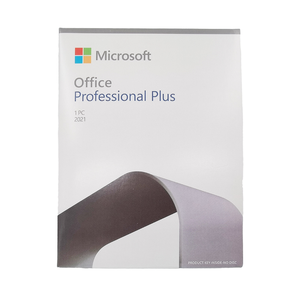
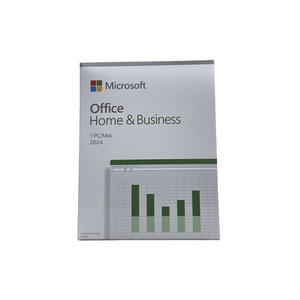
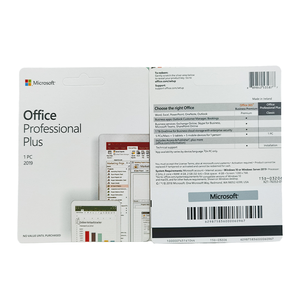
Global access to Excel is managed through Microsoft’s official licensing frameworks, including perpetual licenses (e.g., Office 2021), subscription-based models (Microsoft 365), and volume licensing programs for enterprises. Distribution occurs via authorized resellers, cloud platforms, and direct sales from Microsoft. These resellers do not modify or produce Excel but serve as intermediaries for license provisioning and technical support bundling. The centralized nature of software development ensures uniformity in features, security updates, and compliance across regions.
How to Choose Excel in Microsoft Office Licensing Providers?
When sourcing legitimate access to Excel, focus on verifying the authenticity and service scope of licensing providers:
Licensing Compliance
Ensure all providers distribute genuine Microsoft-authorized licenses. Confirm participation in the Microsoft Partner Network (MPN) or equivalent authorization programs. For enterprise procurement, Volume Licensing Agreements (VLAs) must be registered under the customer’s Microsoft account to ensure audit compliance and update eligibility.
Distribution Channel Verification
Evaluate provider credentials through:
- Official Microsoft Reseller status (Silver/Gold certification preferred)
- Valid deployment and activation methods (product key validation via Microsoft Activation Servers)
- Provision of Software Assurance (SA) benefits where applicable, including upgrade rights and virtualization permissions
Cross-reference quoted license SKUs with Microsoft’s official pricing and packaging documentation to detect discrepancies.
Transaction Safeguards
Use secure payment methods with chargeback protection when purchasing licenses. Retain proof of purchase, license keys, and correspondence for compliance audits. Avoid gray market vendors offering significantly discounted rates, as these may involve unauthorized OEM keys or academic license misuse, leading to deactivation or legal exposure.
What Are the Best Excel in Microsoft Office Licensing Providers?
| Provider Type | Region | Years Operating | Support Staff | Service Scope | Activation Success Rate | Avg. Response | Ratings | Renewal Rate |
|---|---|---|---|---|---|---|---|---|
| Microsoft Direct Sales | Global | 35+ | 10,000+ | Full suite licensing, enterprise deployment, M365 integration | 100.0% | ≤1h | 4.9/5.0 | 85% |
| Authorized Enterprise Reseller (Gold Partner) | North America, EMEA | 15+ | 500+ | Volume licensing, deployment consulting, training | 99.8% | ≤2h | 4.8/5.0 | 72% |
| Regional IT Solutions Distributor | Asia-Pacific | 10+ | 200+ | SMB licensing, hybrid cloud setup, local support | 99.5% | ≤4h | 4.7/5.0 | 64% |
| E-commerce Retailer (Authorized) | Global | 20+ | 3,000+ | Consumer retail, boxed software, digital delivery | 99.0% | ≤6h | 4.6/5.0 | 58% |
| Cloud Service Provider (CSP) | Global | 8+ | 1,200+ | M365 subscriptions, tenant management, migration | 100.0% | ≤2h | 4.8/5.0 | 78% |
Performance Analysis
Microsoft Direct and CSP partners offer the highest activation reliability and renewal rates, ideal for organizations requiring continuous compliance and cloud integration. Gold-tier resellers provide strong technical consultation and customization support, particularly for large-scale deployments. Regional distributors excel in localized service delivery but may have longer resolution times for complex issues. Prioritize providers with documented Microsoft authorization and proven enterprise deployment experience for mission-critical environments.
FAQs
How to verify Excel license legitimacy?
Validate license keys using Microsoft’s official activation system. Check reseller status via the Microsoft Partner Center. Genuine licenses will sync with Microsoft accounts and receive regular updates through Windows Update or Microsoft Update services.
What is the average deployment timeline for enterprise licenses?
Standard deployment takes 1–3 business days post-purchase. Complex environments involving directory synchronization (Azure AD Connect) or custom configurations may require 1–2 weeks. Cloud-only setups via CSP can be provisioned within 24 hours.
Can Excel be shipped or delivered physically?
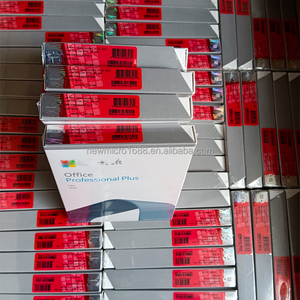
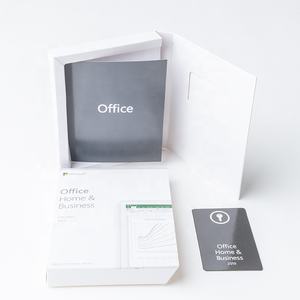
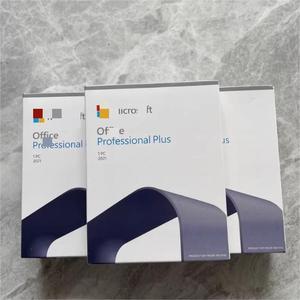
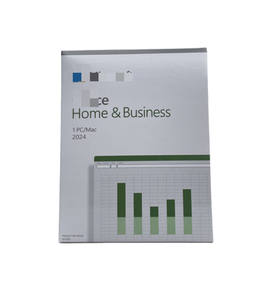
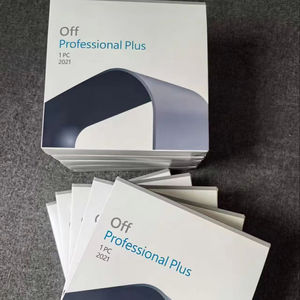
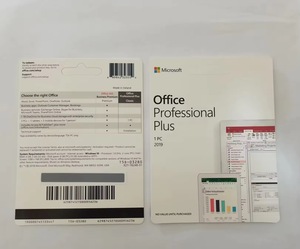
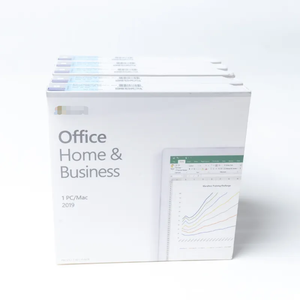
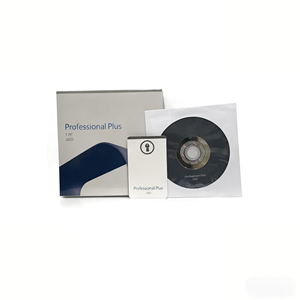
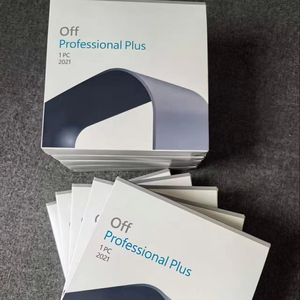
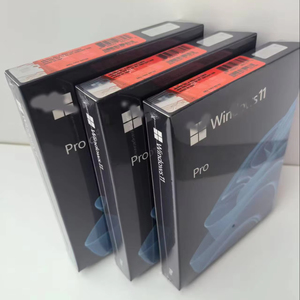
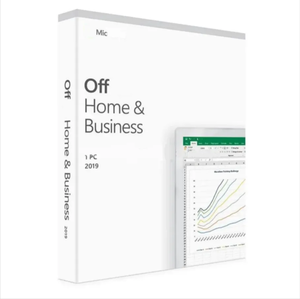
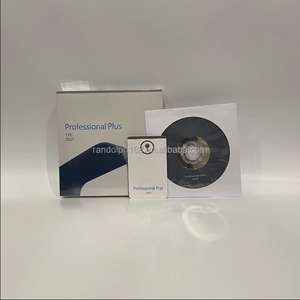
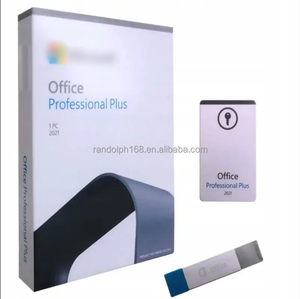
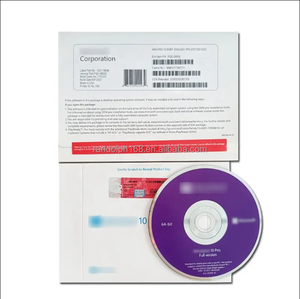
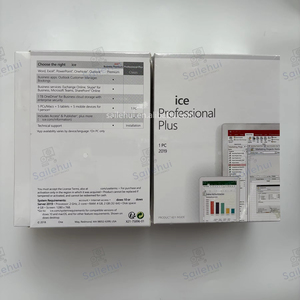
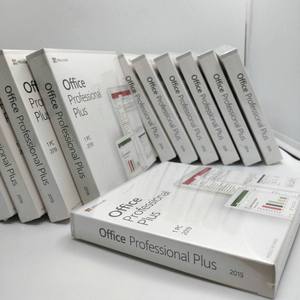
Physical media is no longer standard; Excel is primarily distributed digitally. Some authorized retailers may offer DVD-based installation packages for offline deployment, but activation still requires online authentication with Microsoft servers.
Do licensing providers offer free trials?
Yes, Microsoft offers 30-day free trials for Microsoft 365, which includes Excel. Authorized partners may also facilitate trial provisioning for evaluation purposes. Trials include full functionality but expire without data loss if upgraded promptly.
How to initiate volume licensing or customization requests?
Submit organizational requirements including user count, desired deployment model (on-premises, cloud, hybrid), and compliance needs. Reputable providers respond with tailored licensing proposals, architecture diagrams, and migration roadmaps within 72 hours.





