
For competitive first-person shooter (FPS) gamers, every millisecond counts. Whether you're flicking to a target in CS2, tracking an enemy across the map in Valorant, or dodging rockets in Apex Legends, your hardware plays a pivotal role in how fast and accurately you can react. Two of the most debated specs in modern gaming monitors are 4K resolution and 144Hz (or higher) refresh rates. But when forced to choose between ultra-sharp visuals and buttery-smooth motion, which one actually gives you the edge in FPS titles?
The answer isn’t as simple as “one is better.” It depends on your priorities, system capabilities, and the type of FPS experience you’re chasing. This article breaks down the technical realities, performance trade-offs, and real-world implications of choosing a 4K monitor versus a high-refresh-rate 144Hz+ display—so you can make an informed decision that aligns with your gameplay goals.
Understanding the Core Differences
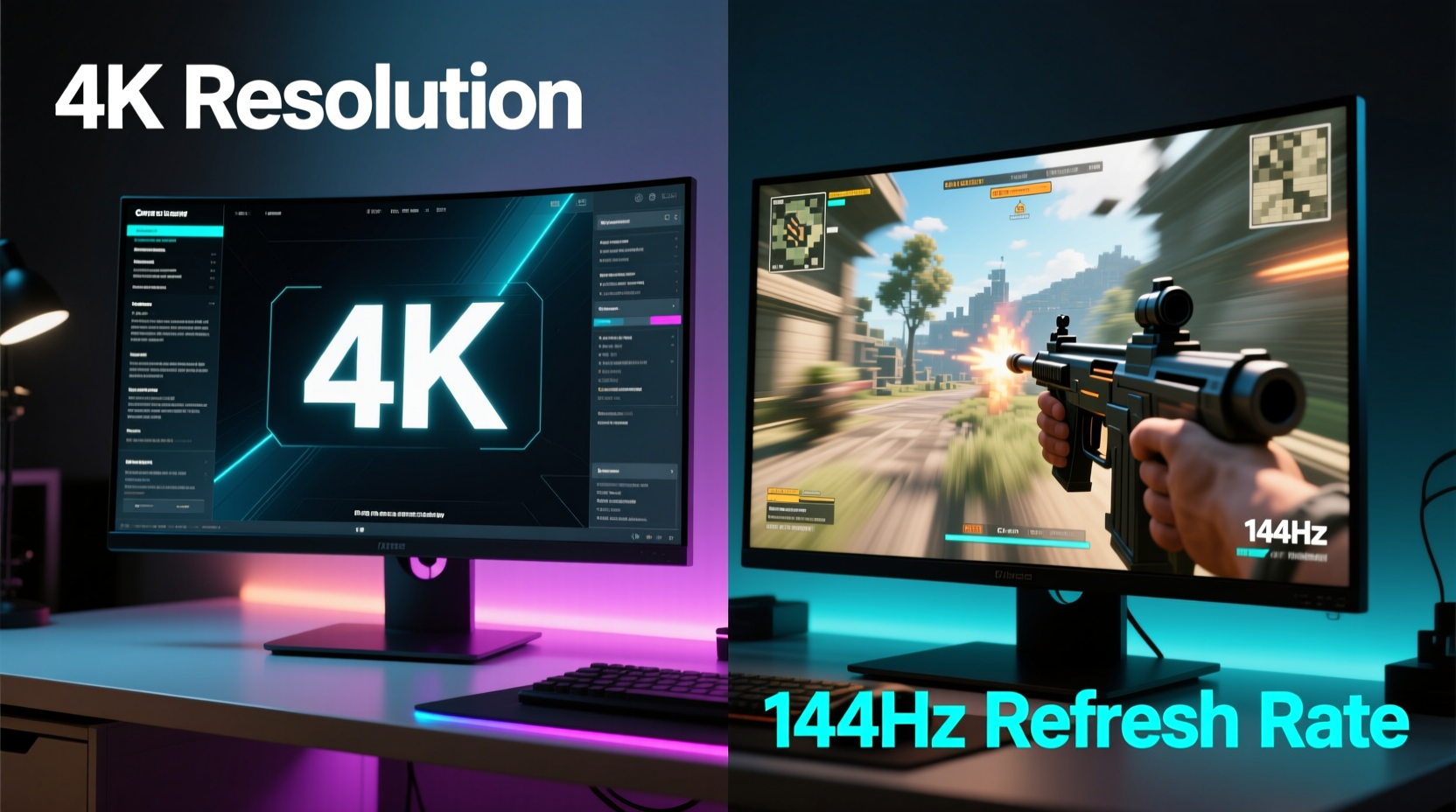
Before diving into comparisons, it’s essential to clarify what these two specifications actually mean:
- 4K Resolution (3840x2160): Refers to the number of pixels displayed on screen. More pixels mean sharper images, finer textures, and greater detail—ideal for immersive single-player games or cinematic experiences.
- 144Hz Refresh Rate: Indicates how many times per second the monitor updates the image. Higher refresh rates result in smoother motion, reduced motion blur, and faster visual feedback—critical for fast-paced, reaction-based gameplay.
While both enhance the visual experience, they serve different purposes. Resolution affects clarity and detail; refresh rate affects responsiveness and fluidity. In FPS games, where split-second decisions determine victory or defeat, fluidity often trumps fidelity.
Performance Realities: Frame Rates and System Requirements
No matter how advanced your monitor is, its capabilities are only as good as what your GPU can deliver. This is where the practical limitations become apparent.
A 4K monitor demands significantly more graphical horsepower than a 1080p or even 1440p display. To run modern FPS titles at 4K with high settings and consistent frame rates, you need top-tier hardware—typically an RTX 4080 or 4090, paired with a high-end CPU. Even then, maintaining 144 frames per second (fps) at 4K in competitive shooters is rare without lowering settings.
Conversely, a 144Hz monitor—especially at 1080p or 1440p—is far more accessible. Mid-range GPUs like the RTX 3060 Ti, 4070, or RX 6700 XT can easily push 144+ fps in most FPS titles at these resolutions, ensuring you take full advantage of the high refresh rate.
Competitive Edge: Why Refresh Rate Often Wins for FPS Players
In competitive FPS gaming, input lag, motion clarity, and visual consistency are paramount. High refresh rates directly improve all three.
At 144Hz, the screen refreshes every ~6.9 milliseconds, compared to 16.7ms at 60Hz. This means you see enemy movements, recoil patterns, and positional shifts sooner. The difference may seem marginal, but over hundreds of micro-decisions in a match, it adds up.
Studies and player feedback consistently show that moving from 60Hz to 144Hz provides a dramatic improvement in perceived smoothness and control. Going from 144Hz to 240Hz offers diminishing returns, but still benefits elite players. Meanwhile, upgrading from 1080p to 4K on a 60Hz or even 144Hz panel doesn’t offer the same tangible gameplay advantage.
“Once you go above 120Hz, your brain adapts to the fluidity. In tournaments, we never see pros using 4K/60Hz setups. It’s always 1080p or 1440p at 240Hz. That’s where the edge is.” — Lucas Tran, Esports Performance Coach
Visual Comparison: 4K vs 144Hz – What You Actually Gain
| Feature | 4K Monitor (60–144Hz) | 144Hz+ Display (1080p/1440p) |
|---|---|---|
| Image Clarity | Excellent detail, sharp textures, ideal for cinematic immersion | Good, but less pixel density; slight softness on larger screens |
| Motion Smoothness | Limited by refresh rate; 60Hz feels choppy in fast action | Exceptional fluidity, especially at 144Hz or higher |
| Input Lag | Higher if running at lower frame rates; dependent on GPU output | Lower due to faster screen updates and higher frame pacing |
| System Requirements | Very high; needs flagship GPU for consistent 4K/60+ | More forgiving; mid-range GPU can achieve 144+ fps |
| Competitive Advantage | Minimal; visual fidelity doesn’t improve reaction time | Significant; smoother tracking, faster target acquisition |
| Best For | Casual play, single-player shooters, cinematic experiences | Online multiplayer, esports, ranked matchmaking |
Real-World Example: The Pro Gamer’s Setup
Consider Alex, a semi-professional Overwatch player grinding ranked matches. He recently upgraded from a 1080p 60Hz monitor to a 4K 144Hz model, expecting a massive leap in performance. However, his RTX 3070 couldn’t sustain more than 85 fps at 4K, even with medium settings.
Despite the stunning visuals, he found himself losing fights he used to win. Targets felt “sluggish” to track, and enemy headshots seemed to register slower. Frustrated, he reverted to his old 1080p 144Hz monitor, this time pairing it with an RTX 4070. Now hitting 200+ fps consistently, his aim improved, his K/D ratio climbed, and his confidence returned.
His experience reflects a common pitfall: prioritizing resolution over performance without considering actual frame delivery. For competitive FPS, consistent high frame rates on a responsive display matter more than pixel count.
Tips for Choosing the Right Monitor Based on Your Needs
- If you play competitively: Prioritize refresh rate (144Hz minimum, 240Hz ideal) and response time (1ms GTG). Stick to 1080p or 1440p for optimal performance.
- If you value visuals over competition: A 4K 144Hz monitor makes sense if you play story-driven shooters like Call of Duty: Campaign or Metro Exodus and want cinematic quality.
- Budget-conscious gamers: A 1080p 144Hz monitor offers the best balance of cost, performance, and availability.
- Future-proofing: Consider a 1440p 165Hz monitor—it strikes a sweet spot between resolution and speed, supported by current-gen GPUs without excessive strain.
Checklist: How to Decide Between 4K and 144Hz
- Assess your GPU: Can it maintain at least 100–120 fps at 4K in your main FPS titles?
- Determine your priority: Is it visual fidelity or competitive responsiveness?
- Check your CPU: High frame rates require strong single-core performance to avoid bottlenecks.
- Consider monitor size: 4K shines on 27-inch+ screens; 1080p looks best under 24 inches.
- Evaluate your internet and ping: If you’re playing online, low latency matters more than resolution.
- Test before buying: If possible, try both types of displays in person or watch side-by-side gameplay footage.
Frequently Asked Questions
Can I run 4K at 144Hz for FPS gaming?
Yes, but only with high-end hardware. You’ll need an RTX 4080 or 4090, a fast CPU (e.g., Intel i7/i9 or Ryzen 7/9), and optimized game settings. Even then, many competitive titles won’t consistently hit 144 fps at 4K, so you may not fully utilize the panel’s capabilities.
Is 144Hz worth it over 4K for FPS games?
For most competitive players, yes. The smoother motion, reduced input lag, and improved tracking accuracy provide a tangible advantage that 4K resolution cannot match in fast-paced scenarios.
Do professional FPS players use 4K monitors?
Virtually none. The majority of pro players use 1080p or 1440p monitors with refresh rates of 240Hz or higher. Their focus is on maximizing frame rates and minimizing latency, not on image resolution.
Step-by-Step Guide: Optimizing Your Setup for Competitive FPS Play
- Step 1: Benchmark your current system using tools like MSI Afterburner or NVIDIA FrameView to see average and minimum fps in your target games.
- Step 2: Identify your bottleneck—is it GPU, CPU, or RAM? Use monitoring software to check utilization.
- Step 3: Choose a monitor resolution based on your average fps: 1080p (for 144+ fps), 1440p (for 100–144 fps), or 4K (only if consistently above 100 fps).
- Step 4: Select refresh rate—aim for at least 144Hz if competing seriously.
- Step 5: Enable G-Sync or FreeSync to reduce screen tearing and stuttering.
- Step 6: Optimize in-game settings—lower shadows, anti-aliasing, and post-processing to boost fps without sacrificing visibility.
- Step 7: Calibrate mouse sensitivity to suit the new display size and DPI.
The Verdict: What Matters More for FPS Players?
When it comes down to pure competitive performance, **a 144Hz gaming display matters significantly more than a 4K monitor** for FPS players. While 4K offers breathtaking visuals, it doesn’t improve reaction time, tracking precision, or input responsiveness—the very things that win gunfights.
High refresh rates, on the other hand, directly enhance gameplay fluidity and feedback speed. They allow you to perceive motion more clearly, react faster, and maintain better control during intense exchanges. Combined with high frame rates, a 144Hz+ display creates a seamless link between your actions and what appears on screen.
That said, this doesn’t mean 4K has no place in gaming. If you enjoy single-player shooters, cinematic campaigns, or simply want a versatile monitor for productivity and media, a 4K 144Hz panel can be a compelling hybrid. But if your goal is to climb the ranks, dominate in tournaments, or shave milliseconds off your response time, prioritize refresh rate and performance over resolution.
“The pros don’t win because their monitors look prettier. They win because their setup gives them the fastest, most reliable window into the game. That’s motion clarity, not megapixels.” — Sarah Kim, Lead Analyst at GameFrame Labs
Final Thoughts and Next Steps
Choosing between a 4K monitor and a 144Hz gaming display isn’t about which is objectively “better”—it’s about aligning your hardware with your goals. For FPS players focused on competition, skill development, and peak performance, the path is clear: invest in a high-refresh-rate display and pair it with a system capable of delivering stable, high frame rates.
Resolution enhances beauty; refresh rate enhances function. And in the world of competitive shooting, function wins every time.




 浙公网安备
33010002000092号
浙公网安备
33010002000092号 浙B2-20120091-4
Comments
No comments yet. Why don't you start the discussion?