
Choosing between a 4K monitor and a 144Hz monitor is one of the most debated decisions in modern PC gaming. On one side, you have stunning visual clarity and immersive detail with 4K resolution. On the other, you get buttery-smooth motion and ultra-responsive gameplay with high refresh rates like 144Hz or higher. But you can’t always have both—especially if your hardware has limits. The real question isn’t which spec is better overall, but rather: which should you prioritize based on your gaming habits, system capabilities, and personal preferences?
This decision impacts more than just visuals—it affects performance, competitive edge, immersion, and even long-term satisfaction with your setup. Understanding the trade-offs helps you invest wisely and avoid buyer’s remorse.
Understanding the Key Differences
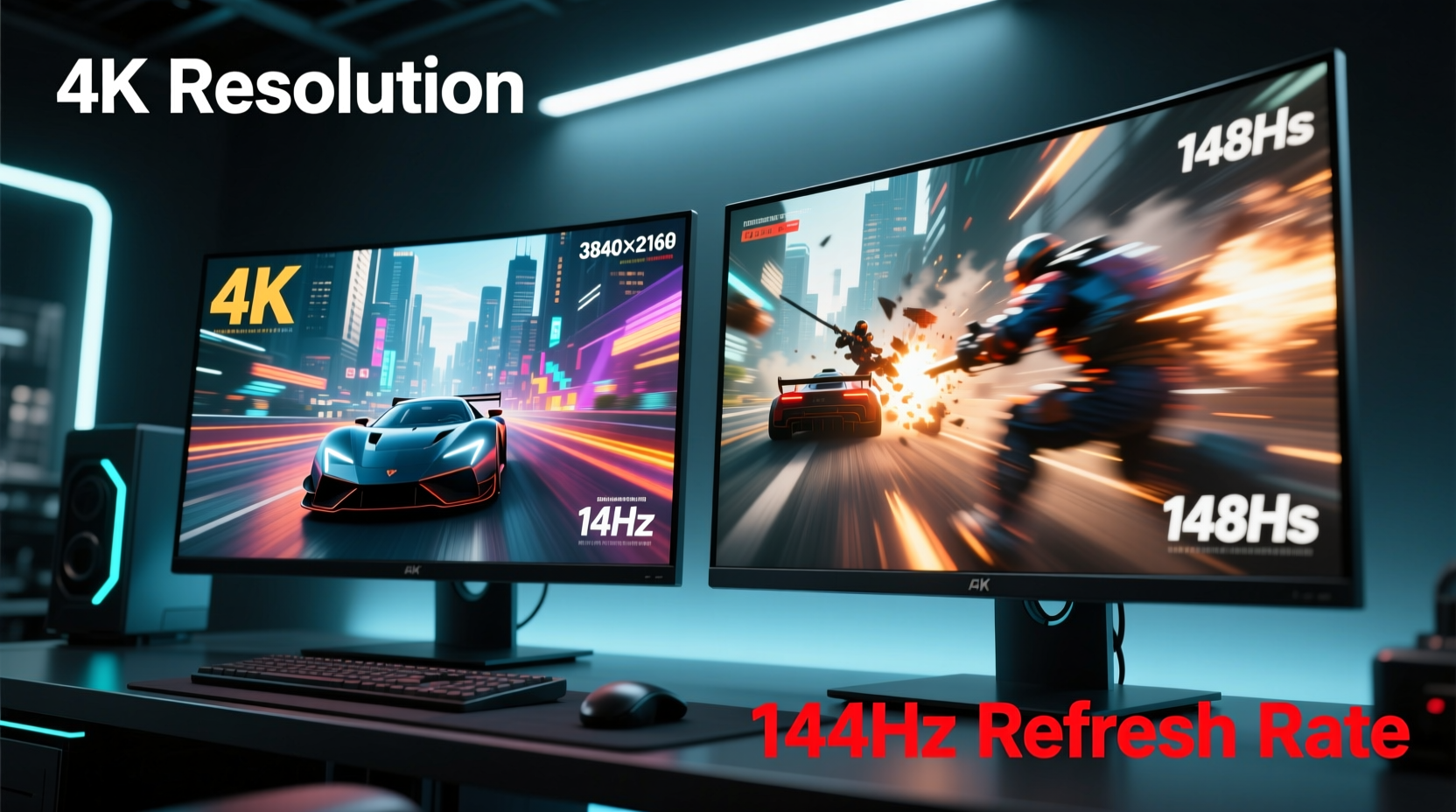
Before diving into recommendations, it's essential to define what each term means and how they influence your gaming experience.
4K resolution, technically known as 3840x2160 pixels, quadruples the number of pixels compared to Full HD (1920x1080). This means sharper textures, finer details, and greater screen real estate—ideal for cinematic games, open-world adventures, and productivity tasks.
144Hz refresh rate refers to how many times per second the monitor updates the image. A standard 60Hz display refreshes 60 times per second; at 144Hz, that jumps to 144 frames per second (fps), resulting in significantly smoother motion, reduced motion blur, and improved responsiveness—especially critical in fast-paced genres like first-person shooters (FPS) and racing games.
The core tension arises because pushing 4K resolution demands immense graphical power. Most GPUs struggle to maintain high frame rates at 4K without lowering settings. Conversely, high refresh rates shine when paired with consistent frame delivery—something that becomes harder at higher resolutions unless you're running top-tier hardware.
When Resolution Should Be Your Priority
If your gaming library leans toward story-driven, visually rich titles, 4K may be worth the trade-off. Games like The Last of Us Part I, Red Dead Redemption 2, Cyberpunk 2077, and Hogwarts Legacy benefit enormously from increased pixel density. Textures appear more lifelike, environmental depth improves, and subtle lighting effects become more pronounced.
Additionally, larger monitors (27 inches and above) show visible pixelation at lower resolutions. At 32 inches or more, 1080p looks noticeably soft. 4K ensures crispness even at viewing distances under three feet. For creators who also use their rig for photo editing, video work, or multitasking, the extra screen space and clarity are invaluable.
However, achieving playable frame rates at 4K typically requires high-end components:
- NVIDIA RTX 4070 Ti or higher (or AMD RX 7900 XT and up)
- Fast CPU (Intel i5-13600K or Ryzen 5 7600 and above)
- At least 16GB of DDR5 RAM
- Optimized in-game settings (often sacrificing ultra presets for performance)
Even then, many AAA games hover around 45–60 fps at native 4K without upscaling technologies like DLSS or FSR. If smoothness isn’t your priority and you value image quality above all, this compromise may be acceptable.
“Visual fidelity creates emotional engagement. In narrative games, resolution enhances immersion more than frame rate.” — Dr. Lena Park, Human-Computer Interaction Researcher, University of Washington
When Speed Trumps Clarity
For competitive gamers, every millisecond counts. High-refresh-rate monitors deliver faster feedback, reduce input lag, and make tracking fast-moving targets easier. A 144Hz monitor (or better yet, 240Hz) provides a tangible advantage in titles like Counter-Strike 2, Valorant, Overwatch 2, and FPS esports titles.
Professional players rarely play at 4K—not because they can’t afford it, but because consistency matters more than resolution. Most tournaments lock settings to 1080p or 1440p with maxed-out frame rates. Why? Because muscle memory and reaction time depend on predictability. Dropping from 140 fps to 90 during intense firefights introduces micro-stutters that disrupt aim and timing.
Moreover, human perception studies suggest that while we don’t “see” beyond ~60–90 fps in terms of discrete images, our motor responses improve well into the 144–240 fps range. Your hands react faster when motion is fluid, even if your brain doesn’t consciously register each frame.
| Use Case | Best Monitor Choice | Reasoning |
|---|---|---|
| Competitive FPS Gaming | 144Hz+ @ 1080p/1440p | Maximizes responsiveness and minimizes input lag |
| Single-Player RPGs / Open World | 4K @ 60Hz | Prioritizes visual depth and environmental realism |
| Streaming + Gaming | 1440p @ 144Hz | Balances quality and performance with encoding overhead |
| Budget-Conscious Setup | 1080p @ 144Hz | Delivers smooth gameplay without GPU strain |
| High-End Rig (RTX 4090+) | 4K @ 144Hz (with DLSS) | Enables both resolution and speed using AI upscaling |
Real-World Example: Alex’s Upgrade Dilemma
Alex, an avid Apex Legends player and part-time streamer, upgraded his aging 1080p 60Hz monitor last year. He had two options: a 4K 60Hz panel or a 1440p 165Hz model. His GPU was an RTX 3070—capable but not overpowered.
He initially leaned toward 4K for its marketing appeal. But after testing both setups at a local retailer, he noticed something unexpected: movement felt sluggish on the 4K screen, even though the image looked sharper. In contrast, the 1440p 165Hz monitor made aiming feel intuitive and responsive.
He chose the high-refresh-rate display. Within weeks, his K/D ratio improved by nearly 30%. Viewers on Twitch commented on how much smoother his gameplay looked. While he occasionally misses the extra clarity, he doesn’t regret the decision. For his primary use case—fast-paced multiplayer—the speed advantage was decisive.
Can You Have Both? The Rise of Balanced Solutions
Yes—but only with the right hardware and smart settings management. Modern advancements make combining high resolution and high refresh rates more feasible than ever.
Technologies like **NVIDIA DLSS** (Deep Learning Super Sampling) and **AMD FSR** (FidelityFX Super Resolution) allow games to render at lower internal resolutions and upscale to 4K, boosting frame rates without massive visual loss. With an RTX 4080 or 4090, playing *Cyberpunk 2077* at 4K with DLSS Performance mode can yield stable 100+ fps—effectively bridging the gap between resolution and speed.
Similarly, newer 4K monitors now support 120Hz, 144Hz, or even 160Hz via HDMI 2.1 or DisplayPort 1.4. These panels offer the best of both worlds—if your system can sustain the load.
Still, compromises remain. Enabling ray tracing at 4K often forces frame rates below 60 fps without aggressive upscaling. And not all games support DLSS or FSR natively. So while hybrid performance is possible, it’s not universal.
Checklist: Choosing the Right Monitor for Your Needs
Answer these questions before making a purchase:
- What types of games do I play most often? (Competitive, single-player, simulation?)
- What is my current GPU’s capability at 1440p and 4K?
- Do I value visual immersion or mechanical precision more?
- Is my CPU capable of feeding high frame rates without bottlenecking?
- Am I willing to use upscaling tech (DLSS/FSR) to balance quality and performance?
- What size monitor am I using? (4K shines best on 27\"+ displays)
- Do I plan to upgrade my GPU within the next 1–2 years?
If you answered “competitive,” “bottlenecked,” or “not upgrading soon,” lean toward high refresh rate. If you said “AAA games,” “large screen,” or “future-proofing,” consider 4K—even at 60Hz.
Common Misconceptions Debunked
Myth: “You can’t see above 60 fps.”
While the eye doesn’t perceive individual frames beyond a certain point, motion clarity and input responsiveness continue improving well past 60 fps. Studies from the University of California, Berkeley confirm that motor response accuracy increases up to 144 fps in dynamic tasks.
Myth: “4K is useless on a 27-inch screen.”
This depends on viewing distance. Sitting two feet from a 27\" monitor, you’ll notice the difference between 1080p and 4K. At three feet or more, the benefit diminishes—but still exists in fine text and texture detail.
Myth: “All 144Hz monitors are built the same.”
Not true. Panel type (IPS, TN, VA), response time, color accuracy, and adaptive sync (G-Sync vs FreeSync) vary widely. A cheap 144Hz TN panel may have ghosting issues, while a premium IPS offers vibrant colors and wide viewing angles.
Frequently Asked Questions
Can I run 4K at 144Hz?
Yes, but only with high-end hardware. You’ll need a GPU like the RTX 4080, 4090, or RX 7900 XTX, paired with a compatible cable (DisplayPort 1.4 or HDMI 2.1). Even then, most demanding games require DLSS or FSR to maintain stable frame rates.
Is 144Hz better than 4K for esports?
Absolutely. Competitive gaming relies on split-second reactions. A high-refresh-rate monitor reduces motion blur and input lag, giving players a tangible edge. Pros almost universally choose 1080p or 1440p at 144Hz+ over 4K at 60Hz.
Should I wait for 4K 144Hz monitors to become cheaper?
If budget is tight, yes. Prices are gradually dropping, especially as OLED and mini-LED panels enter the mainstream. However, mid-range 1440p 144Hz monitors currently offer the best value for most gamers.
Final Recommendation: Match Your Monitor to Your Gameplay
There’s no universal answer to whether you should pick a 4K monitor or a 144Hz one. The right choice depends entirely on how you play, what you play, and what your system can handle.
For cinematic, single-player experiences where atmosphere and detail matter, 4K at 60Hz remains compelling—even if it sacrifices fluidity. But for fast-paced, competitive, or reflex-heavy games, a 144Hz (or higher) monitor at 1080p or 1440p will serve you far better.
The sweet spot for many modern gamers lies at 1440p with a 144Hz or 165Hz refresh rate. It balances sharpness and performance without requiring flagship-tier hardware. Combine that with G-Sync or FreeSync, and you get smooth, tear-free gameplay across a wide range of titles.
If you’re building a new system, design your GPU choice around your monitor priority. Want 4K? Aim for at least an RTX 4070 Ti or equivalent. Want high Hz? An RTX 4070 or RX 7800 XT can easily drive 1440p at 100+ fps in most games.




 浙公网安备
33010002000092号
浙公网安备
33010002000092号 浙B2-20120091-4
Comments
No comments yet. Why don't you start the discussion?