
When it comes to upgrading your gaming setup, few decisions spark as much debate as choosing between a 4K monitor and a high-refresh-rate 144Hz display. For casual gamers—those who play a few hours a week, enjoy story-driven titles, or dabble in competitive games without chasing rank—one question stands out: which feature truly enhances the experience? Is it the stunning visual clarity of 4K, or the buttery-smooth motion of 144Hz?
The answer isn’t universal. It depends on your hardware, game preferences, and what kind of immersion matters most to you. While enthusiasts often lean toward technical extremes, casual gamers benefit more from balance and practicality. This article breaks down both options with real-world context, helping you make an informed decision without overpaying for specs you won’t fully use.
Understanding the Core Differences
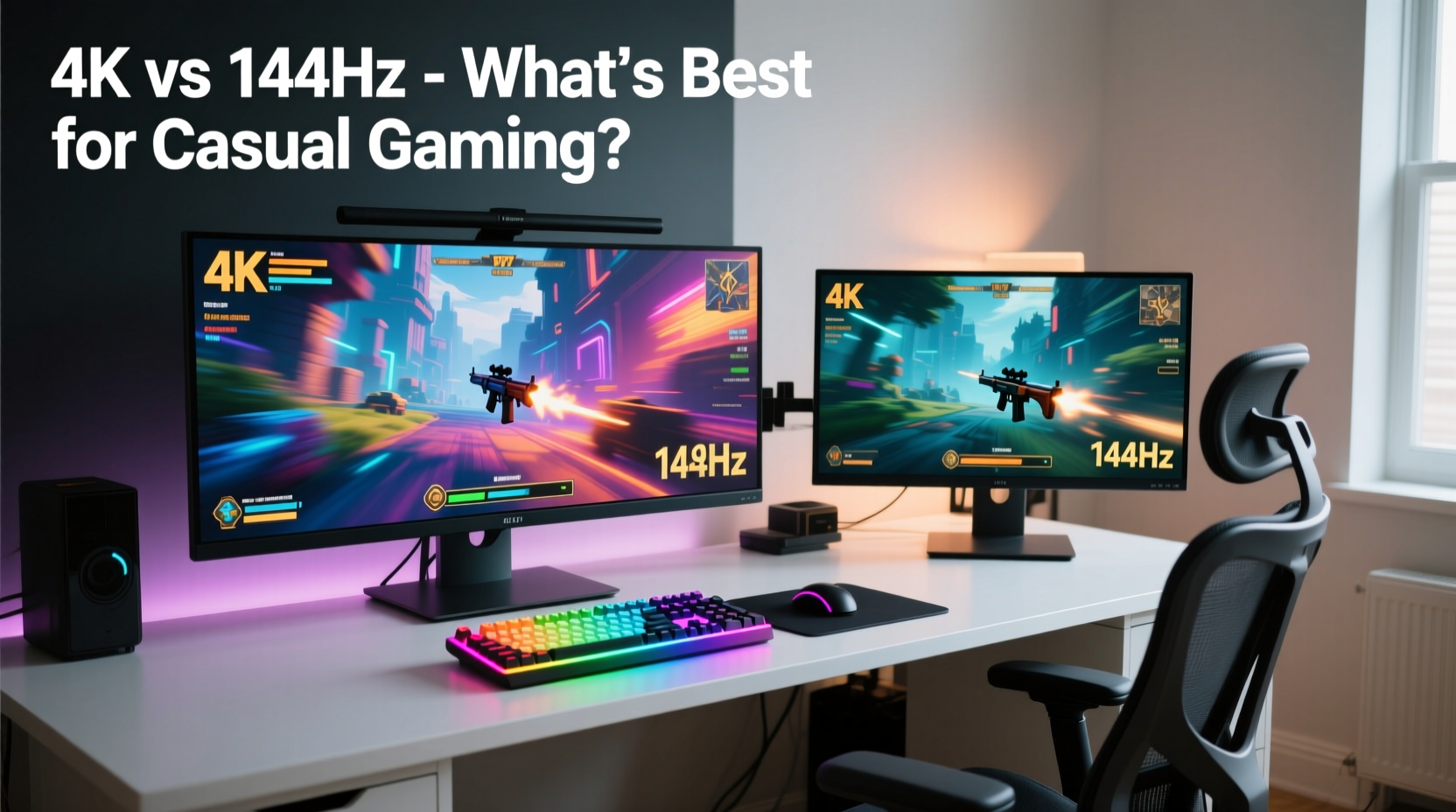
Before comparing the two, it’s essential to clarify what each term means and how they affect gameplay.
- 4K Resolution (3840x2160): Refers to the number of pixels displayed on screen. 4K offers four times the pixel density of standard 1080p, resulting in sharper textures, crisper text, and greater detail in scenery and character models.
- 144Hz Refresh Rate: Indicates how many times per second the monitor updates the image. A higher refresh rate reduces motion blur and input lag, making movement appear smoother—especially noticeable in fast-paced games like shooters or racing titles.
These features serve different purposes. Resolution affects visual fidelity; refresh rate impacts responsiveness and fluidity. You can have a 4K monitor running at 60Hz, or a 1080p screen at 144Hz. The ideal combination depends on your system's capabilities and your personal priorities.
Performance Realities: What Your Hardware Can Handle
No matter how impressive a monitor looks on paper, its benefits are only realized if your PC can deliver consistent performance. This is where many casual gamers hit a wall.
A mid-range graphics card—like an NVIDIA RTX 3060 or AMD RX 6600—can handle modern games at 1080p with high settings and steady 100+ FPS. But pushing those same games at native 4K requires significantly more power. Even an RTX 3070 may struggle to maintain smooth frame rates in demanding titles like Cyberpunk 2077 or Starfield without lowering settings.
In contrast, a 144Hz monitor running at 1080p is far less taxing. Most modern GPUs can achieve 100+ FPS in popular games such as Fortnite, Minecraft, or The Legend of Zelda: Tears of the Kingdom (via emulator), making high refresh rates more accessible.
“Many users assume 4K is the ultimate upgrade, but without the right GPU, they’ll end up with choppy gameplay that negates any visual benefit.” — Mark Tran, Senior Tech Analyst at DisplayInsight Labs
For casual gamers using integrated graphics or entry-level discrete cards, chasing 4K is impractical. You’re better off pairing a capable GPU with a 1080p 144Hz monitor to ensure smooth, stutter-free gameplay across genres.
Game Genre Matters More Than You Think
Your choice should also reflect the types of games you actually play. Casual gaming spans a wide spectrum—from relaxed indie adventures to occasional multiplayer matches.
| Game Type | Benefits from 4K | Benefits from 144Hz |
|---|---|---|
| Narrative/Adventure (e.g., Life is Strange) | High – Rich environments shine at higher resolution | Low – Smoothness less critical |
| Action RPGs (e.g., Baldur’s Gate 3) | Medium – Visual depth helps immersion | Medium – Combat responsiveness improves |
| FPS/Multiplayer (e.g., Overwatch 2) | Low – Clarity matters less than reaction time | High – Faster refresh = competitive edge |
| Platformers & Indies (e.g., Hollow Knight) | Low – Art style often designed for lower res | Medium – Precision jumps benefit from fluid motion |
| Racing/Sports (e.g., FIFA, Forza Horizon) | Medium – Scenery detail enhances realism | High – Fast motion demands smooth rendering |
If your library leans toward cinematic single-player experiences, 4K can elevate immersion. But if you occasionally jump into online matches—even casually—144Hz provides tangible improvements in control and feedback.
Real Example: Sarah’s Setup Dilemma
Sarah, a college student and casual gamer, spends about five hours a week playing games. Her favorites include Stardew Valley, It Takes Two, and the occasional round of Apex Legends. She upgraded her old 60Hz 1080p monitor and had $500 to spend.
She considered a 4K model but realized her laptop couldn’t run games above 30 FPS at that resolution. Instead, she opted for a 27-inch 1080p 144Hz IPS panel. The difference was immediate: menus felt snappier, co-op platforming was more responsive, and even farming in Stardew Valley felt subtly smoother. When she played Apex with friends, aiming felt more precise thanks to reduced motion blur.
She didn’t miss 4K. What mattered was consistency—and enjoyment without technical hiccups.
Visual Fidelity vs. Responsiveness: The Trade-Off
At the heart of this debate is a fundamental trade-off: sharpness versus smoothness.
4K delivers breathtaking visuals when properly supported. Textures pop, distant objects remain crisp, and UI elements scale cleanly. However, unless you sit close to a large screen (27 inches or more), the difference from 1080p may be subtle—especially in motion. Human eyes perceive changes in motion more acutely than static detail.
Conversely, 144Hz makes everything feel more alive. Animations glide, camera turns are fluid, and there’s a tactile responsiveness that enhances engagement. This isn’t just about competitive advantage; it’s about reducing eye strain and cognitive load during extended sessions.
Consider this: watching a film in 4K is immersive because it’s passive viewing. Gaming is interactive. Every microsecond of delay or stutter disrupts the connection between player and world. For many, including casual players, that fluid interaction outweighs pixel density.
Practical Checklist: Choosing the Right Monitor
Use this checklist to evaluate your needs before buying:
- Assess your current GPU: Can it consistently push 50+ FPS in your favorite games at 4K? If not, 144Hz is the smarter investment.
- Check your typical viewing distance: Beyond 3 feet, 4K gains diminish on screens under 32 inches.
- Evaluate your game library: Do you play fast-paced titles even occasionally? Then high refresh rate adds value.
- Consider future-proofing: Will you upgrade your GPU within 1–2 years? If yes, a 4K-ready monitor makes sense.
- Look at panel type: IPS offers good color and viewing angles; VA has deeper blacks; TN is fastest but poorer colors. Match it to your usage.
- Verify connectivity: Ensure your PC has HDMI 2.1 or DisplayPort 1.4 for 4K@60Hz or 144Hz@1080p/1440p.
Can You Have Both? The Middle Ground
Yes—but not always affordably. Some monitors offer 1440p (2560x1440) resolution with 144Hz+ refresh rates. This “sweet spot” balances visual quality and performance demand.
A 1440p 144Hz monitor allows mid-tier GPUs to run most games at 80–100+ FPS with high settings. It avoids the extreme bandwidth needs of 4K while delivering noticeably sharper images than 1080p. For casual gamers who want a balanced upgrade, this option often provides the best return on investment.
Additionally, technologies like NVIDIA’s DLSS and AMD’s FSR allow lower-resolution rendering with AI upscaling to 4K. This lets some systems achieve playable frame rates at higher resolutions without brute-force hardware. However, these solutions require compatible GPUs and games, and results vary in quality.
Frequently Asked Questions
Is 4K worth it for non-competitive gaming?
Yes, if you prioritize visual storytelling and own a powerful GPU. Games like Horizon Zero Dawn, The Last of Us Part I, or Red Dead Redemption 2 look spectacular in 4K. But if your system can't maintain stable performance, the experience may suffer from stuttering and long load times.
Do I need a special GPU for 144Hz?
Not necessarily. Even budget-friendly GPUs like the NVIDIA GTX 1650 or AMD RX 6500 XT can drive 1080p 144Hz in esports titles. For AAA games, aim for at least an RTX 3060 or RX 6700 XT for consistent high-FPS performance.
Can I notice the difference between 60Hz and 144Hz?
Almost instantly. Once you’ve used a high-refresh-rate monitor, returning to 60Hz feels sluggish and delayed. The improvement is especially apparent in cursor movement, scrolling, and fast camera motions—even outside gaming.
Final Recommendation: What Most Casual Gamers Should Choose
For the majority of casual gamers, a 1080p or 1440p monitor with a 144Hz refresh rate delivers a more satisfying, consistently smooth experience than a 4K 60Hz alternative.
Modern games are designed with motion and interactivity in mind. A higher refresh rate complements that design by minimizing lag and enhancing precision. Meanwhile, 4K’s advantages are often constrained by hardware limitations and diminished by viewing habits.
That said, if you primarily play visually rich single-player games, sit close to a large screen, and have a strong GPU, 4K remains a compelling luxury. But for balanced, hassle-free enjoyment across genres, 144Hz wins on practicality.
“The best monitor isn’t the one with the highest numbers—it’s the one that matches how you actually play.” — Lena Park, UX Designer at GameFlow Interactive
Conclusion
Choosing between a 4K monitor and a 144Hz display doesn’t have to be complicated. For casual gaming, smooth performance and responsive controls often contribute more to enjoyment than raw pixel count. While 4K impresses with its clarity, it demands hardware most casual setups don’t have. On the other hand, 144Hz enhances nearly every aspect of interaction, making games feel more polished and engaging—even at lower resolutions.
Before making a purchase, align your decision with your actual usage, system specs, and expectations. Prioritize stability over spectacle, and you’ll likely find that 144Hz offers a more meaningful upgrade for everyday play.




 浙公网安备
33010002000092号
浙公网安备
33010002000092号 浙B2-20120091-4
Comments
No comments yet. Why don't you start the discussion?