
Breaking into the tech industry without a degree or professional background may seem impossible, but thousands do it every year. The digital economy rewards skill over pedigree, and with focused effort, anyone can build a viable tech career from scratch. This guide outlines a proven path—from choosing the right role to landing your first job—using accessible resources and realistic timelines.
Choose the Right Entry Point
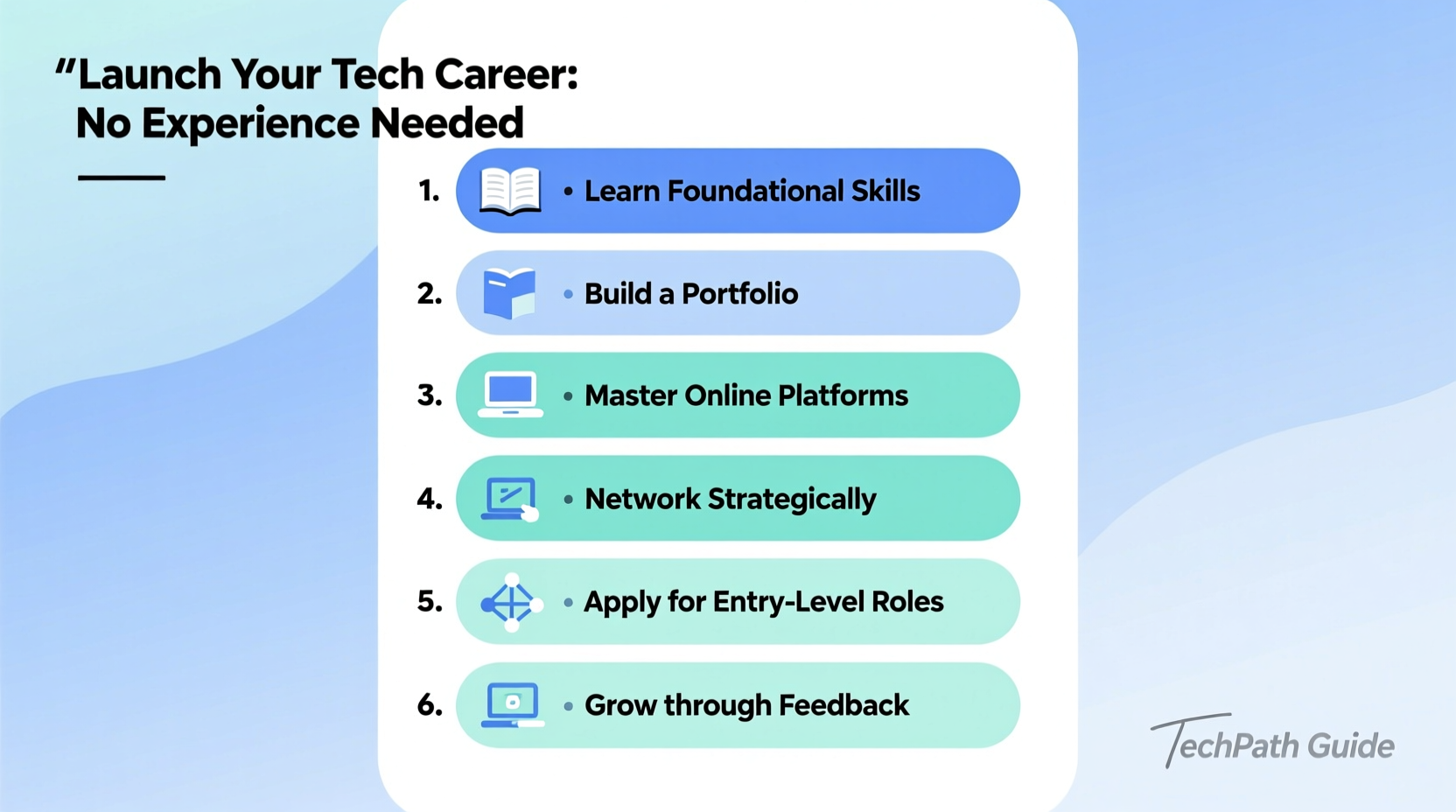
The tech world is vast, and not all roles require coding or advanced math. Start by identifying positions that welcome beginners and offer clear growth paths. Common entry-level tech jobs include:
- Front-end developer
- Technical support specialist
- IT help desk technician
- Data analyst (entry-level)
- Quality assurance (QA) tester
- Junior UX/UI designer
Each of these roles has different learning curves and prerequisites. For example, front-end development requires HTML, CSS, and JavaScript, while QA testing emphasizes attention to detail and familiarity with software workflows. Research job postings on sites like LinkedIn, Indeed, or Glassdoor to see what skills employers actually want.
Build Skills with Free and Low-Cost Resources
You don’t need a $15,000 bootcamp to learn tech skills. A wealth of high-quality, free content exists online. Commit to consistent, project-based learning rather than passive video watching.
Start with foundational courses in your chosen field. For web development, platforms like freeCodeCamp, The Odin Project, and MDN Web Docs offer structured curricula. For data analysis, Google’s Data Analytics Certificate on Coursera provides hands-on training using spreadsheets, SQL, and Tableau—all beginner-friendly tools.
Learning in public accelerates progress. Share your journey on GitHub, Twitter (X), or a personal blog. Documenting your work builds accountability and creates a portfolio before you even apply for jobs.
Recommended Learning Platforms
| Skill Area | Free Resource | Paid Option (Optional) |
|---|---|---|
| Web Development | freeCodeCamp, The Odin Project | Frontend Masters, Scrimba Pro |
| Data Analysis | Coursera (Google Certificate) | DataCamp, Udacity Nanodegree |
| UX/UI Design | Figma tutorials, YouTube (AJ&Smart) | Interaction Design Foundation |
| IT & Networking | Khan Academy, Professor Messer (YouTube) | Udemy CompTIA A+ courses |
“Most hiring managers aren’t looking for perfection—they’re looking for evidence of initiative and problem-solving ability.” — Lena Torres, Engineering Manager at a mid-sized SaaS startup
Follow a 12-Week Skill-Building Timeline
Going from zero to job-ready in under three months is achievable with discipline. Here’s a realistic roadmap for someone pursuing a junior web development role:
- Weeks 1–2: Learn HTML and CSS. Build three static pages (personal site, restaurant menu, blog layout).
- Weeks 3–4: Add interactivity with JavaScript. Create a to-do list app or simple calculator.
- Weeks 5–6: Learn Git and GitHub. Version control all projects and write clear README files.
- Weeks 7–8: Study responsive design and CSS frameworks (e.g., Bootstrap). Redesign previous projects for mobile.
- Weeks 9–10: Build a full portfolio site showcasing your projects, bio, and contact info.
- Weeks 11–12: Apply for internships, volunteer to build websites for nonprofits, or contribute to open-source projects.
This timeline assumes 15–20 hours of focused work per week. Adjust based on your availability, but consistency matters more than speed.
Create Proof of Competence
Employers won’t take your word for it—you need proof you can deliver. That means building real projects, not just completing tutorials.
Your portfolio should include 3–5 completed projects that solve actual problems. Examples:
- A weather app using a public API
- A budget tracker with local storage
- A responsive company homepage for a fictional business
Host your projects on GitHub Pages, Netlify, or Vercel so they’re publicly accessible. Include a brief explanation of each project’s purpose, technologies used, and challenges overcome.
Mini Case Study: From Retail Worker to Junior Developer
Diego worked part-time at a grocery store while studying community college business courses. After reading about remote tech jobs, he decided to try coding. He started with freeCodeCamp’s Responsive Web Design certification, dedicating two hours each evening after work.
By week eight, he built a clinic finder tool using HTML, CSS, and vanilla JavaScript that pulled data from a mock API. He shared it on Reddit’s r/learnprogramming, where a developer offered feedback and encouraged him to apply for a local nonprofit’s volunteer web team.
After three months of contributing to their website updates, Diego listed this experience on his resume. He applied to 17 entry-level roles and landed a six-month contract as a front-end assistant at a digital agency. Eight months later, he transitioned to a full-time junior developer role.
His advice? “Don’t wait until you feel ready. Start applying once you have three solid projects. You’ll learn more from rejections than from tutorials.”
Apply Strategically, Not Massively
Spamming 100 applications rarely works. Instead, focus on quality over quantity. Tailor each application to the job description and include a short cover note explaining why you’re excited about the role—even if you lack formal experience.
Highlight transferable skills: customer service teaches communication, retail involves problem-solving under pressure, and volunteering demonstrates responsibility.
Application Checklist
- ✅ Resume updated with projects, skills, and relevant experience
- ✅ Portfolio website live and mobile-friendly
- ✅ GitHub profile cleaned up with pinned repositories
- ✅ LinkedIn profile complete with headline like “Aspiring Front-End Developer | Building Real-World Projects”
- ✅ Short cover message customized for each application
Consider informational interviews. Reach out to developers on LinkedIn with a polite message: “I’m teaching myself web development and would appreciate 10 minutes of your time to ask one or two questions about breaking in.” Many will respond, and some may refer you to openings.
Frequently Asked Questions
Do I need a computer science degree to get a tech job?
No. While some companies prefer degrees, many prioritize demonstrable skills. Bootcamp grads, self-taught developers, and career changers land jobs every day without formal education in CS.
How long does it take to get hired with no experience?
Typically 3 to 9 months, depending on your starting point, learning pace, and job market. Those who combine skill-building with networking and real project experience tend to succeed fastest.
What if I can’t afford a laptop or internet?
Check local libraries, community colleges, or workforce programs—they often offer free computer access. Some nonprofits, like PCs for People or Human-I-T, provide low-cost devices. Google also offers Chromebooks through certain training programs.
Take Action Today
The only thing standing between you and a tech career is action. No one starts with expertise. Every developer, designer, and analyst was once a beginner staring at a blank screen.
Open a browser, pick one resource from this guide, and start building something—anything. Then keep going. In six months, you could be earning more, working remotely, and solving problems that matter.




 浙公网安备
33010002000092号
浙公网安备
33010002000092号 浙B2-20120091-4
Comments
No comments yet. Why don't you start the discussion?