
Random Access Memory (RAM) is one of the most impactful upgrades you can make to a computer. Whether you're building a new PC, upgrading an aging system, or optimizing for gaming or creative work, choosing the right RAM can dramatically improve responsiveness, multitasking ability, and overall performance. However, with so many brands, speeds, and configurations on the market, finding options that balance affordability and reliability becomes essential—especially when budget matters.
The good news is that several manufacturers offer high-quality RAM kits that deliver excellent stability and solid performance at competitive prices. You don’t need to spend top dollar to get dependable memory that works flawlessly with modern motherboards and processors. This guide explores proven, budget-conscious RAM choices, outlines key buying considerations, and provides practical advice for making a smart investment in your system’s memory.
Understanding What Makes RAM Reliable and Affordable
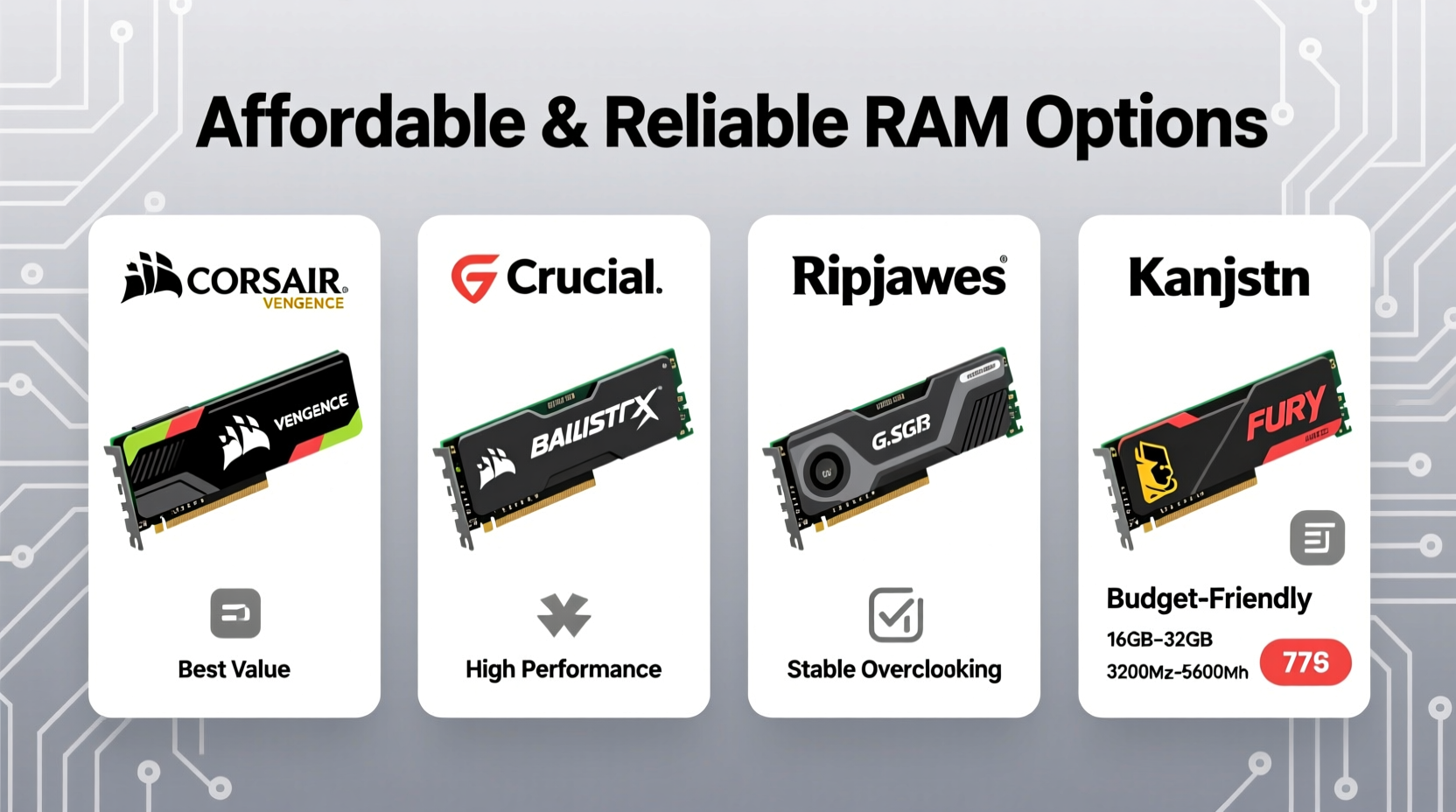
Before diving into specific product recommendations, it's important to understand what “reliable” and “affordable” actually mean in the context of RAM.
Reliability refers to consistent performance over time, low failure rates, compatibility with major platforms (Intel and AMD), and adherence to JEDEC standards—the baseline specifications set by the memory industry. Reliable RAM should boot consistently, pass stress tests, and not cause system crashes or data corruption.
Affordability doesn’t mean choosing the cheapest option available. It means getting the best value: sufficient speed, capacity, and quality within a reasonable price range. For most users, this translates to DDR4 or DDR5 kits between 16GB and 32GB, operating at speeds that match their CPU and motherboard capabilities without overspending on excessive overclocking features.
Top Affordable and Reliable RAM Brands and Models
Several brands consistently deliver stable, well-tested memory modules at accessible price points. These are not boutique overclocking kits aimed at enthusiasts willing to pay a premium, but rather mainstream solutions designed for everyday users who want peace of mind and solid performance.
| Brand & Model | Type | Capacity | Speed (MHz) | Approx. Price (USD) | Key Strengths |
|---|---|---|---|---|---|
| Crucial Ballistix DDR4 | DDR4 | 16GB (2x8GB) | 3200 | $45 | Excellent compatibility, lifetime warranty, Micron-owned |
| Kingston FURY Beast Black | DDR4 / DDR5 | 32GB (2x16GB) | 3600 / 5200 | $80 / $110 | Solid thermal performance, Plug N Play XMP, trusted brand |
| G.Skill Aegis | DDR4 | 16GB (2x8GB) | 3200 | $42 | Budget-friendly, reliable timings, widely compatible |
| Samsung OEM DDR4 | DDR4 | 16GB (1x16GB) | 3200 | $38 | Used in major laptops and desktops, extremely stable |
| TeamGroup T-Force Delta RGB | DDR4 | 32GB (2x16GB) | 3600 | $75 | Good value for RGB, tight timings, JEDEC+ compliance |
These models represent some of the best balances between cost and dependability. Crucial and Kingston, in particular, are known for rigorous testing and long-term warranties, which adds confidence for users prioritizing longevity.
How to Choose the Right RAM for Your System
Selecting affordable yet reliable RAM isn't just about price—it requires matching the memory to your system’s architecture. Follow these steps to ensure compatibility and optimal performance.
- Determine your motherboard’s supported type (DDR4 or DDR5): Check your motherboard manual or manufacturer’s website. Mixing DDR types is impossible, and using the wrong generation will prevent the system from booting.
- Check maximum supported speed: Most mid-range CPUs and chipsets have limits on how fast RAM they can run. For example, Intel 12th–14th gen and Ryzen 5000 series typically benefit most from 3200–3600 MHz DDR4 or 5200–5600 MHz DDR5.
- Decide on capacity: 16GB is the sweet spot for general use and gaming. 32GB is ideal if you edit video, run virtual machines, or keep dozens of browser tabs open.
- Pick dual-channel kits: Always buy matched pairs (e.g., 2x8GB instead of 1x16GB) for dual-channel mode, which improves memory bandwidth and real-world performance.
- Verify physical clearance: Some low-profile builds or CPU coolers may interfere with tall heat spreaders. If space is tight, consider low-height modules like Crucial’s non-ballistic line.
“Stability trumps raw speed. A slightly slower kit that runs error-free is better than a flashy high-MHz stick that crashes under load.” — David Lin, Hardware Systems Engineer
Real-World Example: Upgrading an Office Workstation
Consider Maria, a freelance graphic designer using a three-year-old AMD Ryzen 5 5600X system with only 8GB of DDR4-2666 RAM. She frequently experienced slowdowns when running Photoshop, Illustrator, and Chrome simultaneously. After researching affordable upgrades, she purchased a 16GB (2x8GB) G.Skill Aegis DDR4-3200 kit for $42.
Installation took less than ten minutes. Once booted, she enabled XMP in her BIOS, and the system recognized the full 16GB running at 3200 MHz in dual-channel mode. Her workflow improved noticeably: application switching became smoother, file rendering times dropped by nearly 30%, and browser lag disappeared. The total upgrade cost was under $50, and she extended the useful life of her existing machine by years.
This scenario illustrates how a modest investment in reliable RAM can yield significant productivity gains—without requiring a full system rebuild.
Tips for Maximizing Value and Longevity
- Buy from authorized retailers to avoid counterfeit modules.
- Look for lifetime warranties—Crucial, Kingston, and G.Skill offer them on most consumer lines.
- Avoid mixing RAM sticks from different brands or speeds unless absolutely necessary.
- Update your motherboard BIOS before installing new RAM to ensure compatibility.
- Use tools like MemTest86 to verify stability after installation, especially if overclocking.
Frequently Asked Questions
Is DDR5 worth the extra cost over DDR4?
For most users, DDR4 still offers the best value. DDR5 brings higher speeds and efficiency, but the real-world performance gain in everyday tasks and gaming is often minimal. Unless you’re building a high-end workstation or future-proofing for upcoming software demands, DDR4 remains a smarter, more affordable choice.
Can I mix different RAM brands?
Technically yes, but it's not recommended. Different brands may use varying memory chips, timings, and voltages, increasing the risk of instability. For best results, use identical modules from the same kit.
Does RGB affect RAM performance?
No. RGB lighting is purely aesthetic and has no impact on speed or reliability. However, RGB models sometimes come with larger heat spreaders, which can help with thermal management—though this benefit is minor in most cases.
Final Recommendations and Next Steps
Investing in affordable and reliable RAM doesn’t require sacrificing quality. Brands like Crucial, Kingston, G.Skill, and TeamGroup offer tested, stable memory kits that perform well across thousands of systems. By focusing on compatibility, dual-channel configuration, and reputable vendors, you can upgrade your system effectively and economically.
Whether you're enhancing an aging PC or building a budget-friendly rig from scratch, prioritize stability and proper fit over flashy specs. A 3200 MHz DDR4 kit from a trusted brand will serve most users exceptionally well for years to come.




 浙公网安备
33010002000092号
浙公网安备
33010002000092号 浙B2-20120091-4
Comments
No comments yet. Why don't you start the discussion?