
For millions of drivers, the daily commute isn’t just about getting from point A to B—it’s a window of productivity, connection, and routine management. How well your smartphone integrates with your car can make the difference between a smooth, efficient drive and a frustrating distraction. Android Auto and Apple CarPlay are the two dominant in-car systems, each designed to extend your phone’s functionality safely into the vehicle. But when it comes to seamless integration with everyday life—navigation, messaging, music, voice commands, and app continuity—which one truly fits better into the rhythm of daily routines?
The answer depends on more than just brand loyalty. It hinges on how naturally each platform supports your habits, adapts to your workflow, and minimizes friction during transitions between home, work, errands, and leisure.
Navigating Daily Commutes: Maps and Real-Time Intelligence
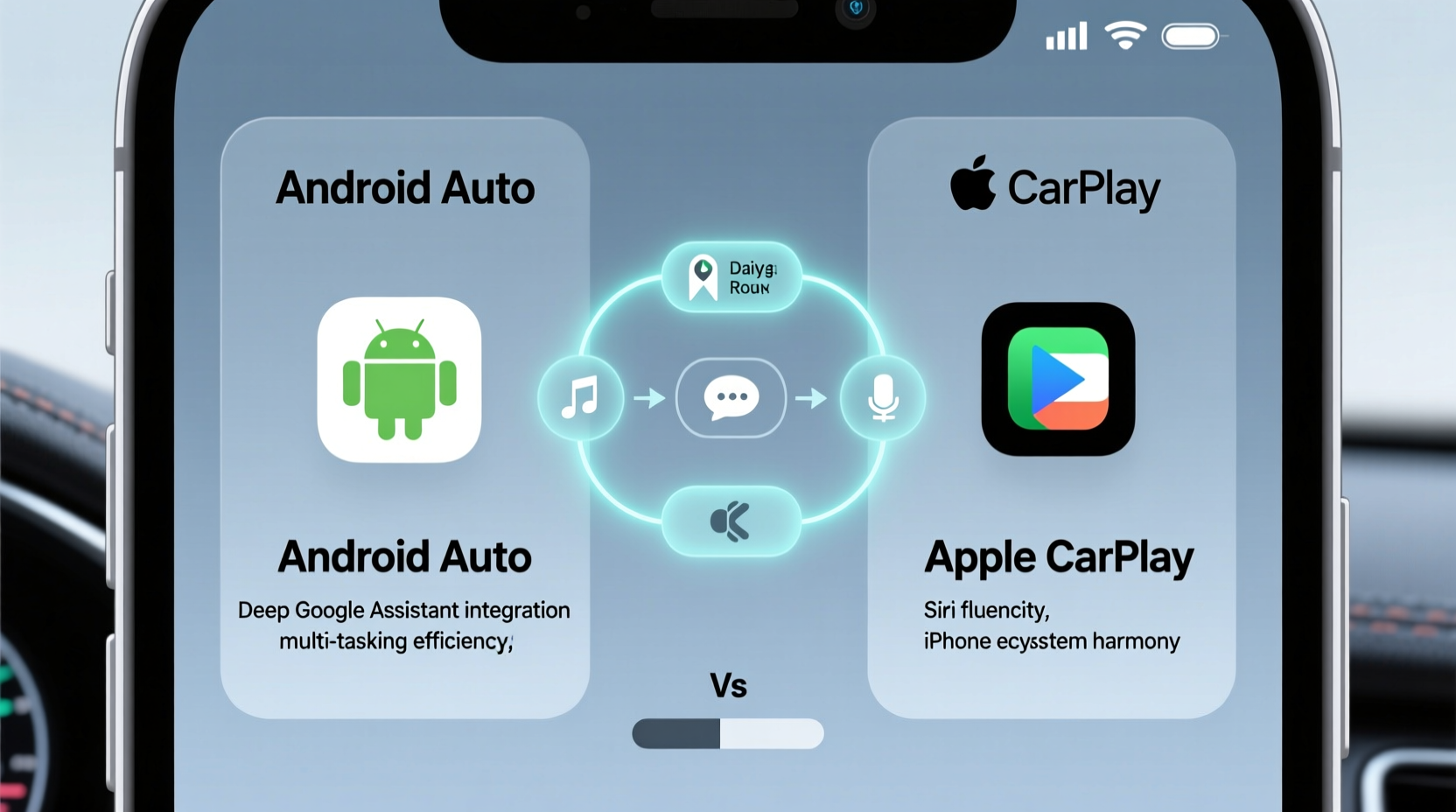
One of the most critical functions of any in-car system is navigation. Both Android Auto and Apple CarPlay integrate deeply with their respective mapping services—Google Maps and Apple Maps—offering turn-by-turn directions, traffic updates, and route optimization.
Google Maps, accessible through Android Auto, has long been the gold standard for accuracy, real-time traffic data, and predictive routing. It learns your regular destinations—work, gym, grocery store—and proactively suggests departure times based on calendar events and current traffic. For example, if you have a 9 a.m. meeting scheduled, Android Auto might display a prompt at 7:45 a.m. saying, “Leave now to arrive by 8:50,” factoring in live congestion, accidents, or construction.
Apple CarPlay uses Apple Maps, which has improved significantly in recent years, especially in major cities. It offers clean visuals, indoor maps for airports and malls, and integration with transit schedules. However, its predictive intelligence and historical traffic modeling still lag behind Google’s ecosystem. While it can suggest routes based on calendar entries, it doesn’t anticipate traffic patterns with the same depth.
If your day revolves around dynamic scheduling, last-minute detours, or frequent route recalculations due to traffic, Android Auto’s reliance on Google Maps provides a tangible advantage in reducing cognitive load and improving punctuality.
Voice Assistants: Google Assistant vs Siri in Practice
Voice control is essential for minimizing distractions while driving. The effectiveness of voice assistants directly impacts how smoothly a system blends into your routine.
Android Auto leverages Google Assistant, which excels in natural language understanding and contextual awareness. You can say, “Call Mom, but only if she’s not driving,” and Google Assistant will check her location and driving status via shared data before initiating the call. Or, “Play my morning playlist and read my unread messages,” and it executes both actions seamlessly.
Siri, used in Apple CarPlay, is reliable for basic commands: “Call John,” “Navigate to Whole Foods,” “Play jazz music.” But it struggles with complex, multi-step requests and lacks deep integration with third-party apps outside Apple’s ecosystem. Siri’s contextual memory—remembering previous interactions within a session—is also weaker.
“Google Assistant’s ability to understand context and manage chained commands gives Android Auto an edge in reducing driver workload.” — Dr. Lena Torres, Human-Machine Interaction Researcher, MIT Mobility Lab
In real-world use, this means Android Auto users can keep their hands on the wheel and eyes on the road more consistently, especially during high-demand moments like school drop-offs or post-work errands.
App Ecosystem and Third-Party Integration
Daily routines often involve more than just maps and calls. Music, podcasts, audiobooks, delivery tracking, and parking apps all play roles. How well these integrate determines the overall fluidity of the experience.
| Feature | Android Auto | Apple CarPlay |
|---|---|---|
| Music & Podcasts | Spotify, YouTube Music, Pandora, iHeartRadio (full support) | Apple Music, Spotify, Audible, Podcasts (limited controls on some apps) |
| Voice-Controlled Messaging | WhatsApp, Telegram, Slack (via Google Assistant) | iMessage only; limited third-party app support |
| Delivery & Parking Apps | Google Maps supports Uber, Lyft, SpotHero, DoorDash | Limited; mostly restricted to Apple Maps-compatible services |
| Customization | Widgets, personalized home screen (wireless only on newer versions) | Fixed layout; no widgets or home screen customization |
Android Auto allows deeper third-party access, enabling apps like WhatsApp to send and receive voice-transcribed messages directly through the interface. Apple CarPlay, while secure and stable, restricts third-party app functionality—especially for messaging—largely limiting voice interaction to iMessage and a few approved services.
This becomes significant for professionals who rely on Slack or international users who depend on WhatsApp. Android Auto accommodates these needs; Apple CarPlay does not.
Mini Case Study: Sarah’s School Run and Workday Transition
Sarah, a marketing manager and mother of two, starts her day at 7 a.m. with school drop-offs, followed by a 30-minute commute to the office. She uses Android Auto in her 2023 Honda CR-V.
At 6:55 a.m., her car starts, and Android Auto automatically launches. Google Assistant says, “Good morning. Your first meeting is at 9. Traffic is light—leave by 7:40. I’ve queued your ‘Morning Focus’ playlist on Spotify.” As she drives, she says, “Read my messages,” and Assistant reads aloud a text from her boss and a WhatsApp message from the school PTA group. She replies to the latter using voice: “Thanks for the reminder—I’ll bring the cupcakes tomorrow.”
After dropping the kids, she asks, “Where’s the nearest coffee shop with drive-thru?” Google Maps shows three options with wait times. She selects one, and navigation begins. En route to work, she checks her calendar and reschedules a call—all without touching her phone.
If Sarah used Apple CarPlay, she’d face limitations: no WhatsApp voice replies, less proactive traffic alerts, and fewer options for integrating non-Apple services into her flow. The experience would be functional but less adaptive to her multifaceted routine.
Wireless Connectivity and Setup Simplicity
A system that requires plugging in every time disrupts routine. Wireless connectivity is a game-changer for habitual use.
Both platforms support wireless versions, but adoption varies. Wireless Android Auto became widely available only after 2021 and requires compatible hardware (e.g., phones running Android 11+, cars with proper firmware). Even then, connection stability can be inconsistent across brands.
Apple CarPlay’s wireless implementation is more mature and broadly supported. Once set up, iPhones typically connect automatically upon entering the vehicle—no cables, no delays. This “set and forget” reliability makes Apple CarPlay feel more integrated for users who value simplicity and consistency.
However, initial setup for wireless Android Auto can be cumbersome, requiring multiple steps and sometimes troubleshooting Bluetooth and Wi-Fi Direct conflicts. This friction may deter less tech-savvy users, even if the long-term payoff is greater functionality.
Privacy, Data Flow, and Personalization
Seamless integration requires data sharing—but how much are users willing to give up?
Android Auto thrives on data aggregation. It pulls from Gmail, Calendar, Contacts, and Location History to anticipate needs. This creates a highly personalized experience but raises privacy concerns. Users must trust Google’s data policies and be comfortable with continuous location tracking.
Apple CarPlay emphasizes on-device processing and minimal data collection. Siri processes many requests locally, and Apple Maps doesn’t build detailed behavioral profiles. This appeals to privacy-conscious users but limits predictive capabilities.
If your routine benefits from hyper-personalization—like automatic rerouting when a calendar event changes—Android Auto delivers. If you prefer discretion and control over your data, Apple CarPlay aligns better with those values.
Checklist: Choosing the Right System for Your Routine
- ✅ Do you use Google services (Gmail, Calendar, Keep) daily? → Android Auto integrates more deeply.
- ✅ Do you rely on WhatsApp, Telegram, or other non-Apple messaging apps? → Android Auto supports voice interaction.
- ✅ Is proactive navigation (e.g., “Leave now”) important for your schedule? → Android Auto excels here.
- ✅ Do you prioritize ease of setup and consistent wireless performance? → Apple CarPlay is more reliable.
- ✅ Are you deeply invested in the Apple ecosystem (iPhone, Apple Watch, Mac)? → CarPlay offers tighter continuity.
- ✅ Do you value privacy over convenience? → Apple CarPlay collects less personal data.
Frequently Asked Questions
Can I use both Android Auto and Apple CarPlay in the same car?
Yes, many modern vehicles support both systems. The car will detect your connected phone and launch the appropriate interface. However, only one can be active at a time, depending on which phone is connected via USB or wirelessly.
Does Apple CarPlay support Google Maps?
No. Apple CarPlay does not allow Google Maps as a native navigation option. Users must rely on Apple Maps for turn-by-turn directions within the interface. You can view Google Maps on your phone separately, but not projected.
Is Android Auto going away?
No, but it’s evolving. Google has announced that Android Auto is transitioning to a new embedded model called “Android Automotive,” where the OS runs natively in the car (like in Polestar and Volvo models). Legacy Android Auto (phone projection) will continue to be supported for existing users.
Conclusion: Matching Technology to Lifestyle
Android Auto and Apple CarPlay both offer safe, intuitive ways to bring your digital life into the car. But when evaluating which integrates more smoothly with daily routines, the distinction lies in depth versus simplicity.
Android Auto wins for users whose days are dynamic, app-diverse, and dependent on real-time intelligence. Its integration with Google’s ecosystem enables anticipatory features, richer third-party support, and superior voice command logic—making it ideal for multitaskers, parents, and professionals juggling multiple roles.
Apple CarPlay shines for those who value reliability, clean design, and effortless wireless operation. It’s less intrusive, more private, and perfectly suited for iPhone users who want a predictable, no-fuss experience without sacrificing core functionality.
The choice isn’t about which is “better” overall, but which aligns with how you live. If your routine thrives on automation and connectivity, Android Auto likely fits better. If you prefer elegance, consistency, and minimal setup, Apple CarPlay may be your match.




 浙公网安备
33010002000092号
浙公网安备
33010002000092号 浙B2-20120091-4
Comments
No comments yet. Why don't you start the discussion?