
Digital artists today have more tools than ever to create on the go. Among the most critical decisions is choosing between Android tablets and iPads—particularly when it comes to stylus performance. The right pen can mean the difference between a frustrating sketch session and a fluid, intuitive drawing experience. While both platforms offer compelling hardware and software ecosystems, the real differentiator lies in how their styluses translate artistic intent into digital reality.
This isn’t just about price or screen size. It’s about latency, tilt recognition, pressure sensitivity, palm rejection, and seamless integration with creative apps. For illustrators, concept artists, and hobbyists alike, understanding these nuances is essential to making an informed investment.
Stylus Technology: How They Work Differently
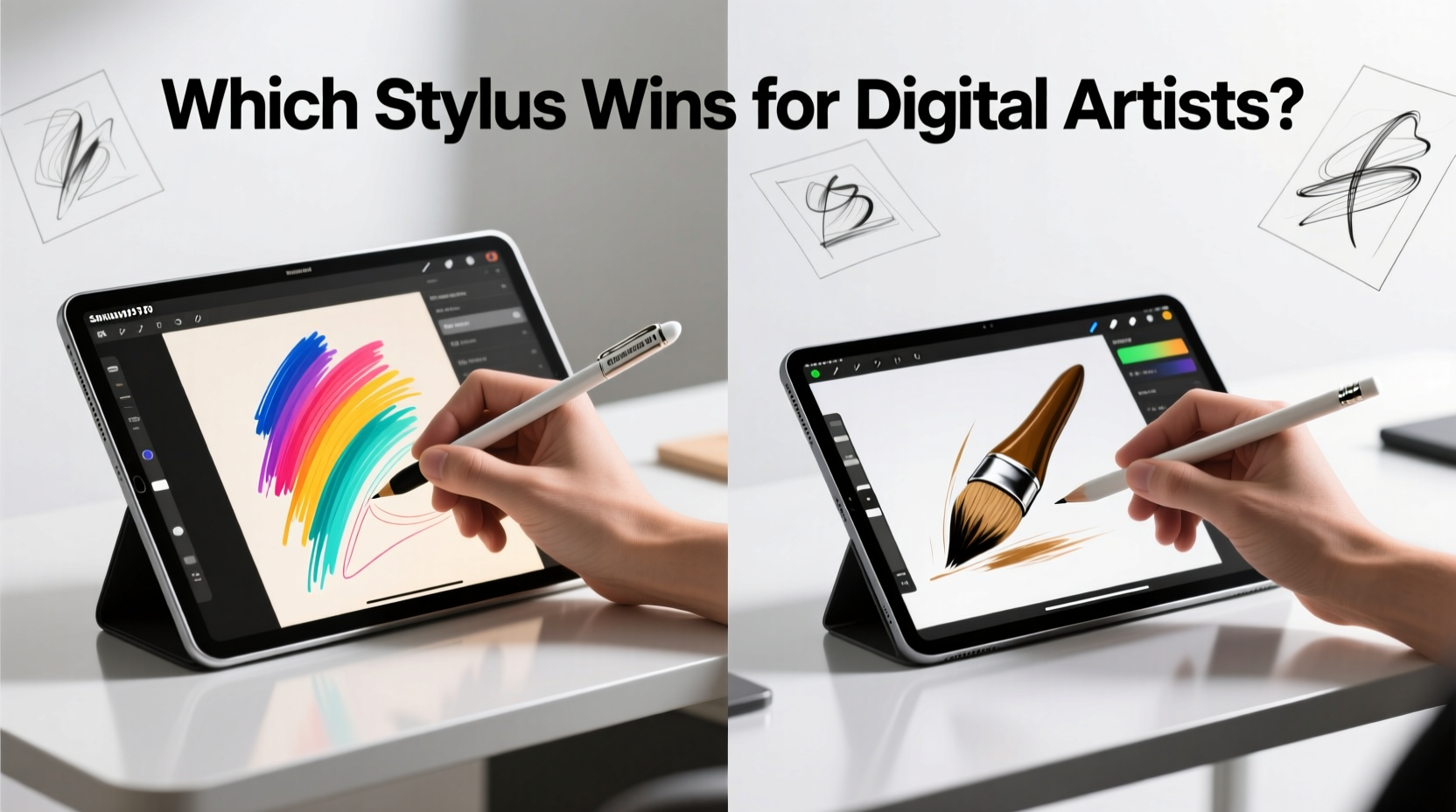
The underlying technology behind each stylus system shapes its responsiveness and accuracy. Apple Pencil uses a proprietary electromagnetic resonance (EMR) system adapted through active circuitry, offering near-zero latency and pixel-perfect precision. It pairs instantly with iPad models and draws power from the device itself, eliminating the need for frequent charging in second-gen models.
On the Android side, most high-end styluses—like Samsung’s S Pen—also use EMR, particularly in Galaxy Tab S series devices. This allows passive use (no battery required in some modes), instant responsiveness, and excellent pressure detection. However, not all Android tablets support this advanced input method. Many budget and mid-tier models rely on capacitive styluses, which function more like fancy fingers and lack true pressure sensitivity or tilt detection.
One key advantage of EMR-based systems is that they allow the stylus to remain functional even when the tablet is off—ideal for quick note-taking or idea sketching without boot-up delays. Both Apple and Samsung leverage this in their premium lines, but only Samsung extends it across multiple product tiers.
iPad + Apple Pencil: Precision Engineered for Artists
The combination of iPad Pro or iPad Air with Apple Pencil (2nd generation) remains a gold standard in mobile art creation. The Pencil connects magnetically, charges wirelessly, and turns on automatically. Its 20ms latency is nearly imperceptible, and it supports up to 1,000 levels of pressure sensitivity and full tilt detection—essential for simulating realistic brush strokes.
Apple’s ecosystem ensures tight integration with leading creative apps like Procreate, Adobe Fresco, and Affinity Designer. These applications are optimized specifically for Apple Pencil behavior, enabling features such as hover preview (on M1/M2 iPads), gesture controls via double-tap, and context-aware tool switching.
Artists consistently praise the tactile feedback when using the Pencil on matte screen protectors, noting that the slight friction mimics paper texture. Additionally, iOS’s robust palm rejection allows users to rest their hand naturally on the screen while drawing—a small detail that significantly reduces fatigue during long sessions.
“After switching from Wacom to iPad Pro with Apple Pencil, my workflow became faster and more intuitive. The responsiveness feels almost psychic.” — Lena Tran, freelance illustrator and concept artist
Limitations of the Apple Ecosystem
Despite its strengths, the Apple Pencil has drawbacks. It’s expensive—especially if lost—and only compatible with select iPad models. There’s no built-in storage option on most iPads, meaning artists often attach third-party holders or risk misplacing it. Furthermore, customization options are limited compared to Android alternatives; changing double-tap functions, for example, is restricted to a few app-specific shortcuts.
Android Tablets: Flexibility and Innovation with the S Pen
Samsung’s Galaxy Tab S9, S8, and S7 series represent the pinnacle of Android-based digital art. Paired with the included S Pen, these tablets deliver a compelling alternative to iPad. The S Pen boasts 4,096 levels of pressure sensitivity—the highest among mainstream styli—and ultra-low 2.8ms latency thanks to Bluetooth LE optimization.
What sets the S Pen apart is its versatility. It works seamlessly across Samsung devices, including phones and Note series legacy models. Unlike the Apple Pencil, it stores directly in the tablet body (on Ultra and Plus models), reducing the chance of loss. The button on the barrel can be programmed for eraser activation, undo, or launching specific apps—offering deep personalization.
Moreover, Samsung Notes and other DeX-enabled workflows allow artists to switch between drawing and productivity modes effortlessly. With Samsung DeX, the tablet transforms into a desktop-like interface, useful for managing layers in Photoshop or organizing project files without leaving the device.
Third-Party Android Options and Compatibility Challenges
Outside Samsung, Android tablet support for high-performance styli is inconsistent. Brands like Lenovo (with the Yoga Smart Tab) or Huawei (MatePad Pro) offer capable pens, but app optimization lags behind both Apple and Samsung. Many popular drawing apps either don’t support advanced pressure curves or fail to recognize tilt data properly on non-Samsung hardware.
This fragmentation means that choosing an Android tablet for art requires careful research. A powerful chipset and beautiful display won’t compensate for poor stylus driver support or subpar SDK implementation by developers.
Comparative Analysis: Key Features at a Glance
| Feature | iPad + Apple Pencil | Samsung Galaxy Tab + S Pen |
|---|---|---|
| Pressure Sensitivity | 1,000 levels | 4,096 levels |
| Latency | ~20ms | ~2.8ms (S9 Ultra) |
| Tilt Recognition | Yes | Yes |
| Palm Rejection | Excellent | Very Good |
| Battery/Charging | Magnetic charging (Pencil 2) | No battery (passive EMR), stored in device |
| Button Customization | Limited (double-tap only) | Highly customizable (press-and-hold actions) |
| App Optimization | Extensive (Procreate, Fresco, etc.) | Strong (Autodesk Sketchbook, Clip Studio Paint) |
| Price (Starting) | $799 (iPad Air + $129 Pencil) | $729 (Tab S9 FE+ includes S Pen) |
While the iPad leads in mature app support, Samsung counters with superior raw stylus specs and better ergonomics for extended use. The absence of a battery in the S Pen is a major durability plus—no worrying about charge cycles or sudden disconnections mid-drawing.
Real-World Use Case: Freelancer Workflow Comparison
Jamal Reyes, a freelance storyboard artist based in Portland, transitioned from an iPad Pro to a Galaxy Tab S9 Ultra after three years of exclusive iOS use. His primary motivation was multitasking: “I needed to view client emails, reference images, and draw simultaneously. On iPad, splitting screens felt clunky. With Samsung DeX, I can have four windows open and still draw smoothly.”
He also appreciated the S Pen’s programmable button. “I set it to erase with a short press and undo with a long hold. That saved me hundreds of menu taps over a month.” However, he noted one trade-off: “Procreate still feels more responsive than any Android equivalent. I missed the hover preview feature when sketching thumbnails.”
Ultimately, Jamal kept both devices. He uses the iPad for final illustrations where app polish matters most, and the Galaxy Tab for brainstorming, storyboarding, and client meetings where flexibility wins.
Which Stylus Wins? A Balanced Verdict
If raw technical performance were the sole criterion, the S Pen would win decisively. With 4,096 pressure levels, lower latency, built-in storage, and extensive customization, it outspecifies the Apple Pencil across the board. However, digital art isn’t just about numbers—it’s about the entire creative pipeline.
The iPad ecosystem offers unmatched app maturity. Procreate alone has become synonymous with mobile illustration, featuring a vast library of brushes, animation assist, and layer effects unavailable elsewhere. Adobe Fresco leverages vector and raster blending with perfect Pencil integration. Even third-party apps tend to prioritize iPad updates due to developer demand and market consistency.
Conversely, Android’s strength lies in adaptability. Artists who value multitasking, cross-device continuity, and hardware innovation may find Samsung’s approach more aligned with their process. The ability to turn a tablet into a portable workstation without sacrificing stylus quality is a powerful advantage.
So, Who Should Choose What?
- Choose iPad + Apple Pencil if: You prioritize polished creative apps, want the smoothest learning curve, or work primarily in illustration and design.
- Choose Android (Samsung) + S Pen if: You need multitasking, prefer customizable tools, or want future-proof specs and seamless integration across devices.
Frequently Asked Questions
Can I use an Apple Pencil on Android tablets?
No. The Apple Pencil relies on proprietary hardware and drivers exclusive to iPad models. It will not function as a stylus on any Android device.
Is the S Pen compatible with non-Samsung Android tablets?
Generally, no. While the S Pen may register basic touch input on other tablets, advanced features like pressure sensitivity, tilt, and button controls require Samsung’s digitizer and software stack.
Do I need a special screen protector for drawing?
Yes. Standard glossy protectors can make the stylus slippery. Matte or textured screen protectors (like those from Paperlike or Zagg) enhance grip and simulate paper feel, improving comfort and control during long sessions.
Action Plan: Choosing Your Ideal Setup
- Evaluate your primary use case: Are you creating finished artwork, taking notes, or storyboarding?
- Test stylus feel in person: Visit a store to try both Apple Pencil and S Pen. Pay attention to weight, tip texture, and responsiveness.
- Check app compatibility: Confirm your preferred drawing software runs well on the platform and supports all stylus features.
- Consider ecosystem needs: Do you already own an iPhone or Galaxy phone? Integration may influence your decision.
- Budget for accessories: Include costs for screen protectors, cases, and replacement nibs in your total investment.
Final Thoughts: Tools Serve Vision, Not Define It
The debate between Android tablets and iPads for digital artists ultimately hinges on workflow preferences rather than absolute superiority. The Apple Pencil excels in simplicity, app richness, and tactile refinement. The S Pen answers with technical prowess, customization, and ecosystem flexibility.
Neither stylus “wins” outright. Instead, they cater to different kinds of creators. Some thrive in the curated excellence of iOS; others flourish in the adaptable, open-ended environment Android provides. What matters most is how well the tool disappears into your creative process—so you can focus not on the device, but on the art.




 浙公网安备
33010002000092号
浙公网安备
33010002000092号 浙B2-20120091-4
Comments
No comments yet. Why don't you start the discussion?