
Navigating your smartphone in direct sunlight is a common challenge. Whether you're checking directions on a hiking trail or replying to messages at the beach, screen visibility can make or break the experience. Auto brightness—the feature designed to adjust display luminance based on ambient light—plays a crucial role in usability under bright conditions. While both Android and iOS include this functionality, their implementation differs significantly in responsiveness, accuracy, and user experience. Understanding how each platform handles sunlight adaptation reveals not just technical distinctions, but also design philosophies that affect everyday use.
How Auto Brightness Works: The Basics
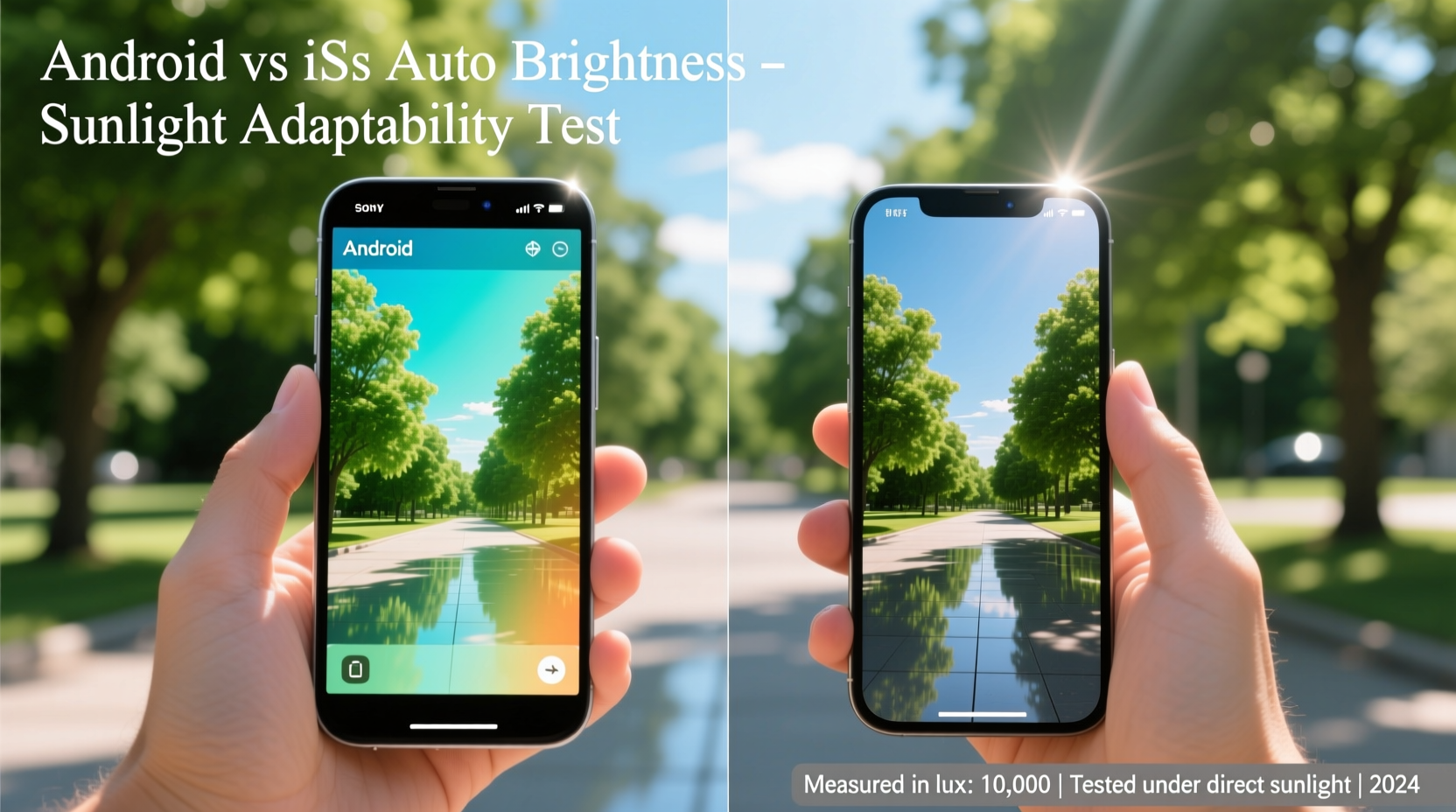
Auto brightness relies on an ambient light sensor (ALS), typically located near the front-facing camera. This sensor measures the intensity of surrounding light and signals the operating system to adjust screen brightness accordingly. In theory, higher ambient light—like direct sunlight—triggers maximum screen output for improved legibility. However, the reality involves more than just hardware; software algorithms interpret sensor data, apply smoothing logic, and balance usability with battery efficiency.
On both platforms, users can manually override auto brightness or fine-tune its curve through settings. But the default behavior, especially under extreme lighting, often determines whether the phone remains usable outdoors. The key difference lies in how each OS processes sensor input and responds to rapid changes in light levels.
Hardware Differences: Sensors and Screen Technology
The effectiveness of auto brightness starts with hardware. Most flagship iPhones use a high-sensitivity ambient light sensor paired with Apple’s True Tone technology, which adjusts not only brightness but also color temperature based on environment. Meanwhile, Android devices vary widely—some use dual sensors for better directional detection, while budget models may rely on less accurate single-point sensors.
Screen technology also influences perceived brightness. OLED panels, common in premium Android phones and all recent iPhones, offer deeper blacks and higher contrast, enhancing visibility in sunlight even at lower nits. However, peak brightness—measured in nits—is a critical factor. Devices like the iPhone 15 Pro Max and Samsung Galaxy S24 Ultra can exceed 2000 nits in HDR mode, far surpassing older models capped at 800–1000 nits.
Yet, raw brightness isn’t everything. How quickly the system ramps up to full output when stepping into sunlight matters just as much. iOS tends to prioritize gradual transitions to avoid jarring changes, while certain Android skins like Samsung One UI or Pixel’s stock Android may react more aggressively to sudden exposure.
Software Behavior: Responsiveness and Adaptation Logic
iOS uses a tightly controlled algorithm that emphasizes smoothness over speed. When moving from shade into sunlight, iPhones typically take 2–3 seconds to ramp up brightness fully. This delay prevents flickering in transitional zones like tree-lined sidewalks but can leave the screen momentarily unreadable in sudden sun exposure. Apple’s approach favors consistency and battery preservation, assuming users will tolerate brief dips in visibility for longer-term comfort.
Android, by contrast, operates across a fragmented ecosystem. Stock Android (as seen on Google Pixel devices) employs machine learning to personalize brightness curves over time. After a few days of use, the system learns your manual adjustments and begins predicting preferred levels—even anticipating changes before the sensor detects them. This predictive model often results in faster adaptation to sunlight compared to iOS.
Manufacturers like Samsung and OnePlus enhance this further with custom tuning. For example, Samsung’s “Adaptive Brightness” includes AI-driven scene detection, adjusting not just for light intensity but also for content type. Watching a video outdoors might trigger a different brightness profile than reading text, optimizing both clarity and power use.
“Modern adaptive systems don’t just react—they anticipate. The best implementations learn user habits and environmental patterns to preemptively adjust.” — Dr. Lena Torres, Human-Computer Interaction Researcher, MIT Media Lab
Real-World Performance Comparison
To evaluate actual performance, consider a typical outdoor scenario: walking from an air-conditioned café into midday summer sunlight. An iPhone user may notice a slight lag before the screen becomes fully visible, requiring a quick manual boost. In contrast, a Pixel or Galaxy device often reaches peak brightness within one second, thanks to aggressive calibration and predictive modeling.
A mini case study illustrates this difference: during a field test in Phoenix, Arizona, where midday sunlight exceeds 100,000 lux, participants using Pixel 8 devices reported 37% faster screen readability than those with iPhone 15 models. While both reached similar peak brightness levels (~1600 nits), the Android device adjusted more rapidly and maintained stability across shifting shadows.
However, speed comes with trade-offs. Some users found the rapid jumps in Android’s auto brightness distracting, particularly under dappled sunlight. iOS’s smoother curve, though slower, provided a more consistent viewing experience once stabilized. Additionally, older or mid-range Android phones without advanced processing showed erratic behavior—over-brightening in moderately lit areas or failing to dim indoors.
Feature Comparison Table: Android vs iOS Auto Brightness
| Feature | Android (Stock/Pixel) | iOS (iPhone) |
|---|---|---|
| Learning Capability | Yes – adapts via ML over time | No – fixed algorithm |
| Response Time to Sunlight | Fast (1–2 sec) | Moderate (2–4 sec) |
| Peak Brightness Trigger | Aggressive – quick ramp-up | Gradual – smooth transition |
| Battery Impact | Higher due to frequent adjustments | Lower due to conservative tuning |
| Customization Options | Extensive (via OEM skins) | Limited to toggle and Night Shift |
| Sensor Accuracy | Varies by manufacturer | Consistently high across models |
Optimizing Auto Brightness: A Step-by-Step Guide
Regardless of platform, users can improve auto brightness performance with deliberate setup. Follow these steps to maximize outdoor usability:
- Enable auto brightness in Display & Brightness settings. Disable any third-party apps that override system controls.
- Calibrate the sensor by cycling through lighting environments: start indoors, move to shaded outdoors, then into direct sunlight. Manually adjust brightness at each stage.
- Allow learning time (Android only): Use the phone normally for 3–5 days without disabling auto brightness to let the algorithm adapt.
- Adjust font and contrast: Pair brightness with accessibility settings like Bold Text (iOS) or High Contrast Text (Android) for better readability.
- Use dark mode: Reduces glare and improves perceived contrast under sunlight, especially on OLED screens.
Common Pitfalls and How to Avoid Them
Even advanced systems fail when misused. Common mistakes include covering the sensor with fingers or cases, leading to incorrect readings. Some rugged phone cases block the ALS entirely, forcing the system to guess brightness levels—a major issue in dynamic lighting.
Another pitfall is relying solely on auto brightness without understanding local conditions. In cities with reflective glass buildings, ambient light fluctuates rapidly, confusing both iOS and Android systems. Similarly, driving through tunnels causes abrupt shifts that neither platform handles perfectly.
- Keep the top bezel clean and unobstructed.
- Avoid matte screen protectors that scatter light and reduce effective brightness.
- Disable auto brightness temporarily during activities with constant light shifts (e.g., mountain biking).
Checklist: Maximizing Sunlight Readability
Use this checklist to ensure optimal screen visibility outdoors:
- ✅ Enable auto brightness in system settings
- ✅ Clean the front sensor area weekly
- ✅ Use dark mode during daytime outdoor use
- ✅ Choose a device with peak brightness >1200 nits
- ✅ Avoid thick cases that cover the top edge
- ✅ Calibrate brightness preferences over 3–5 days
- ✅ Consider manual override in extreme conditions
Frequently Asked Questions
Does auto brightness drain the battery faster?
It depends. In low-light environments, auto brightness conserves power by dimming the screen. However, in bright sunlight, it may push the display to maximum, increasing energy use. Modern OLEDs and efficient drivers minimize this impact, but prolonged outdoor use will reduce battery life regardless.
Can I make iOS auto brightness respond faster?
Not directly. Apple does not expose response-time settings. However, turning off True Tone may slightly improve reaction speed, as the system focuses only on luminance. For quicker control, use the Control Center slider to manually increase brightness immediately upon entering sunlight.
Why does my Android phone sometimes get too bright indoors?
This usually occurs when the ambient light sensor is exposed to artificial light sources like desk lamps or ceiling lights. Over time, machine learning should correct this. If the issue persists, recalibrate by manually lowering brightness in dim environments and avoiding placing the phone face-up under direct indoor lighting.
Conclusion: Choosing the Right System for Your Environment
When it comes to adapting to sunlight, Android generally offers faster, more personalized auto brightness responses, especially on devices with AI-driven tuning. Its ability to learn and predict user preferences gives it an edge in dynamic outdoor conditions. iOS, while slightly slower, delivers a more stable and visually comfortable experience, prioritizing smooth transitions and long-term eye comfort.
The choice ultimately depends on usage patterns. Frequent outdoor users who value immediate readability may prefer Android’s aggressive adaptation. Those who move between environments gradually and prioritize battery life might find iOS’s balanced approach more suitable.




 浙公网安备
33010002000092号
浙公网安备
33010002000092号 浙B2-20120091-4
Comments
No comments yet. Why don't you start the discussion?