
When choosing between Android and iOS, security is often a deciding factor—especially how each operating system manages app permissions. Both platforms have evolved significantly in recent years, but their approaches to permission handling differ fundamentally. While Apple emphasizes tight control and consistency across devices, Google offers flexibility and customization at the cost of potential fragmentation. Understanding these differences is crucial for users who prioritize privacy and data protection.
This article examines the architecture, default behaviors, transparency mechanisms, and long-term security implications of app permission systems on Android and iOS. We’ll explore real-world scenarios, expert insights, and practical steps you can take to maximize your device’s security—regardless of platform.
Core Permission Models: Design Philosophy Differences
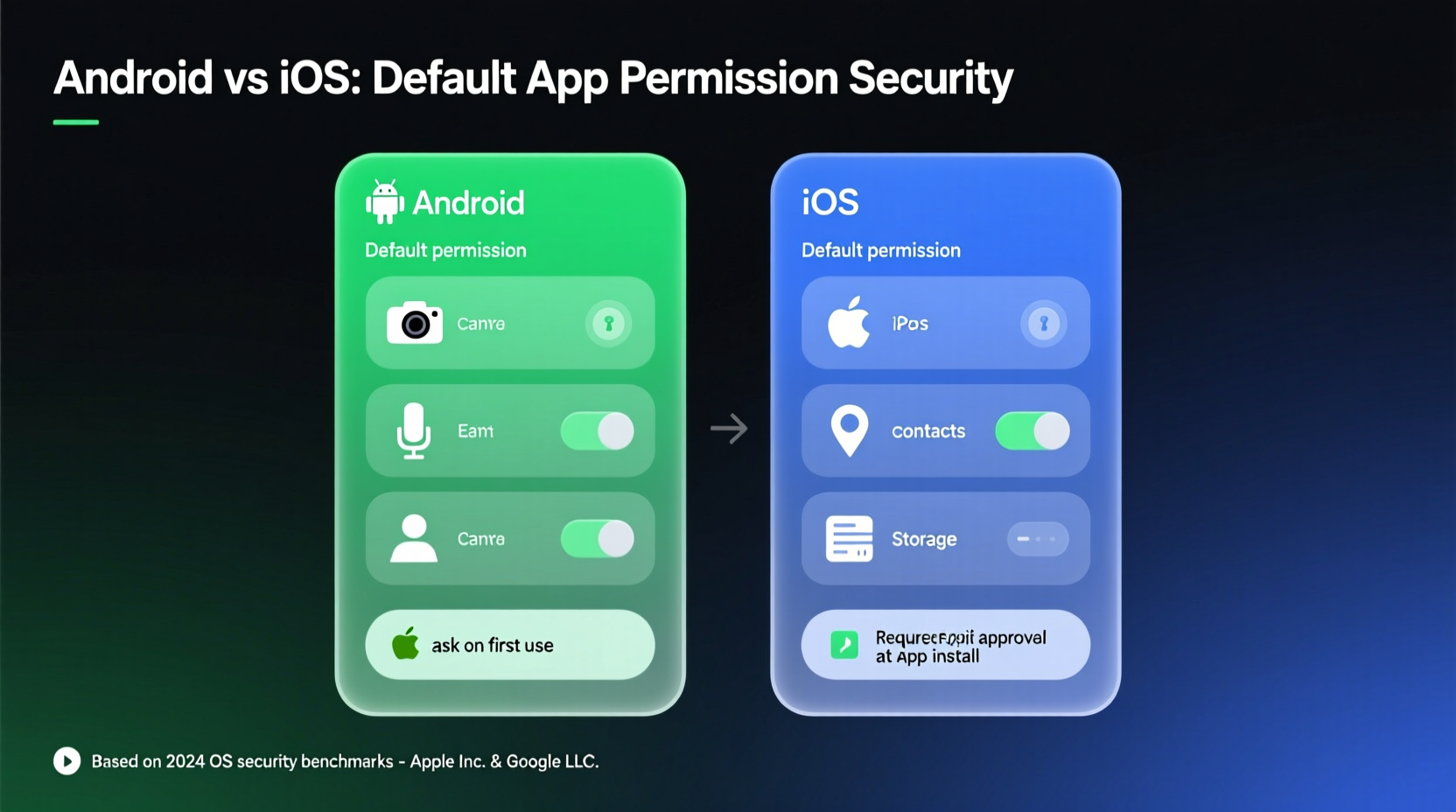
The foundation of any permission system lies in its design philosophy. Android and iOS approach user privacy from distinct angles, shaped by their broader ecosystem strategies.
iOS operates under a “privacy-first” model enforced at the system level. Apple assumes that apps should not access sensitive data unless explicitly permitted by the user—and even then, only when necessary. Permissions are granular, time-limited (in some cases), and often accompanied by visual indicators (like the camera or microphone icons in the status bar).
Android, on the other hand, follows a more permissive-by-design model. Historically rooted in openness and developer freedom, Android allows broader access patterns but has tightened controls with each major release. Since Android 6.0 (Marshmallow), runtime permissions have required user approval during app use rather than installation—a significant improvement over earlier versions.
Despite these advancements, Android’s diversity creates inconsistency. Devices from Samsung, Xiaomi, or OnePlus may modify the stock Android permission interface, sometimes weakening protections through pre-installed bloatware or altered permission prompts.
“Apple’s closed ecosystem gives it an edge in enforcing consistent privacy standards. On Android, security depends heavily on the manufacturer and update frequency.” — Dr. Lena Torres, Mobile Security Researcher at Stanford Cyber Initiative
Granularity and Transparency: Who Gives You More Control?
Modern smartphones track location, access contacts, record audio, and capture photos. How transparently each OS informs users about these activities matters greatly.
iOS provides detailed logs via Privacy & Settings > App Privacy Report (introduced in iOS 15). This feature shows which apps accessed location, camera, microphone, or photos over the past seven days, along with network activity. Users can see exactly when background access occurred—even if they didn’t actively open the app.
Android introduced Permission Usage History in Android 13, offering similar functionality. However, this tool is buried deeper in settings (Settings > Privacy > Permission usage) and lacks the intuitive visualization found in iOS. Moreover, older Android devices may never receive this update due to limited OS upgrade support.
In terms of granularity:
- iOS restricts photo access to “Selected Photos” by default—apps cannot browse your entire library without explicit expansion.
- Android requires developers to use scoped storage (since Android 10), limiting broad file access, though legacy workarounds still exist.
- Location permissions on both platforms now offer options: “Always,” “While Using,” or “Never.” But iOS disables “Always” for most apps unless justified, while Android leaves this choice entirely to the user.
Default Behavior Comparison: What’s Enabled Out-of-the-Box?
A critical measure of security is what happens before the user makes changes. How do Android and iOS behave right after setup?
| Feature | iOS Default | Android Default |
|---|---|---|
| Location Access | Disabled unless requested; prompt appears only when needed | Enabled system-wide; apps can request access immediately |
| Contact Access | Denied until prompted during app use | No access until granted, but some OEMs preload sync services |
| Photo Library Access | Limited to selected photos (iOS 14+) | Full access possible via legacy APIs on older Android versions |
| Microphone/Camera Indicators | Orange/green dot always visible when in use | Indicator added in Android 12+, but not consistently enforced by all OEMs |
| Background App Refresh | Restricted by default; location tracking paused when unused | Allowed unless manually disabled; higher risk of silent data collection |
The table reveals a clear trend: iOS defaults to minimal exposure, requiring affirmative user action to enable access. Android assumes greater initial trust in apps and relies more on user vigilance.
Real-World Example: The Fitness Tracker Dilemma
Consider Sarah, a health-conscious professional who downloads a new fitness app to track her runs. She installs it on both her iPhone and her colleague’s Samsung Galaxy S22.
On iOS, the app requests location access only when she starts a workout. It cannot run in the background indefinitely. Even if she grants “While Using” permission, iOS suspends tracking once she switches apps. Later, she checks App Privacy Report and sees the app accessed location twice—both times during workouts.
On Android, the same app asks for location access during setup. Because the phone uses Samsung’s One UI, the prompt includes a pre-checked box saying “Allow all the time,” easily missed. The app begins logging location continuously, syncing data every 15 minutes—even when idle. Without digging into advanced settings, Sarah remains unaware of ongoing background tracking.
This example illustrates how subtle UX differences impact real-world privacy. iOS forces intentionality; Android enables convenience at the expense of oversight.
Security Updates and Long-Term Protection
Even the best permission system becomes obsolete without timely updates. Here, iOS holds a decisive advantage.
Apple supports iPhones with major OS updates for up to six years. All eligible devices receive new security patches simultaneously. When a vulnerability in permission handling is discovered—such as an app bypassing location restrictions—it’s patched globally within weeks.
Android’s fragmented ecosystem complicates this process. Google releases monthly security updates for Pixel phones, but third-party manufacturers often delay rollouts by months—or skip them entirely. A 2023 study by Upstream Security found that only 30% of Android devices were running the latest security patch, compared to over 85% of active iPhones on current iOS versions.
This lag means many Android users remain exposed to known exploits, including those involving permission escalation or silent data harvesting. For instance, certain pre-installed apps on budget Android devices have been found to access call logs and SMS without proper disclosure—a flaw mitigated quickly on iOS due to stricter app review policies.
Checklist: Securing App Permissions on Any Device
Regardless of platform, proactive management enhances security. Follow this checklist monthly:
- Review app permissions in Settings and revoke unnecessary access (e.g., flashlight app shouldn’t need contacts).
- Set location permission to “While Using” whenever possible.
- Disable background app refresh for non-essential apps.
- Enable audit tools: Use App Privacy Report on iOS or Permission Manager on Android 13+.
- Uninstall apps that request excessive permissions without justification.
- Keep your OS updated—delaying updates increases exposure to known threats.
- Use alternative apps from trusted developers when privacy concerns arise.
Expert Insight: The Role of Ecosystem Enforcement
One often-overlooked aspect is how platform gatekeeping affects permission integrity.
iOS enforces strict App Store review guidelines. Apps must justify permission requests in their metadata, and misuse can lead to removal. In 2022, Apple removed over 150 apps for私自 collecting user data without consent, including several popular utility tools.
Google Play has improved its Data safety section, requiring developers to disclose data collection practices. However, enforcement is less rigorous. Malicious apps occasionally slip through, particularly those distributed outside the Play Store. Sideloading on Android increases risk, as there’s no centralized vetting mechanism.
“The app store isn’t just a marketplace—it’s a security layer. Apple treats it as such. Google still treats it partly as a revenue channel.” — Mark Chen, Former Lead Analyst at Gartner Mobility
Frequently Asked Questions
Can apps access my data without permission on either platform?
Not directly. Both Android and iOS require explicit user consent for sensitive permissions. However, apps can infer information indirectly—for example, using coarse location from Wi-Fi networks even if GPS is denied. Additionally, third-party SDKs embedded in apps may collect data under different consent rules.
Is Android inherently less secure than iOS?
Not necessarily. Stock Android with regular updates offers strong protection. The issue lies in fragmentation: outdated OS versions, delayed patches, and OEM modifications weaken overall security. A fully updated Pixel phone is far more secure than an old Samsung device running Android 9.
Do I need a third-party permission manager?
Generally no. Built-in tools on both platforms are sufficient for most users. Third-party apps claiming to enhance permission control often require elevated privileges themselves, introducing new risks. Stick to native settings and reputable sources.
Conclusion: Taking Action for Better Digital Privacy
The question of whether Android or iOS handles app permissions more securely by default doesn’t have a one-size-fits-all answer—but the evidence leans toward iOS. Its consistent privacy-first defaults, robust transparency features, and uniform update delivery create a stronger baseline for user protection.
That said, Android’s flexibility empowers informed users to customize their experience. With discipline, Android can be secured effectively—though it demands more effort and awareness.
Ultimately, the most secure device is one whose owner actively manages permissions, stays updated, and questions why apps need certain access. No operating system can replace user vigilance.




 浙公网安备
33010002000092号
浙公网安备
33010002000092号 浙B2-20120091-4
Comments
No comments yet. Why don't you start the discussion?