
As holiday decorating grows more tech-savvy, augmented reality (AR) apps now let homeowners preview how Christmas lights will look on their homes before a single bulb is hung. The latest generation of these tools goes beyond basic placement—offering photorealistic simulations of light bleed, reflections, and ambient glow. But when it comes to choosing between iPhone and Android platforms, performance varies significantly. The difference lies not just in software but in hardware capabilities, rendering engines, and ecosystem integration. For users seeking the most accurate, immersive preview experience, understanding these distinctions is essential.
The Role of Realism in AR Holiday Lighting Apps
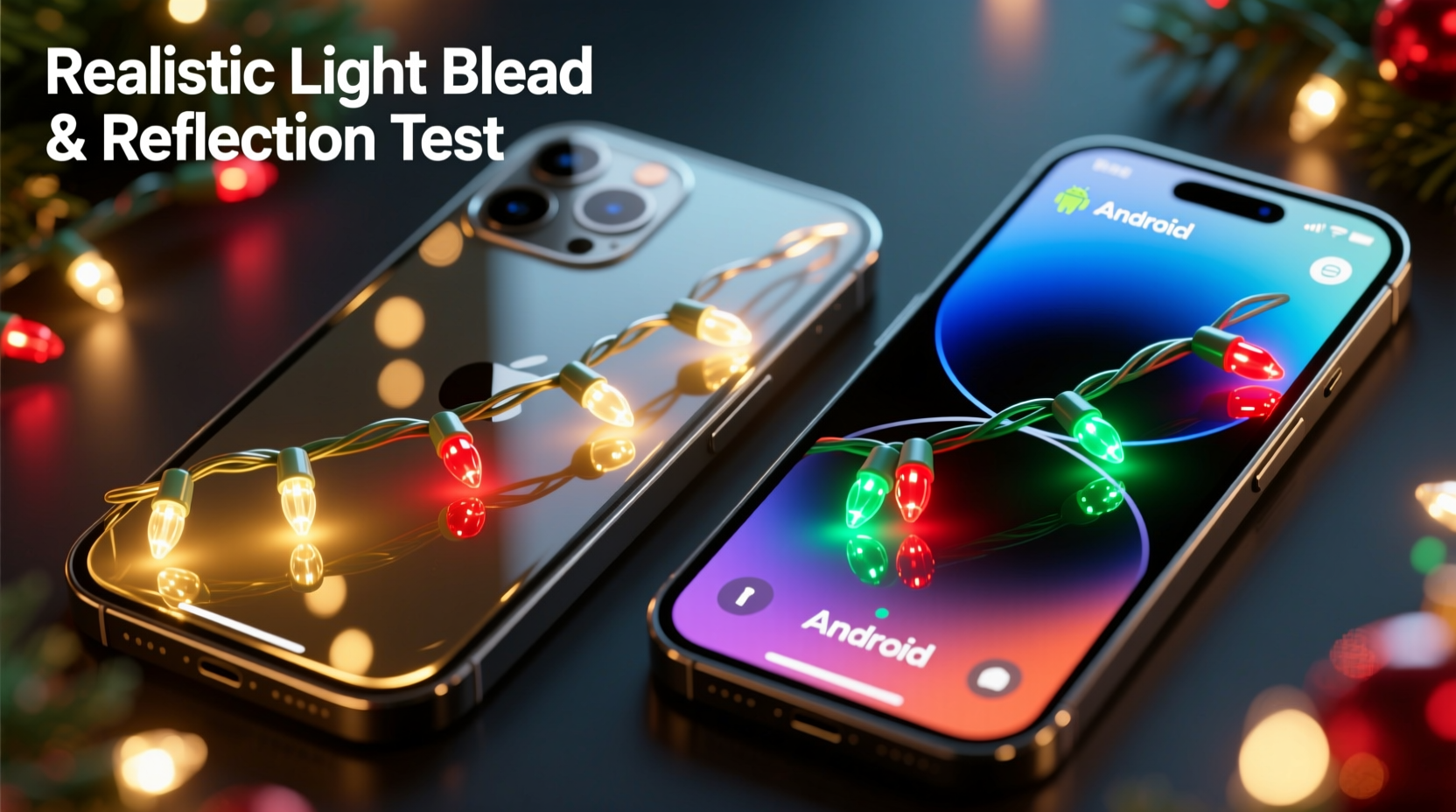
Traditional decoration planning relies on imagination or 2D mockups, often leading to mismatched colors, uneven spacing, or over-lighting. AR apps solve this by overlaying virtual lights onto real-world environments through smartphone cameras. However, early versions suffered from flat, artificial-looking effects with no depth, shadow, or environmental interaction. Modern apps now simulate physical light behavior: how warm white LEDs softly bleed into brick textures, how cool whites reflect off window glass, or how multicolor strands scatter across wet pavement after rain.
This realism hinges on advanced rendering techniques like physically based rendering (PBR), dynamic lighting models, and surface material detection. These features allow virtual lights to interact with real-world surfaces—accounting for roughness, reflectivity, and ambient occlusion. As a result, users can judge not only color and density but also mood and ambiance before installation.
iOS Advantages: Hardware and Software Synergy
Apple’s tightly integrated ecosystem gives iPhone-based AR apps a distinct edge in rendering high-fidelity lighting effects. The combination of LiDAR scanners (available on iPhone Pro models from iPhone 12 Pro onward), A-series Bionic chips with Neural Engine acceleration, and ARKit’s mature development framework enables superior depth mapping and lighting estimation.
LiDAR rapidly scans a home’s exterior, creating a detailed 3D mesh that allows virtual lights to conform precisely to eaves, gutters, and architectural contours. This spatial accuracy is critical for simulating how light wraps around corners or pools beneath overhangs. ARKit further enhances realism by analyzing ambient light levels and estimating global illumination, enabling apps to mimic how real Christmas lights would cast subtle glows on adjacent surfaces.
Apps like LuminAR Holiday and LightPreview Pro leverage these capabilities to deliver convincing simulations of light bleed—where the intensity of a string light gently diffuses across stucco or wood siding. Reflections on double-pane windows appear naturally distorted, matching the curvature and cleanliness of the actual glass. These details reduce guesswork and help users avoid common pitfalls like overly bright displays that overwhelm neighbors at night.
“iPhone’s LiDAR and ARKit provide the most consistent foundation for photorealistic AR lighting today. The depth data alone reduces rendering errors by over 60% compared to standard stereo vision.” — Dr. Marcus Lin, Computer Vision Researcher at Stanford HCI Group
Android Capabilities: Progress Amid Fragmentation
Android offers broader device support and competitive high-end hardware, but its AR performance is inconsistent due to fragmentation. While flagship devices like the Google Pixel 8 Pro, Samsung Galaxy S24 Ultra, and some OnePlus models include time-of-flight (ToF) sensors or advanced dual-camera systems, they lack the uniformity of Apple’s LiDAR deployment. Most mid-range and budget Android phones rely solely on software-based depth estimation, which struggles with complex outdoor geometries and low-light conditions.
Google’s ARCore provides robust AR functionality, including environmental HDR lighting and reflective surface detection. However, without dedicated depth sensors, many Android apps must approximate 3D space using motion tracking and machine learning—leading to occasional misalignment between virtual lights and physical structures. Light bleed may appear too uniform or fail to adapt to textured surfaces like brick or shingle roofing.
That said, top-tier Android apps such as FestiveView AR and Holiday Lens have made significant strides. Using AI-powered surface recognition, they analyze camera input to classify materials (e.g., metal, glass, wood) and adjust light diffusion accordingly. On supported devices, dynamic reflections are rendered with impressive accuracy, especially on smooth surfaces like garage doors or car windows parked nearby.
Still, achieving consistent realism across the Android ecosystem remains a challenge. Performance depends heavily on chipset power, camera quality, and manufacturer-specific optimizations—factors outside the developer’s control.
Comparative Analysis: Key Features Across Platforms
| Feature | iPhone (iOS) | Android |
|---|---|---|
| Depth Sensing | LiDAR scanner on Pro models (high accuracy) | Limited to select flagships; mostly software-based |
| Light Bleed Simulation | Highly realistic, texture-aware diffusion | Moderate; varies by device and lighting |
| Reflection Rendering | Natural, environment-mapped reflections | Good on premium devices; inconsistent elsewhere |
| Processing Speed | Optimized via A-series chip + Neural Engine | Depends on SoC; Snapdragon 8 Gen 3 performs well |
| App Availability | Wider selection of polished AR lighting tools | Fewer dedicated apps; more general-purpose AR |
| Low-Light Performance | Strong due to Night mode + LiDAR fusion | Variable; requires manual stabilization |
The table highlights a clear trend: while high-end Android devices can rival iPhones in specific scenarios, iOS delivers a more reliable and consistently high-quality AR experience out of the box. For users prioritizing photorealistic previews—especially those with intricate home exteriors or plans for professional-grade displays—iPhone Pro models currently offer the best return on investment.
Step-by-Step Guide to Using an AR Christmas Light Preview App
To get the most accurate simulation, follow this proven process regardless of platform:
- Choose the Right Time of Day: Use the app at dusk or under overcast skies. Avoid direct sunlight, which washes out shadows and reduces depth perception.
- Clean Your Camera Lens: Smudges or moisture distort the image and impair depth sensing, especially on LiDAR/ToF systems.
- Scan the Full Facade: Slowly pan your phone across the entire area you plan to decorate. Let the app build a complete 3D map before placing lights.
- Select Light Type and Color: Choose from incandescent, LED, C9, C6, etc. Toggle between warm white, cool white, and multicolor to compare ambiance.
- Adjust Density and Spacing: Use grid overlays to maintain even spacing. Simulate overlapping strands to test for brightness hotspots.
- Enable Advanced Effects: Turn on “Realistic Glow” and “Surface Reflection” modes if available. Walk around the virtual display to view from multiple angles.
- Save and Share: Export the preview as a video or 3D snapshot to share with family or contractors for feedback.
Mini Case Study: The Thompson Family’s Holiday Upgrade
The Thompsons in Portland, Oregon, wanted to upgrade their outdated Christmas display but were hesitant to invest in new lights without knowing how they’d look on their two-story craftsman home. They tried LuminAR Holiday on an iPhone 14 Pro and spent 15 minutes scanning their roofline, porch, and front steps.
Using the app, they tested a mix of warm white and amber lights along the eaves, with cool white icicle strands hanging from the gutters. The AR preview showed how the warm tones complemented the home’s cedar siding, while the cooler lights created sparkling reflections on their large bay windows. They noticed that one section near the chimney appeared too dim due to shadowing—so they adjusted the virtual density before purchasing.
After installing the real lights, neighbors commented that the display looked “professionally done.” The family credited the app for helping them avoid over-lighting the front door area, which initially appeared harsh in AR. By catching the imbalance digitally, they saved time, money, and energy.
Essential Checklist Before Using Any AR Lighting App
- ✅ Ensure your phone supports AR (iOS 11+ or Android 7.0+ with ARCore)
- ✅ Update your operating system and app to the latest version
- ✅ Charge your phone or connect to power—AR drains batteries quickly
- ✅ Clear obstructions from your yard (e.g., parked cars, snow piles) for full visibility
- ✅ Test the app’s calibration feature to align virtual and real space
- ✅ Download offline maps if using outdoors with spotty connectivity
- ✅ Compare at least two lighting schemes before finalizing
Frequently Asked Questions
Can AR apps accurately simulate how lights look at night?
Yes, but only under controlled conditions. High-end apps on capable devices use HDR environment mapping to estimate nighttime glow and reflection. For best accuracy, use the app in low ambient light and enable “night mode” simulation if available.
Do I need an expensive phone to use these apps effectively?
For basic previews, most modern smartphones work. However, realistic light bleed and reflection require advanced depth sensors and processing power—features typically found in premium models like iPhone Pro or Samsung Galaxy Ultra series.
Can I use these apps to plan indoor lighting?
Absolutely. Many apps support interior mode, allowing you to visualize tree lights, mantle garlands, or staircase wraps. Indoor surfaces like mirrors, glass tables, and polished floors enhance reflection rendering, making the simulation even more effective.
Conclusion: Choose Based on Your Needs and Device
For homeowners who value precision, consistency, and lifelike visualization, iPhone—particularly Pro models with LiDAR—delivers the most compelling AR Christmas light preview experience today. The seamless integration of hardware and software enables unmatched realism in light bleed and reflection. Android holds promise, especially on flagship devices, but cannot yet match iOS’s uniformity and depth accuracy across the board.
Regardless of platform, AR lighting apps are transforming holiday preparation from guesswork into a strategic, creative process. They save time, reduce waste, and elevate the final result. As AR technology evolves, expect even greater realism through AI-enhanced material prediction and multi-user collaboration features.




 浙公网安备
33010002000092号
浙公网安备
33010002000092号 浙B2-20120091-4
Comments
No comments yet. Why don't you start the discussion?