
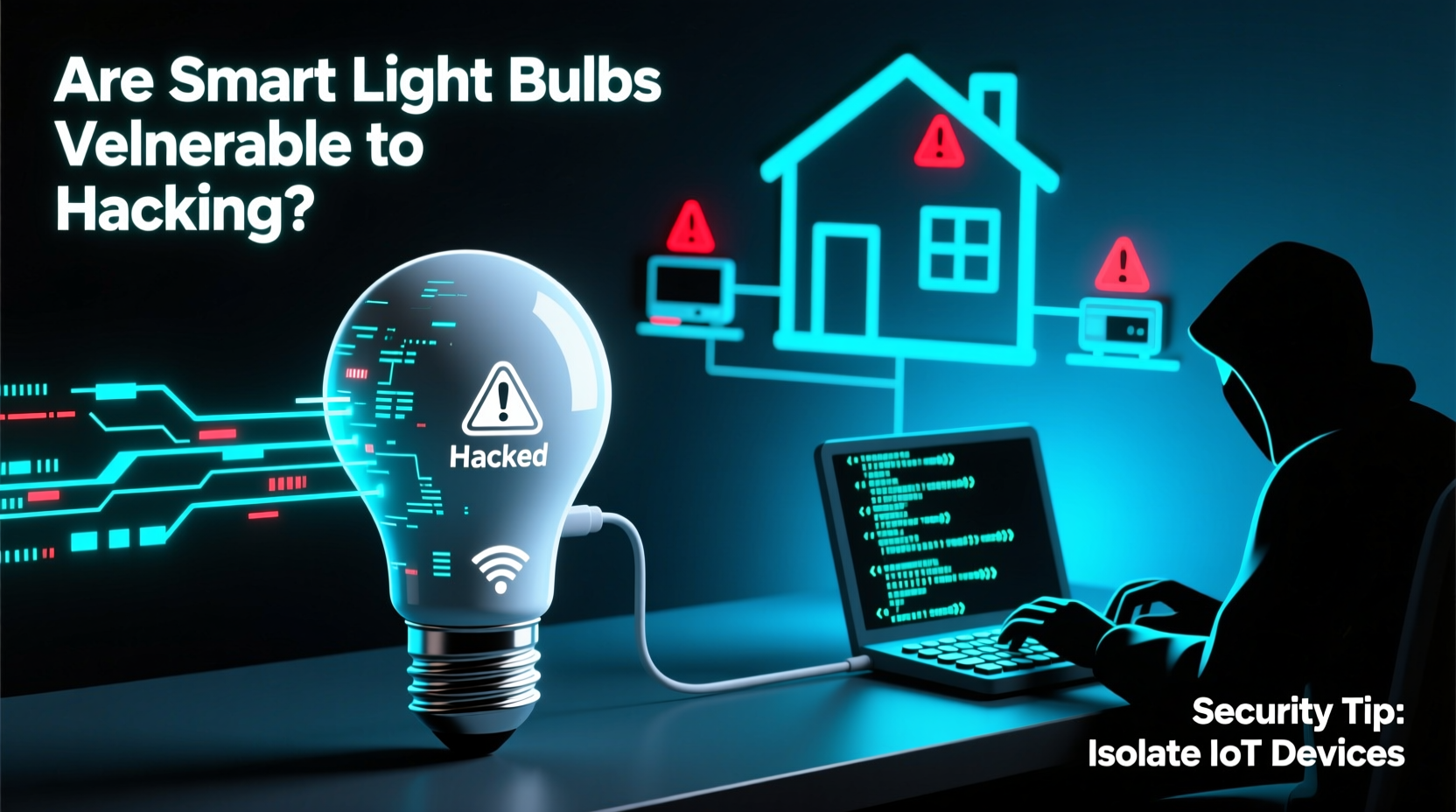
Smart light bulbs have transformed the way we interact with our homes. With voice commands, mobile apps, and automation routines, lighting has become more convenient than ever. But behind the seamless glow of a remotely dimmed bulb lies a complex web of wireless signals, cloud servers, and network connections—each a potential entry point for cyber threats. As these devices become staples in modern households, a growing concern emerges: are smart light bulbs vulnerable to hacking through your network?
The short answer is yes. While no device is inherently “unsafe,” smart bulbs—like any internet-connected gadget—introduce new attack surfaces. The real risk isn’t just about someone turning your lights on or off; it’s about what that access could lead to. A compromised bulb might serve as a foothold into your broader home network, opening doors to sensitive data, surveillance, or even coordinated botnet attacks.
How Smart Light Bulbs Connect—and Where They’re Exposed
Most smart bulbs connect via Wi-Fi, Bluetooth, Zigbee, or Z-Wave protocols. Each method offers different trade-offs between range, power consumption, and security.
- Wi-Fi bulbs communicate directly with your router and often require cloud-based services. This makes them easier to set up but also exposes them to internet-wide scanning tools used by hackers.
- Bluetooth bulbs typically pair directly with your phone and don’t need a hub. However, their limited range can reduce exposure—but not eliminate it if paired with a compromised smartphone.
- Zigbee and Z-Wave bulbs use mesh networking through a central hub (like Philips Hue Bridge or Samsung SmartThings). These are generally considered more secure because they operate on private radio frequencies and don’t expose individual devices directly to the internet.
Despite these differences, all pathways involve some level of software interaction—firmware running on the bulb, mobile apps managing settings, and backend servers processing commands. Any weakness in this chain can be exploited.
Real-World Vulnerabilities and Exploits
In 2020, researchers at the Ben-Gurion University of the Negev demonstrated a proof-of-concept attack dubbed “Lumiknife.” By exploiting firmware vulnerabilities in Philips Hue bulbs (specifically those using Zigbee), they showed how a single infected bulb within range could propagate malware across an entire mesh network. Because Zigbee networks trust neighboring nodes, malicious code could jump from one bulb to another—even bypassing firewalls—ultimately reaching the central hub and potentially accessing the main network.
This type of lateral movement is particularly dangerous. Once inside your network, attackers may scan for other devices: laptops, phones, security cameras, or smart TVs. In theory, a hacker could use a smart bulb as a pivot point to steal passwords, install spyware, or enlist your devices in a botnet used for distributed denial-of-service (DDoS) attacks.
Another documented case involved Chinese-manufactured LED bulbs sold under various brands. Security analysts discovered that these bulbs connected to a centralized server in China, transmitting usage patterns without user consent. Worse, the communication was unencrypted, allowing anyone monitoring local traffic to intercept commands or inject their own.
“Internet of Things devices often prioritize convenience over security. A light bulb shouldn’t need full network access—but many are designed that way.” — Dr. Kevin Fu, Cybersecurity Researcher and FDA Advisor on Medical Device Security
Common Attack Vectors Targeting Smart Bulbs
Hacking doesn’t always require advanced skills. Many breaches stem from preventable misconfigurations or outdated software. Here are the most common ways smart bulbs get compromised:
- Firmware flaws: Manufacturers sometimes release bulbs with known vulnerabilities that go unpatched for months—or never. Hackers scan networks looking for devices running outdated firmware versions.
- Weak authentication: Some bulbs use default passwords or lack encryption during setup, making them easy targets during initial pairing.
- Cloud API exploits: If a bulb syncs with a manufacturer’s cloud service, vulnerabilities in that service (such as poor input validation or insecure APIs) can allow unauthorized control.
- Man-in-the-middle (MitM) attacks: On unsecured Wi-Fi networks, attackers can intercept unencrypted communications between your phone and the bulb, altering commands or stealing credentials.
- Supply chain tampering: Rare but possible—devices modified before reaching consumers can contain backdoors or hidden functionality.
Even seemingly harmless actions—like downloading a third-party app claiming to enhance bulb performance—can introduce malware. One study found Android apps promising “Hue hacks” were secretly harvesting login tokens and sending them to remote servers.
Protecting Your Network: A Practical Security Checklist
You don’t need to abandon smart lighting to stay safe. Instead, adopt a layered defense strategy. Below is a checklist of essential steps to minimize risk:
- ✅ Update bulb firmware regularly through official apps
- ✅ Use a separate Wi-Fi network (guest or IoT VLAN) for smart devices
- ✅ Disable cloud features if you only use local control
- ✅ Change default names and passwords (if applicable)
- ✅ Disable remote access unless absolutely necessary
- ✅ Monitor network traffic for unusual activity (using tools like Fing or GlassWire)
- ✅ Purchase bulbs from reputable brands with active security updates
- ✅ Turn off bulbs when not in use—not just for energy savings, but to limit attack windows
Step-by-Step: Setting Up a Secure Smart Lighting System
Follow this timeline to deploy smart bulbs safely:
- Week 1 – Assess Your Needs: Determine whether you need remote access or if local-only control suffices. Choose Zigbee/Z-Wave bulbs with a hub if privacy is a priority.
- Week 2 – Segment Your Network: Configure your router to create an isolated network for IoT devices. Most modern routers support guest networks or VLANs. Assign all smart bulbs here.
- Day of Installation – Secure Pairing: Ensure your phone and router are updated. Pair bulbs in a private setting—avoid public Wi-Fi. Remove any test devices afterward.
- Ongoing – Monitor and Maintain: Check for firmware updates monthly. Review connected devices in your router admin panel weekly. Delete unused integrations (e.g., revoked voice assistant links).
- Every 6 Months – Audit Permissions: Re-evaluate which apps have access to your smart home account. Revoke unnecessary permissions. Consider rotating Wi-Fi passwords periodically.
| Security Practice | Why It Matters | How to Implement |
|---|---|---|
| Network Segmentation | Prevents lateral movement from bulb to critical devices | Create a dedicated IoT SSID on your router |
| Firmware Updates | Patches known exploits and strengthens encryption | Enable auto-updates in the manufacturer’s app |
| Local-Only Mode | Removes reliance on cloud servers prone to breaches | Disable internet access in hub settings where supported |
| Strong Router Password | Protects the gateway to all connected devices | Use WPA3 encryption and a 12+ character password |
| Regular Audits | Catches rogue devices or suspicious behavior early | Use network scanning tools weekly |
Debunking Myths About Smart Bulb Security
Several misconceptions downplay the risks associated with smart lighting. Let’s clarify them:
- Myth: “They’re just light bulbs—they can’t do anything harmful.”
Reality: While a bulb can’t “steal” files directly, it can act as a bridge. Once inside your network, attackers can probe for weaker systems like old computers or unpatched NAS drives. - Myth: “If I don’t see strange behavior, I’m safe.”
Reality: Many attacks are silent. Malware may lie dormant, logging keystrokes or waiting for high-value moments (like online banking sessions) before acting. - Myth: “Brand-name bulbs are completely secure.”
Reality: Even top brands have had vulnerabilities. In 2017, Philips issued a patch after researchers showed Hue bridges could be tricked into downloading malicious firmware.
The key takeaway: trust should be earned, not assumed. Always verify that manufacturers provide regular security updates and transparent disclosure policies.
Frequently Asked Questions
Can hackers really turn my lights on and off remotely?
Yes—if your bulb is connected to the internet and lacks proper authentication. This usually requires compromising your Wi-Fi password, cloud account, or exploiting a known vulnerability. Using strong passwords and disabling remote access reduces this risk significantly.
Is it safer to use smart bulbs with a hub?
Generally, yes. Hubs like the Philips Hue Bridge keep bulbs on a closed network. Commands from outside must pass through the hub, which adds a layer of filtering and isolation. Additionally, many hubs allow local control even when the internet is down, reducing dependency on cloud infrastructure.
Do smart bulbs listen to conversations like smart speakers?
No—smart bulbs do not have microphones or audio recording capabilities. Unlike smart speakers, they cannot eavesdrop. However, if they’re part of a larger compromised system (e.g., linked to a hacked camera or voice assistant), indirect surveillance remains a concern.
Conclusion: Stay Informed, Stay Protected
Smart light bulbs are not inherently dangerous, but they are not risk-free either. Their integration into your home network expands the digital footprint that attackers can target. The convenience of scheduling sunrise simulations or changing colors with your mood comes with responsibility: securing your ecosystem proactively.
Vulnerabilities exist across the IoT landscape, and lighting is just one piece. Yet, because bulbs are often overlooked—seen as simple appliances—they can become low-hanging fruit for attackers seeking a quiet entry point. By applying basic cybersecurity hygiene, choosing hardware wisely, and maintaining awareness, you can enjoy the benefits of smart lighting without sacrificing safety.




 浙公网安备
33010002000092号
浙公网安备
33010002000092号 浙B2-20120091-4
Comments
No comments yet. Why don't you start the discussion?