
In an era where energy costs are rising and environmental concerns are growing, many homeowners are turning to smart home technology for solutions. Among the most popular entry-level devices are smart plugs—small, Wi-Fi-enabled outlets that allow you to control any plugged-in appliance remotely. But beyond the convenience of turning a lamp on from your phone, do smart plugs actually help reduce electricity consumption? Or are they merely gimmicks designed to make life slightly easier without delivering tangible savings?
The answer isn’t a simple yes or no. Smart plugs can save electricity—but only when used strategically. For some households, they deliver measurable reductions in energy bills and carbon footprints. For others, they’re primarily tools for automation and convenience with minimal impact on power usage. Understanding the difference requires a closer look at how these devices work, what appliances benefit most from them, and how user behavior influences outcomes.
How Smart Plugs Work and What They Monitor
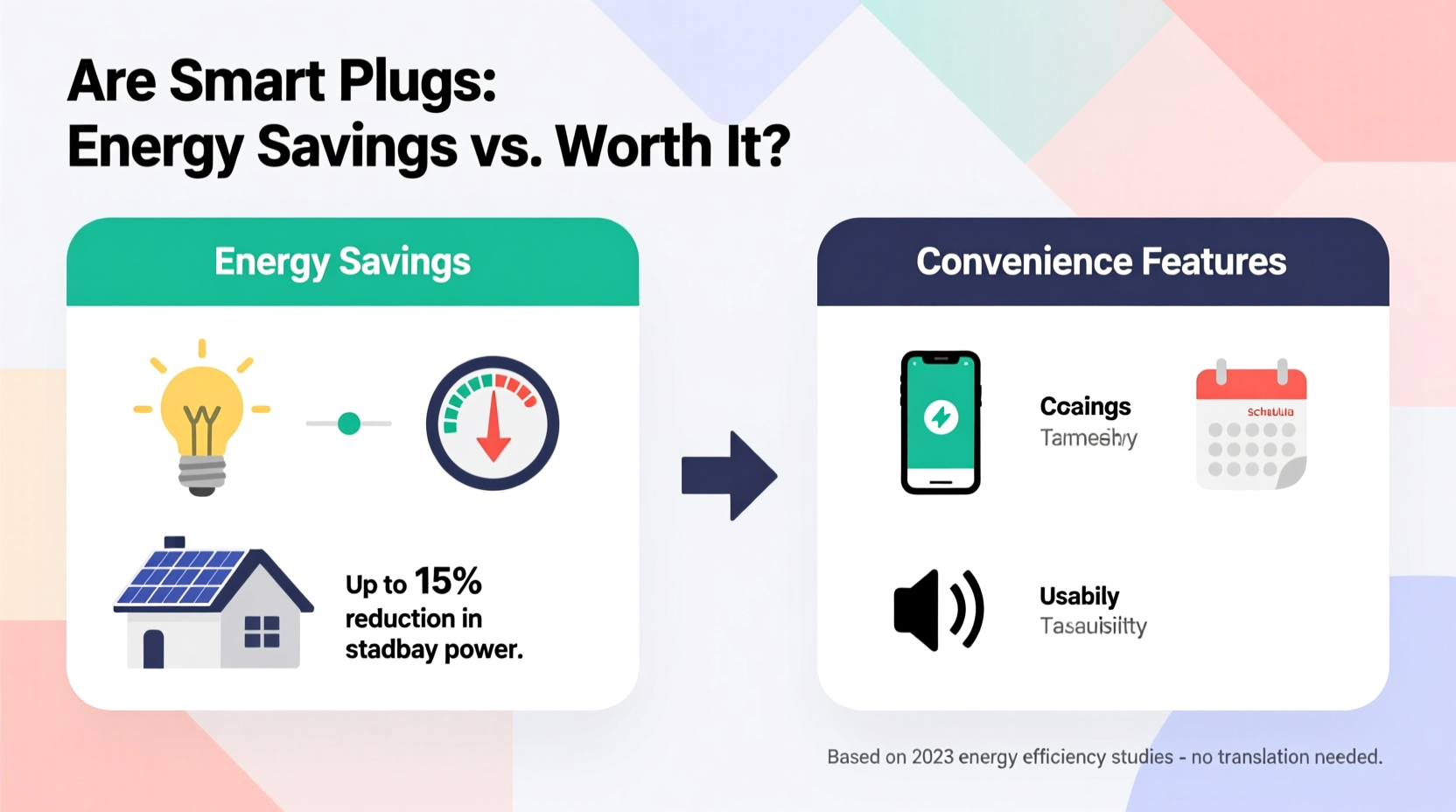
Smart plugs sit between your wall outlet and electrical device, acting as a remote-controlled switch. Most models connect via Wi-Fi (some use Zigbee or Z-Wave), allowing integration with smartphone apps, voice assistants like Alexa or Google Assistant, and home automation systems.
Advanced smart plugs go beyond switching power on and off—they include energy monitoring features that track real-time and cumulative electricity usage. These models display data such as:
- Voltage (V)
- Current (A)
- Power (W)
- Energy consumed over time (kWh)
- Estimated cost based on local electricity rates
This visibility is crucial. Without knowing how much energy a device uses—even when “off”—you can’t make informed decisions about unplugging or automating it.
The Myth of “Zero Power” Devices
Many people assume that if a device is turned off, it consumes no electricity. In reality, numerous household electronics draw power continuously through what’s known as “phantom load” or “vampire power.” This includes:
- Televisions on standby mode
- Gaming consoles with quick-start features
- Coffee makers with digital clocks
- Chargers left plugged in
- Microwaves with clock displays
According to the U.S. Department of Energy, phantom loads account for roughly 5% to 10% of residential electricity use—adding up to $100–$200 per year in wasted energy for the average home.
Smart plugs eliminate this waste by cutting power completely. When you schedule a smart plug to turn off overnight or during work hours, the connected device receives zero electricity—no standby drain, no hidden consumption.
“Most consumers don’t realize how much energy their idle devices consume. Smart plugs provide both awareness and control.” — Dr. Laura Simmons, Energy Efficiency Researcher at the National Institute of Building Sciences
When Smart Plugs Actually Save Money
Savings depend entirely on which devices you connect and how you use the plug. Here’s a breakdown of high-impact versus low-impact applications:
| Device Type | Phantom Load (Watts) | Potential Annual Savings* | Best Use Case for Smart Plug |
|---|---|---|---|
| Entertainment Center (TV + Soundbar + Game Console) | 35–50 W | $40–$70 | Auto-off at bedtime; voice activation in morning |
| Coffee Maker with Clock | 3–5 W | $5–$10 | Schedule brew time; cut power after use |
| Desktop Computer & Monitor | 10–20 W (sleep mode) | $15–$30 | Turn off after work hours automatically |
| Lamp with LED Bulb | 0 W (when off) | $0 | Convenience only—no energy savings |
| Space Heater (used intermittently) | N/A (high active use) | $20–$50** | Prevent accidental all-day operation |
*Based on average U.S. electricity rate of $0.15/kWh and 24/7 phantom load reduction.
**Savings come from avoiding extended runtime, not standby power.
As shown, the greatest savings occur when smart plugs manage multiple high-phantom-load devices or prevent misuse of high-wattage appliances. Simply automating a single LED lamp offers convenience but negligible financial return.
Step-by-Step Guide to Maximizing Energy Savings
To ensure your smart plugs deliver real value, follow this five-step process:
- Identify High-Phantom Load Devices: Walk through your home and note appliances with clocks, remote sensors, or standby modes. Common culprits include entertainment systems, microwaves, and desktop computers.
- Use a Plug Meter First (Optional): Before buying smart plugs, measure actual consumption with an energy monitor like the Kill-A-Watt. This reveals which devices truly waste power when off.
- Purchase Monitored Smart Plugs: Choose models with energy tracking (e.g., TP-Link Kasa HS110, Eve Energy, or Wemo Insight) so you can verify savings over time.
- Create Automation Schedules: Set rules like “Turn off living room outlets at 11 PM” or “Power down office strip during weekdays after 7 PM.” Avoid manual toggling—it’s unsustainable.
- Review Monthly Reports: Most smart plug apps generate usage summaries. Compare baseline usage (before installation) with post-installation data to quantify savings.
Real-World Example: The Johnson Family's Energy Audit
The Johnsons, a family of four in suburban Ohio, installed three smart plugs to manage their entertainment center, home office setup, and guest room heater. Using the TP-Link Kasa app, they monitored each for two weeks before setting automation rules.
They discovered their living room entertainment system drew an average of 42 watts on standby—costing nearly $60 annually. Their office computer and monitor, often left in sleep mode, consumed 18 watts overnight, adding another $25 in waste.
After configuring automatic shutoffs at 10:30 PM and delayed startup at 7 AM, their phantom load dropped to near zero. Over six months, their electric bill decreased by 8%, with approximately $45 attributed directly to smart plug usage. While not revolutionary, the savings covered the cost of the plugs within 14 months—and gave them greater peace of mind about energy waste.
Convenience vs. Conservation: Where Smart Plugs Shine
Even when energy savings are modest, smart plugs enhance daily life in meaningful ways:
- Remote Control: Turn on lights while away to deter burglars or preheat a space heater before arriving home.
- Voice Integration: Use voice commands to operate non-smart appliances—like a vintage fan or holiday lights.
- Automation Scenarios: Trigger actions based on time, sunrise/sunset, or presence detection (e.g., “Turn off all non-essential outlets when everyone leaves the house”).
- Parental Controls: Limit screen time by scheduling when gaming consoles or TVs can operate.
For renters or those unwilling to rewire their homes, smart plugs offer a non-invasive way to add intelligence to existing appliances. This flexibility makes them appealing even if pure energy savings aren’t the primary driver.
Limitations and Common Misconceptions
Despite their usefulness, smart plugs have clear limitations:
- Not for High-Power Appliances: Avoid using standard smart plugs with air conditioners, refrigerators, or washing machines. These require dedicated circuits and may exceed plug wattage limits (typically 15A / 1800W).
- No Savings on True Off Devices: If a device already cuts power completely when off (e.g., incandescent lamps), automation adds convenience but no efficiency gain.
- Wi-Fi Dependency: Outages or network issues can disrupt schedules. Some models support local control via Matter or Thread, but most rely on cloud services.
- Upfront Cost: Quality monitored smart plugs range from $20–$35 each. ROI takes months or years unless managing high-draw devices.
Additionally, behavioral change is essential. A smart plug programmed once and forgotten won’t save energy. It must be actively managed or automated consistently.
Frequently Asked Questions
Can smart plugs reduce my electric bill?
Yes, but only if used with devices that consume standby power or are prone to being left on unnecessarily. Typical savings range from $30 to $100 per year depending on usage patterns and number of devices controlled.
Do all smart plugs measure energy usage?
No. Basic models only offer remote on/off functionality. To track energy consumption, choose “energy-monitoring” smart plugs from reputable brands like Kasa, Wemo, or Eve.
Are smart plugs safe to leave plugged in all the time?
Yes, certified smart plugs from UL-listed manufacturers are designed for continuous use. Ensure proper ventilation and avoid covering them with rugs or furniture to prevent overheating.
Final Verdict: Worth It for Savers, Convenient for Everyone Else
Smart plugs are not magic energy-saving boxes. They are tools—effective when applied correctly, wasted when treated as novelty gadgets. For households serious about reducing phantom load and gaining insight into appliance usage, monitored smart plugs offer a low-cost entry point into energy management.
Their greatest value lies in making invisible energy waste visible. Once you see how much power your unused TV draws overnight, you’re more likely to take action. And with automation, that action becomes effortless.
If your goal is pure convenience—turning on lights remotely or syncing holiday decorations with sunset—the investment is still justified for many users. But if you're focused on lowering utility bills and minimizing environmental impact, prioritize using smart plugs with high-phantom-load devices and review usage data regularly.




 浙公网安备
33010002000092号
浙公网安备
33010002000092号 浙B2-20120091-4
Comments
No comments yet. Why don't you start the discussion?