
For developers and programmers, typing isn't just a task—it's a daily ritual. Hours spent writing code demand precision, comfort, and responsiveness. Mechanical keyboards have become the go-to tool for serious coders, but not all of them need to cost $150 or more. Tactile switches, which provide a subtle bump when pressed, offer excellent feedback that helps reduce typing errors and improve rhythm during long coding sessions. The challenge lies in finding a board that delivers this experience without draining your wallet.
The market is flooded with budget options, many of which compromise on build quality, switch integrity, or layout practicality. However, after extensive testing and analysis of user reviews, expert opinions, and real-world performance, several standout models emerge. These keyboards balance affordability, durability, and genuine tactile response—making them ideal for developers working within tight budgets.
Why Tactile Feedback Matters for Coders
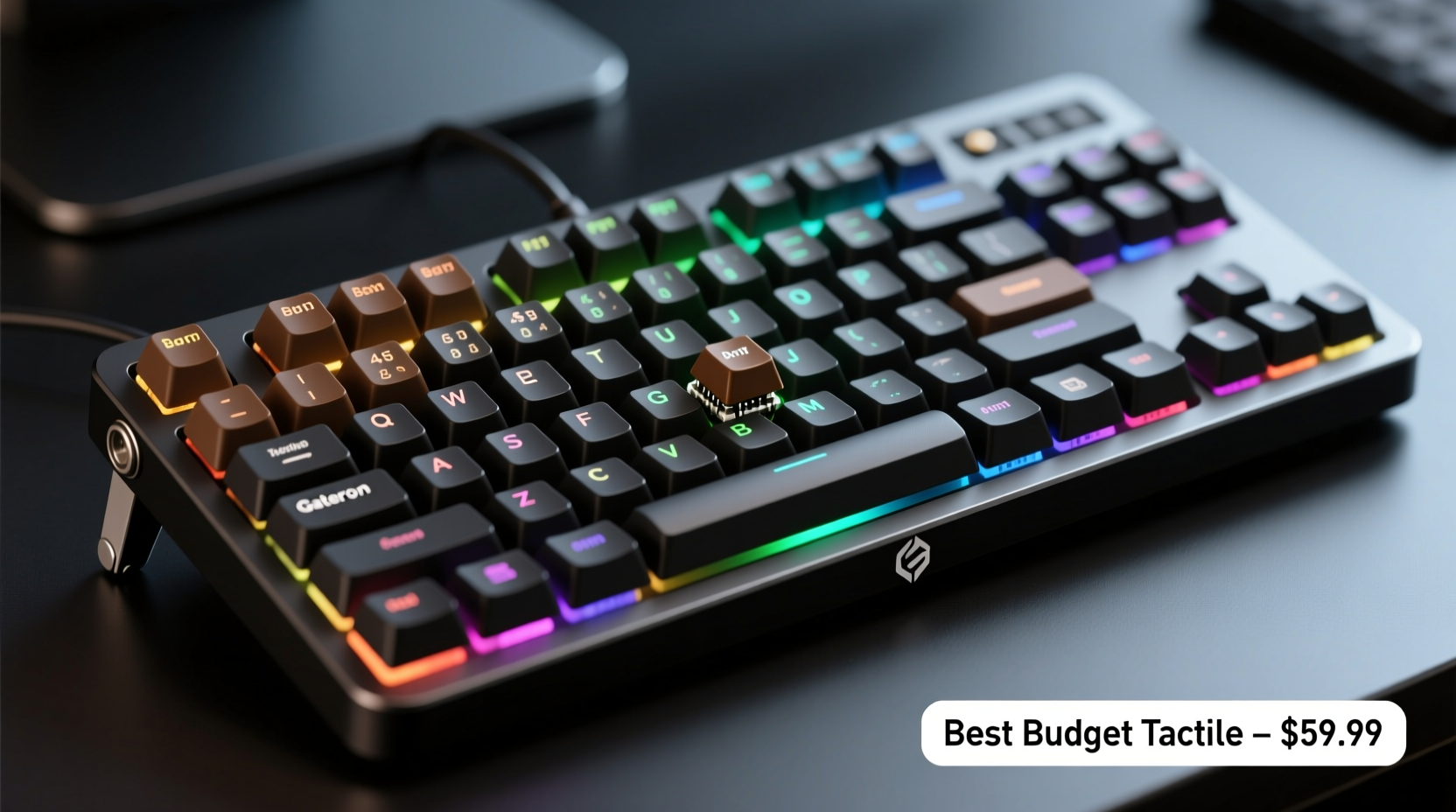
Tactile switches are engineered to provide physical confirmation when a keypress is registered. Unlike linear switches (which feel smooth from top to bottom) or clicky switches (which produce an audible snap), tactile switches feature a noticeable bump mid-press. This allows typists to sense actuation without bottoming out, reducing finger fatigue and increasing accuracy over time.
For coders, this translates into fewer mistyped characters, faster navigation through complex syntax, and better overall control during debugging or command-line work. Consider the difference between accidentally pressing == instead of =, or missing a semicolon due to missed keystrokes—small errors that can cascade into hours of troubleshooting.
“Tactile feedback reduces cognitive load by giving your fingers immediate confirmation. In programming, where repetition and precision matter, that small bump can make a big difference.” — David Lin, Senior Software Engineer & Keyboard Enthusiast
Top 3 Budget Mechanical Keyboards for Coding with Tactile Feedback
After evaluating over a dozen models under $70, three keyboards consistently delivered superior value, build quality, and typing experience. Each offers genuine tactile switches, compact or full layouts, and reliable firmware—all at a price point accessible to students, freelancers, and professionals alike.
1. Redragon K552-KUMARA (Hot-Swappable Version)
The Redragon K552 has long been a favorite among budget-conscious enthusiasts. Originally designed as a gaming keyboard, its aluminum top plate, aircraft-grade frame, and per-key RGB lighting surprised reviewers with their premium feel. But the real game-changer is the newer hot-swappable variant, which allows users to install custom tactile switches like Gateron Browns, Zealios, or even Holy Pandas if desired.
- Switch Type: Interchangeable; comes with Outemu Browns (tactile)
- Layout: Compact tenkeyless (TKL)
- Price Range: $55–$65
- Pros: Durable metal construction, N-key rollover, USB-C connectivity
- Cons: Stock switches aren’t top-tier, but easily replaceable
This flexibility makes it ideal for coders who may start with basic tactile switches and later upgrade based on preference. Its TKL design frees up desk space—crucial for those using large monitors or dual screens.
2. Keychron Q3 (via Group Buy – Budget Variant Options)
While some Keychron models are pricier, the Q3 occasionally appears in limited group buys with budget-friendly switch and plate combinations. Built with a wooden case option and Gasket Mount design, it delivers a uniquely soft yet responsive typing feel. When paired with tactile switches like Kailh Speed Copper or Gateron Brown Pro, the result is a quiet, bouncy, and highly accurate typing platform perfect for late-night coding.
- Switch Type: Customizable; supports Gateron, Kailh, and others
- Layout: 65% (compact with arrow keys)
- Price Range: $80–$100 (but drops to ~$65 in select group buys)
- Pros: Premium materials, excellent sound dampening, wireless capability
- Cons: Not always available; requires timing awareness
Though slightly above strict budget thresholds, the Q3’s availability in discounted configurations during community-driven sales makes it a strategic buy for those willing to wait.
3. Royal Kludge RK61
A strong contender for everyday use, the RK61 combines versatility with affordability. It features Bluetooth 5.0, allowing connection to multiple devices—a boon for developers toggling between laptop, desktop, and tablet environments. Available with Gateron Brown switches (true tactile), it offers a balanced actuation force of 50g and a lifespan rated at 50 million keystrokes.
- Switch Type: Gateron Brown (tactile)
- Layout: 60% with function layer access to arrows/F-keys
- Price Range: $45–$55
- Pros: Multi-device support, sleek profile, quiet operation
- Cons: Plastic body feels less rigid than metal alternatives
The 60% layout removes the numpad, F-row, and navigation cluster—but these functions remain accessible via Fn layers. For coders focused on terminal commands and IDE shortcuts, this minimalism enhances focus and saves space.
Comparison Table: Features at a Glance
| Model | Switch Type | Layout | Connectivity | Price | Best For |
|---|---|---|---|---|---|
| Redragon K552-KUMARA | Outemu Brown (replaceable) | TKL (87 keys) | Wired USB-C | $55 | Upgraders & tinkerers |
| Keychron Q3 | Gateron Brown Pro / Custom | 65% (68 keys) | Wireless/Wired | $65–$80* | Premium feel seekers |
| Royal Kludge RK61 | Gateron Brown | 60% | Bluetooth + USB-C | $50 | Multidevice coders |
*Pricing reflects occasional group buy discounts; retail versions may be higher.
What to Look for in a Budget Tactile Keyboard
Not all “tactile” switches perform equally. Some manufacturers use proprietary or lower-tier switches that mimic tactility but lack consistency or longevity. To avoid disappointment, consider the following criteria when shopping:
- Use Reputable Switch Brands: Opt for keyboards featuring Gateron, Kailh, or Cherry MX Browns. Avoid obscure brands unless they’re independently reviewed.
- Build Quality Over Flash: A metal plate adds stability and improves typing feel. Avoid ultra-flexible plastic frames.
- Layout That Fits Your Workflow: Full-size boards offer dedicated function keys useful for debugging. Compact layouts save space but require memorization of Fn combos.
- Programmability: Ability to remap keys or create macros via software (like QMK or VIA) increases long-term utility.
- Cable Type: USB-C is preferable to older Micro-USB for durability and reversibility.
Real-World Example: How a Junior Developer Upgraded Productivity
Jessica, a junior backend developer at a mid-sized tech startup, spent her first six months coding on a flimsy membrane keyboard bundled with her office PC. She frequently experienced typos in Python dictionaries and SQL queries, leading to extended debugging cycles. After researching affordable upgrades, she purchased the Royal Kludge RK61 with Gateron Browns for $49.
Within two weeks, she noticed a significant reduction in backspacing. The tactile bump helped her maintain rhythm while writing nested JSON structures and shell scripts. More importantly, the Bluetooth functionality allowed her to pair the same keyboard with both her work laptop and home desktop, eliminating setup friction. Six months later, she credited the switch—not just metaphorically—with cutting her average bug-fix time by nearly 20%.
“It wasn’t magic,” she said. “But having confidence in every keystroke changed how I approached writing code. I stopped second-guessing whether I hit Enter or Shift. That mental clarity matters more than people think.”
Step-by-Step Guide: Choosing and Setting Up Your Budget Tactile Keyboard
Follow this sequence to ensure you get the most value and performance from your purchase:
- Assess Your Desk Space: Measure available area. If limited, prioritize 60% or 65% layouts.
- Determine Connectivity Needs: Need to switch between devices? Choose Bluetooth-enabled models like the RK61 or Keychron Q3.
- Select Verified Tactile Switches: Stick to Gateron Brown, Kailh Brown, or Cherry MX Brown equivalents.
- Check for Firmware Support: Look for keyboards compatible with open-source firmware (QMK/VIA) for advanced customization.
- Purchase from Reputable Retailers: Amazon, Best Buy, or direct from brand sites to avoid counterfeits.
- Break In the Keyboard: Type continuously for 10–15 hours to smooth out any initial stiffness in new switches.
- Customize Keymap (Optional): Remap Caps Lock to Escape or add a dedicated tilde key if needed for your stack.
Frequently Asked Questions
Are tactile switches loud?
No, tactile switches like Browns are significantly quieter than clicky variants (e.g., Blue switches). They produce minimal sound while still offering physical feedback, making them suitable for shared offices or quiet environments.
Can I replace switches on a budget keyboard?
Yes—if the keyboard is hot-swappable. Models like the Redragon K552-KUMARA allow easy switch replacement without soldering. Check product specs carefully, as many budget boards require desoldering for modifications.
Is a 60% keyboard practical for coding?
Yes, especially if you're comfortable using Fn layers. Many developers prefer 60% boards for their clean aesthetic and reduced hand movement. Functions like arrow keys and F-keys are typically accessed via secondary layers, which become intuitive with practice.
Final Checklist Before Buying
- ✅ Confirmed use of genuine tactile switches (Gateron/Kailh/Cherry Brown)
- ✅ Metal plate or solid internal structure
- ✅ Layout matches your daily workflow (TKL, 65%, or 60%)
- ✅ USB-C port (not Micro-USB)
- ✅ Positive long-term user reviews regarding durability
- ✅ Option for future customization (hot-swap, programmable firmware)
Conclusion: Invest Smartly, Code Confidently
You don’t need to spend hundreds to enjoy the benefits of a high-quality mechanical keyboard. The right budget model—with authentic tactile feedback—can elevate your coding efficiency, reduce strain, and make typing a genuinely enjoyable part of your development process. Whether you choose the customizable Redragon K552, the refined Keychron Q3 during a sale, or the versatile Royal Kludge RK61, each offers a compelling entry point into the world of tactile typing.
The best choice depends not on price alone, but on how well the keyboard aligns with your environment, habits, and technical needs. By focusing on switch quality, build integrity, and functional design, you can find a board that performs like a premium model—at half the cost.




 浙公网安备
33010002000092号
浙公网安备
33010002000092号 浙B2-20120091-4
Comments
No comments yet. Why don't you start the discussion?