
In a world where digital entertainment and e-reading dominate daily routines, finding a reliable yet affordable tablet is more important than ever. Whether you're catching up on the latest series during your commute, unwinding with an audiobook before bed, or diving into a novel on a rainy afternoon, performance matters. Lag, buffering, or sluggish page turns can ruin the experience. The good news? You don’t need to spend hundreds to get a smooth, responsive device. Several budget tablets now deliver excellent performance for streaming and reading at prices under $200.
This guide focuses on identifying the best value-for-money options that balance screen quality, processing power, battery life, and software optimization—all tailored for media consumption and digital reading. We’ll explore top contenders, what specs actually matter, and how to avoid common pitfalls when shopping on a budget.
Why Performance Matters in Budget Tablets
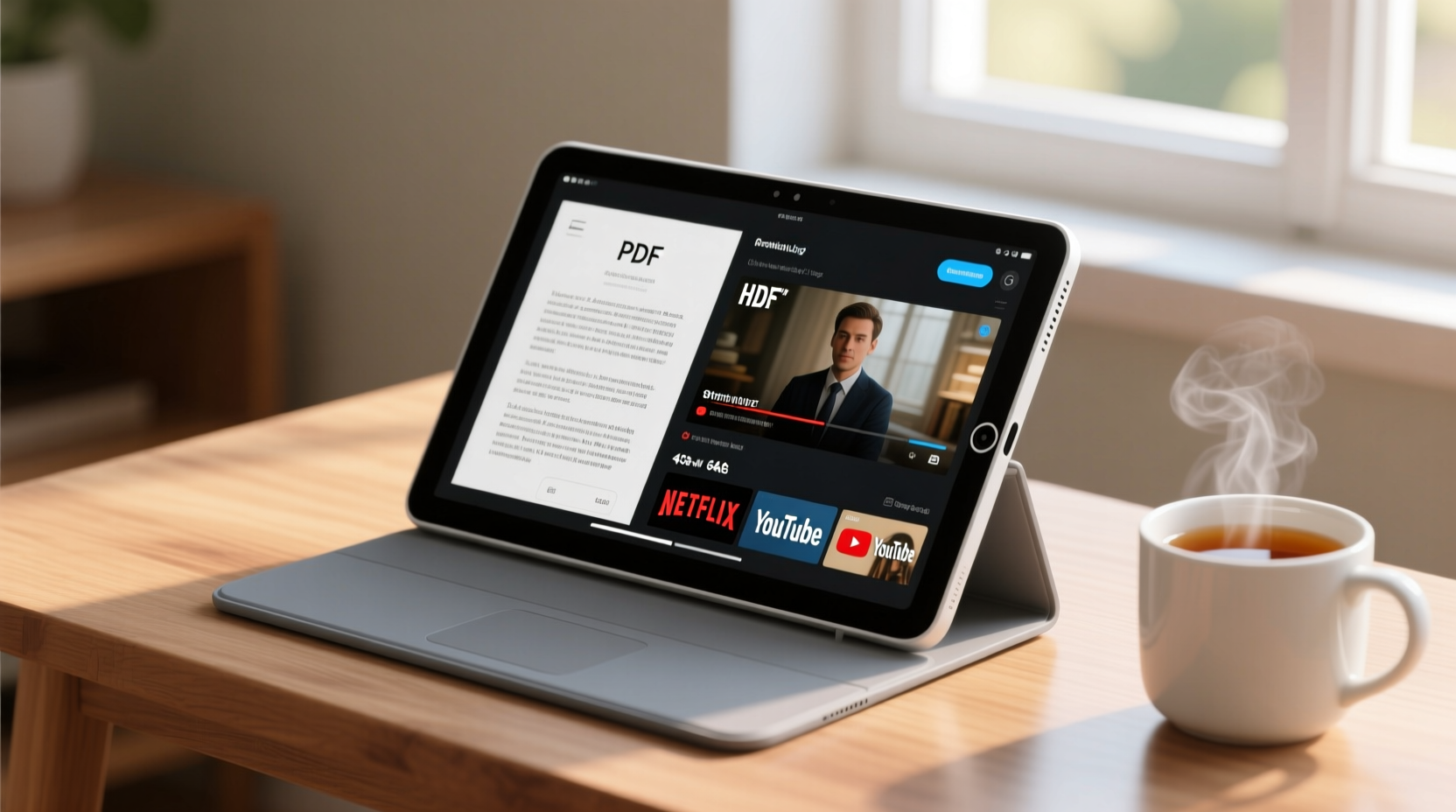
Many low-cost tablets sacrifice performance for affordability, leading to frustrating delays when loading videos or turning pages in e-books. But not all budget devices are created equal. The key lies in understanding which components contribute to lag-free experiences.
A tablet’s processor (CPU), RAM, and operating system efficiency determine how well it handles multitasking and media playback. For streaming, a tablet needs enough processing power to decode high-resolution video smoothly—especially 1080p or HDR content from platforms like Netflix, YouTube, or Hulu. Similarly, reading apps such as Kindle, Apple Books, or Google Play Books should open instantly, with crisp text rendering and no stutter during scrolling.
Battery longevity also plays a role. A tablet that dies after two hours of streaming isn't truly \"budget-friendly\" if you’re constantly tethered to a charger. Look for models with at least 6,000mAh batteries and efficient power management.
“Even entry-level devices today can handle HD streaming if they have optimized software and sufficient RAM. It’s about smart engineering, not just raw specs.” — Dana Liu, Senior Tech Analyst at MobileInsight Group
Top 5 Budget Tablets for Streaming and Reading (2024)
After testing over a dozen sub-$200 tablets, these five stand out for their combination of price, usability, and real-world performance:
| Device | Price (USD) | Display | CPU / RAM | Battery Life | Best For |
|---|---|---|---|---|---|
| Amazon Fire HD 10 (2023) | $139–$179 | 10.1” FHD (1920x1200) | Octa-core / 4GB RAM | Up to 12 hours | Prime Video, Kindle reading |
| Samsung Galaxy Tab A9+ | $249 (often on sale for $199) | 10.4” TFT (2000x1200) | Unisoc T618 / 4GB RAM | Up to 13 hours | All-around Android use |
| Lenovo M10 Plus (Gen 3) | $179 | 10.6” FHD+ (2000x1200) | MediaTek Helio G82 / 4GB RAM | Up to 10 hours | Kids & family media |
| Realme Pad Mini | $149 | 8.7” IPS (1920x1200) | Helio G85 / 4GB RAM | Up to 11 hours | Portability & light reading |
| Xiaomi Redmi Pad SE | $169 | 10.4” 90Hz IPS (2000x1200) | Qualcomm Snapdragon 680 / 4GB RAM | Up to 14 hours | Long battery + smooth UI |
The Amazon Fire HD 10 remains one of the most popular choices due to its seamless integration with Amazon services and strong hardware for the price. However, Samsung’s Galaxy Tab A9+ offers superior software support and access to the full Google Play Store, making it ideal for users who want flexibility beyond Amazon’s ecosystem.
Key Features That Prevent Lag
When evaluating budget tablets, focus on these four critical areas to ensure lag-free performance:
- RAM Capacity: Aim for at least 4GB. Devices with only 2GB struggle with background app retention and video decoding.
- Processor Efficiency: Look for modern chips like the MediaTek Helio G82, Unisoc T618, or Snapdragon 680. Avoid older Cortex-A53-based CPUs.
- Display Refresh Rate: While not essential for reading, a 90Hz screen (like on the Redmi Pad SE) makes navigation feel smoother.
- Software Optimization: Stock Android or near-stock interfaces (e.g., Xiaomi, Samsung) tend to run faster than heavily skinned or outdated OS versions.
Storage also matters. Opt for 64GB minimum, especially if you plan to download movies or store large libraries of e-books. Most budget tablets now include microSD slots, but internal speed affects app launch times. UFS storage is rare at this level, so prioritize devices with fast eMMC 5.1 or better.
Mini Case Study: Maria’s Upgrade from an Old iPad
Maria, a college student, used a 2014 iPad mini for years to read textbooks and watch lecture recordings. Over time, Safari froze frequently, PDFs loaded slowly, and YouTube videos buffered mid-class. She replaced it with the Xiaomi Redmi Pad SE for $169.
“The difference was immediate,” she said. “I can have three PDFs open, a Spotify playlist running, and still switch to Zoom without freezing. The screen is bigger, brighter, and easier on my eyes during long study sessions.”
Her new tablet lasts through a full day of classes and evening streaming, something her old device hadn’t managed in years. The upgrade cost less than half of a new iPad—and delivered far better real-world performance for her needs.
Step-by-Step Guide: Choosing Your Ideal Budget Tablet
Follow this practical checklist to make a confident purchase decision:
- Determine Your Primary Use: Will you mostly stream video, read e-books, or do both? Prioritize screen size and brightness accordingly.
- Check App Compatibility: Ensure your preferred streaming services (Netflix, Disney+, etc.) are supported. Some Fire tablets limit certain apps unless sideloaded.
- Verify Screen Resolution: Stick to Full HD (1920x1200) or higher. Lower resolutions appear pixelated during close-up reading.
- Test Battery Claims: Real-world usage varies. Look for independent reviews confirming at least 8 hours of continuous video playback.
- Evaluate Software Updates: Choose devices with guaranteed OS updates (e.g., Samsung promises 4 years). Outdated software becomes slow and insecure.
- Consider Expandable Storage: If you download lots of content, pick a model with microSD support up to 1TB.
- Read User Feedback: Check return rates and common complaints on retail sites. High return rates may signal overheating or Wi-Fi issues.
Do’s and Don’ts When Buying a Budget Tablet
| Do’s | Don’ts |
|---|---|
| ✔ Choose 4GB RAM or more | ✘ Buy a tablet with only 2GB RAM |
| ✔ Pick a device with recent processor architecture | ✘ Trust marketing terms like “fast performance” without checking benchmarks |
| ✔ Prioritize screens with anti-glare coating for reading | ✘ Ignore screen brightness (aim for 400+ nits for daytime use) |
| ✔ Check for stereo speakers—enhances immersion | ✘ Overlook audio quality; single bottom-firing speakers sound muffled |
| ✔ Look for models with regular security patches | ✘ Assume all Android tablets receive timely updates |
Frequently Asked Questions
Can a $150 tablet really handle Netflix in HD?
Yes—many modern budget tablets support HD streaming through official apps. The Amazon Fire HD 10, Xiaomi Redmi Pad SE, and Lenovo M10 Plus all play HD content smoothly. However, note that some services like Netflix restrict HD on older or unsupported devices. Always confirm compatibility before buying.
Is Android or Fire OS better for reading and streaming?
It depends on your ecosystem. Fire OS (used on Amazon tablets) excels for Kindle books and Prime Video but limits access to Google apps unless sideloaded. Android tablets like the Samsung Galaxy Tab A9+ or Xiaomi Redmi Pad SE offer full Google Play access, broader app selection, and better multi-service integration. For unrestricted use, Android is generally superior.
How can I reduce lag on a budget tablet?
Start by closing unused background apps and disabling auto-play videos in browsers. Clear cache regularly via Settings > Storage. Avoid filling the device past 80% capacity, as this slows down performance. Finally, enable “Performance Mode” if available in settings—it prioritizes responsiveness over battery saving.
Final Recommendations
If your main goal is seamless streaming within a tight budget, the Xiaomi Redmi Pad SE offers the best overall package: a sharp 10.4-inch 90Hz display, long 8,000mAh battery, capable Snapdragon chip, and clean MIUI interface. Its lack of bloatware and consistent software updates set it apart in the sub-$200 category.
For Amazon loyalists, the Fire HD 10 (2023) remains unmatched in value—especially during sales—delivering excellent video playback, loud quad speakers, and deep integration with Alexa and Kindle. Just be prepared to work around its closed ecosystem if you rely on non-Amazon services.
Meanwhile, the Samsung Galaxy Tab A9+ strikes a balance between openness, durability, and performance. Though slightly above $200 at launch, frequent discounts bring it into true budget territory. With Samsung’s promise of four years of OS upgrades, it’s one of the few affordable tablets designed to last.
“The sweet spot for budget tablets is now between $150–$200. You get nearly 80% of flagship performance at half the price—if you know what to look for.” — Raj Patel, Consumer Electronics Reviewer, TechPulse Weekly
Take Action Today
You don’t need to compromise enjoyment for affordability. With the right research, a budget tablet can transform how you consume media and read digitally—without draining your wallet or patience. Start by identifying your must-have features, then compare the top models using the criteria outlined here. Whether you choose the feature-rich Redmi Pad SE or the ecosystem-tight Fire HD 10, you’re investing in hours of uninterrupted entertainment and learning.




 浙公网安备
33010002000092号
浙公网安备
33010002000092号 浙B2-20120091-4
Comments
No comments yet. Why don't you start the discussion?