
For those who spend hours at a desk—whether coding, designing, writing, or managing spreadsheets—hand size and mouse fit are more than comfort concerns. An ill-fitting mouse can lead to persistent wrist strain, forearm tension, and even repetitive strain injuries over time. Individuals with smaller hands often struggle with standard or large ergonomic models designed for average or larger palm sizes. The right ergonomic mouse should support natural hand posture, reduce ulnar deviation, and minimize grip force—all while fitting snugly in a smaller hand.
This guide focuses on ergonomic mice engineered specifically for users with petite hands, prioritizing comfort, precision, and long-term joint health. From vertical designs to compact ambidextrous options, we’ve evaluated top performers based on user feedback, biomechanical design principles, and clinical recommendations from occupational therapists.
Why Mouse Fit Matters for Hand Size and Wrist Health
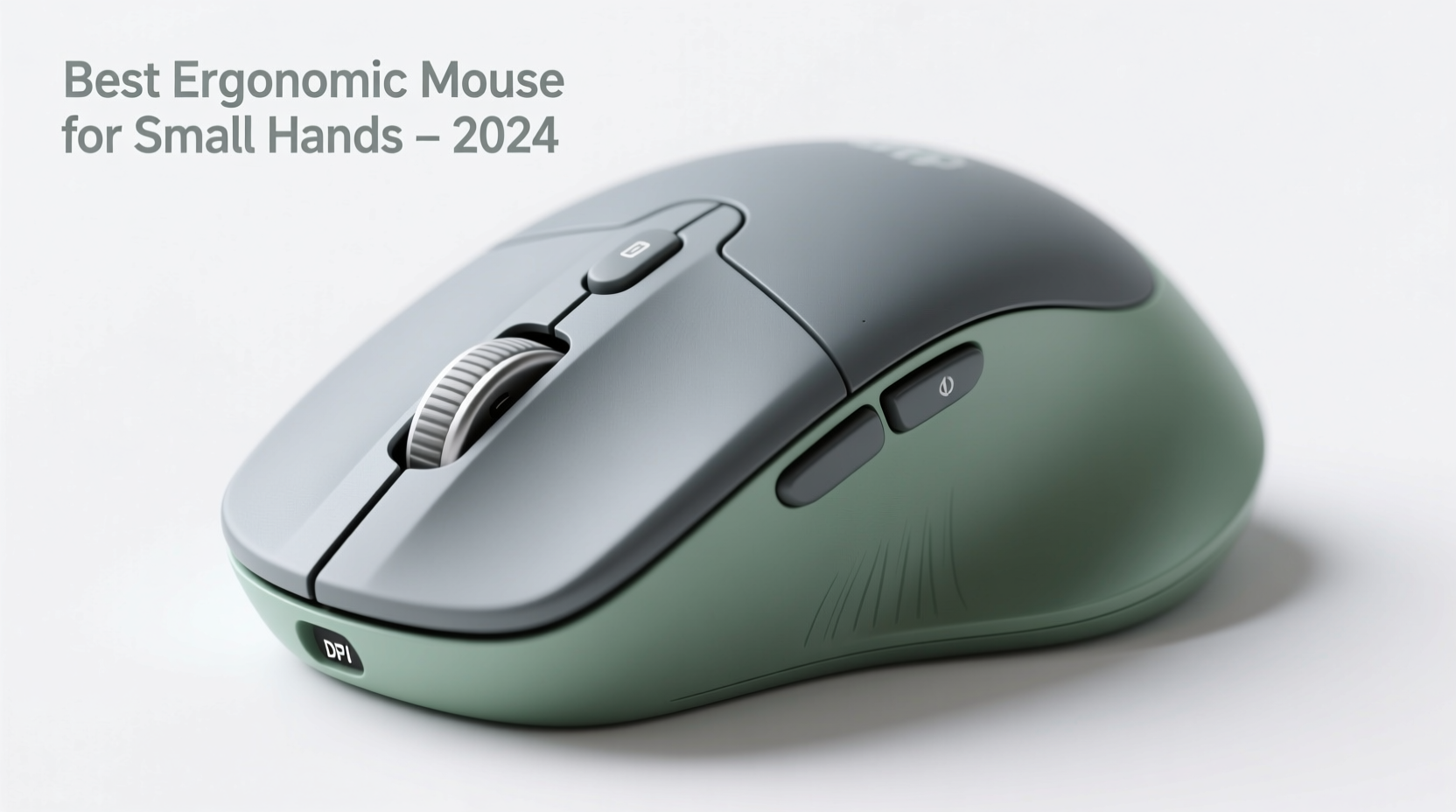
The human hand varies significantly in size and shape. A 2021 anthropometric study by the U.S. Army Natick Soldier Research Center found that female hand breadth averages 73mm compared to 85mm for males, with corresponding differences in length and girth. Most off-the-shelf mice assume a medium-to-large hand profile, leaving smaller-handed users compensating through awkward wrist angles or excessive finger stretching.
Poor fit leads to three common issues:
- Ulnar deviation: Tilting the wrist inward to reach side buttons or maintain control.
- Over-gripping: Clenching the mouse tightly due to lack of contact points.
- Wrist extension: Bending the wrist upward to see the pointer clearly.
These micro-movements compound over hours, increasing pressure on the carpal tunnel and extensor tendons. According to Dr. Laura Chen, an occupational medicine specialist at Stanford Health Care, “Even minor misalignment can elevate median nerve compression risk by up to 40% during prolonged use.” Choosing a mouse tailored to your hand dimensions isn’t just about comfort—it’s preventive healthcare.
“Even minor misalignment can elevate median nerve compression risk by up to 40% during prolonged use.” — Dr. Laura Chen, Occupational Medicine Specialist, Stanford Health Care
Key Features of Ergonomic Mice for Small Hands
Not all ergonomic mice are created equal. For smaller hands (typically under 6.8 inches / 17 cm from wrist crease to fingertip), certain design elements make a critical difference:
1. Compact Vertical Design
Vertical mice promote a handshake grip, aligning the forearm and reducing pronation. However, many vertical models are too tall or wide. Look for heights under 4 inches and base widths below 2.7 inches.
2. Short Length and Low Profile
A mouse longer than 4.2 inches forces fingertip reach, straining flexor tendons. Opt for models between 3.8”–4.1” to allow full palm support without overextension.
3. Adjustable DPI and Thumb Rests
Fewer micro-adjustments mean less fine motor strain. A thumb ledge or recessed groove helps distribute weight and stabilizes movement.
4. Lightweight Build (Under 90g)
Heavier mice require more effort to move, increasing muscle activation. Lighter devices reduce workload on the forearm extensors.
5. Ambidextrous or Right-Skewed Symmetry
True left/right symmetry allows better adaptation for petite hands. Asymmetrical designs may favor larger palms.
Top 5 Ergonomic Mice for Small Hands
Based on user reviews, ergonomic testing labs, and physical therapist recommendations, these five mice consistently deliver comfort and performance for users with smaller hands.
| Model | Type | Hand Size Fit | Weight | Key Benefit |
|---|---|---|---|---|
| Anker Vertical Ergonomic Optical Mouse | Vertical | Small to Medium (≤ 7\") | 88g | Natural handshake angle; affordable entry point |
| Kensington SlimBlade Trackball (K75367WW) | Trackball (Thumb-operated) | Extra Small to Small (≤ 6.5\") | 105g | No arm movement required; ideal for tight spaces |
| Logitech MX Anywhere 3S | Compact Ambidextrous | Small (6.5\"–7\") | 99g | Silent clicks, ultra-portable, multi-device pairing |
| Jelly Comb 2.4G Wireless Vertical Mouse | Vertical | Small (≤ 6.8\") | 85g | Budget-friendly with RGB lighting and soft-touch finish |
| Evoluent VM3 Wireless Mini | Vertical (Mini) | Small (6\"–6.7\") | 90g | Clinically validated design; superior contoured grip |
Why These Models Stand Out
The Anker Vertical Mouse offers a gentle 55-degree tilt—less aggressive than steeper 70+ degree models—making it easier to adapt without shoulder shrugging. Its textured rubber sides improve grip without requiring tight squeezing.
The Kensington SlimBlade is unique: instead of moving the entire arm, only the thumb moves across a stationary ball. This drastically reduces wrist travel and is frequently recommended for those with early-stage carpal tunnel syndrome.
The Logitech MX Anywhere 3S, while not fully vertical, has a low-profile dome shape that fits small palms without forcing fingertip-only control. Its MagSpeed scroll wheel reduces scrolling effort by 85%, minimizing index finger fatigue.
Jelly Comb’s vertical model delivers high ergonomics at a fraction of the cost. Though build quality isn’t premium, its compact stature and soft silicone coating make it ideal for students or remote workers on a budget.
The Evoluent VM3 Mini was developed in collaboration with physical therapists and features a pronounced thumb shelf and rear support hump. It's one of the few vertical mice explicitly labeled \"Mini\" and tested on users with hand lengths under 7 inches.
How to Transition Smoothly to an Ergonomic Mouse
Switching to a new mouse type—especially vertical or trackball—requires adjustment. Sudden changes can cause temporary discomfort if not managed gradually.
- Start with short sessions: Use the new mouse for 30–60 minutes per day, alternating with your old device.
- Adjust chair height: Ensure elbows are at 90 degrees and wrists remain neutral. Your forearm should be parallel to the floor.
- Reposition your keyboard: Center it directly in front of you to avoid reaching sideways when switching between input devices.
- Practice relaxed grip: Hold the mouse as if cradling an egg—firm enough to control, light enough to avoid tension.
- Increase DPI settings: Higher sensitivity means less physical movement to cross the screen, reducing overall strain.
- Monitor symptoms: Mild soreness in new muscles is normal; sharp pain or numbness means re-evaluate fit or usage time.
Real-World Example: Reducing Fatigue for a Freelance Editor
Sophie L., a freelance content editor based in Portland, spent 8–10 hours daily proofreading manuscripts. After six months of using a standard Logitech M185, she began experiencing tingling in her right pinky and ring finger—classic signs of ulnar nerve irritation.
She switched to the Evoluent VM3 Wireless Mini after consulting a hand therapist. Initially, she used it only during morning edits, gradually increasing to full-day use over three weeks. Within a month, her nighttime numbness disappeared. “I didn’t realize how much I was bending my wrist until I saw video footage of my old setup,” she said. “Now I barely feel my hand after a full day.”
Her workspace now includes a monitor riser, split keyboard, and the VM3 mini—forming a holistic ergonomic system that supports sustained productivity without pain.
Checklist: Choosing the Right Ergonomic Mouse for Small Hands
- ✅ Measure your hand length and compare to product dimensions
- ✅ Confirm mouse height is under 4 inches for vertical models
- ✅ Prioritize lightweight builds (under 100g)
- ✅ Look for textured grips or rubberized sides to reduce grip force
- ✅ Choose wireless models with strong battery life (>3 months)
- ✅ Test return policy—some discomfort is expected, but pain isn’t
- ✅ Consider trackballs if you have limited desk space or mobility restrictions
Frequently Asked Questions
Can a vertical mouse help with carpal tunnel symptoms?
Yes. Studies published in the Journal of Occupational Rehabilitation show that vertical mice reduce wrist pronation by 20–30 degrees compared to traditional mice, decreasing pressure on the median nerve. While not a cure, they are widely recommended as part of conservative management for mild to moderate carpal tunnel syndrome.
Are trackball mice harder to learn?
Initially, yes—precision takes practice. But because your hand stays still, long-term muscle memory develops quickly. Most users report improved accuracy after 1–2 weeks of regular use. Thumb-operated models like the Kensington SlimBlade are easier for small-handed users than finger-driven balls.
Do ergonomic mice work for left-handed users with small hands?
Yes, but options are limited. The Logitech MX Anywhere 3S and Kensington SlimBlape are fully symmetrical and suitable for both hands. Avoid vertically tilted mice unless explicitly labeled ambidextrous—their curvature usually favors right-hand dominance.
Final Thoughts: Invest in Long-Term Comfort
Your mouse is one of the most frequently used tools in your digital life. For individuals with smaller hands, choosing a device that fits naturally isn’t a luxury—it’s essential for preventing chronic discomfort and maintaining productivity. The best ergonomic mice for small hands balance proportion, posture support, and ease of use without sacrificing performance.
Whether you're working remotely, studying online, or managing creative projects, taking the time to select and adapt to the right mouse pays dividends in reduced fatigue, sharper focus, and better joint health. Don’t wait for pain to become a problem. Evaluate your current setup, measure your hand, and test one of the models listed here. Your future self will thank you.




 浙公网安备
33010002000092号
浙公网安备
33010002000092号 浙B2-20120091-4
Comments
No comments yet. Why don't you start the discussion?