
For photographers, a laptop isn’t just a device—it’s a mobile studio. Whether you're processing high-resolution RAW files from a 45MP DSLR, fine-tuning color grading in Lightroom, or preparing portfolios for clients on tight deadlines, performance, display quality, and reliability are non-negotiable. Apple’s Mac lineup offers several compelling options, each tailored to different needs and budgets. But which model truly delivers the power, precision, and longevity required by today’s visual storytellers?
The right Mac can cut export times in half, enable seamless multitasking across Photoshop, Capture One, and Premiere Pro, and ensure pixel-perfect color reproduction thanks to advanced Retina displays. The wrong choice might leave you waiting, compromising deadlines and creativity. This guide breaks down the top Mac models for photographers, backed by technical insight, real-world usage scenarios, and expert recommendations.
Key Features Photographers Should Prioritize
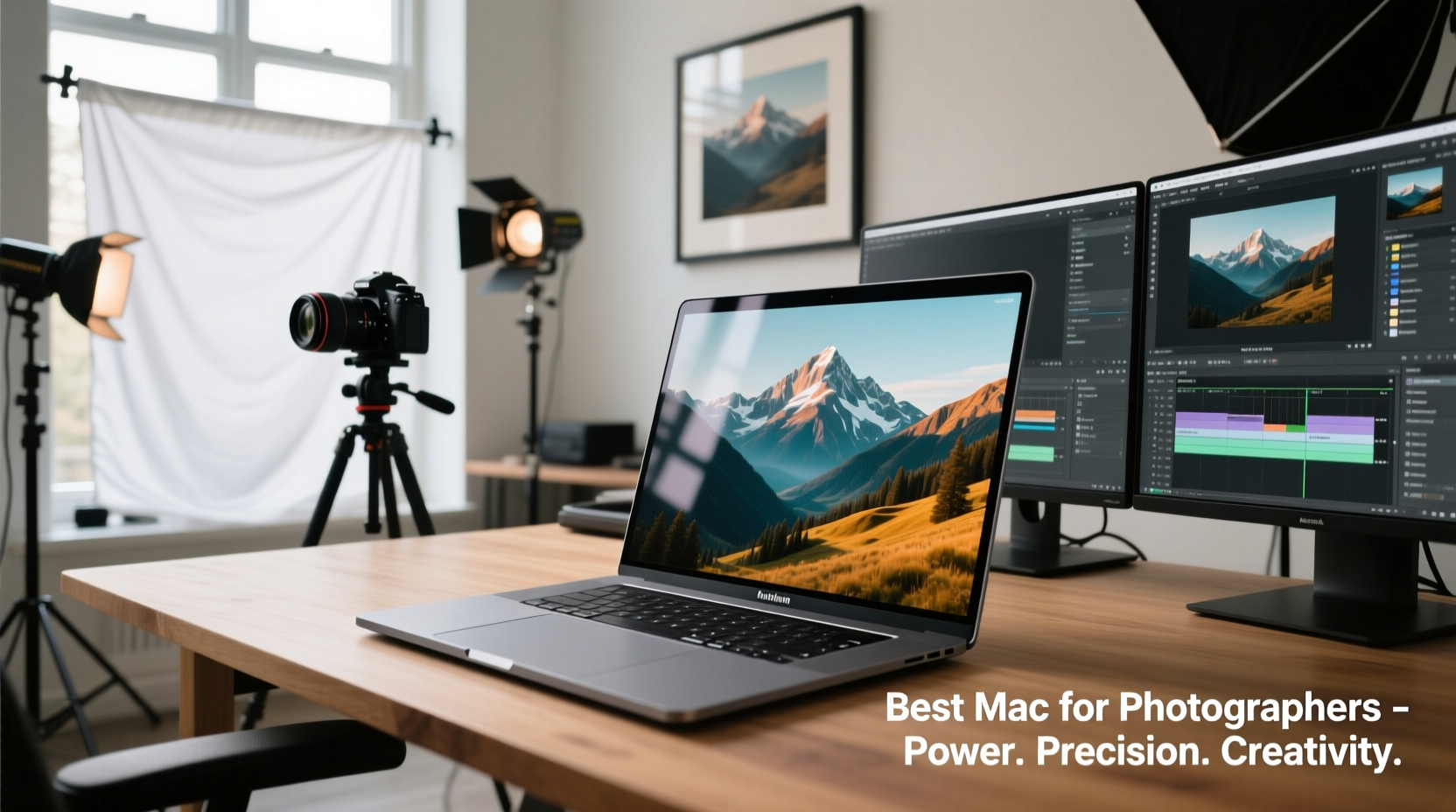
Not all laptops are created equal when it comes to handling large image libraries and intensive post-processing workflows. Photographers need more than just a sleek design—they require specific hardware and software advantages that directly impact productivity and output quality.
- Display Quality: A P3 wide color gamut, high brightness (500 nits or more), and accurate factory calibration are essential for reliable editing without constant monitor cross-checking.
- CPU & GPU Performance: Multi-core processors handle batch edits efficiently, while dedicated or high-performance integrated GPUs accelerate tasks like noise reduction and panorama stitching.
- RAM Capacity: 16GB is the practical minimum; 32GB or more ensures smooth operation when working with layered PSDs or tethered shooting sessions.
- Storage Speed & Expandability: Fast SSDs reduce load times and improve responsiveness. While Macs lack user-upgradable storage, choosing sufficient built-in capacity is critical.
- Portability vs. Power: Traveling photographers may favor lightweight builds, while studio-based creatives might prioritize desktop-level performance.
Top Mac Models for Photographers in 2024
Apple currently offers three primary Mac laptop models: the MacBook Air, MacBook Pro 14-inch, and MacBook Pro 16-inch. Each serves a distinct role in a photographer’s toolkit.
| Model | Chip | Display | RAM Options | Best For |
|---|---|---|---|---|
| MacBook Air 15-inch | M2 | 15.3” Liquid Retina (P3, 500 nits) | 8GB–24GB | Light editing, travel, student photographers |
| MacBook Pro 14-inch | M3 Pro / M3 Max | 14.2” Mini-LED XDR (P3, 1000 nits HDR) | 18GB–36GB | Professional photo + video editors |
| MacBook Pro 16-inch | M3 Pro / M3 Max | 16.2” Mini-LED XDR (P3, 1000 nits HDR) | 18GB–128GB | High-volume studios, complex compositing |
MacBook Air 15-inch: The Portable Editor
The 15-inch MacBook Air strikes an impressive balance between portability and capability. Its M2 chip handles moderate Lightroom catalogs and Photoshop workloads smoothly, and the larger screen provides ample workspace compared to the 13-inch version. While it lacks the active cooling fans of the Pro line, sustained heavy rendering may lead to throttling.
Ideal for wedding photographers reviewing selects on location or landscape shooters organizing files during long trips, this model excels where weight and battery life matter most—up to 18 hours of video playback.
MacBook Pro 14-inch: The Creative Workhorse
This is the sweet spot for most professional photographers. The M3 Pro chip with 11-core CPU and 14-core GPU accelerates exports and complex filters. The XDR display supports ProMotion (120Hz), offering buttery scrolling and precise brush control in Affinity Photo or Capture One.
With support for external displays up to 6K, you can mirror your editing environment seamlessly. Thunderbolt 4 ports allow fast data transfer from CFexpress or SD cards via compatible readers.
MacBook Pro 16-inch: Maximum Power for Demanding Workflows
When you’re running virtual machines, editing 100+ image batches, or blending panoramic HDR stacks, the 16-inch MacBook Pro with M3 Max becomes indispensable. It supports up to 128GB unified memory—critical for AI-powered tools like Topaz Photo AI or Luminar Neo, which consume vast amounts of RAM.
The larger chassis accommodates a full-size keyboard and trackpad, enhancing comfort during marathon editing sessions. Studio professionals who also dabble in motion graphics will appreciate its dual 6K external display support.
“Color accuracy on the MacBook Pro’s XDR display has reduced my client revision requests by nearly 70%. What I see is what they get.” — Daniel Reyes, Commercial Photographer & Retoucher
Optimizing Your Mac for Photography Workflows
Purchasing the right hardware is only half the battle. How you configure and maintain your system determines long-term efficiency.
- Calibrate your display monthly using a hardware calibrator like the X-Rite i1Display Pro to maintain color consistency.
- Use optimized storage settings in Lightroom Classic: store smart previews locally but keep originals on an encrypted external drive.
- Enable macOS optimizations such as automatic termination of inactive apps and regular SMC resets to prevent sluggishness over time.
- Invest in a dock to simplify connections to card readers, monitors, and backup drives—especially useful with the Air’s limited port selection.
- Set up Time Machine and Backblaze for triple-layer protection: local backups, cloud redundancy, and offsite archival.
Real-World Scenario: A Wedding Photographer’s Setup
Consider Maria, a destination wedding photographer based in Portland. She shoots with a Canon R5, generating ~300GB of data per weekend. Her workflow demands rapid ingest, culling, and delivery of sneak peeks within 48 hours.
Maria uses a MacBook Pro 14-inch with M3 Pro, 36GB RAM, and 1TB SSD. On-site, she imports files via a Delkin dual-slot reader into Lightroom Classic. Smart Previews let her begin editing before full-resolution files finish transferring. At night, she backs up to two separate G-Technology drives—one kept onsite, one stored offsite.
The MacBook Pro’s sustained performance allows her to export watermarked galleries overnight. The XDR display ensures skin tones remain natural across various lighting environments. Without this setup, meeting her turnaround promise would be impossible.
Frequently Asked Questions
Can I upgrade RAM or storage after purchase?
No. All current Mac laptops have soldered RAM and non-removable SSDs. Choose configurations carefully at purchase, as upgrades later cost significantly more through Apple services.
Is the MacBook Air powerful enough for serious photo editing?
Yes—for moderate use. If you edit JPEGs or small RAW batches and don’t run multiple apps simultaneously, the Air performs admirably. However, avoid it for large catalogs or frequent use of AI-enhancement tools.
Do I need an M3 Max chip for photography?
Only if you regularly work with oversized panoramas, deep layer stacks, or hybrid photo-video projects. For most stills photographers, the M3 Pro in the 14-inch model offers optimal value and performance.
Checklist: Choosing Your Ideal Mac for Photography
- ✅ Assess your average file volume per shoot
- ✅ Determine whether you edit on-location or primarily at home
- ✅ Decide minimum acceptable RAM (16GB baseline, 32GB recommended)
- ✅ Evaluate display needs: Is HDR preview important for client presentations?
- ✅ Budget for accessories: dock, external SSDs, backup solutions
- ✅ Confirm compatibility with existing peripherals (e.g., Wacom tablets, card readers)
Conclusion: Elevate Your Creative Potential
Selecting the best Mac for photographers means aligning technology with intent. Whether you’re capturing wildlife in remote regions or producing high-end fashion editorials, your laptop should amplify—not hinder—your vision. The MacBook Pro 14-inch stands out as the most balanced investment, combining elite display fidelity, robust performance, and field-tested reliability. For those pushing creative boundaries, stepping up to the 16-inch model unlocks new levels of processing headroom. Even the MacBook Air now serves as a credible entry point for emerging talent.
Photography evolves not just through better lenses or sensors, but through smarter tools that keep pace with ambition. Choose wisely, optimize deliberately, and let your Mac become an extension of your craft.




 浙公网安备
33010002000092号
浙公网安备
33010002000092号 浙B2-20120091-4
Comments
No comments yet. Why don't you start the discussion?