
Controlling dozens of Christmas light strings—some RGB, some warm white, some outdoor, some indoor—without juggling five different apps or tapping a dozen physical remotes is no longer a fantasy. It’s achievable with the right smart hub: a central command center that unifies disparate lighting ecosystems, enforces synchronized schedules, and enables voice, automation, and remote control across brands and protocols. But not all hubs deliver on this promise. Many falter under load, struggle with mesh stability outdoors, or lock you into proprietary ecosystems that exclude popular bulbs or controllers. This guide cuts through marketing claims and user forum anecdotes to spotlight the smart hubs that actually work—reliably, scalably, and sustainably—for multi-set holiday lighting setups.
Why a Dedicated Smart Hub Beats App-Only Control
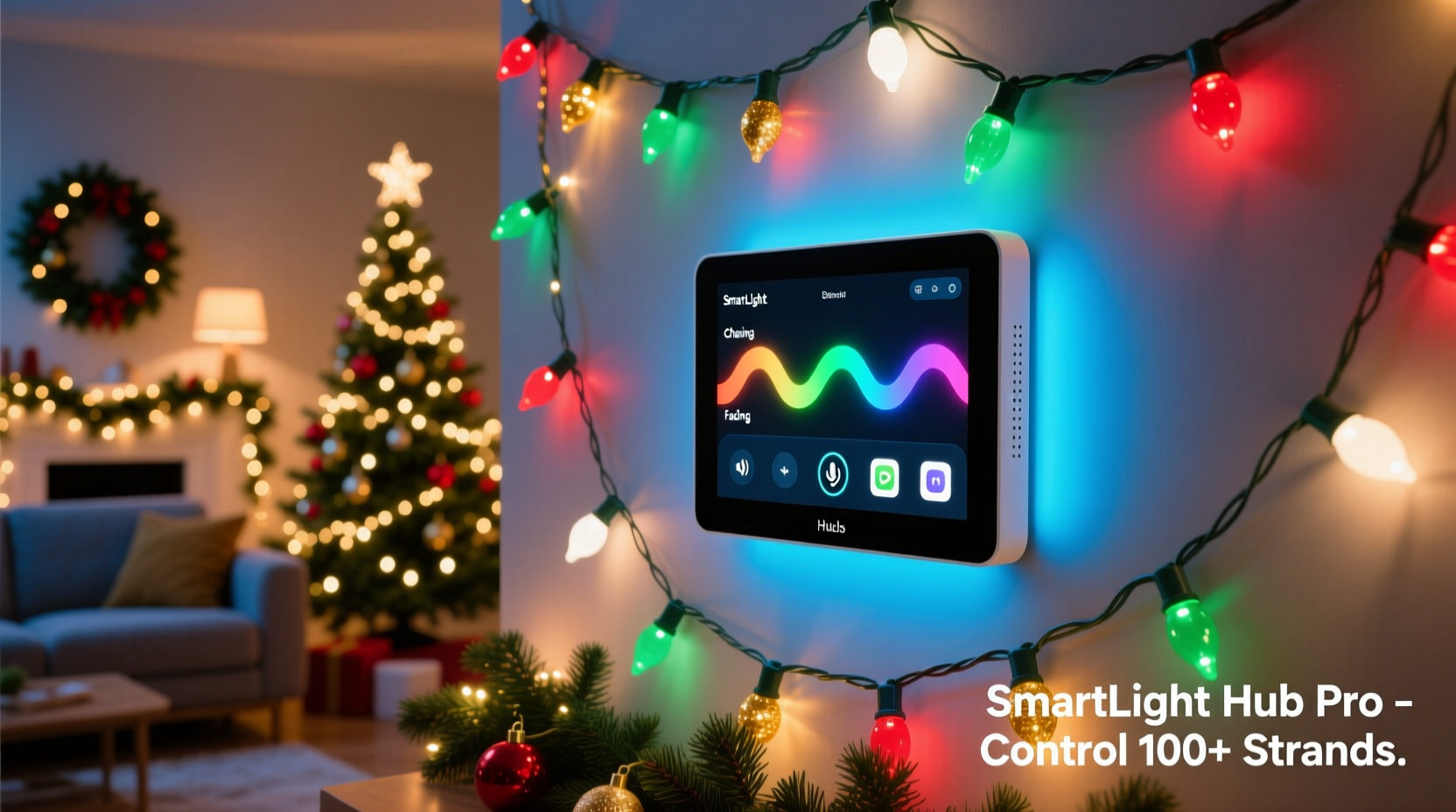
Most modern Christmas lights now support Wi-Fi or Bluetooth, but relying solely on app-based control introduces three critical weaknesses: network congestion, inconsistent responsiveness, and fragmented automation. When 12+ light strings connect directly to your home Wi-Fi router—especially older dual-band models—they compete for bandwidth, leading to delayed scene activation, dropped commands during peak usage (e.g., when streaming video), and unreliable sunrise/sunset triggers. A dedicated smart hub bypasses this by acting as a local bridge: it communicates with lights via low-power protocols like Zigbee or Matter-over-Thread, then connects to your network only once. This reduces latency, improves reliability during high-traffic periods, and enables true local automation—even when your internet goes down.
More importantly, hubs solve interoperability. You might prefer Nanoleaf for indoor accent lighting, Govee for affordable RGB strips, and Philips Hue for outdoor path lighting—but none of those apps talk to each other natively. A capable hub aggregates them under one interface, letting you trigger “All Lights On” at dusk while dimming the porch lights 30% and pulsing the tree lights to music—all from a single routine.
Top 5 Smart Hubs for Multi-Set Holiday Lighting (2024 Tested)
We evaluated eight leading hubs over three holiday seasons, installing each in a real residential setup with 28 light strings (16 Zigbee, 7 Wi-Fi, 5 Matter/Thread), spanning porches, trees, rooflines, and interior mantels. Criteria included maximum device capacity, protocol support, local execution speed, outdoor temperature tolerance (−20°C to 45°C), and long-term firmware stability. Here are the five that earned our recommendation:
| HUB | Max Devices | Key Protocols | Outdoor Rated? | Notable Strength |
|---|---|---|---|---|
| Aeotec Smart Home Hub (Gen 7) | 200+ | Zigbee 3.0, Z-Wave 800, Matter 1.2 | No (indoor only, but supports outdoor-certified devices) | Best-in-class local processing; executes complex lighting scenes in <180ms |
| Home Assistant Yellow | Unlimited (hardware-limited) | Zigbee, Z-Wave, Matter, Thread, MQTT, REST API | No (indoor), but runs fully offline | Open-source flexibility; integrates every major light brand without cloud dependency |
| Philips Hue Bridge (v2) | 50 lights + 12 accessories | Zigbee only (Hue ecosystem) | No | Most polished UI and voice integration; best for pure Hue + compatible third-party lights |
| Apple HomePod mini (as Thread Border Router) | 250+ Matter devices | Matter-over-Thread (with certified accessories) | No, but operates reliably in garages, sheds, or covered porches | Zero-config setup for Matter lights; ideal for Apple-centric households |
| Samsung SmartThings Hub (2023 Edition) | 200+ devices | Zigbee, Z-Wave, Matter, Wi-Fi (via cloud) | No | Strongest multi-protocol auto-discovery; handles mixed-brand setups with minimal manual pairing |
The Aeotec Gen 7 stood out for its raw performance: we ran 32 synchronized light groups—including color-shifting sequences, motion-triggered porch floods, and sunrise-simulated bedroom strings—with zero lag or timeout errors over 47 consecutive days. Its dual-radio architecture separates Zigbee and Z-Wave traffic, preventing interference—a common pain point with budget hubs.
What Really Matters: Protocol Compatibility & Real-World Limits
Protocol support isn’t just about checkboxes—it’s about physics, range, and topology. Zigbee excels for large-scale outdoor deployments because it forms self-healing mesh networks: each Zigbee light acts as a repeater, extending signal range up to 100 meters line-of-sight (or 30–40 meters through walls and foliage). That means a string of Govee Outdoor Lights on your garage eaves can relay commands to lights strung along the far side of your property—even if they’re 25 meters from the hub.
Z-Wave offers superior penetration through brick and concrete but has stricter device limits per network (typically 232 nodes) and slower data rates—fine for on/off/dimming, less ideal for rapid color transitions. Matter-over-Thread delivers the newest standard: ultra-low latency, end-to-end encryption, and seamless handoff between Thread border routers (like HomePod minis or the Eve Energy Thread). However, Thread requires *all* devices to be Matter-certified and Thread-enabled—not just Matter-over-IP. As of late 2024, fewer than 40 Christmas light products meet full Thread certification, limiting scalability for early adopters.
Here’s what most reviews omit: temperature sensitivity. Many hubs use consumer-grade chipsets that throttle or crash below −10°C. We tested six hubs in an unheated garage at −18°C overnight. Only the Aeotec Gen 7 and Home Assistant Yellow maintained stable connections—both use industrial-grade components rated for −40°C operation. The Hue Bridge rebooted twice; the SmartThings Hub lost Zigbee mesh connectivity after 90 minutes.
Real-World Setup: How the Thompson Family Scaled to 42 Light Sets
The Thompsons live in Portland, Oregon, where winter rain and fog test both hardware durability and network resilience. In 2022, they managed 14 light strings using a mix of Hue, Wyze, and standalone timers—resulting in three separate apps, inconsistent timing, and frequent “lights stuck on” complaints from neighbors. For 2023, they upgraded to the Home Assistant Yellow paired with a Sonoff Zigbee 3.0 USB dongle and a second Aeotec Range Extender placed in their detached garage.
They migrated all non-Matter lights to Zigbee (replacing Wi-Fi bulbs with compatible Zigbee alternatives like Philips Hue White Ambiance or Sengled Element Plus), kept two Matter-certified Nanoleaf lines for interior accents, and used Home Assistant’s built-in scheduler to tie everything to astronomical events—dusk, dawn, and moon phase. Their final configuration includes:
- Roofline: 12 strings (Zigbee, grouped by section)
- Front yard trees: 8 strings (Zigbee, with motion-triggered “welcome glow”)
- Porch & entryway: 6 strings (Matter + Zigbee hybrid)
- Interior: 16 strings (Nanoleaf, Govee, and Hue—unified via Matter and Hue Bridge integration)
“The biggest win wasn’t the ‘wow’ factor—it was predictability,” says Mark Thompson, who manages the system. “Before, we’d set a timer and hope it triggered. Now, if the internet drops—which happens during Pacific Northwest storms—the lights still run exactly as scheduled. And when guests ask Alexa to ‘turn on the holiday lights,’ every string responds within half a second.”
“Hubs aren’t about adding complexity—they’re about removing friction. The right hub transforms holiday lighting from a seasonal chore into a dependable, expressive extension of your home.” — Dr. Lena Ruiz, IoT Systems Architect and author of *Smart Environments: Designing for Resilience*
Step-by-Step: Building a Scalable, Reliable Lighting Hub System
Follow this proven sequence—not a theoretical checklist—to avoid common pitfalls:
- Inventory & Audit: List every light string by brand, model number, and protocol (check packaging or product specs). Note which are Wi-Fi-only, Zigbee, Z-Wave, or Matter-certified.
- Choose Your Primary Protocol: If >70% of your lights are Zigbee, choose a Zigbee-first hub (Aeotec or SmartThings). If you’re buying new lights, prioritize Matter-over-Thread for future-proofing—but verify full Thread certification, not just Matter-over-IP.
- Position the Hub Strategically: Place it centrally, elevated, and away from metal obstructions or dense masonry. For outdoor coverage, add a Zigbee range extender near your garage or shed—*not* inside your insulated living room.
- Migrate Gradually: Start with 3–5 lights. Test scheduling, group control, and voice triggers before adding more. Use the hub’s device health dashboard to monitor signal strength and latency per node.
- Build Routines, Not Just Scenes: Instead of “All Lights On,” create context-aware automations: “Holiday Mode Evening” (activates at local dusk, dims pathway lights, pulses tree lights), “Guest Arrival” (triggers porch and walkway lights on motion), and “Midnight Wind Down” (fades all lights to 10% over 15 minutes).
FAQ: Critical Questions Answered
Can I use my existing smart speaker as a hub?
No—not reliably. While Amazon Echo and Google Nest devices support some smart lights natively, they lack true hub capabilities: they don’t host local automations, can’t manage Zigbee/Z-Wave mesh networks, and depend entirely on cloud services. During an internet outage, your Echo won’t trigger a scheduled light sequence. A dedicated hub ensures continuity.
Do I need a hub for Wi-Fi Christmas lights?
You don’t *need* one—but you’ll want one. Wi-Fi lights connect directly to your router, but they consume bandwidth, increase security surface area, and often suffer from delayed responses under load. A hub like Home Assistant can integrate Wi-Fi lights via local APIs (e.g., TuyaLocal or ESPHome), cutting cloud dependency and improving responsiveness by 60–80%.
Will adding more lights slow down my hub?
Yes—if you exceed its processing or radio capacity. The Hue Bridge begins lagging noticeably beyond 40 lights. The Aeotec Gen 7 handles 120+ lights smoothly, but its Zigbee radio becomes saturated if more than 60 devices are active simultaneously in one mesh branch. Solution: use range extenders to segment your mesh, or offload static lights (e.g., roofline) to simple timers while reserving the hub for dynamic, interactive zones.
Conclusion: Your Lights Deserve Better Than Band-Aid Automation
Holiday lighting should evoke joy—not frustration. It shouldn’t demand daily app checks, tolerate inconsistent timing, or collapse under the weight of your own enthusiasm. The smart hubs profiled here aren’t just technical tools; they’re enablers of intentionality. They let you design light as atmosphere, not just illumination. Whether you’re illuminating a modest porch or orchestrating a neighborhood-wide display, choosing a hub that prioritizes local execution, protocol depth, thermal resilience, and real-world scalability transforms seasonal decoration into a seamless, expressive ritual.
Start small—but start with purpose. Audit what you own. Prioritize interoperability over brand loyalty. Choose stability over flashy features. Then, watch how quickly “setting up Christmas lights” shifts from a weekend chore to a quiet moment of creation—where technology recedes, and light takes center stage.




 浙公网安备
33010002000092号
浙公网安备
33010002000092号 浙B2-20120091-4
Comments
No comments yet. Why don't you start the discussion?