
Building a website is one of the most strategic investments a business or individual can make in today’s digital world. Yet, many people are surprised by how quickly costs add up when they begin planning their project. Without a clear understanding of where the money goes, budgets can spiral out of control, timelines stretch, and expectations fall short. A well-planned website isn’t just about design and functionality—it’s also about financial foresight. This guide breaks down every major cost component, helps you anticipate hidden expenses, and provides practical tools to create a realistic budget that delivers value without overspending.
Understanding the Core Cost Categories
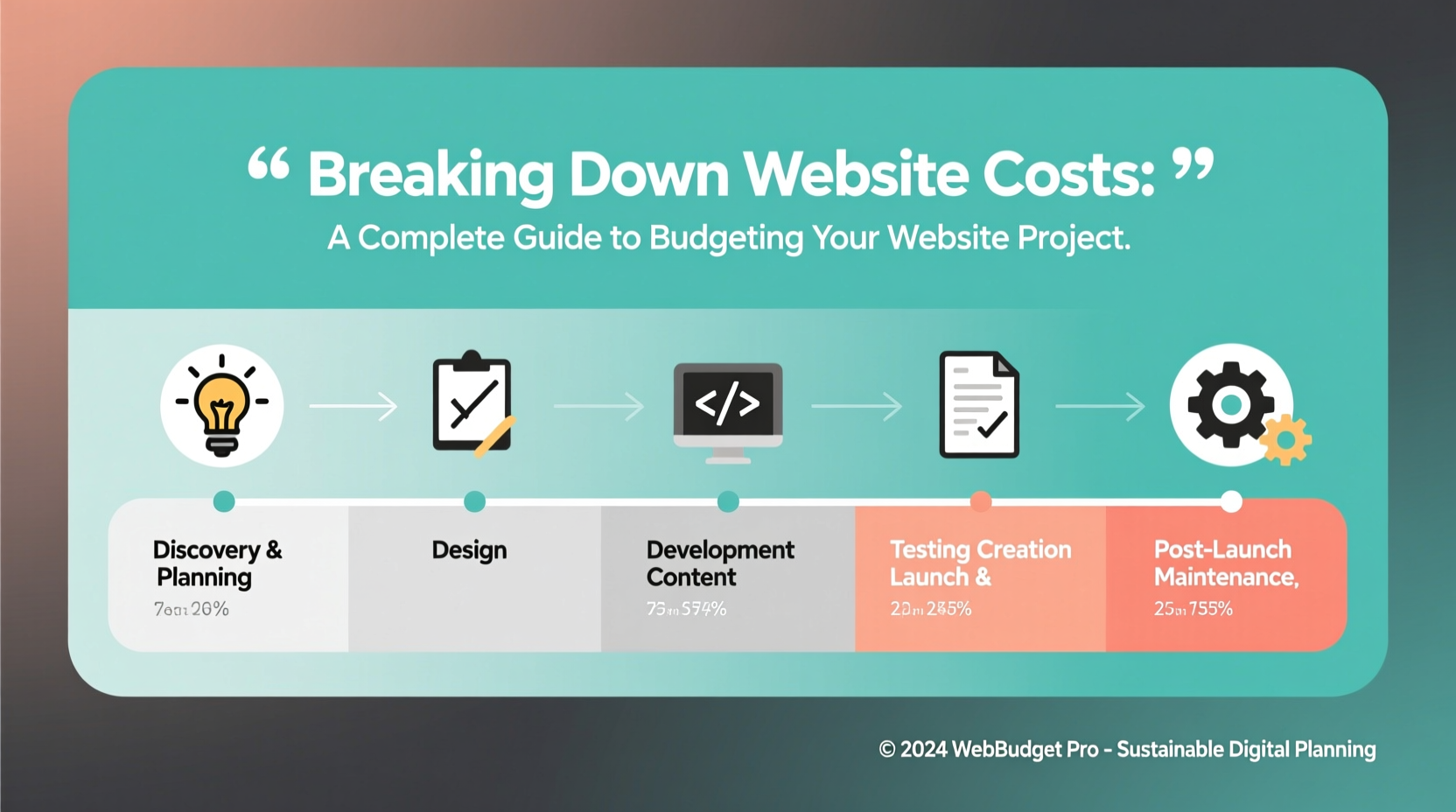
A website is not a single expense but a collection of interconnected services and resources. To budget wisely, you must first understand the primary categories that contribute to total cost:
- Domain Name: The web address (e.g., yourbusiness.com). Typically $10–$30 per year.
- Web Hosting: Where your site lives online. Shared hosting starts at $3/month; dedicated servers can exceed $100/month.
- Design & Development: Custom design, user experience, coding. Can range from $500 for basic templates to $50,000+ for enterprise platforms.
- Content Creation: Copywriting, photography, video. Often overlooked but essential for engagement.
- Functionality & Features: E-commerce, booking systems, membership areas, custom forms.
- Maintenance & Support: Ongoing updates, backups, security patches. Recommended at 15–20% of initial build cost annually.
Cost Comparison: DIY vs. Professional Development
One of the biggest budget decisions is whether to build the site yourself using platforms like WordPress, Wix, or Squarespace—or hire professionals. While DIY options promise affordability, they come with trade-offs in scalability, performance, and long-term maintenance.
| Factor | DIY Website | Professional Development |
|---|---|---|
| Initial Cost | $50–$500 | $3,000–$25,000+ |
| Time Investment | High (learning curve) | Low (outsourced) |
| Customization | Limited by platform | Full control |
| SEO & Performance | Basic optimization | Advanced, tailored setup |
| Long-Term Scalability | Poor to moderate | High |
For startups and solopreneurs, DIY may seem appealing—but if your website needs to convert customers, support sales, or scale over time, professional development often pays for itself through better performance and fewer technical headaches.
“Investing in professional web development isn’t an expense—it’s risk mitigation. A poorly built site can damage credibility, hurt SEO, and cost more to fix than to build right the first time.” — Lena Torres, Web Strategy Director at Nexa Digital
Hidden Costs That Break Budgets
Many website projects go over budget not because of miscalculation, but because of overlooked or underestimated expenses. These hidden costs often emerge late in the process and can derail timelines and finances.
- Stock Media Licensing: Free images may violate copyright. Premium photos, videos, and icons require ongoing subscriptions or one-time fees.
- Third-Party Integrations: Payment gateways, CRM tools, email marketing platforms—some charge per transaction or monthly access fees.
- SSL Certificates: Essential for security and SEO. Many hosts include them, but premium certificates cost extra.
- Copywriting & Content Migration: Transferring old content often requires rewriting, formatting, and SEO optimization.
- Revisions & Scope Creep: Additional changes after initial approval usually incur hourly rates ($75–$150/hour).
Mini Case Study: The Bakery That Underestimated Content
Sweet Crumb Bakery hired a developer for a $4,000 website, assuming all they needed was a menu and contact form. Midway through, they realized they wanted high-quality food photography, an online ordering system, and blog integration. They hadn’t budgeted for professional photography or e-commerce licensing. The final cost reached $8,200—nearly double their original estimate. The lesson? Define your full feature set and content needs before signing any contract.
Budgeting Step-by-Step: A Practical Timeline
To avoid costly surprises, follow this timeline-based approach to budgeting your website project.
- Week 1–2: Discovery & Planning
Define goals, target audience, core features. Allocate 5–10% of budget to strategy and research. - Week 3–4: Design Phase
Create wireframes and mockups. Budget for 2–3 rounds of revisions. Expect to spend 20–30% of total budget here. - Week 5–8: Development
Front-end and back-end coding. Include time for testing across devices. This phase typically consumes 40–50% of the budget. - Week 9: Content Integration
Add text, images, and media. Hire a copywriter if needed. Set aside 10–15% for content creation. - Week 10: Testing & Launch
Check loading speed, mobile responsiveness, broken links, and browser compatibility. Allocate 5% for QA and deployment. - Ongoing: Maintenance
Plan for monthly updates, backups, and security monitoring. Annual maintenance should be 15–20% of initial build cost.
Essential Pre-Launch Checklist
Before approving final payment or going live, ensure these items are completed and accounted for in your budget:
- ✅ Domain registration is confirmed and auto-renewal enabled
- ✅ SSL certificate is installed and active
- ✅ Mobile responsiveness tested on multiple devices
- ✅ All forms submit correctly and trigger notifications
- ✅ Google Analytics and Search Console are connected
- ✅ Backup system is in place (daily or weekly)
- ✅ Legal pages included (Privacy Policy, Terms of Service)
- ✅ SEO basics implemented (meta titles, alt text, clean URLs)
- ✅ Speed optimized (image compression, caching, minimal plugins)
- ✅ Final review signed off by all stakeholders
Frequently Asked Questions
How much does a typical small business website cost?
A professionally built small business website with custom design, content, and basic functionality typically ranges from $3,000 to $7,000. Simpler sites using templates can be built for $1,500–$2,500, while complex sites with e-commerce or custom databases start at $10,000.
Do I need to pay a developer after the site launches?
Yes, ongoing maintenance is critical. Most developers offer support packages covering updates, backups, and security monitoring. Budget $75–$200 per month depending on site complexity.
Can I build a website for under $500?
You can, but with significant limitations. Platforms like Wix or Squarespace allow sub-$500 setups, but you’ll face branding restrictions, limited SEO control, and potential scalability issues. For long-term growth, investing more upfront is usually wiser.
Make Smart Financial Decisions for Lasting Results
Budgeting for a website isn’t just about minimizing cost—it’s about maximizing value. A clear breakdown of expenses empowers you to prioritize what matters most: user experience, performance, and business outcomes. Whether you’re launching a personal portfolio or an online store, taking the time to map out every cost category, anticipate hidden fees, and plan for long-term care will save money, reduce stress, and deliver a stronger result.
Start by defining your non-negotiable features, researching realistic price points, and building in a contingency buffer. Use the checklist and timeline provided to stay on track. And remember: a website is not a one-time project, but an evolving digital asset that grows with your goals.




 浙公网安备
33010002000092号
浙公网安备
33010002000092号 浙B2-20120091-4
Comments
No comments yet. Why don't you start the discussion?