
For gamers chasing the immersive experience of 4K resolution, the decision between a budget gaming PC and a current-gen console is no longer just about preference—it’s about value. With both platforms capable of delivering stunning visuals and smooth gameplay, the real question isn’t simply which one looks better, but which offers more longevity, flexibility, and overall bang for your buck. While consoles like the PlayStation 5 and Xbox Series X promise plug-and-play simplicity, a well-built budget gaming PC can offer superior upgradability, multitasking, and future-proofing. This analysis breaks down the true cost, performance, and practical advantages of each option to determine which truly delivers greater value in the realm of 4K gaming.
Understanding 4K Gaming Requirements
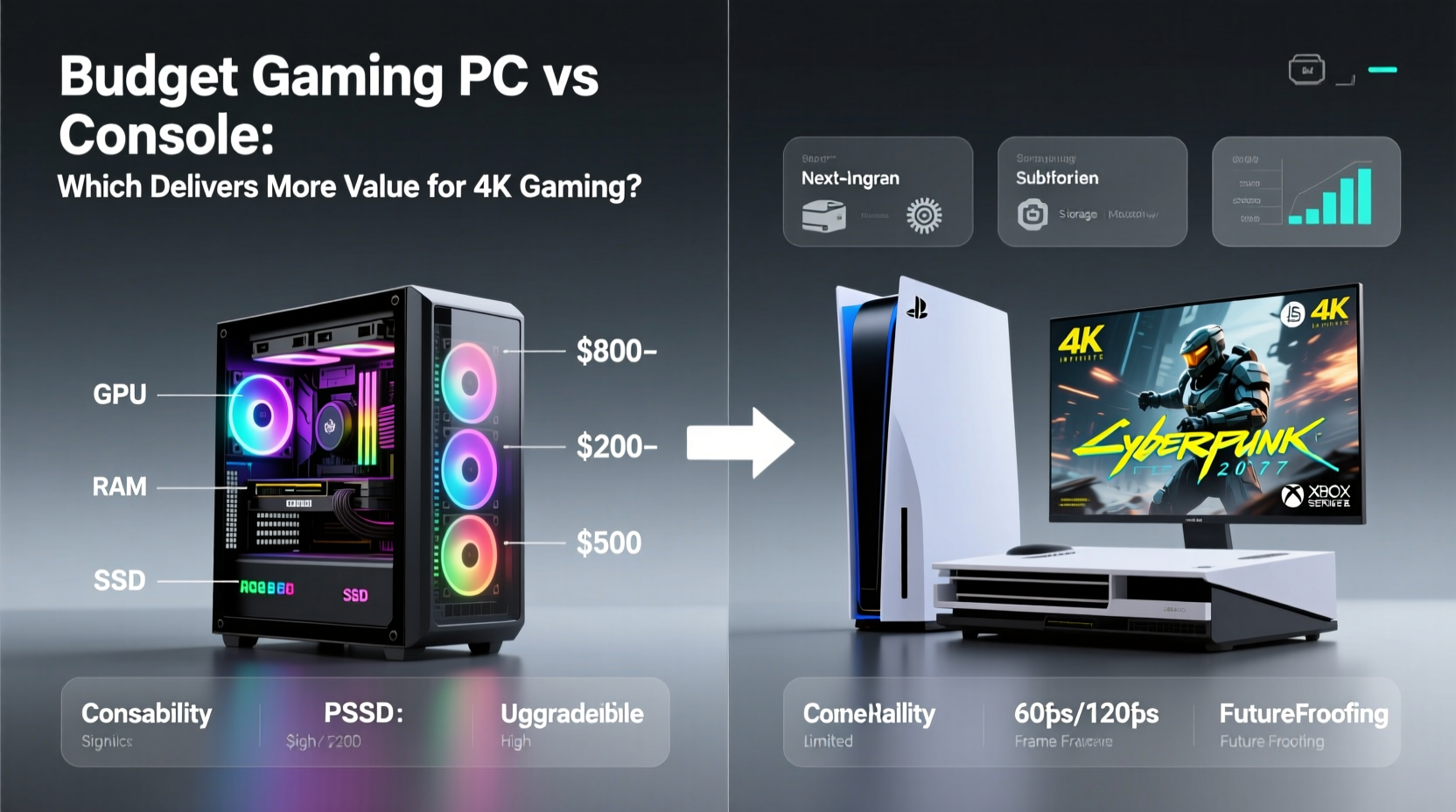
Before comparing platforms, it's essential to understand what 4K gaming demands. True 4K resolution (3840 x 2160) quadruples the pixel count of 1080p, requiring significantly more graphical processing power. To run modern games at 4K with high frame rates (ideally 60 FPS or higher), you need robust hardware—especially a powerful GPU and sufficient RAM. Both consoles and PCs meet these requirements, but they approach them differently.
Consoles are optimized systems with fixed hardware, allowing developers to fine-tune games for consistent performance. The PS5 and Xbox Series X both support 4K output, often using techniques like dynamic resolution scaling and upscaling (e.g., FSR or checkerboard rendering) to maintain performance. Meanwhile, a gaming PC offers full control over settings, allowing users to adjust resolution, texture quality, ray tracing, and refresh rates based on their hardware capabilities.
Cost Breakdown: Upfront and Long-Term Expenses
The initial price tag is often the first factor considered. A PlayStation 5 or Xbox Series X retails for $499, while many budget gaming PCs fall in the $800–$1,200 range. At first glance, consoles appear cheaper. However, value isn't just about upfront cost—it's about what you get over time.
| Factor | Console (PS5/Xbox) | Budget Gaming PC (~$1,000) |
|---|---|---|
| Initial Cost | $499 | $800–$1,200 |
| Monitor/TV Required? | Yes (no additional cost if already owned) | Yes (additional cost if not owned) |
| Controller | Included | Sold separately (~$30–$70) |
| Keyboard & Mouse | Not required | Required (~$50–$150) |
| Online Subscription | PS Plus / Xbox Live ($60/year) | Free multiplayer on most titles |
| Upgradability | Limited (only SSD expansion) | Full component upgrades (GPU, RAM, CPU, etc.) |
| Lifespan (est.) | 5–7 years before next gen | 7–10+ years with upgrades |
While the console wins on day-one pricing, the PC gains ground over time. A $1,000 PC built today with a Ryzen 5 5600, RTX 3060 Ti, and 16GB RAM can be upgraded incrementally—swap the GPU in three years, add more storage, or boost RAM as needed. Consoles, by contrast, remain static until replacement. That means when new games demand more from hardware, console owners face diminishing performance, while PC users can adapt.
“Gaming PCs aren’t just entertainment devices—they’re investments. Their upgradability extends relevance far beyond any closed console ecosystem.” — Mark Thompson, Hardware Analyst at TechEdge Weekly
Performance and Visual Fidelity in 4K
When it comes to raw 4K performance, budget gaming PCs typically outperform consoles. While the PS5 and Xbox Series X can output 4K, they rarely run demanding titles at native 4K with stable 60 FPS. Most rely on upscaling technologies such as AMD’s FidelityFX Super Resolution (FSR) or dynamic resolution scaling. In contrast, a $1,000 PC with an RTX 3060 Ti or RX 6800 can handle many games at native 4K with medium-to-high settings at 45–60 FPS, and some even exceed that with optimization.
Moreover, PCs support advanced features that consoles either limit or lack entirely:
- Higher Refresh Rates: Many 4K monitors support 120Hz or 144Hz, unlocking smoother gameplay in supported titles.
- Ray Tracing: While both platforms support ray tracing, PCs handle it more efficiently, especially with NVIDIA DLSS enhancing performance.
- Mod Support: Games like Cyberpunk 2077 or Elden Ring benefit from community mods that enhance textures, lighting, and performance—unavailable on consoles.
- Customization: Adjusting anti-aliasing, shadow distance, and ambient occlusion allows PC gamers to balance visual quality and performance precisely.
It’s also worth noting that PC drivers receive regular updates, often improving performance months after release. Console updates are less frequent and rarely deliver significant frame rate boosts.
Real-World Example: Building a 4K-Capable Budget PC
Consider Alex, a college student with $1,000 to spend on a gaming setup. He wants to play Horizon Forbidden West, Starfield, and Alan Wake 2 in 4K. His options:
- Option 1: Buy a PS5 ($499) and use his existing 4K TV.
- Option 2: Build a gaming PC tailored for 4K.
Alex chooses Option 2 and builds the following system:
- AMD Ryzen 5 5600 – $130
- ASRock B550M Pro4 – $90
- 16GB DDR4 3200MHz RAM – $45
- RTX 3060 Ti (used) – $280
- 500W 80+ Bronze PSU – $50
- Mid-tower case – $55
- 500GB NVMe SSD – $40
- Windows 10 license (OEM) – $30
- Keyboard & mouse bundle – $50
- Game controller – $40
Total: ~$860. He has $140 left for future upgrades or games.
Over two years, Alex plays all his target games at near-4K via FSR or DLSS, and when newer titles push his GPU, he upgrades to an RTX 4070 for $550—breathing new life into his rig. His original investment continues to pay off. Meanwhile, his friend who bought a PS5 starts noticing longer load times and lower frame rates in late-generation titles by year four, with no upgrade path available.
Long-Term Value and Ecosystem Benefits
Value isn’t just about frames per second—it’s about utility. A gaming PC doubles as a workstation for streaming, video editing, programming, or browsing. Consoles are single-purpose devices. Even with services like Netflix or web browsers, they lack the versatility of a full desktop OS.
Additionally, PC gaming ecosystems offer better long-term savings:
- Sales: Steam, Epic, and Humble Bundle regularly offer 70–90% discounts on AAA titles.
- Bundles: Buying games in bundles or through subscription services like Game Pass (PC version) reduces costs.
- No Used Game Restrictions: Unlike consoles, PC games aren’t locked to accounts unless DRM-heavy; keys can be resold or shared (within limits).
- Backward Compatibility: Most PC games from the last two decades still run, often enhanced via community patches.
Checklist: Choosing the Right Platform for 4K Gaming
Use this checklist to evaluate which platform suits your needs:
- Do you already own a 4K monitor or TV? → If not, factor in display cost for both platforms.
- Is upgradability important to you? → Choose PC if yes.
- Do you play mostly exclusive titles (e.g., God of War, Halo)? → Console may be better.
- Are you interested in modding or high-refresh gaming? → PC is the clear winner.
- Do you want to use the device for work or creative tasks? → PC offers dual functionality.
- Is simplicity and ease of use your top priority? → Console wins here.
- Can you invest time in maintenance and troubleshooting? → PC requires more technical involvement.
Frequently Asked Questions
Can a $1,000 PC run games at native 4K?
Yes, but not always at maximum settings or 60 FPS. Titles like Red Dead Redemption 2 or Shadow of the Tomb Raider can run at 4K with high settings and 50–60 FPS using an RTX 3060 Ti or RX 6800. Newer, more demanding games may require DLSS/FSR or lowered settings for smooth performance.
Do consoles use upscaling for 4K?
Yes, most do. The PS5 and Xbox Series X frequently use checkerboard rendering, dynamic resolution, or FSR to achieve 4K-like output without rendering every pixel natively. This helps maintain performance but results in slightly softer image quality compared to native 4K on PC.
Is building a PC difficult for beginners?
Not as much as it used to be. With standardized parts, online tutorials, and pre-selected component lists, building a PC is accessible to most tech-savvy users. Mistakes are rare and usually easy to troubleshoot. Consider starting with a prebuilt if you're unsure, then upgrading individual parts later.
Conclusion: Which Offers More Value?
The answer depends on priorities, but for pure value in 4K gaming, the budget gaming PC takes the lead—not because it’s cheaper upfront, but because it lasts longer, performs better, and grows with your needs. Consoles offer unmatched convenience and strong exclusives, making them ideal for casual players or fans of Sony/Microsoft franchises. But if you value performance, customization, and long-term return on investment, a $1,000 gaming PC delivers superior value over five to ten years.
It’s not just about playing games in 4K today—it’s about still being able to enjoy tomorrow’s titles without replacing your entire system. A budget PC might require more effort to set up, but that effort pays dividends in flexibility, performance, and freedom. For gamers serious about 4K and future-proofing their setup, the PC is not just an option—it’s the smarter investment.




 浙公网安备
33010002000092号
浙公网安备
33010002000092号 浙B2-20120091-4
Comments
No comments yet. Why don't you start the discussion?