
For years, mechanical keyboards have been the gold standard for tactile feedback, durability, and customization. But with prices ranging from $40 budget models to $250+ flagship boards, a critical question emerges: does spending more actually improve your typing or gaming experience in meaningful ways? Or is the “click” just an expensive habit?
The answer isn’t binary. While budget mechanical keyboards deliver solid performance for most users, premium boards offer nuanced advantages—some tangible, others psychological. The real value lies not in price alone, but in how well each option aligns with your usage, expectations, and long-term needs.
Build Quality: Plastic vs Precision Engineering
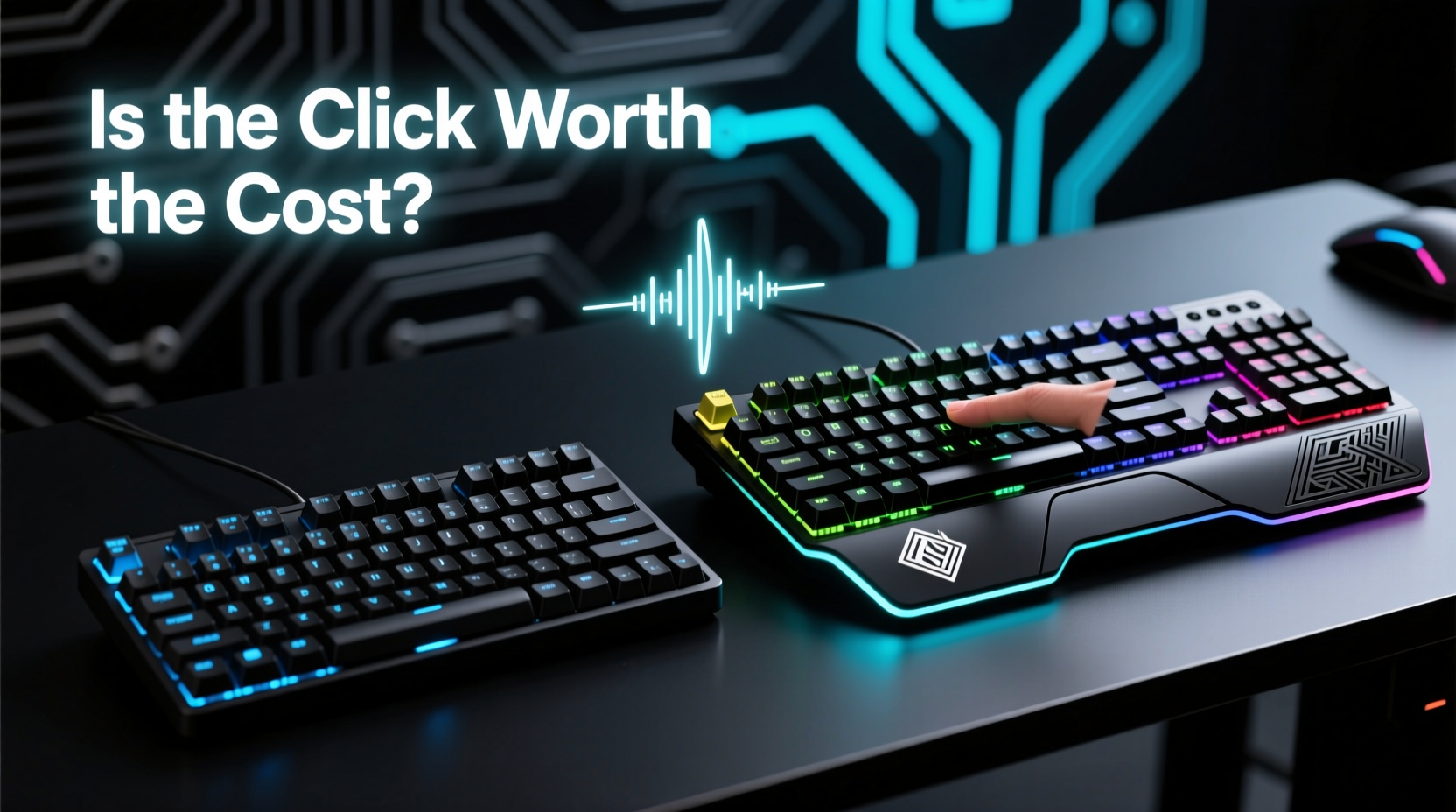
At the core of the budget-premium divide is build quality. Entry-level mechanical keyboards often use lightweight ABS plastic cases, thin metal backplates, and minimal structural reinforcement. They work, but they flex under pressure and rattle when tapped. Premium boards, by contrast, are engineered like instruments: CNC-machined aluminum frames, gasket mounts, silicone dampeners, and double-shot PBT keycaps that resist shine over time.
This difference becomes apparent after months of use. A $45 board might feel sturdy out of the box, but within a year, wobble increases, screws loosen, and case creaks emerge. High-end models maintain rigidity and silence for years, even under heavy daily use.
Typing Experience: More Than Just Switches
Switches are often the star of the show—linear, tactile, or clicky—but the full typing experience depends on more than just actuation. It’s shaped by the entire assembly: plate material, mount type, case design, and internal damping.
- Budget boards typically use rigid tray mounts (screws directly into the PCB), which create a stiff, sometimes harsh feel. Sound can be hollow or tinny due to lack of padding.
- Premium boards frequently feature gasket mounting systems, allowing the plate to float slightly. This absorbs impact, softens keystrokes, and produces a deeper, more satisfying sound profile.
Sound tuning is another area where high-end models excel. Many include multiple layers of foam, silicone rings around switches, and even O-rings under keycaps to eliminate echo and reduce noise. These refinements don’t change functionality, but they elevate the sensory experience—turning typing into something closer to ritual.
“Most people don’t realize how much case design affects typing feel. A well-damped aluminum case with foam can make cheap switches feel luxurious.” — Daniel Park, Keyboard Engineer at TypeWell Labs
Performance Comparison: Gaming and Productivity
In competitive gaming, milliseconds matter. So how do budget and premium boards stack up?
| Feature | Budget Mechanical ($30–$70) | Premium Gaming Board ($120–$250+) |
|---|---|---|
| Actuation Speed | Nearly identical (1–2ms variance) | Slight edge in polling consistency |
| N-Key Rollover | Standard on most modern models | Also standard, but better firmware |
| Debounce Time | 5–10ms (can cause missed inputs) | 1–3ms (optimized for rapid fire) |
| Custom Firmware | Limited or none | VIA/VIM support, QMK compatibility |
| Software Integration | Basic RGB control | Per-key remapping, macros, profiles |
While both tiers perform reliably, premium boards pull ahead in firmware flexibility and debounce optimization—critical for fast-paced shooters or MOBAs. For casual gamers or office workers, these differences are negligible. But for enthusiasts who tweak settings or demand pixel-perfect input registration, the upgrade pays off.
Real-World Example: Two Users, Two Paths
Consider two users:
- Alex, a college student, bought a $50 Redragon K552. It has cherry-style switches, RGB lighting, and a brushed metal finish. After 18 months of writing papers and casual gaming, one switch failed, the spacebar wobbles slightly, and the cable frayed. Total investment: $50.
- Jamal, a software developer and esports hobbyist, invested $180 in a Drop ALT with Gateron Yellows, PBT keycaps, and a gasket mount. After three years, it still feels factory-fresh. He reprogrammed keys for coding shortcuts and enjoys the quiet, consistent keystrokes during long sessions.
Alex got good value for short-term use. Jamal made a long-term investment. Neither choice was wrong—just different priorities.
Value Over Price: When Upgrading Makes Sense
The true measure of worth isn’t cost per feature, but cost per year of satisfaction. A $200 keyboard used daily for five years costs about $40/year. A $50 board replaced every 18 months costs $33/year—but lacks refinement, customization, and emotional appeal.
Ask yourself:
- Do I type for more than two hours a day?
- Am I sensitive to noise or hand fatigue?
- Do I want full control over layout and function?
- Will I keep this device for three or more years?
If most answers are yes, premium starts to justify its price. The smoother keystrokes reduce strain. Custom layouts boost productivity. And the pride of ownership—running your fingers over a finely tuned tool—adds intangible value.
Step-by-Step: Choosing Your Next Keyboard
Follow this decision path to find the right fit:
- Define your primary use: Gaming, coding, writing, or mixed?
- Set a baseline budget: $40–$70 for functional, $100+ for enthusiast-grade.
- Evaluate switch preference: Test linear (smooth), tactile (bump), or clicky (audible snap).
- Check for essential features: N-key rollover, USB passthrough, detachable cable.
- Assess long-term goals: Will you mod or customize later? Consider QMK/VIA support.
- Read user reviews focusing on durability: Look for reports after 6+ months of use.
- Decide on form factor: Full-size, TKL, 75%, or 60%—smaller saves space but removes function keys.
This process helps avoid impulse buys. Many regret overspending on flashy RGB boards they never fully use. Others underspend and grow frustrated with limitations they didn’t anticipate.
Expert Insight: What Designers Know That Buyers Don’t
Keyboard engineers emphasize that the most overlooked component isn’t the switch—it’s the plate and case interface.
“The magic happens between the plate and the case. A foam-damped, gasket-mounted aluminum case turns mid-tier switches into something special. Most budget boards skip this because it adds $15–$20 to manufacturing. But that $20 is what separates ‘okay’ from ‘wow.’” — Lena Torres, Industrial Designer at Keyhood Co.
This explains why some $100 keyboards feel better than $200 models—they prioritize structural integrity over brand-name switches or extra ports.
Frequently Asked Questions
Can a budget keyboard last as long as a premium one?
Switches on both tiers typically last 50–100 million keystrokes, so lifespan is comparable. However, premium boards use higher-quality materials (PBT vs ABS keycaps, aluminum vs plastic cases) that resist wear, warping, and fading. Structurally, they’re more likely to survive long-term daily use without degradation.
Are custom keycaps compatible with both?
Yes—most mechanical keyboards use standard 1.25x or 1.5x spacing. Budget boards may have stabilizers that rattle with heavier keycaps, but this can be fixed with lubrication or foam mods. Premium boards are often designed with modding in mind, making upgrades easier.
Is wireless worth it in premium boards?
High-end wireless keyboards (like the Logitech GPW series or Keychron Q series) now offer near-zero latency via 2.4GHz RF or Bluetooth LE. If desk space or cable clutter is a concern, wireless on a premium board is a seamless upgrade. Budget wireless models often suffer from inconsistent polling or battery life issues.
Final Checklist: Before You Buy
Use this checklist to evaluate any mechanical keyboard:
- ✅ Switch type matches your preference (test if possible)
- ✅ Case material: aluminum preferred for longevity
- ✅ Keycaps: PBT > ABS for durability and texture
- ✅ Mount style: gasket or top mount > tray mount for comfort
- ✅ Internal damping: foam or silicone layers included?
- ✅ Firmware: QMK/VIA support for customization?
- ✅ Cable: detachable USB-C preferred
- ✅ Polling rate: 1000Hz for gaming, 125Hz+ sufficient for typing
- ✅ Layout: fits your workflow (e.g., number pad needed?)
- ✅ Warranty: at least 1-year manufacturer coverage
Conclusion: Is the Click Worth the Cost?
The click itself costs pennies. But the craftsmanship behind a satisfying keystroke—the precision machining, thoughtful damping, durable materials, and engineering attention—costs real money. Whether that’s worth it depends on how much you value daily interaction with your tools.
For occasional users, a budget mechanical keyboard delivers excellent value. It offers tactile feedback, durability beyond membrane keys, and enough features to enjoy for years. But for those who type all day, game competitively, or appreciate refined design, premium boards aren’t indulgences—they’re productivity enhancers.
The real question isn’t whether the click is worth the cost. It’s whether you’re willing to invest in a tool that improves your daily digital life, one keystroke at a time.




 浙公网安备
33010002000092号
浙公网安备
33010002000092号 浙B2-20120091-4
Comments
No comments yet. Why don't you start the discussion?