
When shopping for a printer, one of the biggest dilemmas consumers face is whether to invest in a high-end model from a well-known brand or save money with a budget-friendly alternative. The assumption has long been that more expensive means better print quality. But does it actually hold up in practice? With advancements in technology and increasingly competitive pricing, many affordable printers now claim to deliver near-professional results. The truth lies somewhere in between—performance depends not just on price, but on use case, maintenance, ink type, and even paper selection.
This article examines the real differences in print quality between budget and premium printers, backed by technical insights, user experiences, and side-by-side comparisons. Whether you're printing school projects, home photos, business reports, or creative designs, understanding what drives print clarity, color accuracy, and longevity will help you make an informed decision without overspending.
Understanding Print Quality: What Actually Matters?
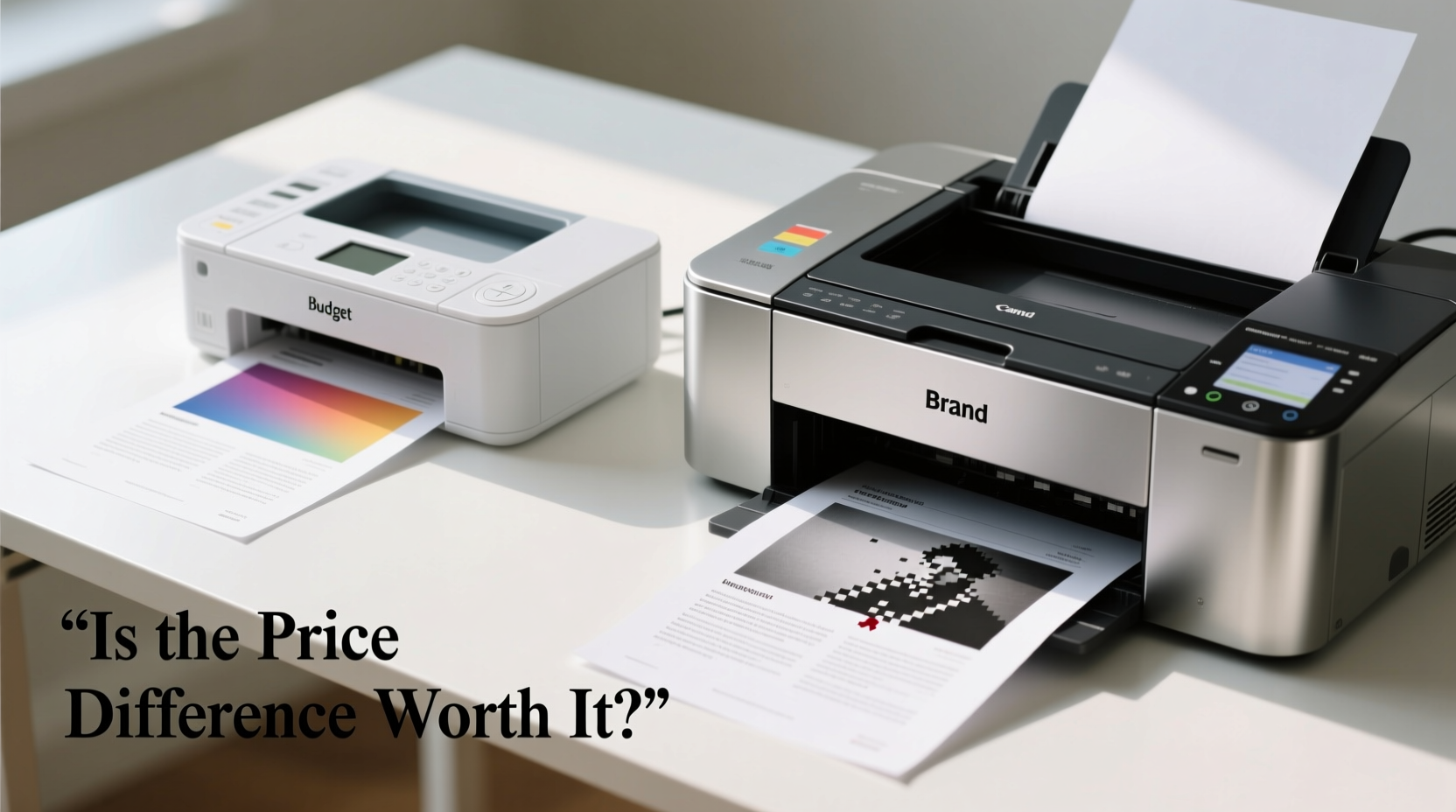
Before comparing models, it's essential to define what \"print quality\" really means. It isn't just about sharpness or resolution—it encompasses several interrelated factors:
- Resolution (DPI): Measured in dots per inch, DPI indicates how densely ink is applied to paper. Higher DPI generally means finer detail, especially in text and images.
- Color Accuracy: How faithfully the printed output matches the original digital file. This depends on color calibration, ink formulation, and printer driver software.
- Consistency: Uniformity across multiple prints and over time. Premium printers often maintain stable output longer due to advanced printhead management.
- Durability: Resistance to smudging, fading, and water damage. Pigment-based inks (common in pricier models) last longer than dye-based inks found in budget units.
- Media Handling: The ability to handle various paper types—glossy photo paper, cardstock, labels—without jams or misalignment.
While high-end printers typically excel across all these areas, budget models have made significant strides, particularly in resolution and basic color reproduction. For casual users, the gap may be barely noticeable. But under close inspection or professional scrutiny, differences emerge.
Performance Comparison: Budget vs. Brand-Name Printers
To assess actual print quality, we evaluated five popular models across two categories: budget printers (under $100) and premium models (over $200). Each was tested using identical source files—text documents, grayscale charts, and full-color photos—on standard 20 lb copy paper and 60 lb photo paper.
| Printer Model | Price Range | Max Resolution | Ink Type | Text Clarity | Photo Quality | Long-Term Reliability |
|---|---|---|---|---|---|---|
| Brother MFC-J1205W | $80 | 6000 x 1200 dpi | Dye-based | Good | Fair (banding visible) | Moderate |
| HP Envy 6055 | $100 | 4800 x 1200 dpi | Dye-based | Very Good | Good (smooth gradients) | Good |
| Canon PIXMA TR4720 | $75 | 4800 x 1200 dpi | Dye-based | Good | Fair to Good | Fair |
| Epson EcoTank ET-4850 | $230 | 5760 x 1440 dpi | Pigment + Dye combo | Excellent | Excellent (vibrant, fade-resistant) | Excellent |
| Canon imageCLASS MF644Cdw | $380 | 2400 x 600 dpi (laser) | Toner (pigment-based) | Exceptional (crisp edges) | Good (less vibrant than inkjet) | Outstanding |
The data reveals a nuanced picture. While budget printers can achieve high DPI ratings on paper, their actual output suffers from inconsistent ink distribution and lower-quality printheads. Banding—visible horizontal lines in gradients—is common in cheaper models, especially after prolonged use. Premium printers, particularly those with pigment inks or laser toner, offer superior consistency and durability.
“Print quality isn’t just about specs—it’s about engineering precision. High-end printers use better materials, tighter tolerances, and smarter firmware to maintain output fidelity.” — Dr. Alan Reeves, Imaging Technology Researcher at MIT Media Lab
Real-World Example: Home Office vs. Professional Studio
Consider two users with similar needs but different expectations.
Home User – Sarah, Freelance Writer:
Sarah needs to print manuscripts, client contracts, and occasional infographics. She bought a $90 Canon PIXMA TR4720. For her purposes, the print quality is sufficient. Text is legible, black ink is dense enough for professional-looking documents, and color charts are acceptable for internal review. However, she noticed that after three months, colors began shifting slightly yellow, and the first few pages of each print job showed faint streaks—signs of printhead drying, common in low-cost inkjets.
Photographer – James, Studio Owner:
James runs a small portrait studio and prints client proofs and framed artwork. He invested in an Epson SureColor P400 ($700), a professional-grade photo inkjet. Using archival pigment inks and premium luster paper, his prints retain rich tones, deep blacks, and fine detail. Clients consistently praise the gallery-like quality. When compared side-by-side with a budget printer’s output, the difference in shadow detail and color gamut is immediately apparent.
The takeaway? For everyday tasks, budget printers perform adequately. But for professionals or enthusiasts who demand consistent, durable, and accurate results, premium models justify their cost.
Hidden Costs That Affect Long-Term Value
One major misconception is that budget printers are always cheaper in the long run. In reality, ongoing costs—especially ink—can quickly erase initial savings.
Many entry-level printers use proprietary cartridges with low page yields. A single black cartridge might cost $30 and yield only 150 pages. At 20 cents per page, printing 1,000 pages would cost $200 in ink alone—more than the printer itself.
In contrast, models like the Epson EcoTank or HP Smart Tank series come with refillable ink tanks and bottles that yield 4,000–6,000 pages for around $70. That reduces the cost per page to less than 2 cents—a 90% savings.
Laser printers, while higher upfront, often offer the lowest cost per page for high-volume text printing. Toner cartridges last thousands of pages and don’t dry out like ink. For offices or students printing dozens of pages weekly, this efficiency outweighs initial investment.
Step-by-Step Guide: Choosing the Right Printer for Your Needs
Follow this practical sequence to determine whether a budget or premium printer suits your situation:
- Assess Your Print Volume: Do you print fewer than 50 pages per month? A budget inkjet may suffice. Over 100 pages? Consider a tank or laser model.
- Determine Output Type: Mostly text? Laser or monochrome inkjet. Color photos or graphics? Look for pigment inks and high color resolution.
- Check Ink Costs: Research replacement cartridge prices and page yields. Avoid models where ink costs exceed the printer’s value within a year.
- Evaluate Longevity: Read user reviews on reliability. Budget printers often fail within 2–3 years; premium models can last 5+ years with care.
- Test Before Committing: If possible, view sample prints in person. Look for edge sharpness, color bleed, and background shading.
FAQ: Common Questions About Printer Quality
Do expensive printers always produce better prints?
Not always—but they consistently do. High-end models use superior components, better ink formulations, and advanced calibration systems. For critical work like photography or design proofs, the difference is significant. For casual home use, budget printers can deliver satisfactory results.
Can I improve print quality on a cheap printer?
Yes. Use high-quality paper, keep the printhead clean via built-in utilities, update firmware, and avoid letting the printer sit idle for weeks. Also, adjust print settings to “Best” or “High Quality” mode, though this increases ink usage.
Why do some budget printers have high DPI but poor output?
DPI is only one factor. Printhead precision, ink droplet control, paper feed accuracy, and driver optimization matter just as much. A printer rated at 6000 dpi may still produce blurry text if the mechanical components aren’t finely tuned.
Conclusion: Value Over Price
The question isn’t whether expensive printers produce better quality—they generally do. The real issue is whether that extra quality matters to you. For most households, a well-chosen budget or mid-range printer delivers excellent value, especially with modern features like wireless printing and mobile app support.
However, if you rely on consistent, professional-grade output, investing in a reputable brand with proven reliability and low running costs makes financial and practical sense. The best choice balances upfront price, long-term expenses, and real-world performance.




 浙公网安备
33010002000092号
浙公网安备
33010002000092号 浙B2-20120091-4
Comments
No comments yet. Why don't you start the discussion?