
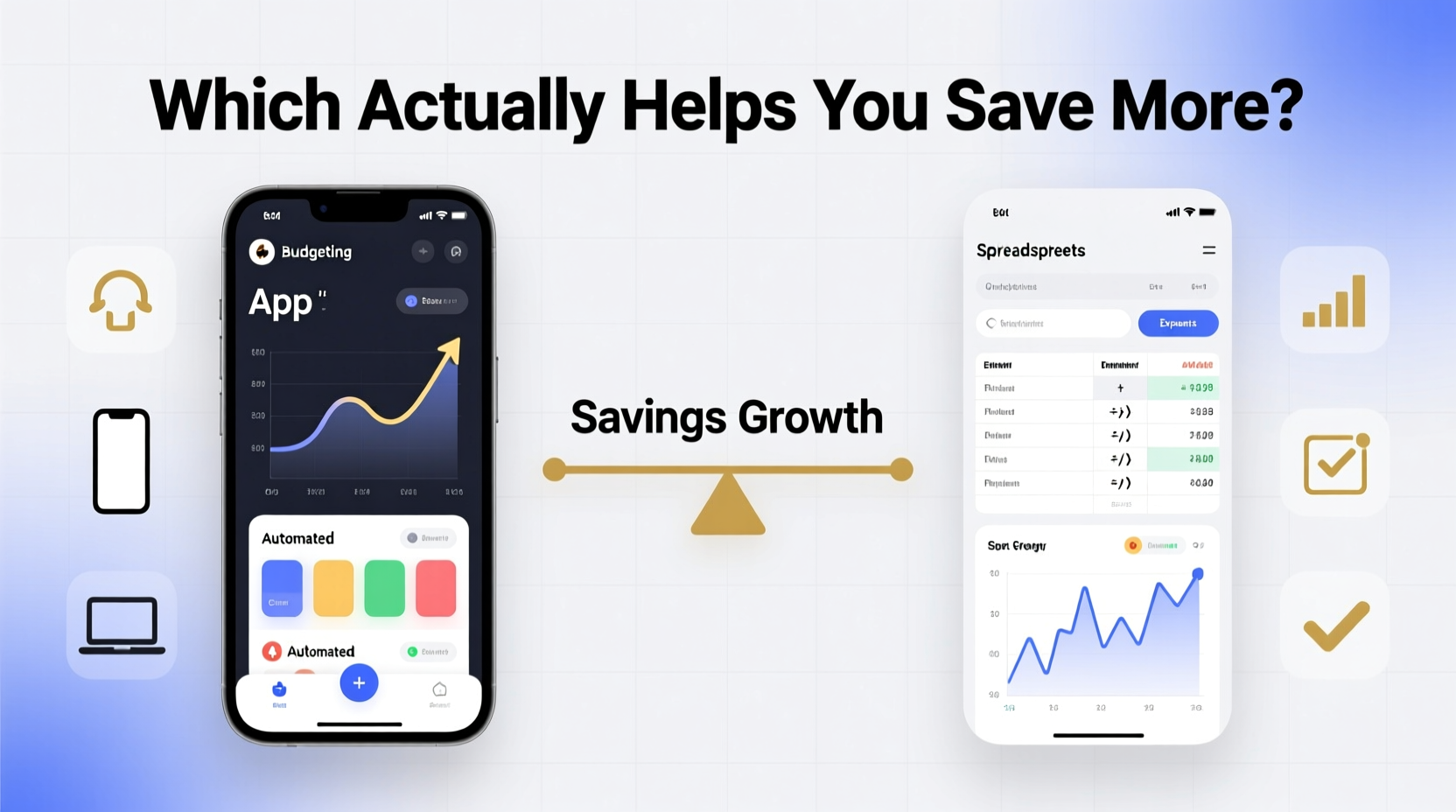
Managing personal finances is one of the most effective ways to build wealth, reduce stress, and achieve long-term goals. Yet, many people struggle not because they lack income, but because they lack a reliable system to track where their money goes. Two dominant tools have emerged over the years: budgeting apps and spreadsheets. Both promise control, clarity, and ultimately, savings. But which one actually helps you save more?
The answer isn’t universal—it depends on your personality, financial habits, tech comfort, and lifestyle. Some thrive on automation and real-time alerts, while others prefer full ownership and customization. This article dives deep into both methods, comparing their strengths, weaknesses, and real-world impact on saving behavior.
The Psychology Behind Saving: Why Tools Matter
Before evaluating specific tools, it’s important to understand how our brains respond to financial tracking. Behavioral economists have found that visibility, feedback loops, and ease of use significantly influence spending decisions. When people see their spending patterns clearly—especially in real time—they’re more likely to adjust behavior.
A study from the National Bureau of Economic Research found that individuals who tracked expenses daily saved up to 17% more over six months than those who didn’t. The act of recording transactions creates accountability, turning abstract goals like “save more” into tangible actions.
This is where both budgeting apps and spreadsheets come into play. They serve as external systems that compensate for cognitive biases like present bias (favoring immediate rewards) and optimism bias (believing we’ll spend less tomorrow). The key difference lies in how they deliver feedback, require effort, and integrate into daily life.
Budgeting Apps: Automation and Instant Feedback
Budgeting apps like YNAB (You Need A Budget), Mint, PocketGuard, and Monarch Money have gained popularity due to their seamless integration with bank accounts. These tools automatically import transactions, categorize spending, and generate visual reports with minimal user input.
Their core strength is automation. Once set up, users receive real-time updates on their spending, alerts when nearing category limits, and forecasts based on historical trends. This immediacy reinforces good habits by making consequences visible instantly.
Apps also excel at behavioral design. YNAB, for example, uses zero-based budgeting principles and encourages users to assign every dollar a job. Its interface emphasizes proactive planning rather than reactive tracking, which research shows leads to better financial outcomes.
However, automation comes with trade-offs. Users may become passive observers of their finances rather than active participants. There’s also the risk of “set-it-and-forget-it” mentality, where people assume the app is managing everything without reviewing details. Security concerns—especially around linking bank accounts—are another consideration.
Spreadsheets: Control, Customization, and Cognitive Engagement
On the other side of the spectrum are spreadsheets—typically built in Excel or Google Sheets. Unlike apps, spreadsheets require manual entry or semi-automated imports. This hands-on approach forces deeper engagement with financial data.
Many financial experts argue that manually entering transactions increases financial awareness. You’re not just seeing numbers; you’re processing them. This cognitive load strengthens memory and emotional connection to spending decisions. As financial educator Carl Richards famously said:
“Don’t confuse activity with progress. But don’t underestimate the power of writing things down.” — Carl Richards, Behavior Gap Founder
Spreadsheets offer unmatched flexibility. You can create custom categories, build debt payoff calculators, model future scenarios, or even integrate net worth trackers. For complex situations—like freelancers with irregular income or families juggling multiple accounts—spreadsheets often provide more tailored solutions than off-the-shelf apps.
Yet, this power demands discipline. Without consistent updates, spreadsheets quickly become outdated and misleading. A 2021 survey by NerdWallet found that 68% of people who started using spreadsheets abandoned them within three months due to maintenance fatigue.
Comparative Analysis: Apps vs Spreadsheets
| Feature | Budgeting Apps | Spreadsheets |
|---|---|---|
| Setup Time | Fast (minutes to hours) | Slow (hours to days for advanced models) |
| Ongoing Maintenance | Low (automatic syncing) | High (manual entry required) |
| Accuracy | High (real-time data) | Depends on user consistency |
| Customization | Moderate (within app limits) | Extremely high |
| Security | Varies (depends on provider encryption) | Controlled by user (local/cloud storage) |
| Cost | $0–$15/month | Free (if using Google Sheets) |
| Learning Curve | Gentle (intuitive UI) | Steeper (requires formula knowledge) |
| Saving Impact | High for passive savers | High for active planners |
The table highlights a crucial insight: neither tool is objectively superior. Instead, effectiveness depends on alignment with user behavior. Apps win for those seeking convenience and continuity; spreadsheets shine for analytical minds who want total control.
Real-World Example: Sarah’s Journey to $10,000 in Savings
Sarah, a 32-year-old graphic designer, struggled with inconsistent saving for years. She tried budgeting apps twice but stopped after a month, frustrated by incorrect auto-categorizations and subscription costs. Then she discovered a free Google Sheets template shared in a personal finance forum.
She customized it to reflect her freelance income cycles, added conditional formatting to highlight overspending, and linked it to a simple dashboard showing her emergency fund growth. Every Sunday evening, she spent 20 minutes updating transactions and adjusting projections.
Within nine months, Sarah saved $10,000—her largest savings milestone ever. “I never felt connected to the apps,” she said. “But typing in each expense made me think twice before spending. It wasn’t just data; it was my story.”
Sarah’s case illustrates a broader truth: engagement drives results. The spreadsheet didn’t save her money—the act of using it did.
Step-by-Step: Choosing the Right Tool for You
Selecting between apps and spreadsheets shouldn’t be arbitrary. Follow this decision framework to identify the best fit:
- Assess Your Financial Literacy: Are you comfortable with formulas and data organization? If yes, spreadsheets may empower you. If not, start with an app’s guided structure.
- Evaluate Your Discipline Level: Do you follow through on tasks without reminders? High discipline favors spreadsheets. Low consistency benefits from app automation.
- Consider Your Income Complexity: Stable salary? Most apps handle this well. Irregular income, side gigs, or multiple accounts? Spreadsheets allow dynamic modeling.
- Test Both Methods: Try an app for one month, then switch to a spreadsheet the next. Track not just savings, but also emotional response—frustration, clarity, motivation.
- Measure Outcomes Over 90 Days: Compare average monthly savings, frequency of budget reviews, and confidence in financial decisions.
This process removes guesswork and centers the decision on performance, not preference.
Actionable Checklist: Maximize Your Chosen Method
- ✅ Link all relevant bank and credit accounts (apps) or set up transaction exports (spreadsheets)
- ✅ Define clear financial goals (e.g., $5K emergency fund, pay off $8K credit card)
- ✅ Categorize spending meaningfully (avoid generic labels like “miscellaneous”)
- ✅ Review your budget weekly—not just monthly—to maintain momentum
- ✅ Adjust categories and limits as life changes (new job, medical expense, etc.)
- ✅ Use color coding or alerts to highlight problem areas
- ✅ Share access with a partner if applicable, ensuring transparency
Hybrid Approach: Best of Both Worlds?
An emerging trend is combining apps and spreadsheets. For instance, use a budgeting app for daily tracking and automated insights, while maintaining a master spreadsheet for long-term planning, net worth calculation, or tax forecasting.
This hybrid model leverages automation where efficiency matters and manual control where precision is critical. Financial advisors increasingly recommend this dual-system strategy, especially for mid-to-high earners with diversified assets.
One caveat: avoid duplication. Don’t track the same data in two places unless each serves a distinct purpose. Otherwise, confusion and inconsistency will undermine both systems.
Frequently Asked Questions
Can I trust budgeting apps with my bank login?
Most reputable apps use bank-level encryption and read-only access via services like Plaid. While no system is 100% immune to breaches, major platforms invest heavily in security. If concerned, use apps that support multi-factor authentication and avoid public Wi-Fi when accessing sensitive data.
Are free spreadsheets as effective as paid apps?
Yes—for basic to intermediate needs. Many free templates on Google Sheets or Reddit communities offer robust functionality. However, paid apps often include features like goal forecasting, debt snowball calculators, and customer support that can enhance usability and adherence.
Which method leads to faster debt reduction?
Studies suggest that users of structured systems—whether app-based (like YNAB) or disciplined spreadsheet users—pay off debt 23–31% faster than those without any system. The determining factor isn’t the tool itself, but consistency of use and emotional engagement with the process.
Conclusion: It’s Not the Tool—It’s How You Use It
The debate between budgeting apps and spreadsheets misses the bigger picture: no tool saves money by itself. What drives savings is regular engagement, honest self-assessment, and incremental behavior change. Whether you choose an AI-powered app or a meticulously crafted spreadsheet, the outcome depends on your commitment to the process.
If automation keeps you engaged, go with an app. If manual tracking builds mindfulness, embrace the spreadsheet. Or experiment with a hybrid model. The goal isn’t perfection—it’s progress.




 浙公网安备
33010002000092号
浙公网安备
33010002000092号 浙B2-20120091-4
Comments
No comments yet. Why don't you start the discussion?